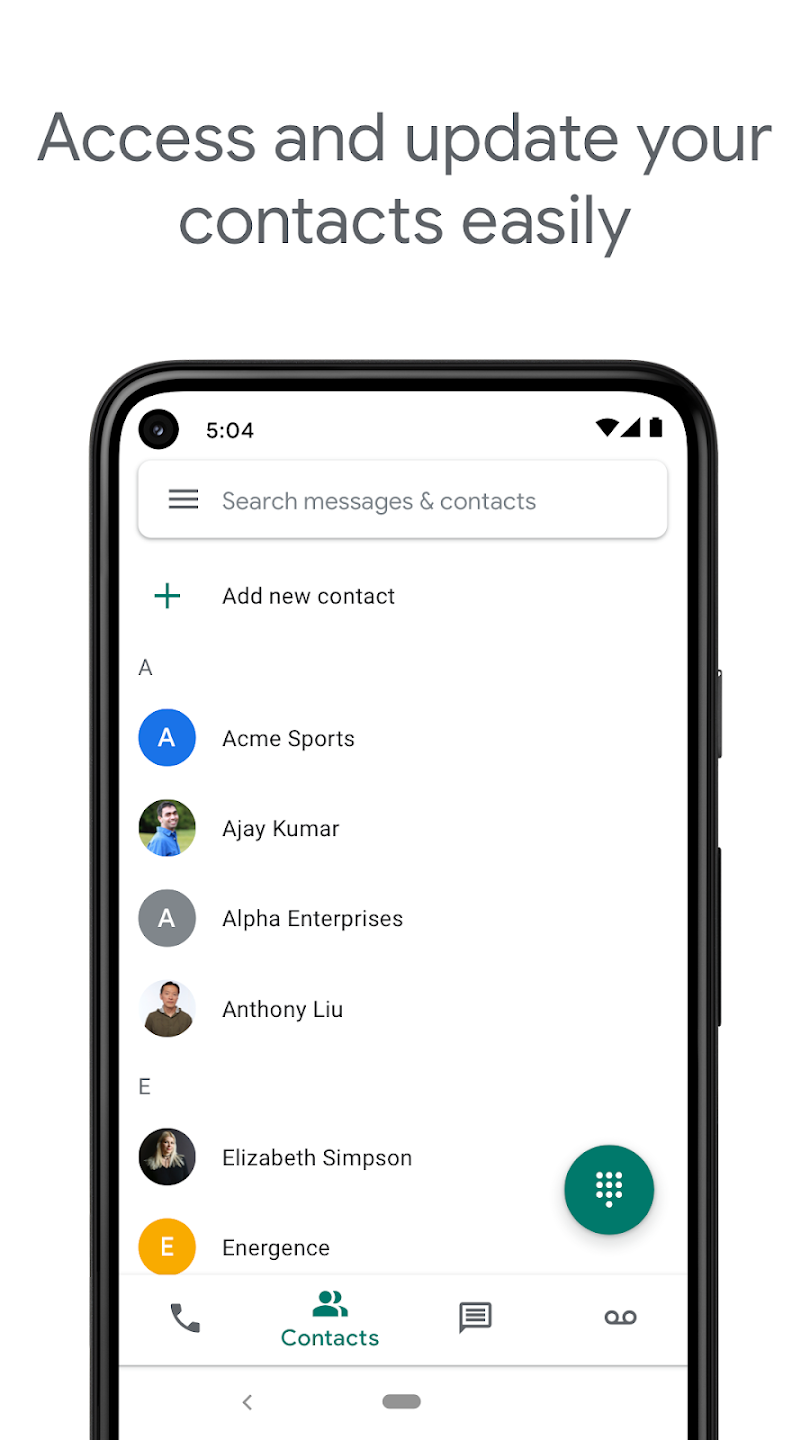
Google Voice is a user-friendly voice communication software that offers users extremely affordable calling services, allowing them to stay connected with friends and family around the world. It automatically filters out spam, email addresses, and messages, ensuring secure communication while saving users time. The software automatically backs up users' SMS and email information, which can be quickly found using the search function for easy viewing and review. Users can log in to their accounts on different devices, syncing previous data and seamlessly managing various emails.
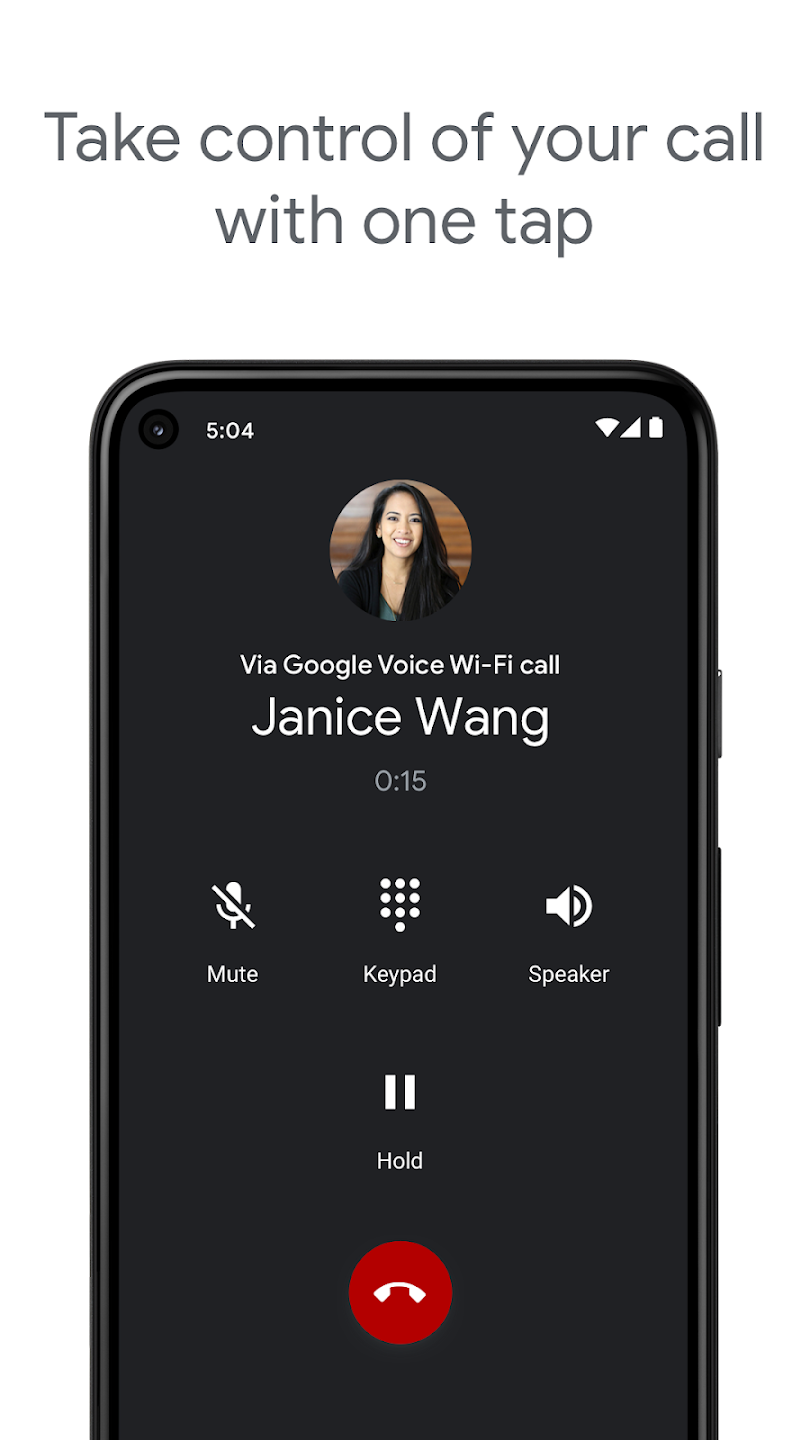
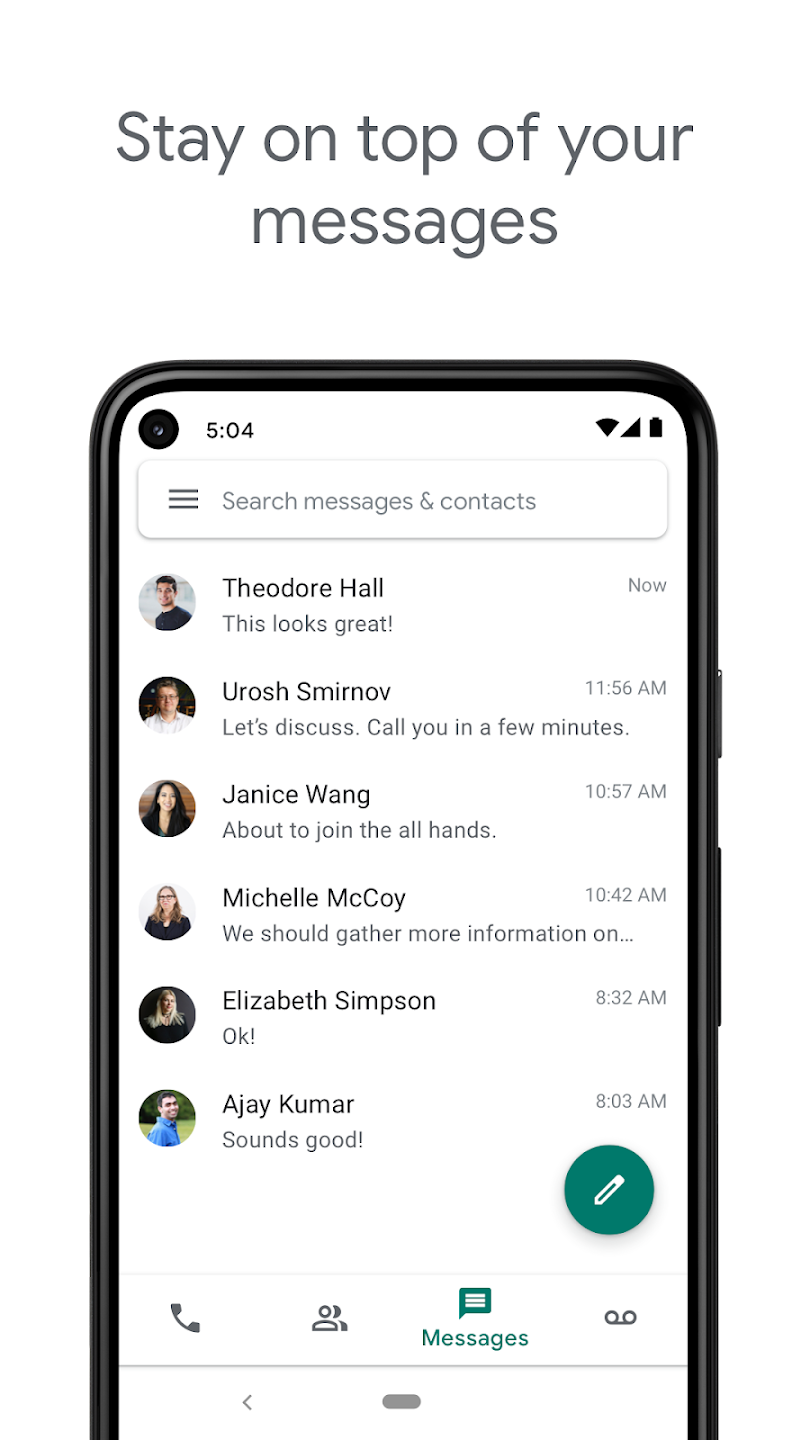
One number across devices: Google Voice uses the same number for calling, texting, and voicemail on your phone, tablet, and computer. Your conversations sync across devices, so you can reply on whichever device is nearby. This helps you switch between contexts without losing track of messages.
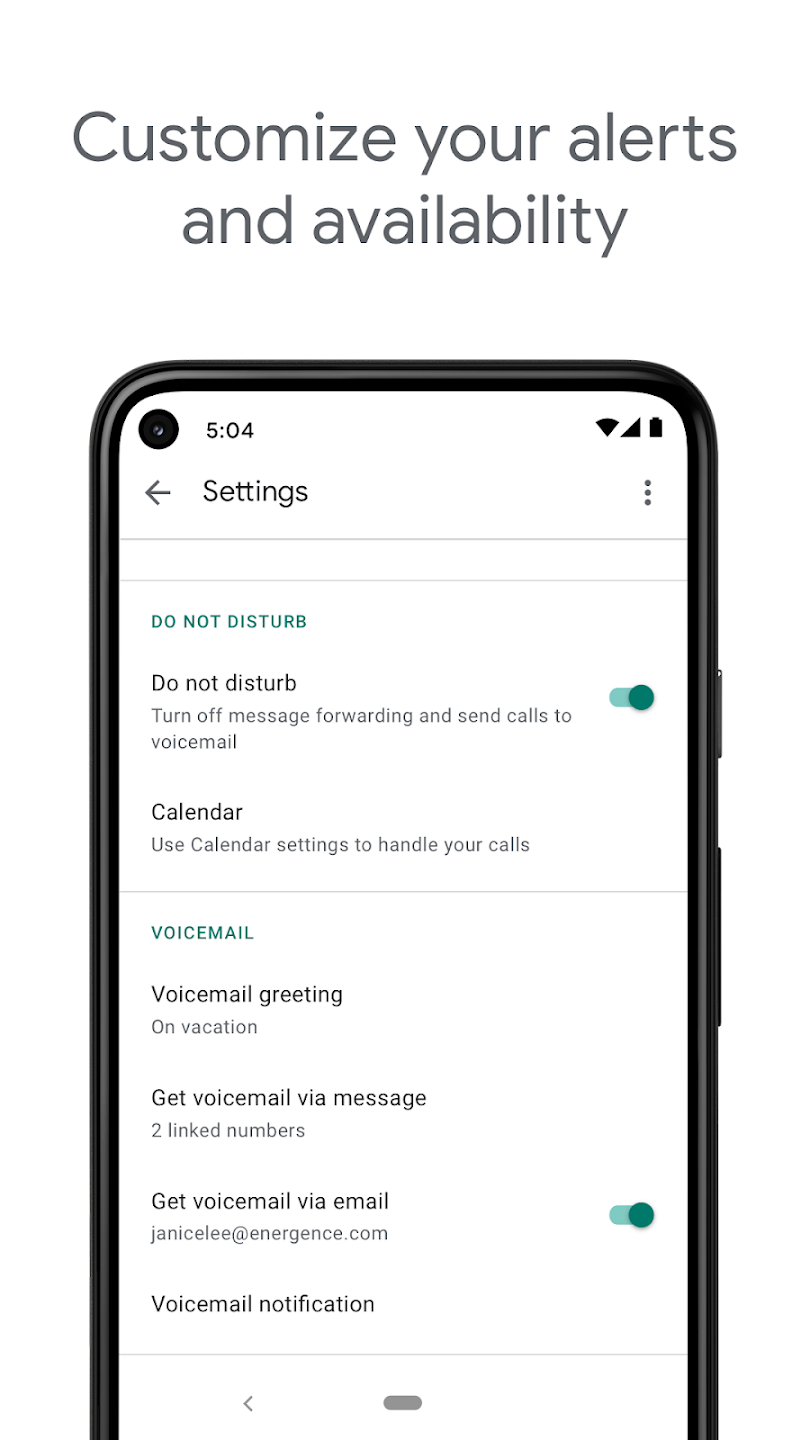
Call, text, and voicemail control: You can automatically filter spam and block unwanted numbers to reduce interruptions. Google Voice lets you adjust forwarding for calls, texts, and voicemail to match your daily schedule. As plans change, it is easy to update these settings and keep control of who can reach you and when.
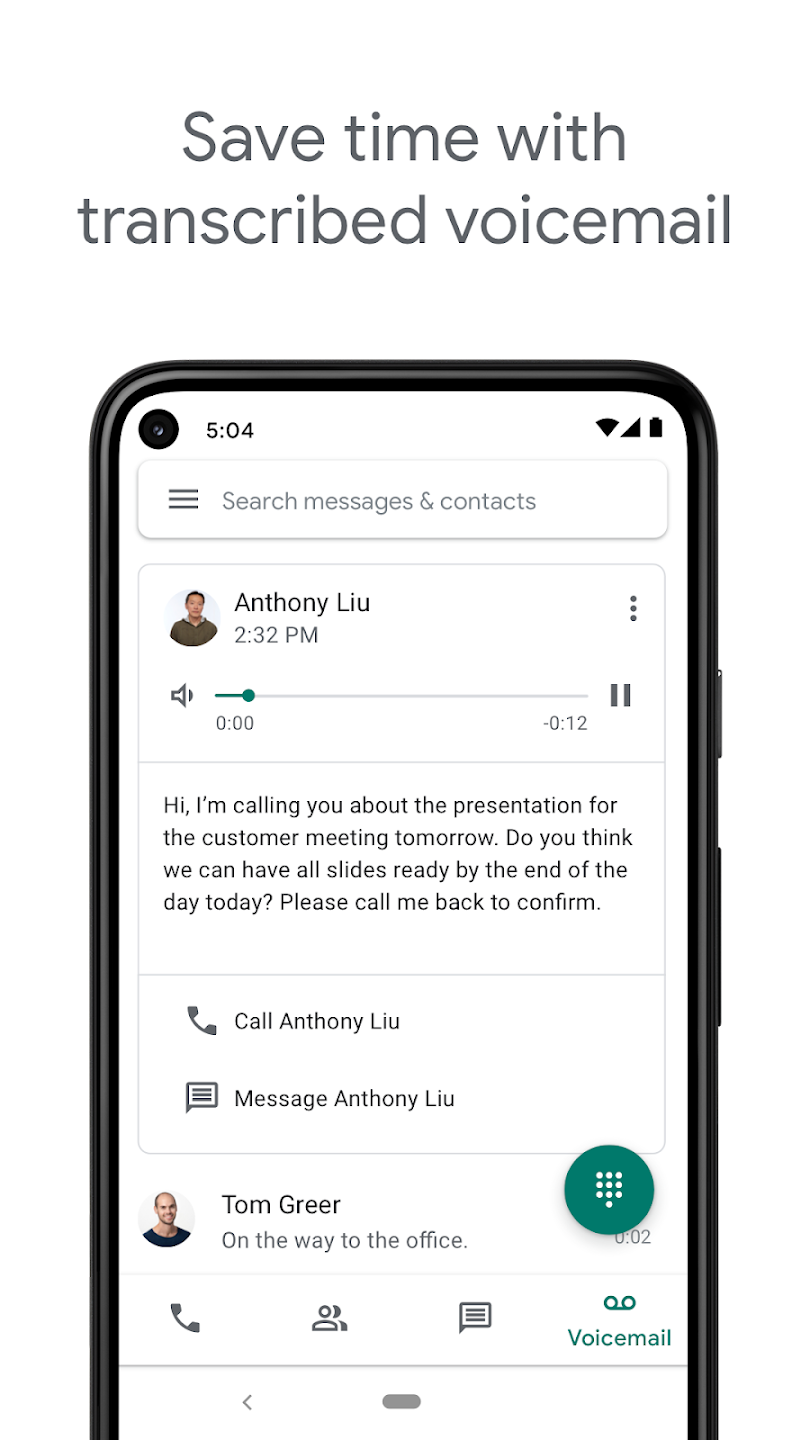
Readable voicemail transcriptions: Voicemail messages are transcribed into text inside the app. You can also choose to have these transcriptions forwarded to your email, which makes it quicker to review missed calls. This is useful when you cannot listen to audio but still need the details.
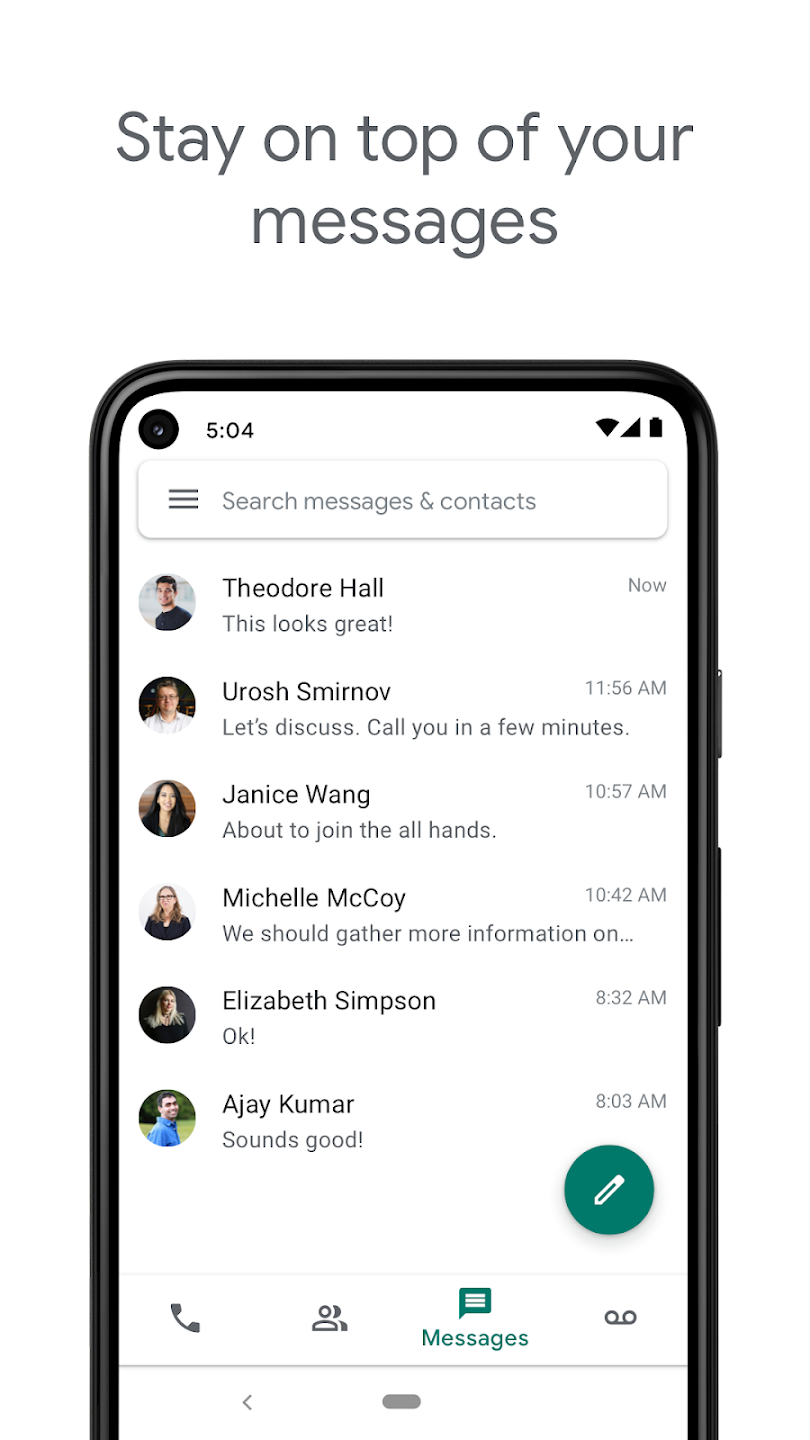
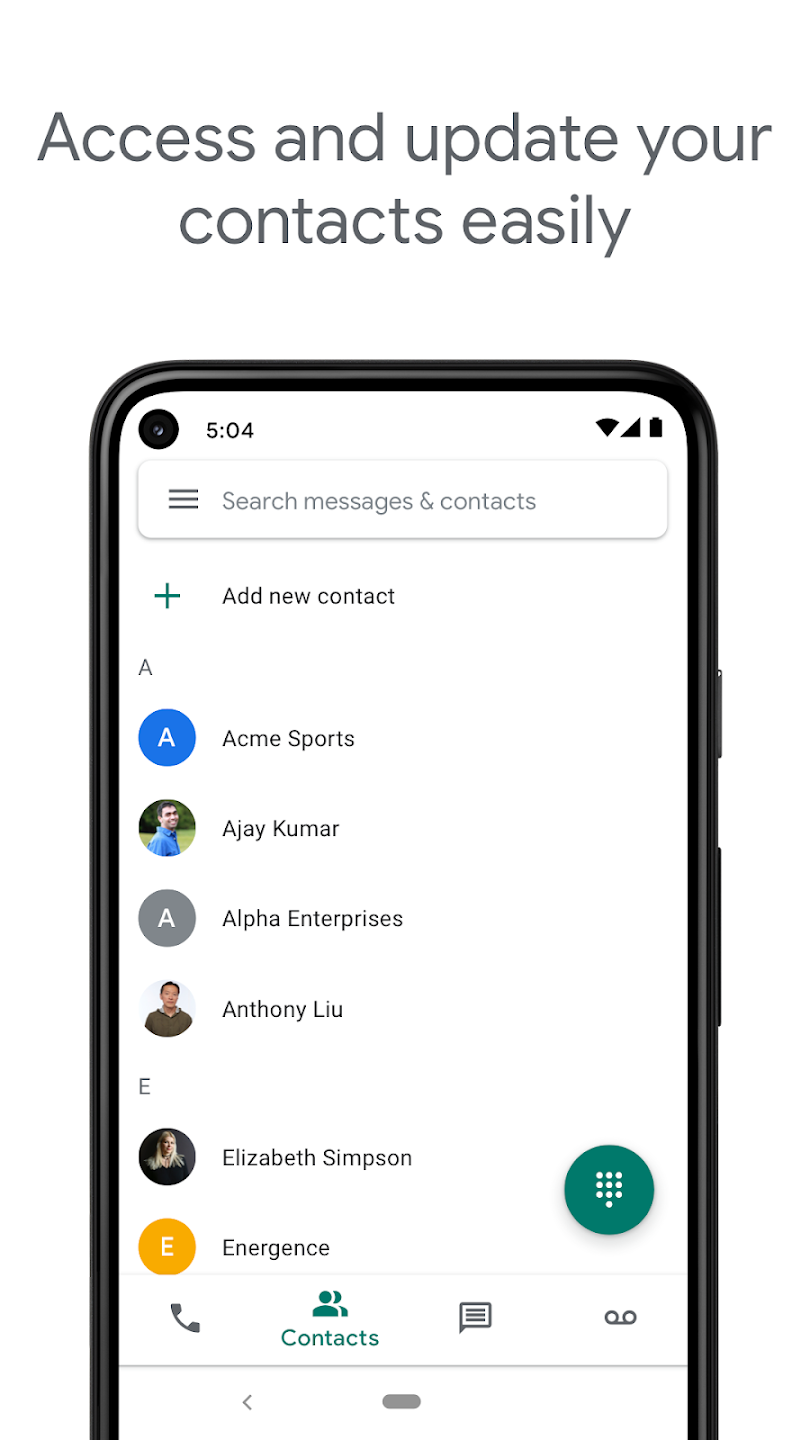
Backed up and searchable history: Google Voice stores your calls, texts, and voicemails and keeps them backed up. The search feature helps you find a past message or call record by name, number, or keyword. This makes it straightforward to trace a conversation or retrieve important information.
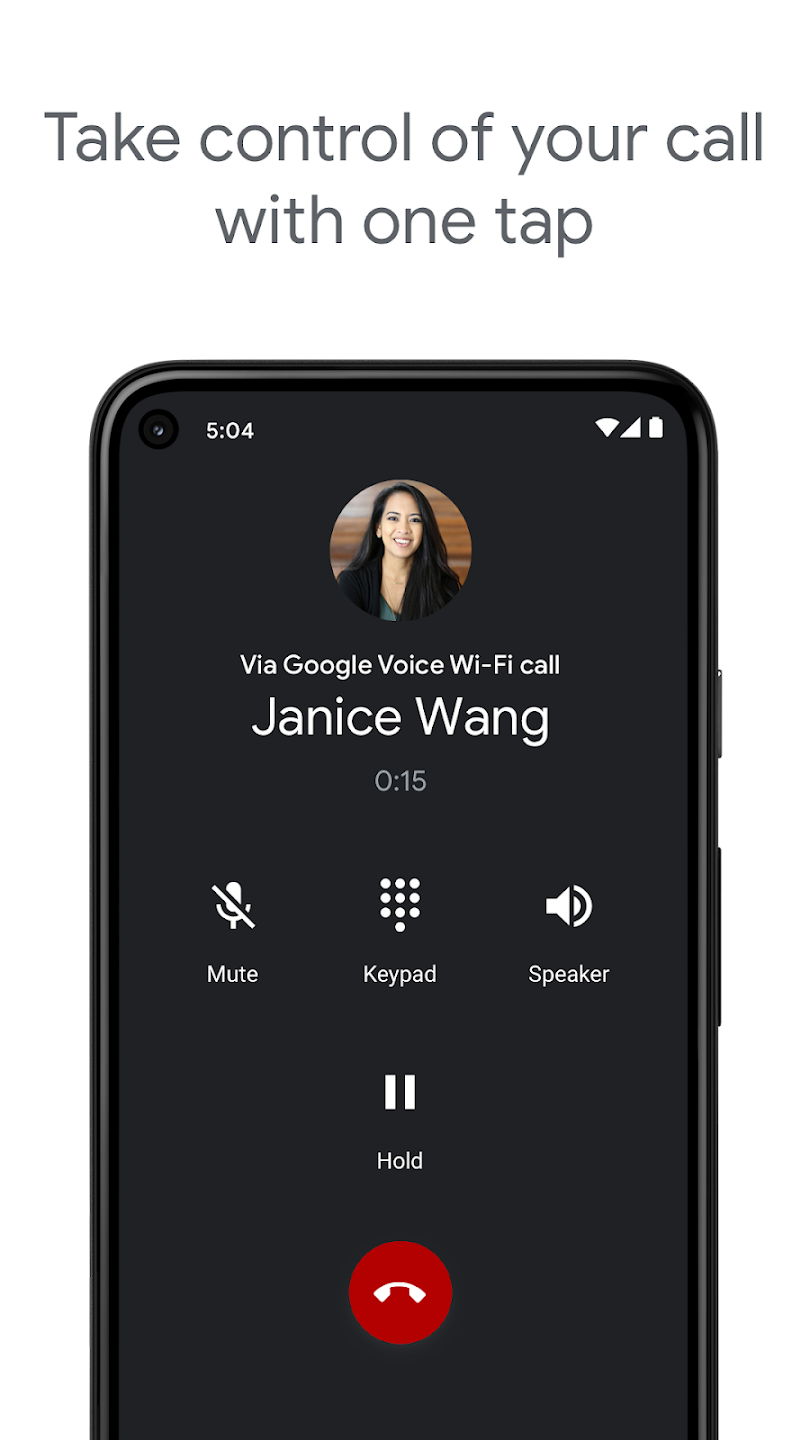
Spam Filtering and Call Blocking: Automatically filters out unwanted spam messages and allows you to block specific numbers to maintain control over your communications.
Personalized Settings: Customize call forwarding, message handling, and voicemail options to optimize your communication management.
Cost-Effective International Calling: Google Voice offers competitive rates for international calls, helping you save money without sacrificing call quality. This makes it a beneficial tool for maintaining international business or personal contacts.
Voicemail Transcription: Enjoy advanced voicemail transcription that converts voicemails into readable text within the app or sent directly to your email. This feature ensures quick access to important messages on the go.
The latest version has some nice improvements but added some other issues. I like the ability to send photos and use emojis. I don’t like that it no longer recalls and suggests the numbers that you have sent texts to. Because I don’t link my iPhone contacts to it, If I delete a text string I now have to look up the number to start a new one. It should suggest numbers that have been used even if the archives are deleted and allow us to delete a suggestion we no longer need. The opposite is true for phone calls. It not only archives the phone numbers of calls you make but there is no way I have found to remove them from the archive. If these two issues were resolved I would rate it 5 stars. I'm updating my previous negative review to a positive 5 stars. Defects have been corrected and it is easier and more reliable to use. I especially like the ability to easily and permanently delete conversation and call history. Thank you Google !!Totally non functional for texts. Used the prior version all the time now there is no way to send a txt because the ">" that used to be there to send is missing. Also, after you enter the destination number you cannot get back to the message without starting over. This is a total train wreck. (Using iPhone 6s with latest iOS update).
Google Voice claims you can make and receive VOIP calls using WIFI and mobile data, provided you configure that you prefer this option versus using your mobile phone number. However whenever you are off WIFI and on mobile data, the app says your “Internet Connection is unstable” so it’s going to use your mobile phone number anyway as a fallback. I assure you my LTE service is excellent and I have no trouble with Zoom and Skype and WhatsApp video calls over LTE, so a voice only call on GV should be a piece of cake. By saying your “Internet Connection is unstable” Google is just making up an excuse for their app being broken. It’s actually Google’s app that is unstable. Too bad they killed making and receiving calls in Hangouts because that worked perfectly all the time.UPDATE: Lowering rating to 1 star. Google contacted me to say I should test my Internet bandwidth while on LTE. Obviously the developers didn’t read what I wrote above about other voice and videoconferencing applications working fine. They simply cannot believe they have a bug and they’re going to blame it on something else. What hubris! And by the way I see similar replies to other poor reviews of this App. Google, Ookla Speedtest shows 11 Mbps down and 3 Mbps up under the worst of circumstances. If that isn’t enough for a phone call, I don’t know what is.
I am an American residing in Costa Rica. For some time I’ve maintained my US mobile number with an AT&T prepaid account, which includes wi-fi calling, to handle US business, which was dependent on wi-fi availability, and to have service while traveling to the States. I also have a Costa Rica number which requires a physical SIM card. I recently purchased an iPhone 13 (iPhone 14 doesn’t have a physical SIM card slot) and the world of eSIM was opened to me! After doing a bit of research I found that if I ported my number from AT&T to Google Voice for only $20 (there’s no monthly fee for Google Voice) and install an eSIM from Airalo I no would no longer have a monthly fee. All I have to do is top off my installed eSIM prior to traveling to the US. An extra added bonus is that while I’m in Costa Rica my US number is no longer dependent on wi-fi because of my Google Voice App which works using my Costa Rica SIM data! This change is a win win! I no longer have a monthly fee, I can use my US number anytime I want and the service is fantastic! As inexpensive as the Airalo data is, with Google Voice being free, I am pretty sure that if I returned permanently to the US I would likely continue using an Airalo eSIM and Google Voice.
How can I use the Google Voice app?
You will need to start by downloading and installing the Google Voice app which you can do by clicking on the download button above. The great thing about Google Voice is that it’s affordable.
Is the Voice service from Google free to use?
As long as you use it to communicate between your Google Voice number and other U.S. numbers it will be free to place calls and send texts.
How can we place calls with this service?
When placing calls to other numbers you will need to add credits that you can purchase with Google Pay. When you sign up for the first time with your Google ID.
Is it possible to use voice mail with this service?
Using voicemail is possible. When you get a voicemail on Google Voice, you’ll be able to access it in the app. And get a transcript of it in your e-mail.
Google Voice is one of the best VoIP solutions for mobile that you can consider installing on your smartphone. It is a powerful tool that authorizes you to be in control of all the calls, messages, and voicemails you receive. It even helps you to save more time and effort as it's capable of automatically filtering spam calls and blocking numbers.
Size:32.9MB Version:2026.08.02.95784
Requirements:Android Votes:399
Package Name:com.google.android.apps.googlevoice Signature:f86a1913eec4b3f149bef99518d6114b
Welcome to your guide for social dating apps! Whether you're looking for a meaningful connection, casual dating, or new friends, these apps can help. Swipe through local profiles on Tinder, get matched based on shared interests with Hinge, or experience Bumble where women make the first move. Dive in and start connecting today!
The virtual dating apps is one of the best-known dating apps in the game, and for good reason. Launched in 2012, Tinder has come a long way since it changed the way we date forever. As one of the first major dating apps, it pioneered the swiping feature that many apps now use, allowing users to say “yes” and “no” to potential matches with a quick swipe of their thumb. Back then, profiles pretty much consisted of just a few photos alongside someone’s name and age. Now, Tinder is entirely different, having undergone several rebrandings.
Nowadays, various social media apps are constantly being launched, enriching people's ways of making friends in their daily lives. People can meet people from all over the world online without leaving their homes. At the same time, the software adopts real name authentication, allowing everyone to make safe friends. This collection integrates numerous popular social media apps. Interested friends, come and download it now!
About us | Contact us | Privacy policy| DMCA
Copyright © 2026 Xiaohei All rights reserved.