Time Cut is a user-friendly video editor that helps users adjust video speed, presenting the main subject's movements in smoother slow-motion. You can freely customize speed curves and other presets to create higher-quality videos. In terms of image quality enhancement, the software utilizes the latest AI technology for optimization, allowing users to add various effects, filters, music, and other content to meet their high-quality creative needs. Users can also upload exciting moments from games to the software for slow-motion playback, allowing them to relive the thrill and fun.
/>
A Dynamic Frame Rate Converter: Frame rate is an essential aspect of video quality. A higher frame rate will result in a smoother output. Time Cut increases the quality of your video to 60 fps, 120 fps, or even 240 fps.If you prefer sharing your videos in low resolution, the app can also reduce the frame rate. You can achieve a slash to 24 fps or 30 fps with a single tap. This process achieves smooth, lag-free playback on any device, including low-end ones.Even better, this application supports 1 fps to 240 fps videos. You can work on go pro, drone, or even action cam videos without a hassle!
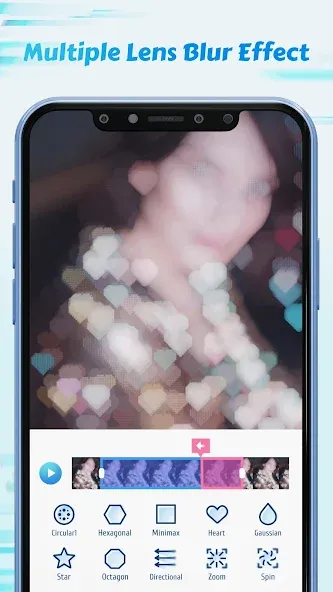
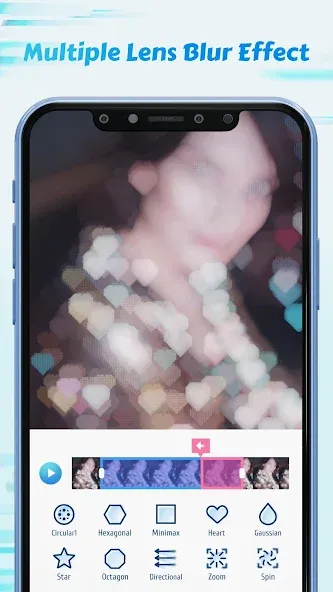
Highly Functional Motion Blur Effects: This app uses an intelligent image analysis algorithm to produce natural-looking motion blur effects. The result is a real video that looks like it was shot by a high-end DSLR camera.The app can generate motion blur effects automatically. You can also fine-tune the settings to achieve the perfect look.
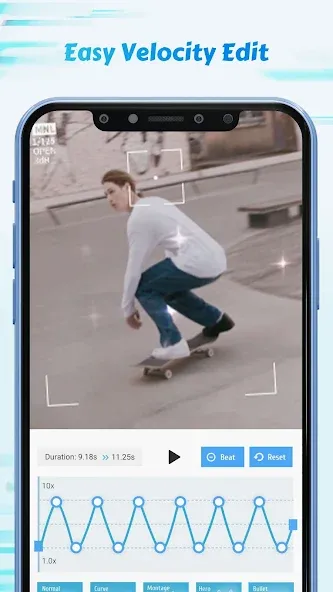
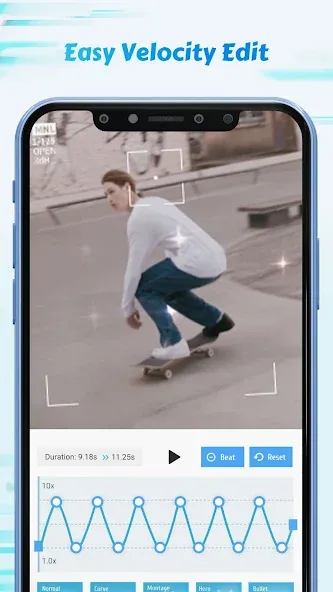
Speed Adjustment & Slow Motion Editor: If you want a magical touch in your videos, consider adding a slow-motion effect. Time Cut supports up to four times slow-motion videos without quality loss. You can also increase the speed of your video to several times the original rate. This is perfect for creating time-lapse videos or compressing long clips. Other speed features include a tailor-made speed curve and time freezer. These two features will give you more control over the video editing process. You can quickly slowmo unique and memorable events, bringing out the fine details.
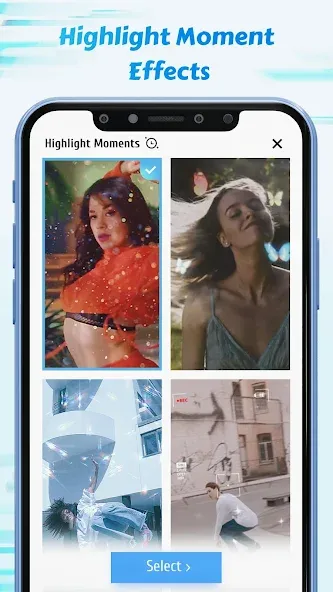
Highlight Moments FX: Do you want to draw attention to a particular scene in your video? Time Cut can help you create an animated title that will appear at the beginning of the selected scene.The app has an FX tool that will help you select the right moments. Once highlighted, you can add various effects, including flashy lights, filters, and overlays.You can also add music that matches the mood of the scene. This outstanding feature will turn an ordinary video into a work of art!
Optical-flow-based processing enables realistic motion blur when speeding up action, and produces clean interpolated frames when slowing scenes down.
Converting frame rates and applying quality upgrades can also reduce output file sizes while preserving playback smoothness for sharing.
The feature set supports both hobbyists who want quick, attractive edits and experienced users who need fine-grained control over timing and visual effects.
Complex edits or high-resolution exports may require substantial processing time for rendering and uploading; plan for longer export times with big files.
The premium package unlocks the best results for motion smoothing and full-resolution output, which is helpful if you regularly produce professional-grade material.
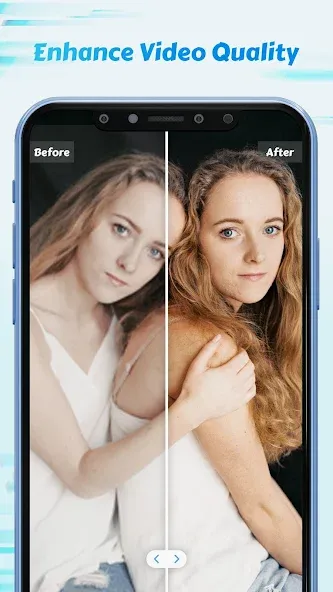
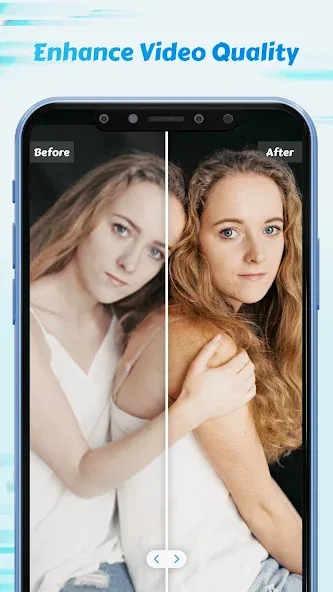
An AI-powered HD enhancer sharpens detail and improves overall image quality; note that full-resolution exports and the highest-quality motion enhancement are gated behind the premium tier.
As an editor, this upgraded my edits SO MUCH. I used to use an app called, "smooth slowmo" but it tooks ages for a video to export. For example, if the video was 20/30 seconds, it would take an hour to export. But, with timecut, my videos export so much faster. For example, when I have a 1-2 minute video to slowdown which is like 5 minutes with the smooth slow-motion, it takes like 3 minutes to export and the slowmo is smooth. This app is a 1000000000000000000/10!
this app is a live saver I love it sm. it's perfect to use if you're an editor like me. it could make any simple edit look like a pro and it lets you make your own slow mo. which is exactly what I was looking for. sometimes it takes a while to download and it lags but it's not that hard to use if you learn how to use it. this app is genuinely saving editors thanks.
I accidently deleted my other review but I'll retype it just because this app helped me. I just installed this app today and I love it so much! I used it for blur for an edit and it helped sm! It made the video look more clean and unique, as well as less sharp. I love how simple it is, only takes about 5 minutes to download if you have good service, and it's just over all really good!
Why I love it: 1. Smooth slow mo (can adjust speed) 2. Interesting filters 3. Can change frame rate 4. Inexpensive fee to get premium -worth it as you will get useful features Personally, this is the perfect app for me. If you're looking for smooth slow-mo then this is the app for you. Please don't hesitate to give it a try. I rarely rate apps but I had to rate this one because it needs more recognition.
I actually really like this app it's a decent app to slow down your videos and it doesn't take long to download. when picking out your speed it looks really laggy but I think that's me but in the finishing product everything goes smoothly and ends up perfect. definitely recommend!!
Can I import videos from my camera roll into Time Cut?
Yes, you can easily import videos from your device's camera roll into the Time Cut application for editing.
Does Time Cut support exporting videos in high resolution?
Yes, users can export their edited videos in high resolution for better quality. TV& Video Equipment
Is there a tutorial available for beginners?
Yes, Time Cut provides tutorials and guides for beginners to help them learn how to use the app effectively.
Can I apply slow motion effects to any part of the video?
Yes, Time Cut allows users to select specific parts of the video to apply slow-motion effects.
Does it require an internet connection to edit videos?
No, Time Cut does not require an internet connection to edit videos once downloaded.
What file formats does Time Cut support for video editing?
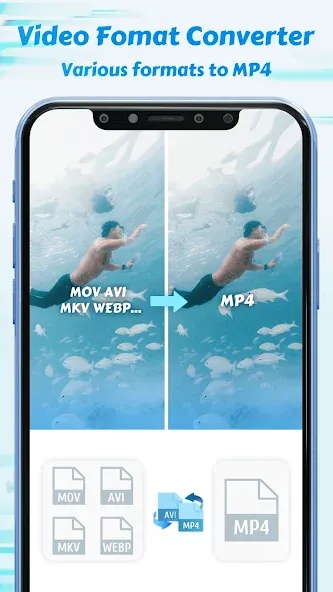
Time Cut supports commonly used video formats such as MP4, MOV, and AVI.
Time Cut provides a comprehensive set of editing features suitable for both casual video creators and more experienced editors searching for detailed control over their projects. The availability of customizable speed curves, AI quality enhancement, and frame rate conversion gives users the tools needed for professional-looking edits. Its range of filters and motion effects supports creative diversity without complicating the process.
Size:60.37MB Version:2.6.0
Requirements:Android Votes:173
Package Name:com.accarunit.slowmotion Signature:8d2221397fdfe52d00f06099281eab26
Transform your smartphone into a powerful editing studio with the best video editing apps for Android! Whether you're a content creator, social media enthusiast, or just looking to polish personal videos, these apps offer professional-grade tools right at your fingertips. Enjoy intuitive interfaces, advanced features like multi-track editing and filters, and seamless exporting options - all optimized for mobile devices. Download now and start creating stunning videos anytime, anywhere!
Video Editor is a powerful software tool designed for crafting, refining, and enhancing video content. It enables users to transform raw footage into compelling visual narratives or effective communication platforms. As digital media continues to evolve, video editing has grown in significance - no longer just a professional necessity but also an accessible skill for everyday creators. Modern editing tools now offer intuitive interfaces, AI-powered features, and cross-platform compatibility, making high-quality video production achievable for both experts and casual users alike.
Mobile video editing tools are highly popular, with complete functions and professional tools that provide a strong atmosphere for various materials. Rich video templates can be operated with just one click, saving time and without too high a threshold. So what are the free versions of mobile video editing software? Editing software should have high popularity, but most of them require membership. Next, I recommend several platforms that can be used for free.
About us | Contact us | Privacy policy| DMCA
Copyright © 2026 Xiaohei All rights reserved.