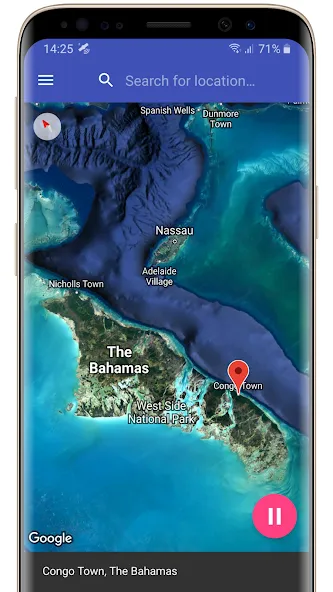
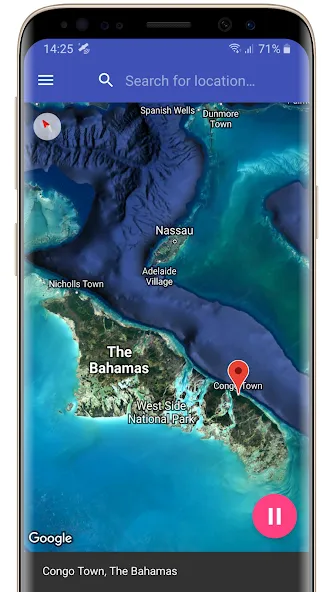
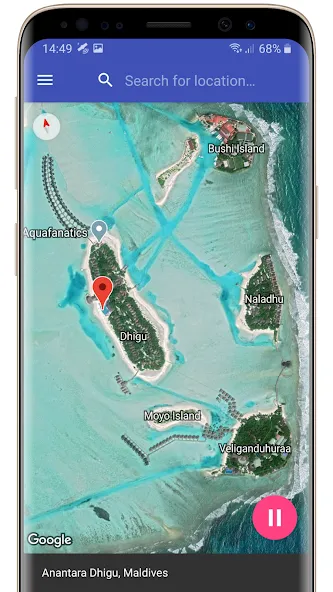
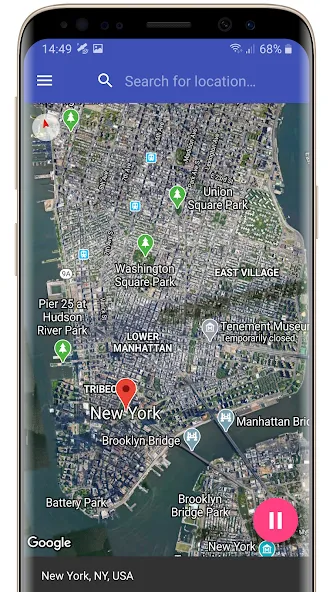
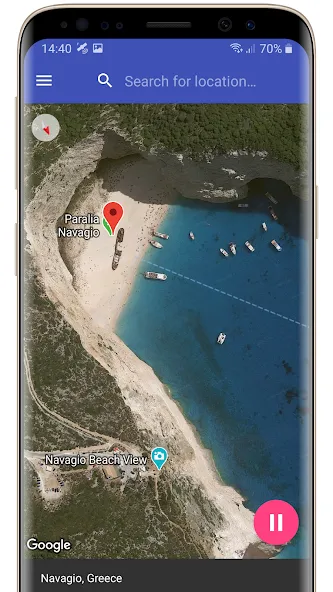
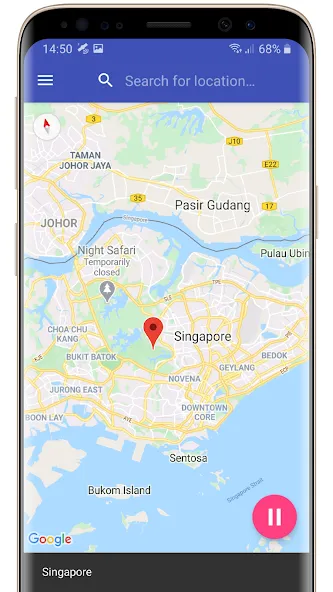
Fake GPS Location Professional helps users alter their GPS location. With a built-in map function, users can simply enter a city name or click on a map to change their location to that location. Apps and games on the phone will then use this location for location tracking. The software can also simulate movement patterns; by selecting the direction of movement and inputting the speed using the remote control, a route can be generated to meet various user needs. The software requires no root access and boasts strong compatibility, allowing it to be installed and run on mobile devices.
Adjustable Speed Control: Simulate walking, cycling, or driving speeds.
Save Favorite Locations: Quickly access frequently used spots.
Repeat Route Mode: Loop routes for continuous simulation.
Privacy Protection: Hide your real location from apps and services.
Enhanced Gaming Experience: Explore new areas in location-based games without travel
User-Friendly Interface: Clean design for easy navigation and control
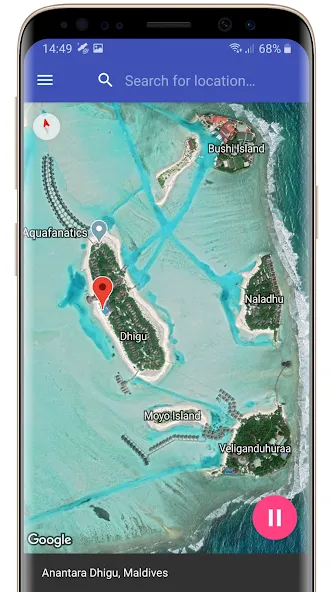
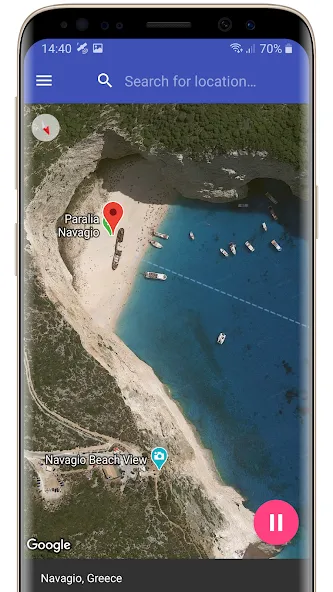
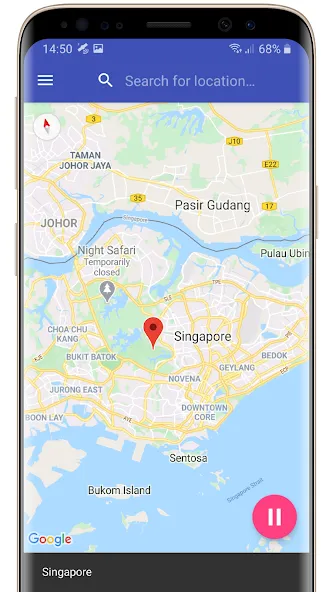
Pins, Search, and App Compatibility: Choosing a virtual position is straightforward: point to a place on the map or enter a destination, then start the simulated location. Most compatible apps and games should receive those coordinates instead of the phone’s actual position.This makes the app particularly useful for developers checking location-aware behavior and for Android users who need a temporary virtual position in a game or service. Compatibility is not universal, though. Some apps reject Android’s mock-location system and insist on obtaining a real position, so Fake GPS Location Professional cannot override every location check.
No Root Required, but Location Recall Lags: Fake GPS Location Professional relies on Android’s built-in developer settings for mock coordinates. Some configuration is therefore necessary before it can work, but the included graphical tutorial explains the process. Avoiding root access is a major advantage, especially for anyone unwilling to modify the phone’s operating system merely to test a location.
Mock Movement With a Joystick: The movement tools are the app’s strongest reason to choose it over a simple fake-location utility. Walking, driving, and flying modes change the coordinates over time, while direction and speed controls help create something more convincing than a stationary map pin. The optional virtual joystick also lets users steer the simulated position manually.Driving mode should not be confused with route navigation. Users report that an ill-judged direction can carry the virtual position away from roads or across water. It is flexible movement simulation, not automatic road following, and it demands some attention.
User Reviews of Fake GPS Location Professional:
fake GPS location app is ready for Android 15
remove ads through paid subscription
edit your favorite fake location name
added battery optimization tips
added virtual joystick
added mock location history drop down list for search box
new settings: mock location update interval, GPS / carrier network location provider accuracy and more
long press on map marker to drag it
I tried a different one before. this one works pretty good. There's some ads. more than before But not too bad yet. they fixed the default map location. It used to go to Africa still does but now it resets to my current spot or pin location and they have the option to search now. You can also save some favorite locations. like your house so you can check in at home while you're away. It's great when you're VPNing to a different country. plus, Shopping apps show real in store prices.
Love it! It works perfectly. For those, however, who think this will let you trick web browsers with DRM content, or apps that aren't available in other locations, like Netflix, Huli, MLB,etc, this will not help you. Those check and determine your location by IP address and cell towers (if on cell data) not GPS! Updated: I had this at 3 stars for ads, but once you've selected your spoofed location, the app's ads aren't carrying over as popup on the device, so definitely 5 stars.
Only one that actually works. Checked google maps It shows me at the location as well. Mobile app also recognizes me as being at the store even though im not. Great app. Absolutely awesome app. I just entered the store name, city and state, and it found it. Didnt even need to enter the exact address. Now i get free shipping for being in the store without having to drive to the store all over again. Thank you so much.
App works perfectly! You can use it to fake out Google which is quite useful in a number of situations. If you plan to use the driving feature, though, it takes a little calculation otherwise you can end up in a lake. Also, developers, CAN YOU ADD A FAVORITES SETTING? The ability to add a custom favorites would make this app perfect! Looking up the address every time is a little tedious and though you can view your history you still have to remember which is which. Even for a fee, I'd buy it!
Fake GPS Location Professional allows you to change the location of your phone to any place in the world. The best part of this application is that it is very easy to use. All you need is to enter the place where you want to be and then you can start the process. You can move around the world in any direction and speed. This app is perfect for those who want to fool their friends and family. You can make them believe that you are in a different place than where you actually are. It is very easy to do and you can make a lot of fun with it.
Size:12.40MB Version:1.93
Requirements:Android Votes:198
Package Name:com.just4funtools.fakegpslocationprofessional Signature:438f86f6ef0fe587eb8c3044ac1351d4
Transform your mobile device into a powerhouse of efficiency with these handpicked essential tools. Whether you need professional-grade photo editing, seamless file organization, smart task management, or real-time weather updates, our curated selection of premium apps delivers unbeatable performance. Streamline your daily routine, automate repetitive tasks, and boost your productivity with intuitive interfaces and powerful features. Designed for both professionals and casual users, these editor-approved applications will revolutionize how you work and play. Don't settle for an ordinary phone - upgrade your digital experience today and unlock your device's full potential!
With the development of mobile hardware and software, many practical tool software have emerged, covering a wide range of aspects and becoming a good helper for everyone in work and life. Today, the editor provides you with a list of useful tool software downloads. These tools are not particularly complex types, and after reading them, everyone can quickly learn how to use them. Proper use can bring great convenience to life and work.
About us | Contact us | Privacy policy| DMCA
Copyright © 2026 Xiaohei All rights reserved.