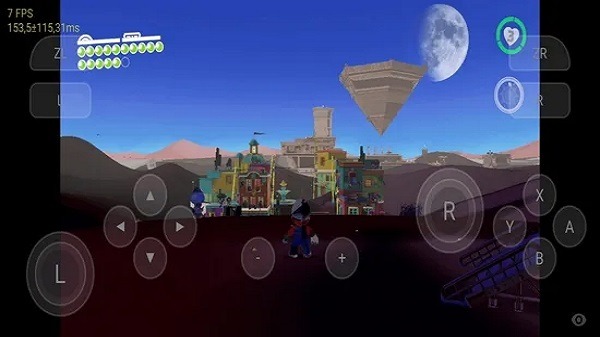
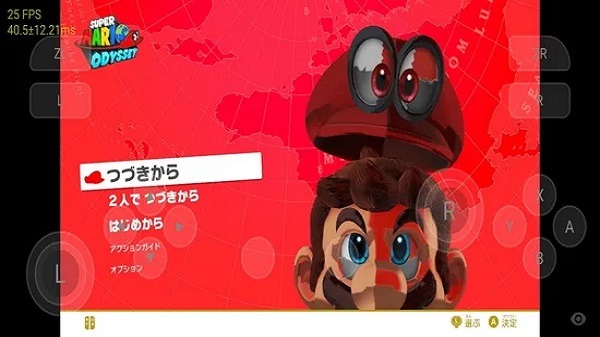
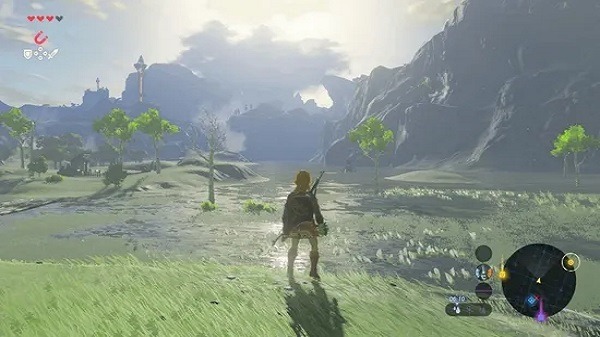
Skyline Emulator is a game emulator designed for mobile devices, allowing users to install and run Switch games. Users simply add their favorite games to their library, import them into the software, and start playing with a single click. The software is optimized for mobile devices, ensuring high-quality graphics and smooth gameplay. Users can also fine-tune key bindings and graphics settings for a more comfortable gaming experience. The software is constantly being updated, supporting more game file formats and introducing more practical features. Stay tuned!
The app is mainly used by people who want to test or play compatible Switch titles on Android hardware. It supports common file formats linked to Switch software, and it scans selected folders so games can appear in one library. From there, users can launch a title, use touch controls, and make quick changes in the settings panel if a game needs a smoother setup.
One of the most useful parts of Skyline Emulator is its control over graphics and performance. Users can switch options that affect rendering, change how the app handles gameplay output, and use a docked-style mode for titles that respond better to higher power settings. That flexibility matters because emulation is rarely one-size-fits-all. Some games boot nicely, some need tweaking, and some may still act a little dramatic.
The interface keeps things approachable. You open the app, point it to the right folder, and manage your game list from there. This makes Skyline Emulator a practical choice for people who want a portable emulator without spending ages hunting through menus. It is especially helpful for Android users who like testing settings, comparing performance between devices, or carrying a game library in their pocket.
Skyline Emulator also has clear strengths. It is open-source, focused on Android, and designed around mobile use rather than desktop habits squeezed onto a small screen. For users with capable hardware, it can deliver solid results and a convenient way to run compatible Switch titles on the go. The ability to fine-tune settings adds real value, especially when a game needs a few small changes before it runs properly.
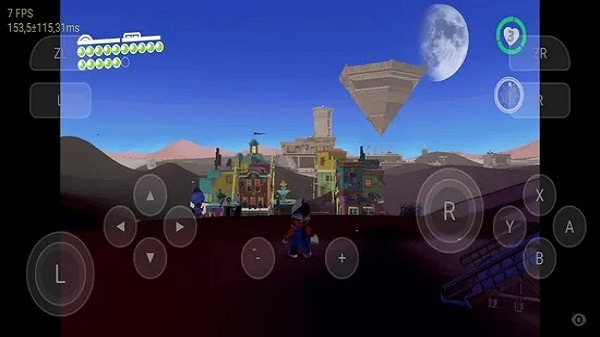
Here are some easy steps to follow to get the app on your Android device.
Download the latest version of Skyline on your Android device.
Open the emulator and click on the Create New Folder option.
Name the folder and click OK.
Once created, open the folder. Click on the Use This Folder Option.
You may then allow the emulator to access files in Skyline by clicking on the allow option.
Read the skyline notice and click OK.
Go to the settings icon.
Now, set up the Production and Title Keys on the emulator.
You may then Configure New GPU Drivers on the Skyline emulator.
Finally, you can play NSP, XCI, NRO, NSO, and NCA games on the Skyline
Have a great time playing your favorite Nintendo Switch game.

Does The Skyline Emulator Work?
Yes, this is an open-source Nintendo Switch emulator for ARMv8 Android devices.
What are Some of The Games That Work on Skyline Emulators?
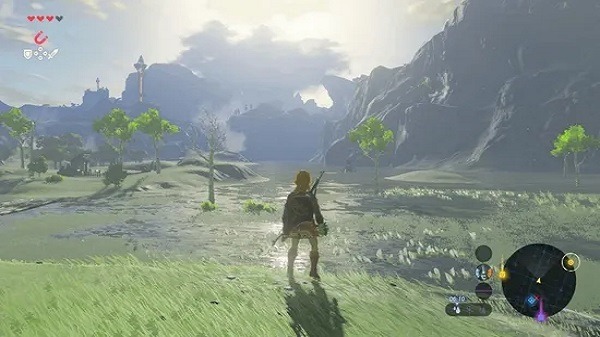
The skyline advances game compatibility, with games such as Pokémon Sword and Shield, Skyrim, Crash Bandicoot, Rise: Race the Future, and Skull all being playable in the emulator for the first time. Even better is that Mali GPUs are now entirely compatible as well.
Who are The Developers of The Skyline Emulator?
Mark is the leader of the skyline project and is composed of a team of open-source coders.
Size:25.51MB Version:0.0.3
Requirements:Android 10+ Votes:562
Package Name:skyline.emu Signature:427ece75e111c656d743cf217f1aff92

Utility apps are indispensable in our lives, making our daily routines more convenient. To help you find these apps more easily, this site has created a collection. This collection brings together a series of practical tools covering various aspects of life, work, and education, meeting all your needs. What are you waiting for? Try these apps now and make your life easier!
Transform your mobile device into a powerhouse of efficiency with these handpicked essential tools. Whether you need professional-grade photo editing, seamless file organization, smart task management, or real-time weather updates, our curated selection of premium apps delivers unbeatable performance. Streamline your daily routine, automate repetitive tasks, and boost your productivity with intuitive interfaces and powerful features. Designed for both professionals and casual users, these editor-approved applications will revolutionize how you work and play. Don't settle for an ordinary phone - upgrade your digital experience today and unlock your device's full potential!
About us | Contact us | Privacy policy| DMCA
Copyright © 2026 Xiaohei All rights reserved.