Locus Map Pro is an excellent mapping application that allows users to record and save track-related data. It supports exporting files in various formats and offers route simulation capabilities. Users can create custom databases of Points of Interest (POIs) and use the app for geocaching. The software supports various plugins and provides a range of practical geocaching tools. The feature panel includes a GPS indicator, a track data manager, and other controls; all functions are clearly displayed, enabling users to quickly familiarize themselves with the app.
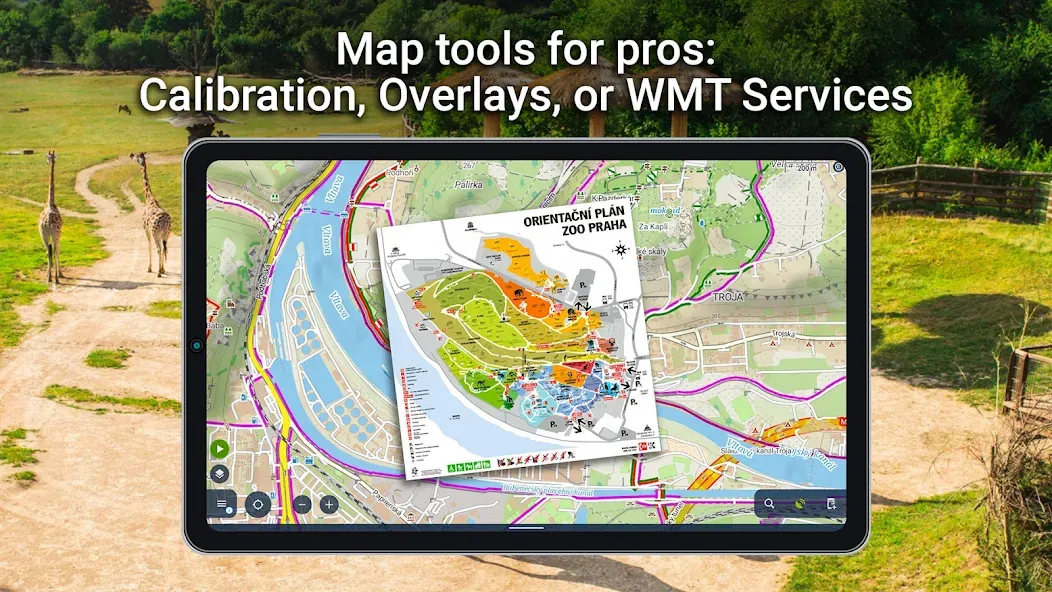
Tracks&Routes
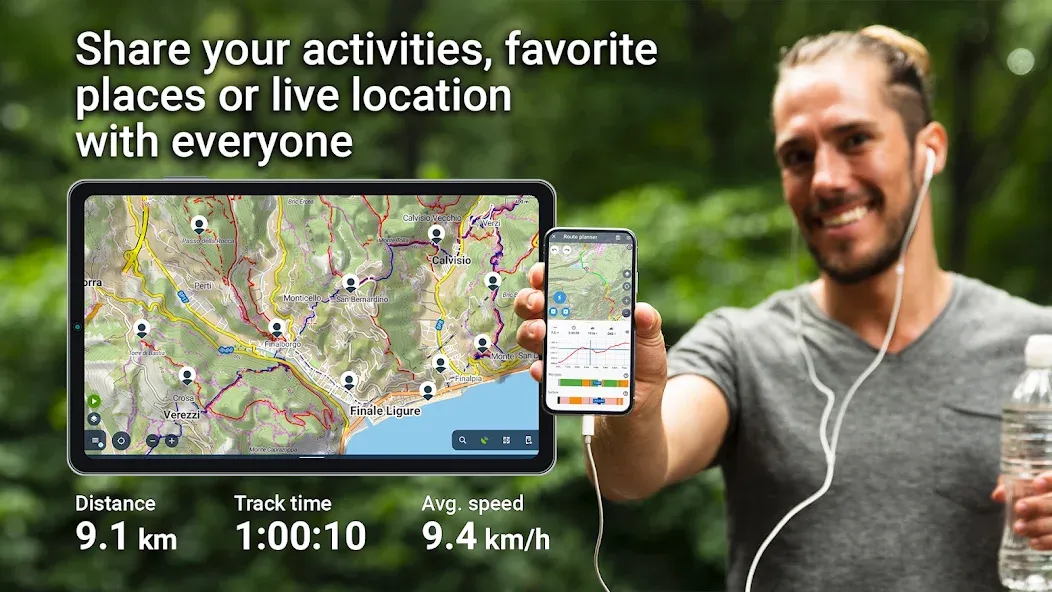
records your tracks and stores their stats
plans your trip or workout routes
imports/exports routes/tracks from/to various formats (KML, KMZ, GPX...) and web services (Strava, Runkeeper, GPSies, Google Earth, Freelogbook.biz etc...)
Points of interest
creates your own point database
imports/exports POIs in many formats
displays dynamic OpenStreetMap POI database
Geocaching
downloads geocaches to your mobile by the Geocaching4Locus add-on
navigates you to them with map and compass
offers many useful geocaching tools
Navigation and guidance
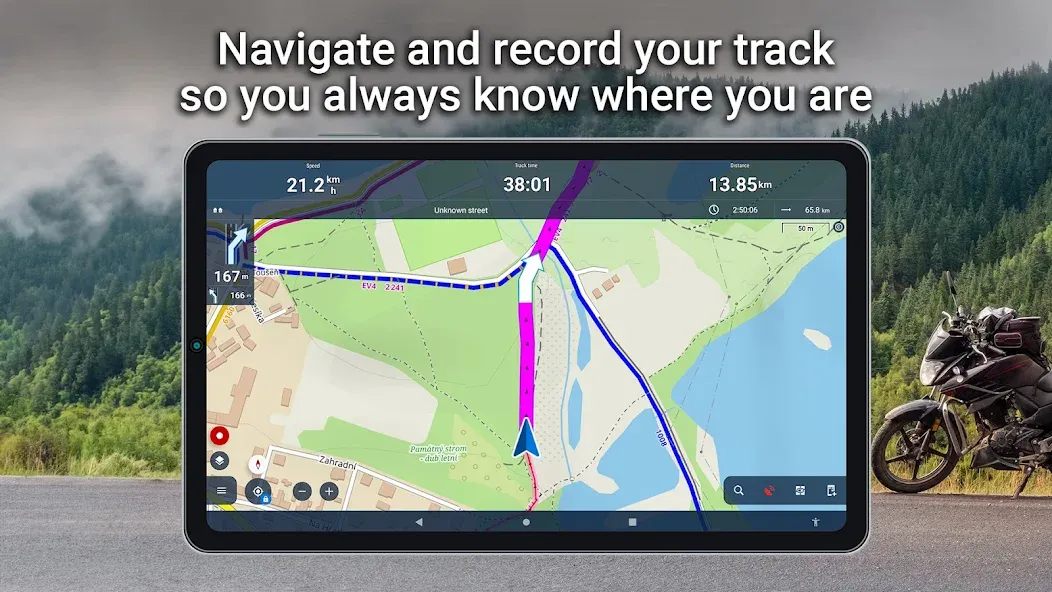
turn-by-turn voice navigation with support of offline routing services
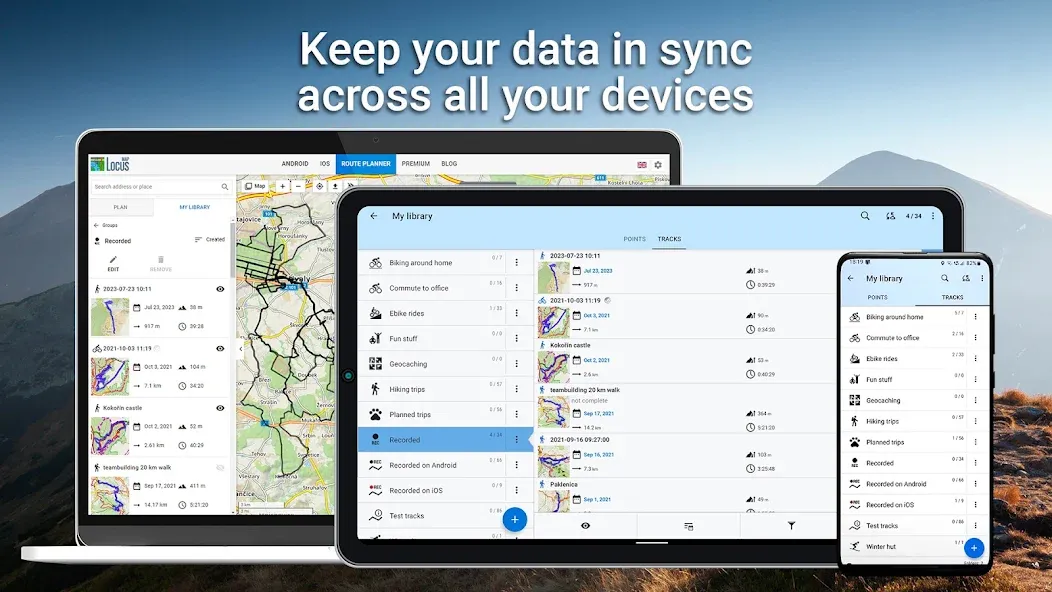
Panels of functions
Long-pressing any button on the function panel opens a popup offering information about the feature triggered by the button and the panel’s modification. Some of the buttons, however, offer more options:
GPS indicator/button
This multi-purpose item indicates Locus GPS status and also opens GPS/compass screen with the skyplot and data of the device’s motion sensors. Long-pressing it you can quickly activate/deactivate Locus access to GPS:
Tracks, points or data manager button
By long-pressing one of these buttons you can quickly hide all tracks/points on the map and also clear all other temporary items on the map
Dashboard toggle button
If you need to select a different dashboard quickly, just long-press the dashboard toggle button in the function panel and open the dashboard selection
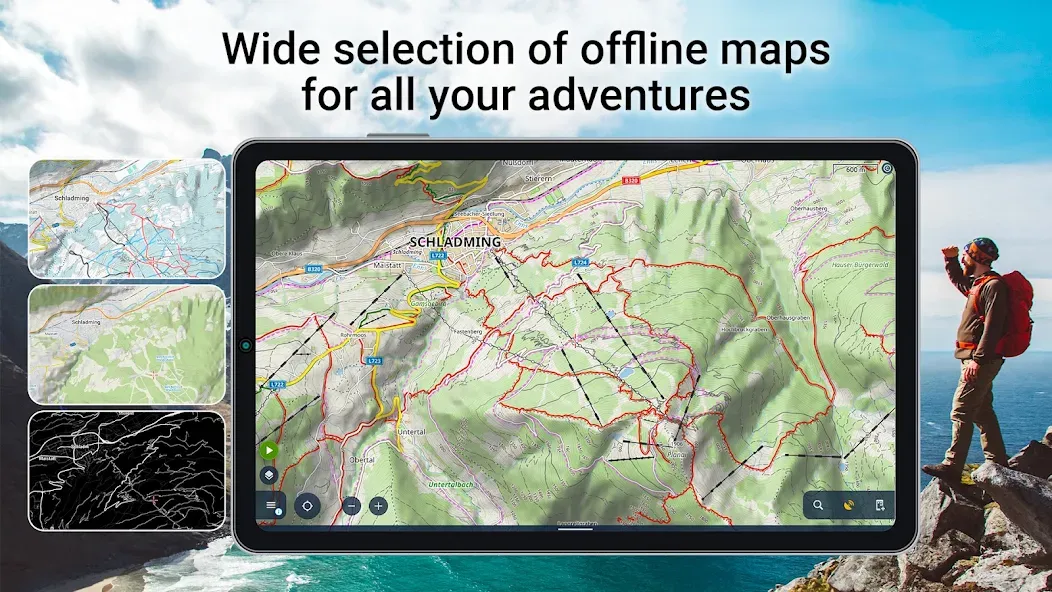
I have been using this app for almost 10 years for work and recreation. The lomaps are really nice. I recently upgraded for the Android Auto functionality. So nice to have good offline maps on the big truck screen. Really Happy!
Excellent and very versatile mapping, supported by responsive and dedicated developer always adding new features. I pay for the gold to support this brilliant app and for the sync across devices. For UK if you want to use OS maps it is great. you can pay a modest amount for maps and overlay with other maps, for me that is best option. You can also use an OS theme on free maps if preferred.
Top rate map app that I will use for walking. I have bought the annual subscription because it's so reasonably priced but the free version is very fully featured. It does involve a steep learning curve but well worth making the effort. It's packed with configurable options and extremely powerful. I would like to have an easy way to switch between the standard map and satellite view to help me with route planning, like selecting a shady route.
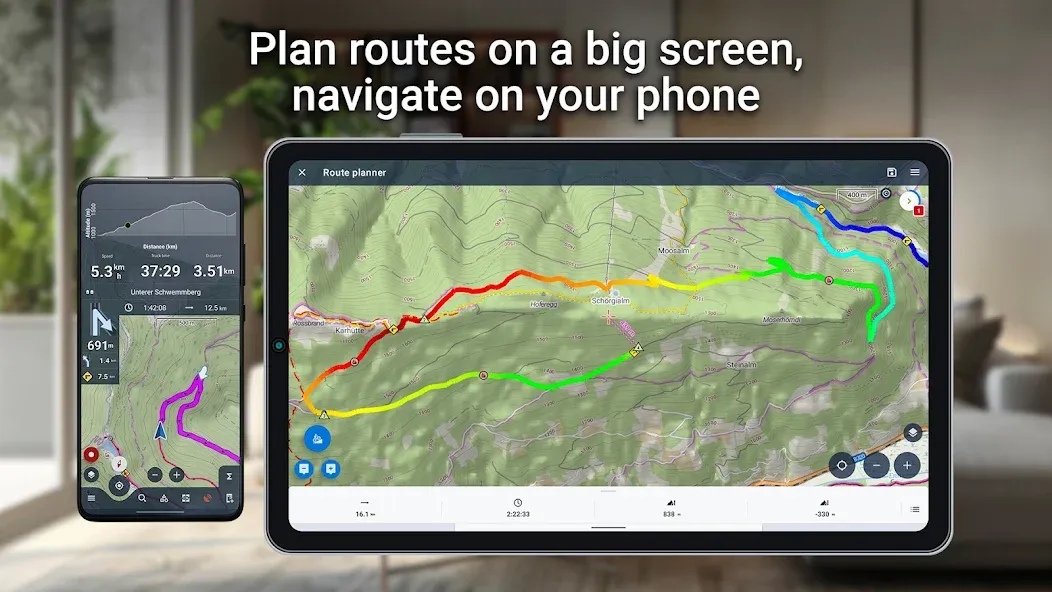
outdoor experience. Whether you're hiking through serene trails, biking across rugged terrains, or embarking on any adventure under the sun, Locus Map Pro is here to guide you every step of the way.
Size:18.26MB Version:3.16.0
Requirements:Android 4.0+ Votes:138
Package Name:menion.android.locus.pro Signature:716c44ad908b5942995cd3d929add639
When you are traveling or experiencing a new place or activity, no one wants to stare at their phone or tablet the whole time. However, you want the memories of your trips and travel to last forever, and you want to share those memories with friends and loved ones back home. The best travel logs combine both worlds with stunning features and interfaces to document your memories, photos and videos of the places that you visit and simple, easy-to-use design. These some trip logging apps let you easily capture the memories, so you can get back to enjoying it in the moment.
These must-have travel apps bring global adventures to your phone, making trip planning effortless and budget-friendly. Compare flights and hotels in seconds, access offline maps and expert city guides, or master key phrases in foreign languages. Read authentic tips from locals to uncover hidden gems before you arrive. Whether you're dreaming up future journeys or navigating current travels, these tools transform wanderlust into reality. With exclusive free premium features, your digital passport to discovery is ready - download now and let your next unforgettable journey begin!
Nowadays, with the popularity of smartphones, navigation software has become an essential tool for people's travel. Among numerous Android mobile navigation software, some are highly regarded for providing users with convenient navigation services. These software not only have accurate positioning functions, but also can update road condition information in real time, providing users with the best driving route. At the same time, they also offer multiple travel options such as walking, public transportation, self driving, etc., and can intelligently plan routes based on user needs. In addition, these navigation software also have voice navigation function, making it convenient for users to obtain navigation guidance at any time while driving. In short, Android mobile navigation software can provide users with comprehensive route planning services, making travel more convenient and safe.
About us | Contact us | Privacy policy| DMCA
Copyright © 2026 Xiaohei All rights reserved.