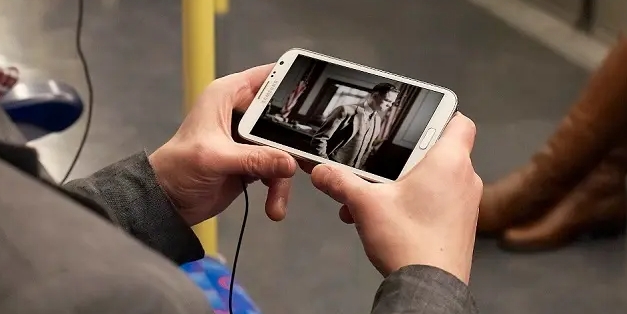
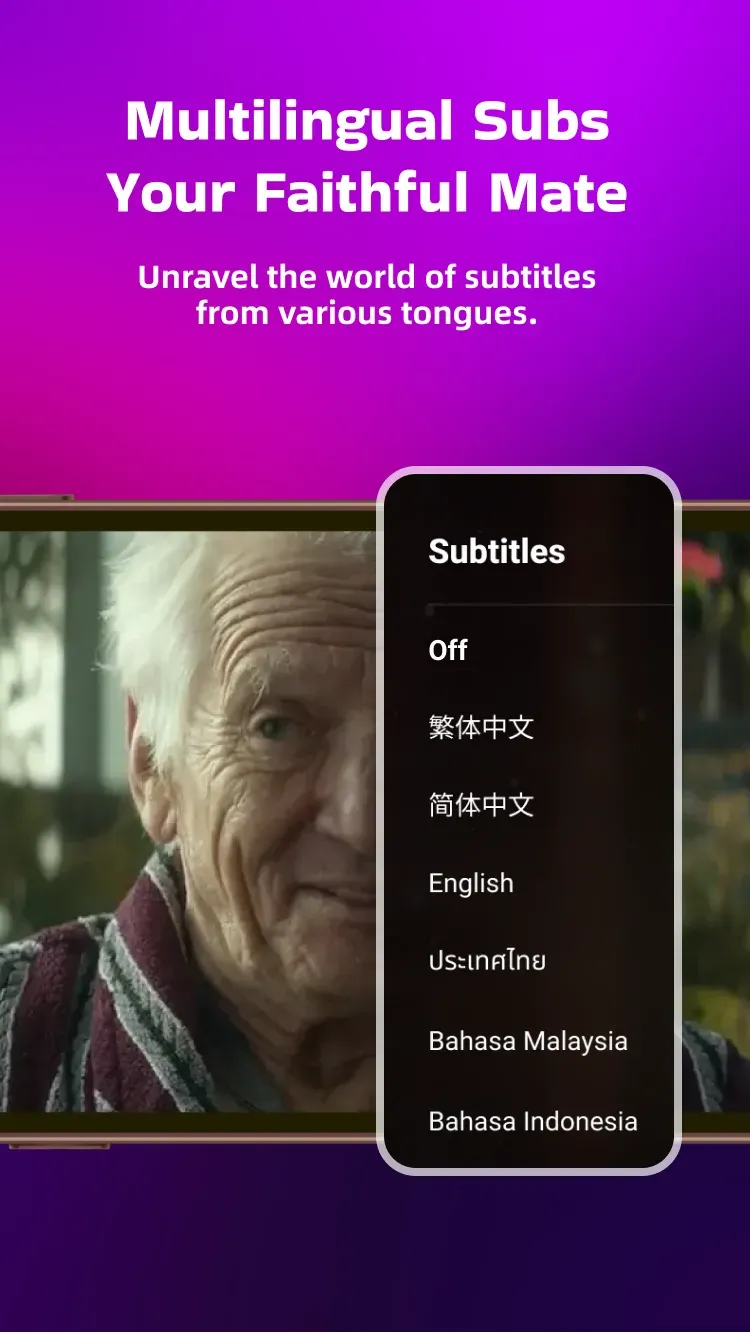
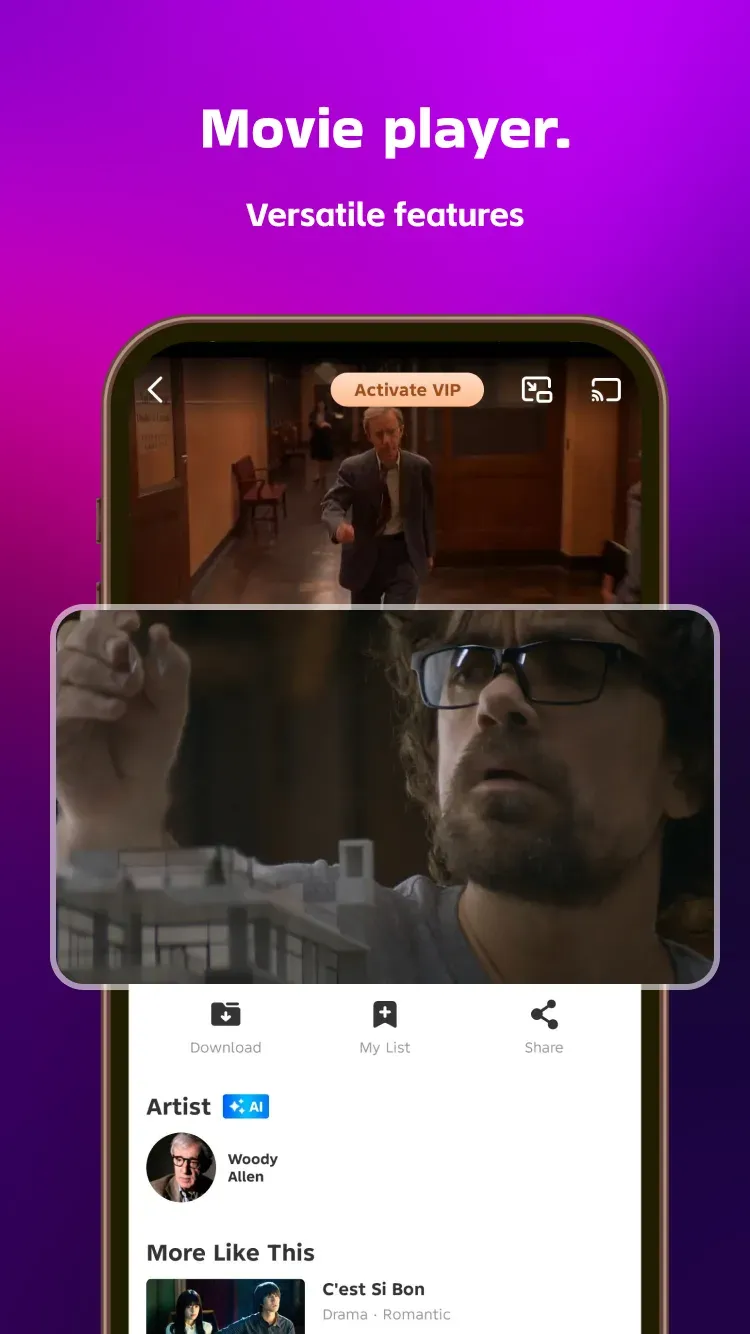
LOKTV is a user-friendly video streaming app featuring built-in search and category filtering to help users discover content that interests them. Users can save their favorite shows to a watchlist for easy access and receive notifications when new episodes are released. The app also offers customizable playback settings—such as subtitle language, video quality, and playback speed—ensuring a comfortable viewing experience. Additionally, LOKTV supports offline downloads, allowing users to save content to their devices for viewing anytime, as well as screen casting to compatible TVs, enabling them to enjoy high-definition entertainment on the big screen.
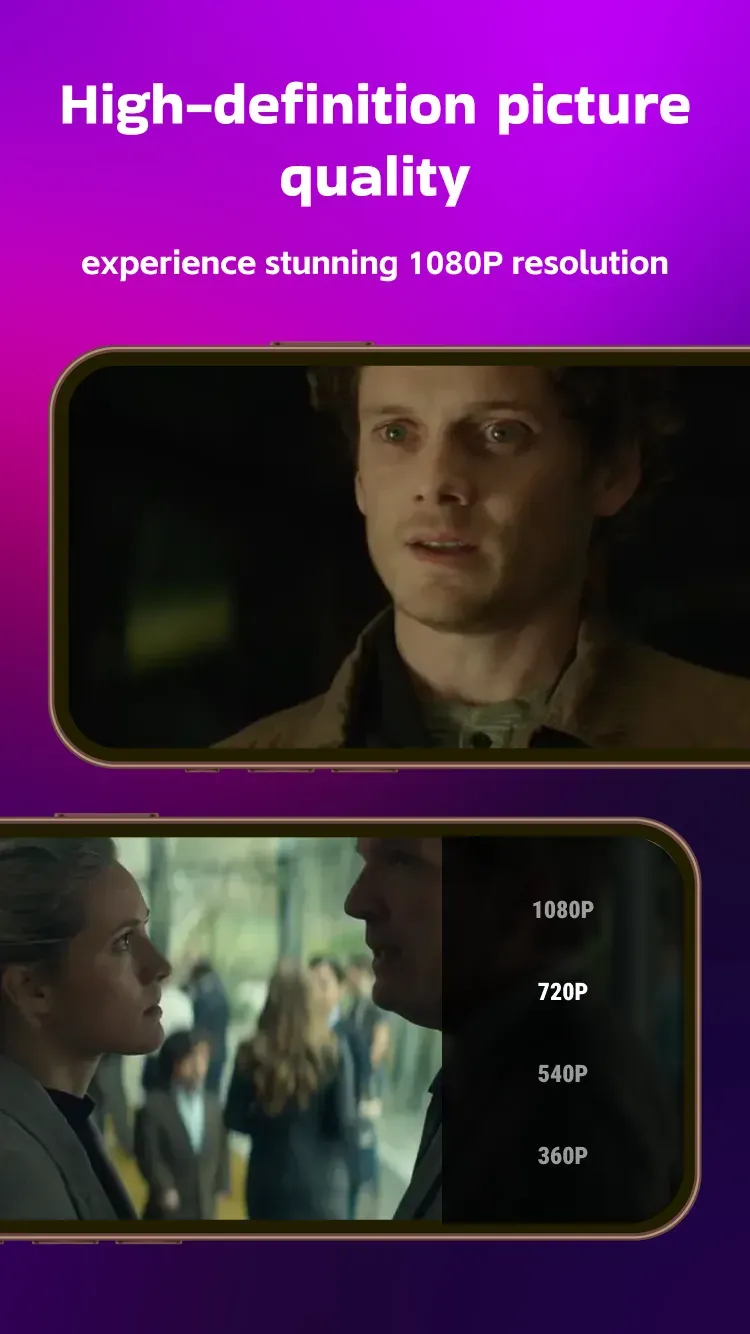
Full HD Streaming: Kick back with smooth 1080P playback so your favorite shows and films look sharp and feel cinematic.
Offline Downloads: Heading on a flight or saving data? Download episodes or movies and watch whenever you want—no connection needed.
Bite‑Size Short Dramas: Short, snackable episodes perfect for coffee breaks, commutes, or when you’ve only got a few minutes.
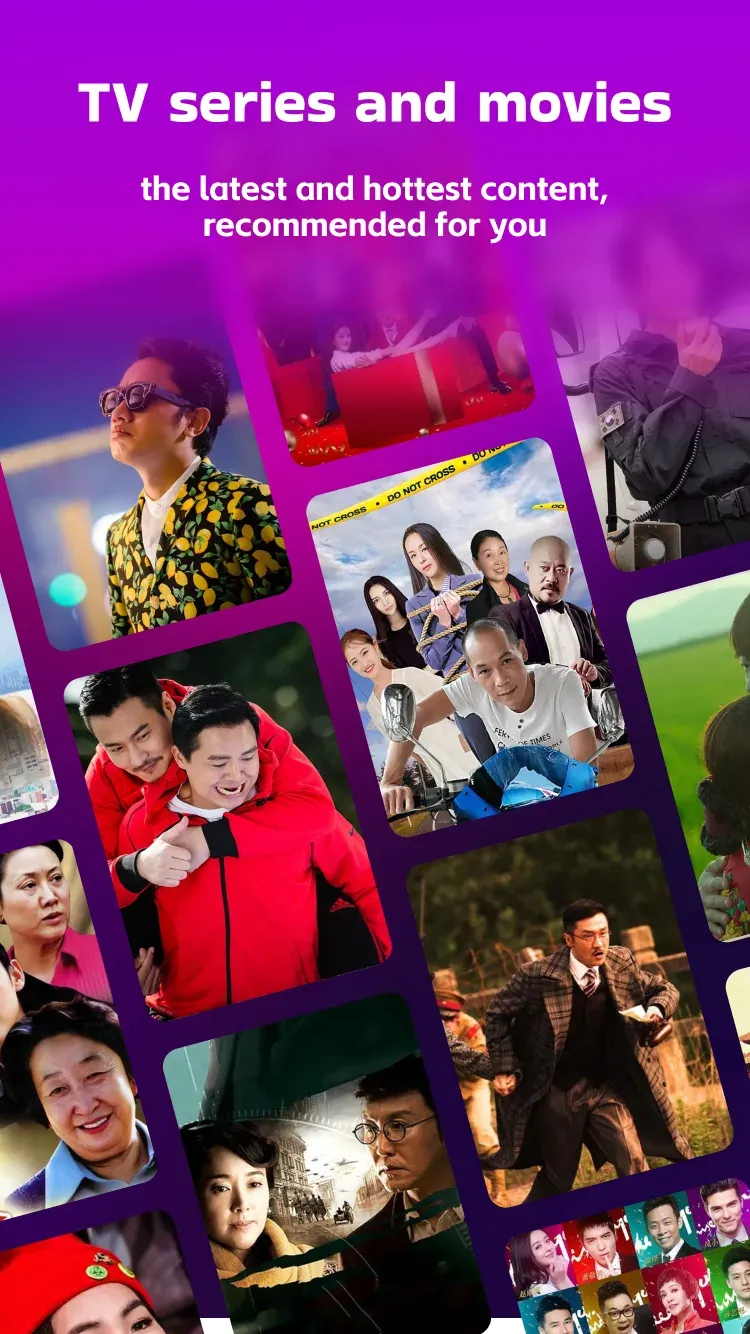
Daily Recommendations: See what’s trending and get fresh suggestions each day to keep your watchlist interesting.
Global Picks: From Korean and American stories to other international hits, explore a wide mix without hopping between apps.
Community Discussions: Share hot takes, react to plot twists, and chat with people who love the same shows you do.
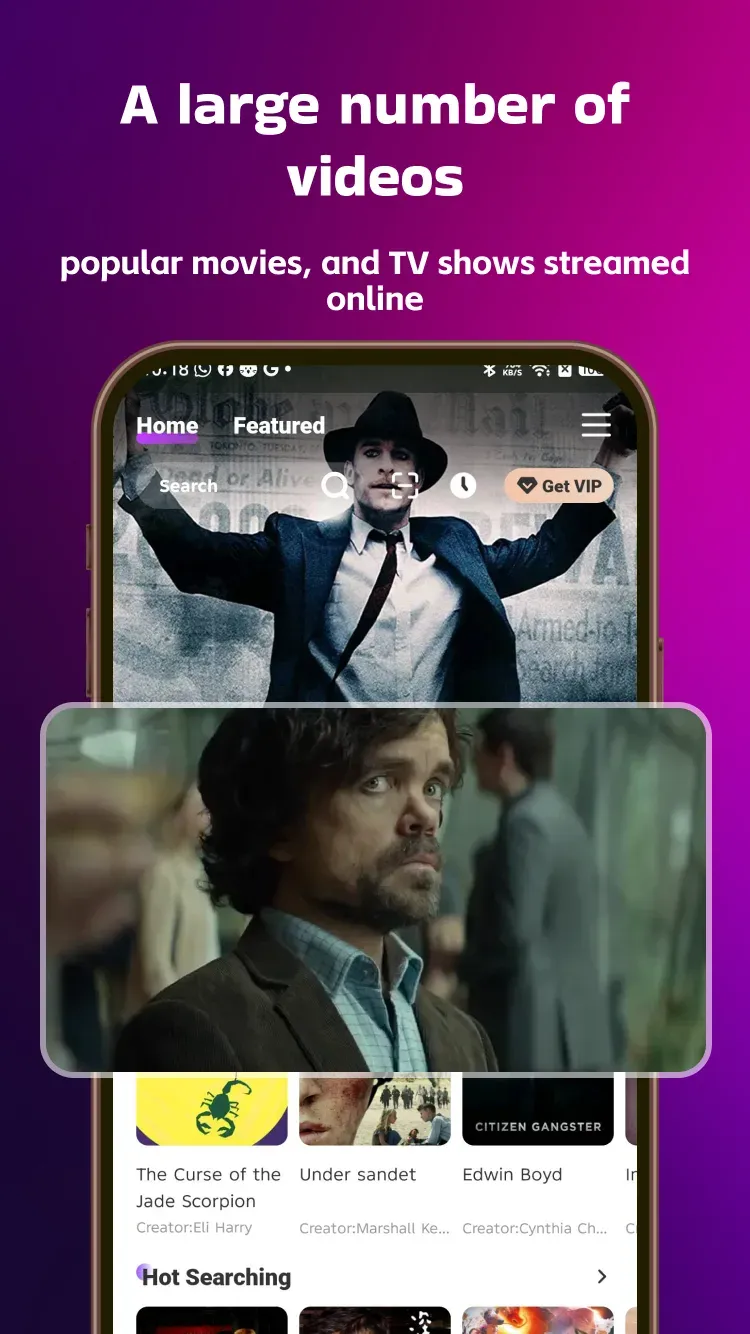
Quick Discovery: Browse by what’s popular right now or filter to match your mood—finding something good doesn’t take forever.
Create a Custom Watch list: LokTV allows you to create a watch list and give it a unique name you wish to make it easily identifiable. In that created watchlist, you can add a certain type of movie you like or would love to recommend to others or watch later during boring times. Go to the ‘Me’ section and tap My List. Now, create a list by tapping the plus (+) icon in the upper-right corner. You can give the list a name of your choice, describe its purpose with a short description, select a background image to decorate it, and set privacy settings to public or private, whatever you prefer. A public wishlist can be shared with others via a link so that you can spread your treasure of films and shows to your friends and family.
Enable Auto Mini Player: Remember, this feature works only if you have an Android 8.0 or above device. Enabling Mini Player mode, you will be able to run the video in the background and watch it througha floating player that you can drag anywhere on the screen and use other apps at the same time on the same device. To enable this, go to app settings, navigate to playback settings, and toggle the auto mini player on. You can also enable or disable the auto mini player for each video directly from the media player as well.
Select Content Preference: If you are logged in, you can find an option labelled content preferences in the settings of this app, which will show genres and types of content available on this app. Simply check the type of content and genre that you like the most, and the app will remember it and will prioritise your preference to always show relevant content on the home feed of this platform.
Switch to Dark Mode: Dark mode is best for those who feel irritation in their eyes while watching content on a light mode screen. LokTV comes with the light theme by default but with the latest update, there is a new option has been added to switch to dark mode, which makes it look more sophisticated and is also useful for reducing eye strain and saving battery consumption.
Cast to TV: LokTV offers a Chromecast feature that lets you project your phone’s content onto your TV for a superior movie experience. To cast this app, ensure your phone and TV are connected to the same Wi-Fi network. Then, tap the Chromecast icon to check if your TV appears in the list. If it does, select it and enjoy high-quality viewing.
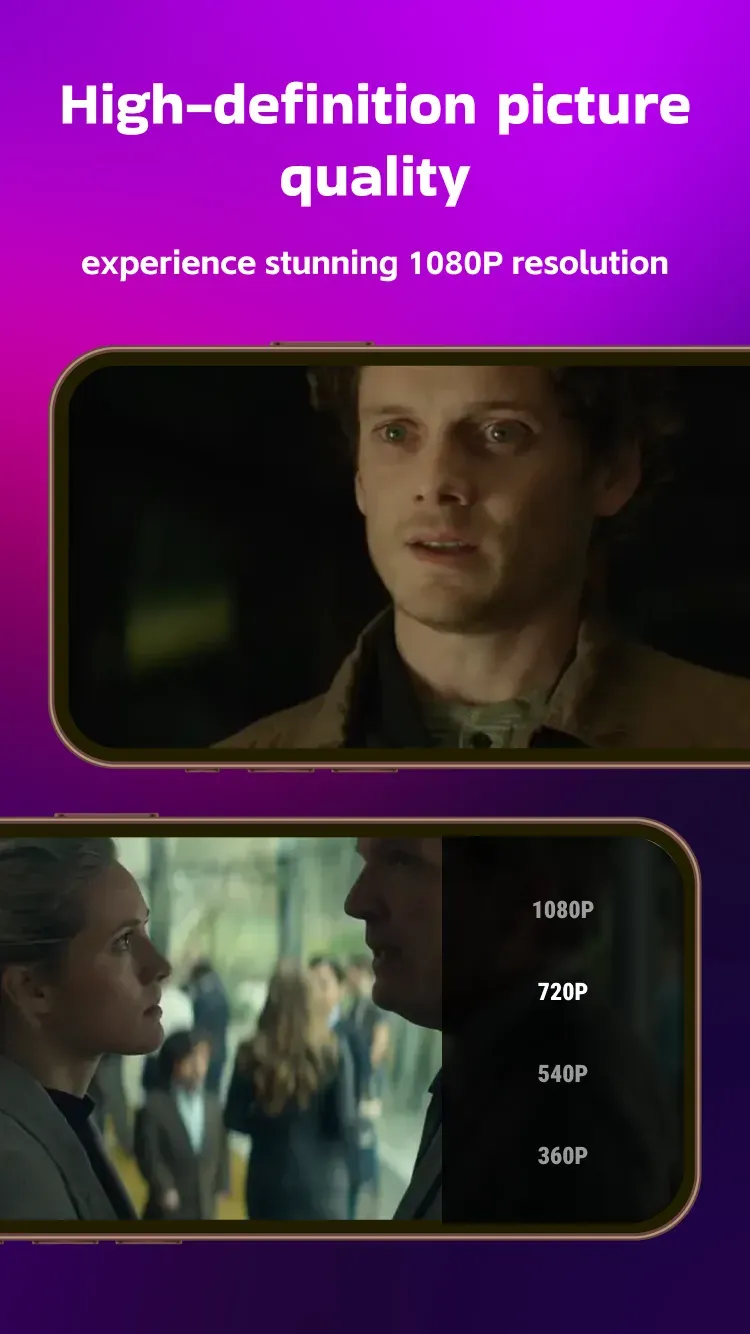
I had a really great experience with LOKTV! The service is smooth, convenient, and easy to use. The overall experience was enjoyable, and I really appreciate how user-friendly everything is. The quality is also good, making it a great option for entertainment and relaxation. Definitely worth trying, and I’d be happy to recommend LOKTV to others!
Fantastic streaming app! LOKTV has a huge collection of movies, Asian dramas, and trending short episodes. The HD 1080p playback streams smoothly without buffering, and the offline download feature is a lifesaver for trips. Highly recommend!
loktv is such a good app if you're looking for free movies, shorts and series! i recommended this app because Ive been using it for a year now and i have never had issues with it.
It's good that I can use my account now.There aren't as many ads as before and I hope you don't update too often because sometimes it's annoying.
I really love using LokTV! The app is easy to use, has a great selection of movies and series, and the video quality is good. It’s also convenient and enjoyable to watch my favorite shows anytime. Highly recommended!
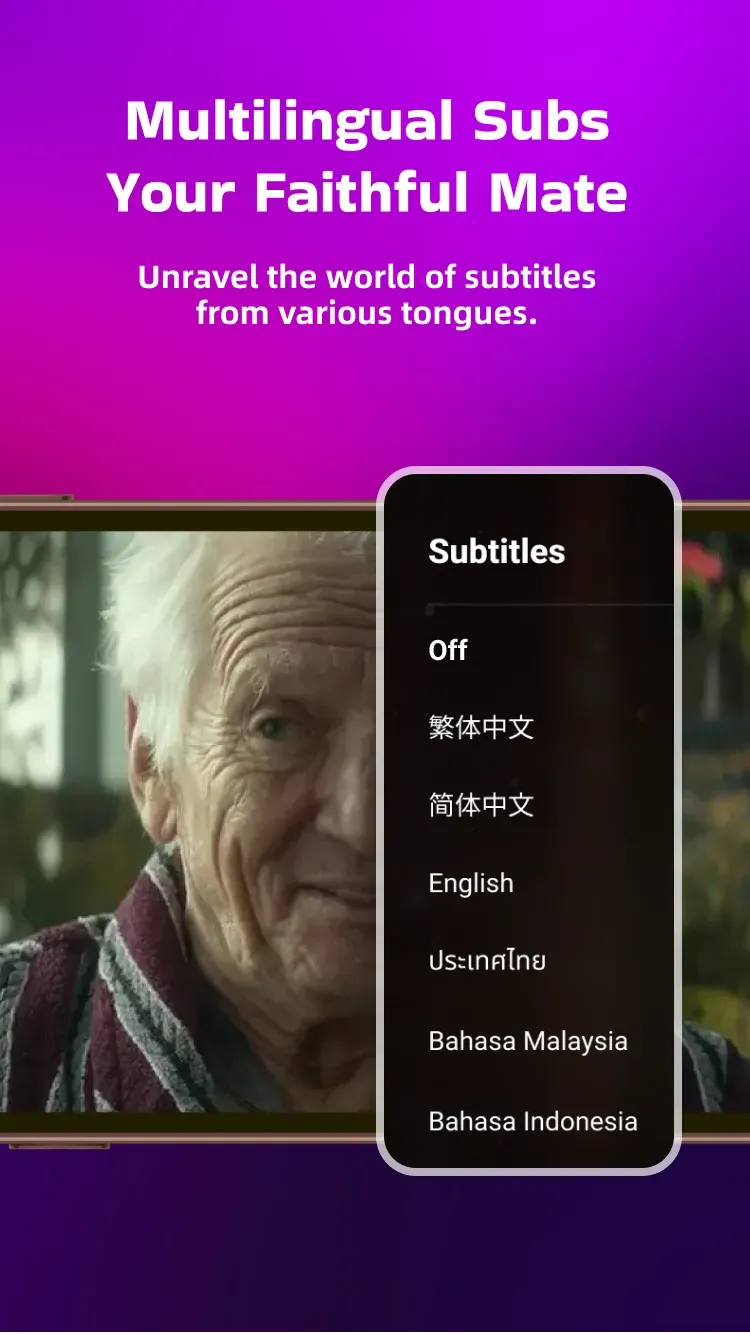
Subtitle Visibility is quite poor: If the subtitle is not clearly visible to you or feels difficult to read when the background is bright, then simply click on the “CC” or subtitle icon inside the media player and tap on Settings, then change the subtitle text colour and background colour to enhance visibility fo easily readable.
Unable to Play Downloaded Videos: Could be a possibility that your downloaded video is corrupted due to technical glitches or an unstable internet connection while downloading the file, and if that’s the case, you won’t be able to run that file, which means you have to download the video file again from the app.
Failed to Login: One LokTV account can only be logged in on 3 devices. If you exceed that limit and try to log in on your 4th device, you won’t be able to log in, and it will show a login failure issue. You either have to log out of your account from any of your 3 devices, and then you will be able to log in again on the new device. Prmovies is one of the best LokTV alternatives, offering free streaming of FHD movies and shows.
Server Related Issues: LokTV works slowly or takes longer than usual to load videos when using it during peak hours, which are usually 8 PM-11 PM. If you want the finest and crispest viewing experience, it would be better if you just avoid using it during peak hours to stream without buffering and enjoy the fastest streaming experience.
Geographical Restrictions: If the app shows a black screen or the content library or movie list is not visible, then maybe the app is restricted in your region or blocked by your ISP. In this case, go to the App Store or Play Store and install a reliable VPN app, then activate it and relaunch the LokTV app to make it work properly. A VPN also adds an extra layer of security, and you must use it especially when you’re on public Wi-Fi.
With its user-friendly interface and vibrant community, this streaming app lets you share thoughts, discuss plot twists, and connect with other fans. Download the LOKTV APK today to explore an expansive collection of content, from international hits to daily recommendations, all tailored to your tastes.
Size:55MB Version:1.11.0
Requirements:Android 6.0+ Votes:282
Looking for Apps to download movies for free? DigitBin is here to assist you. Android, being an open-source platform, has given developers the power to develop some of the cool Apps that make the life of the netizens easier. Developers create unofficial media apps for downloading or streaming movies and TV shows on different devices. However, Google doesn’t allow these apps on its Play Store because they violate its policies. Still, you can freely install these apps on an Android phone from unknown sources. DigitBin has listed some of the best apps to download movies directly on Android. Most of these Apps do not store the movies on their web servers but search web directories to stream the movies and TV shows online. Today in this post, I will tell you about a few of the best Android Apps to download and watch HD movies on your mobile.
Is it safe to say the movies are back? Admittedly, they never really left. But it seems in this decade where every year throws up new challenges and hiccups in the industry, folks become convinced the sky is falling and cinema’s days are numbered. Still, here we are back at the end of the year. And once again, there seems plenty to be thankful for as new cinematic images burrow their way into the collective subconscious for years to come. Whether it’s the sight of Muad’Dib standing before a nation of radicalized disciples as if he were a space-aged T.E.
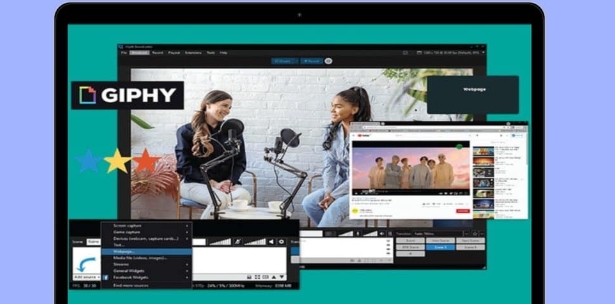
What are the best video player software? The editor recommends some treasure level video player apps to provide users with a massive collection of TV dramas and movie resources, allowing you to enjoy the joy of binge watching at any time. The interface is beautiful and the design is simple, and many functions are displayed very clearly without the need to search everywhere. It also has various functions such as screen casting and video screenshot, and all formats can be easily played without conversion, ensuring that users can enjoy the smoothest and highest definition picture quality. Interested friends, come and download it now.
About us | Contact us | Privacy policy| DMCA
Copyright © 2026 Xiaohei All rights reserved.