Universal Init.d is a utility app for Android devices designed to enable Init.d support on any kernel. It allows users to gain full control over their devices by adding Init.d functionality to kernels that lack it and by detecting whether such support is already built-in. With Universal Init.d, users can easily select folders for various scripts, enabling the simulation of the Init.d kernel mechanism's behavior. Whether or not your device is rooted, Universal Init.d offers simple, user-friendly features to enhance device performance.
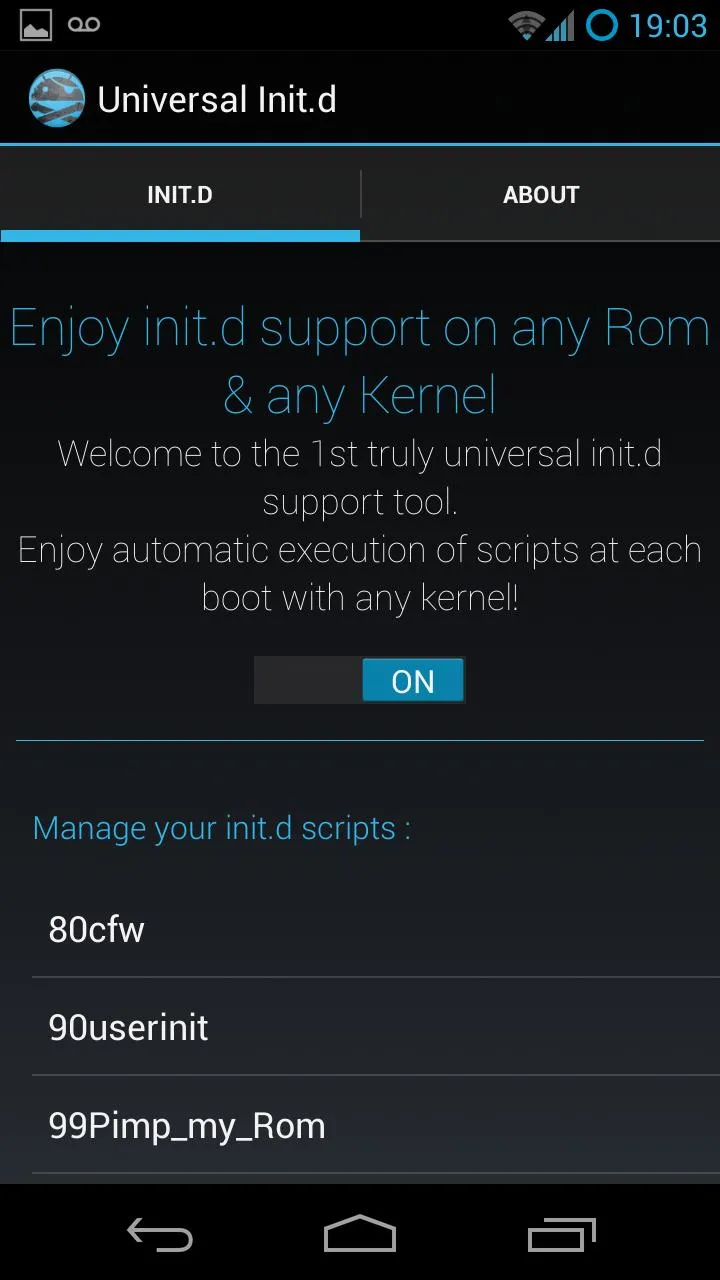
Run scrips at boot
Useful for rooted and non-rooted devices
Set delay for running script
What makes this method really universal is that everything happens on the app side, no system files modifications are required whatsoever.
The tool basically emulates the behavior of the init.d kernel mechanism : it will detect whenever the device is rebooted and execute the scripts located in /system/etc/init.d.
With this init.d support granting mechanism comes a kernel-sided init.d support detection mechanism, so that your int.d scripts don't get executed twice, which would only make for a longer boot time.
Basically, when you run the test, it will generate a little init.d script which creates a file on your sdcard.
Then, after you rebooted, it will check if the file that the generated script creates has indeed been created in order to determine if your kernel already has init.d support built-in.
If the file was created, it does. If not, it doesn't, as simple as that.
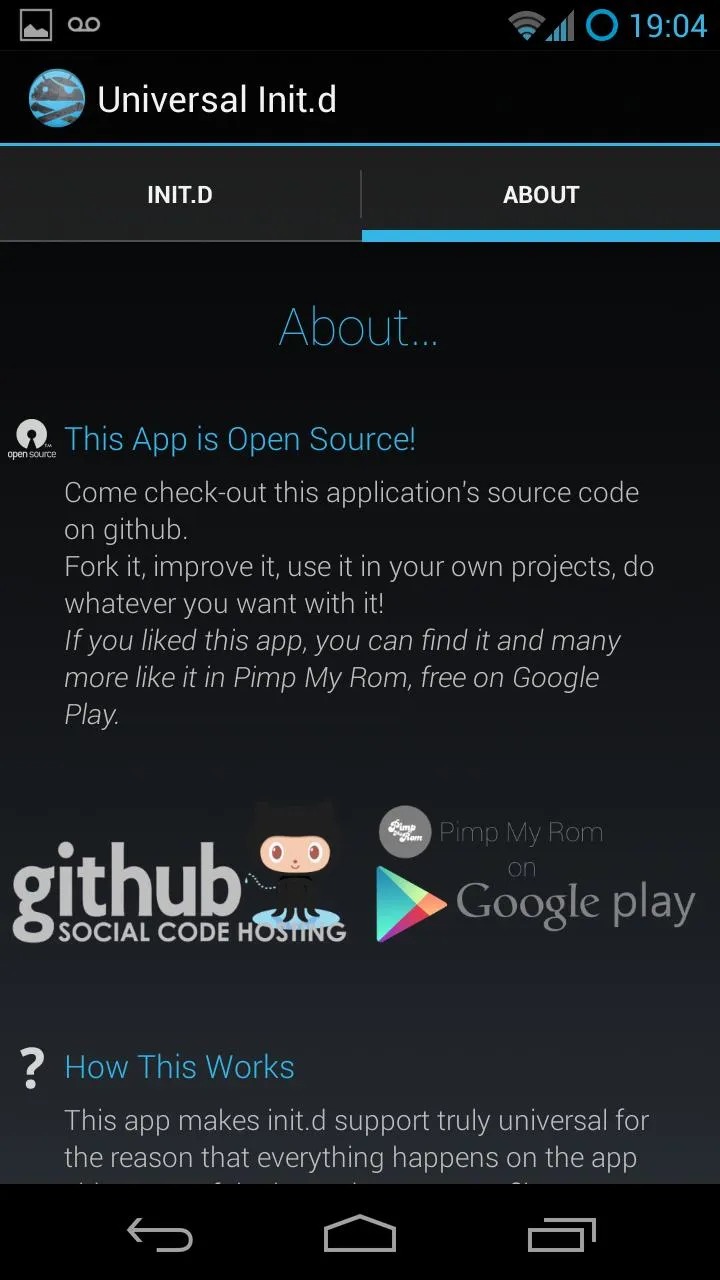
Execute scripts at boot time: This app allows you to select a folder on your sdcard that contains a series of scripts which can be automatically executed when your device starts up.
Root permission support: If your device is rooted, you can execute the scripts with superuser permissions, but even normal users can still use this feature.
Enhance device performance: Certain actions such as updating the cpu max/min speed and others require root permissions, and this app provides the capability to perform these actions to optimize your device's performance.
Easy to use: The app provides a user-friendly interface that allows you to select the desired scripts folder and configure the app settings effortlessly.
This release includes minor bug fixes and general improvements.
Update to the latest version for the best experience.
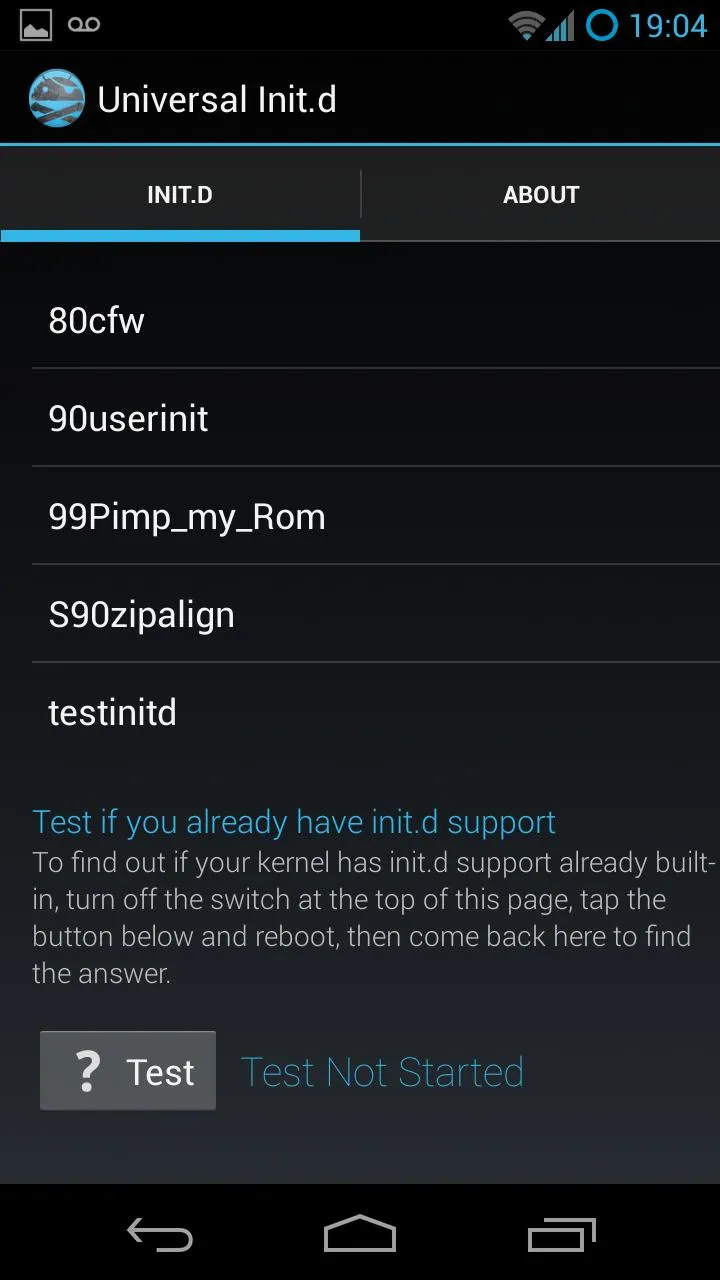
An additionnal functionnality to this app is the ability to manage, edit, delete & run your init.d scripts with the touch of a button.
Size:855.32KB Version:1.2.2
Requirements:Android 2.2+ Votes:345
Package Name:com.androguide.universal.init.d Signature:db9fa01b306983e19d01e07bb6d1e28c
Discover our File Management Apps hub! Here, you can explore essential tools like Google Drive for cloud storage, Dropbox for simple file sharing, and File Commander for managing files directly on your device. Easily organize and access your files across your phone, or tablet. Our platform is designed to help you quickly find reliable apps to streamline your digital file management.
Transform your mobile device into a powerhouse of efficiency with these handpicked essential tools. Whether you need professional-grade photo editing, seamless file organization, smart task management, or real-time weather updates, our curated selection of premium apps delivers unbeatable performance. Streamline your daily routine, automate repetitive tasks, and boost your productivity with intuitive interfaces and powerful features. Designed for both professionals and casual users, these editor-approved applications will revolutionize how you work and play. Don't settle for an ordinary phone - upgrade your digital experience today and unlock your device's full potential!
About us | Contact us | Privacy policy| DMCA
Copyright © 2026 Xiaohei All rights reserved.