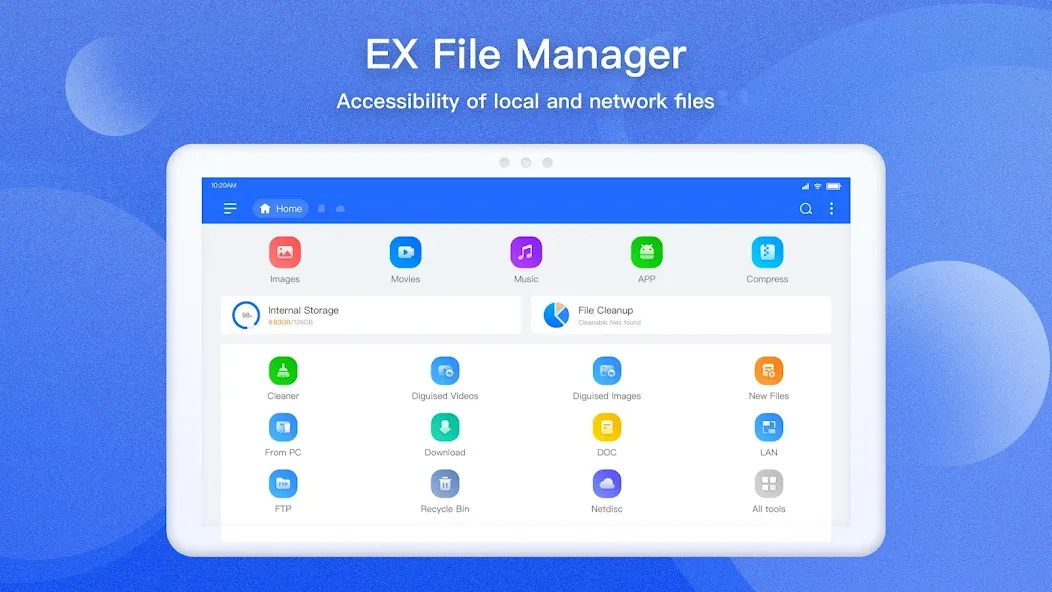
ES File Explorer is a file management tool for Android devices that allows users to perform a wide range of operations on files and folders. It features built-in media players and viewers for quick access to media files and offers integrated cloud and network storage solutions to ensure data safety. The app supports wireless file transfer and connects to FTP and FTPS servers as well as network storage services. Users can easily create archives in various formats, with built-in security features to protect the compressed files. Highly powerful yet featuring a simple, intuitive interface, the app is easy for users to master quickly.
File management essentials
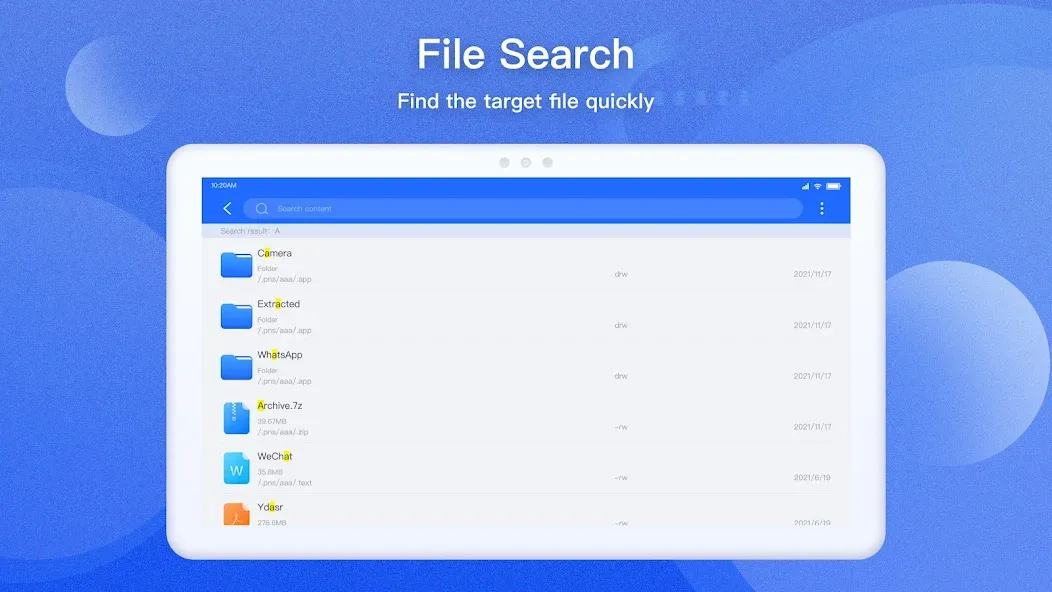
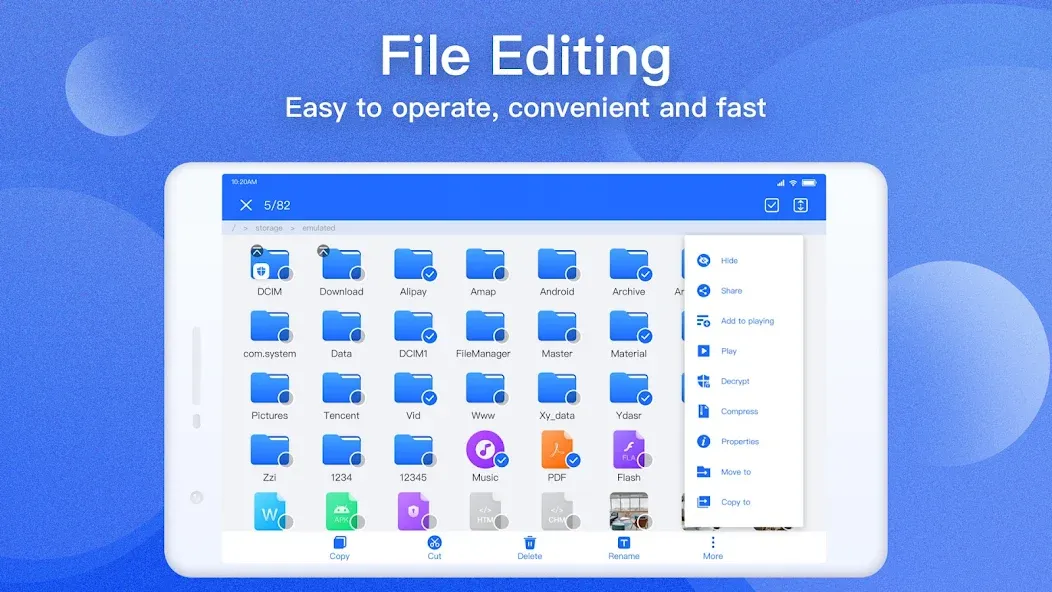
ES File Explorer lets you copy, move, rename, delete, and create files and folders with batch select. You can open images, videos, audio, and documents with built-in viewers and players. Moreover, the toolbar and long press menu make routine actions fast.
Cloud and network storage in one place
You can add services like Dropbox, Google Drive, OneDrive, Amazon S3, and Yandex, then browse them next to local storage. ES File Explorer shows cloud folders as if they were on your device. In addition, you can transfer files across clouds without downloading them first.
Remote access and wireless transfer
ES File Explorer connects to FTP, FTPS, SFTP, and WebDAV servers and can browse PCs over SMB on your LAN. You can edit mobile files from a computer over the network. Also, the Sender tool moves files between phones over Wi Fi or a hotspot. so you do not need cables.
Archives and file security
You can create and extract ZIP and RAR archives to save space or share groups of files. ES File Explorer supports AES 256-encrypted ZIP files to protect sensitive content. Therefore, you can package and secure project folders with a password.
Tools for power users
ES File Explorer includes Root Explorer for devices with root access, which unlocks system folders and permission changes. There is a code and note editor with syntax highlighting for quick edits. Moreover, configurable views and shortcuts help you build a custom workflow.
Device utilities and storage cleanup
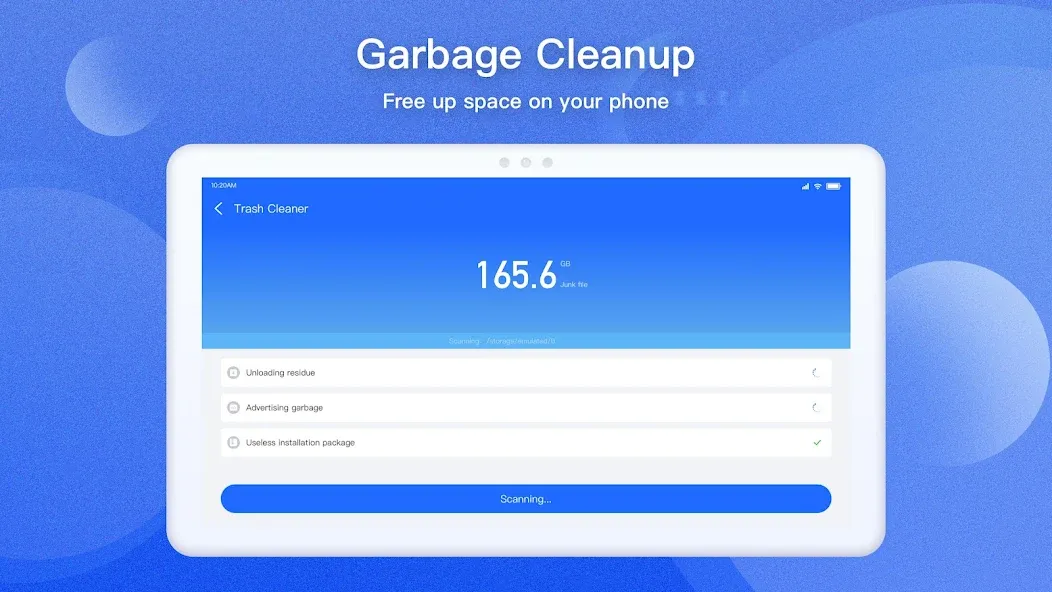
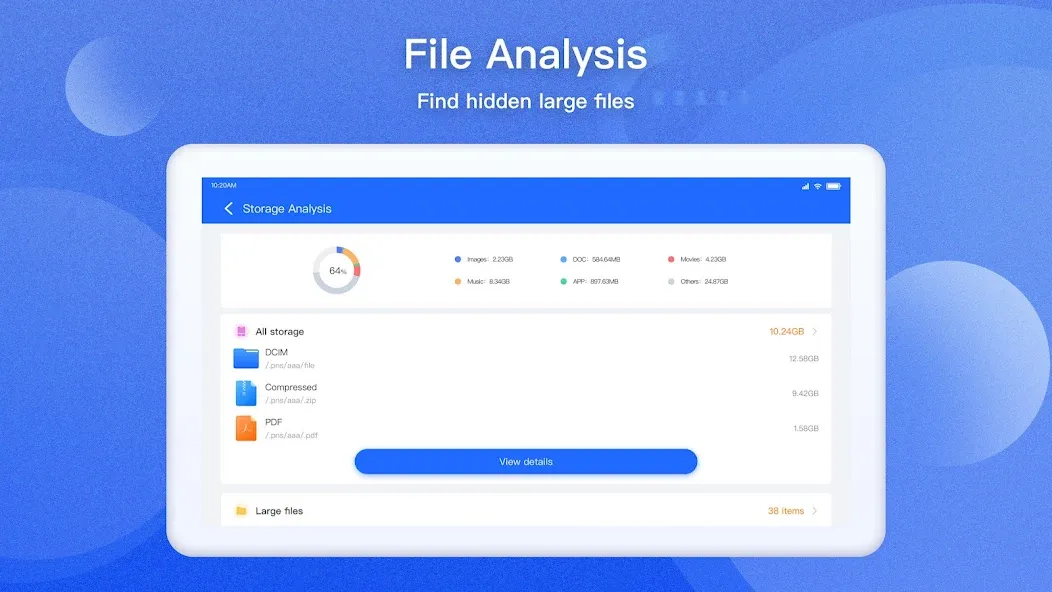
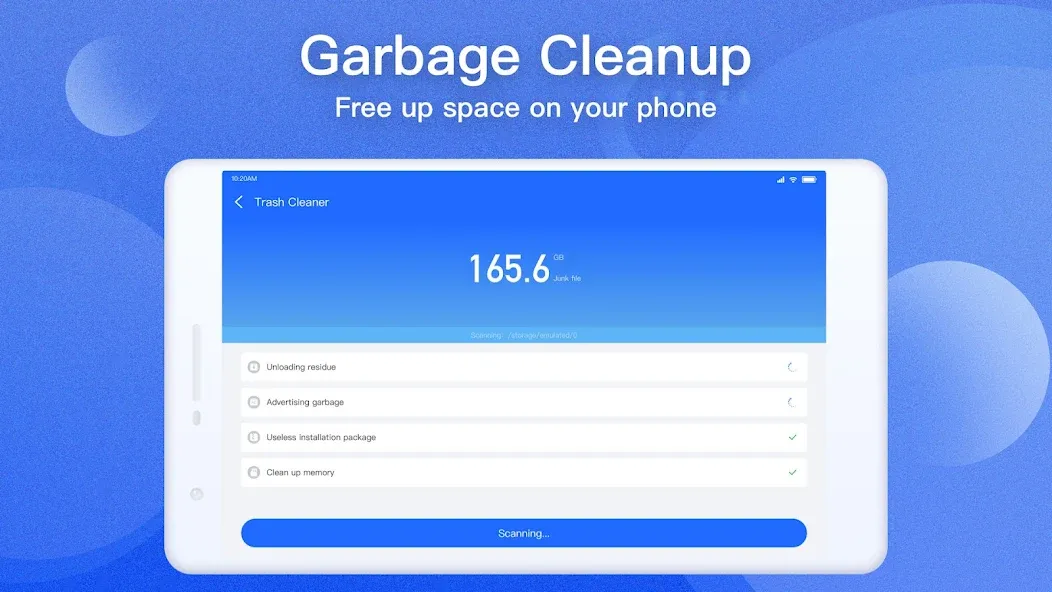
Use App Manager to back up apps, uninstall them, or create shortcuts. A task killer and cache cleaner help free memory when your device slows down. In addition, SD Card Analyst finds large, duplicate, and redundant files so you can reclaim space.
Pros
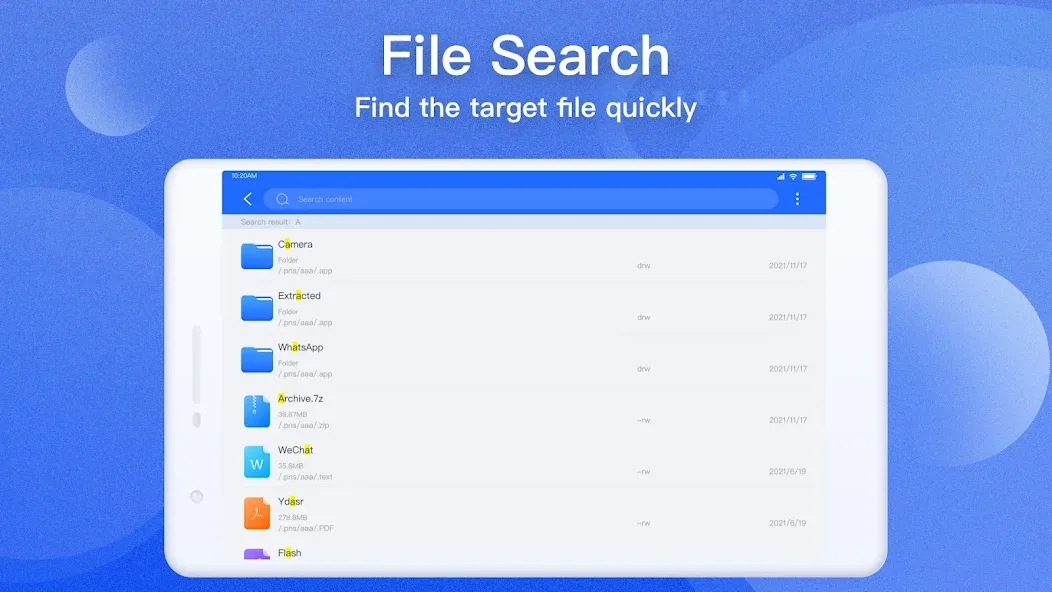
Extensive copy, move, search, sorting, and multi-select controls
Includes archive handling, app backups, and storage analysis
Supports tabs, thumbnails, shortcuts, and list or grid layouts
Cons
Some current users report failures when accessing SD cards
FTP and network tools may be missing from newer builds
How can we manage apps and apps sizes on our phones?
Es file manager has a built-in app manager. This application manager enables you to properly judge the sizes of different apps on your phone which in turn helps you to manage phone storage properly.
In what way can we use a Download manager on an andoird phone?
With the download manager of ES file explorer, you can easily pause and continue downloading directly from the Web. Pause easily if you want to disconnect and continue again when you are connected to a network.
What other additional features do we get with the file manager?
The File Manager music player will scan music and mp3 files on your device and arrange them in one place. You can play your music in the background with ES File Explorer.
I was just looking for something that would play a slideshow from a USB drive. This works great. No complicated setup. I just selected my drive. Chose a photo. Then selected slideshow and BOOM... there it was. So simple.
This is the best file managing app in the world it helps me in various ways also runs smoothly in most of the devices I'm using this app around 6 months there is no bug or any issues I suggest peoples to use this it helps me a lot thank you to the developers and others who made this this app is very wonderful I was struggling using other apps but when this app came in my phone my phone runs smooth exporting and importing are easier installing apps is also easy it scans viruses and many others.
Smooth on my on all my three phones. All your photos, videos and documents are safe with Ex file Manager. Upgrade to pro and you are more safe than ever. The has other alternatives. Just give a try to Ex file Manager
The ES File Explorer Android app, or ES File Browser or ES Explorer File, is a software designed to manage and explore all the content stored on your Android device. In short, it is an advanced file explorer that allows you to view, open, move, copy, share, delete, or compress files and folders in your device's internal storage or SD card. Therefore, when you download ES File Explorer APK for free, you will get a feature-packed file manager for your Android device.
Size:6.97MB Version:Pro1.1.4.1
Requirements:Android 4.0+ Votes:339
Package Name:com.estrongs.android.pop.pro Signature:4556b0c5f25511f2c4cb94aed4d04249
Discover our File Management Apps hub! Here, you can explore essential tools like Google Drive for cloud storage, Dropbox for simple file sharing, and File Commander for managing files directly on your device. Easily organize and access your files across your phone, or tablet. Our platform is designed to help you quickly find reliable apps to streamline your digital file management.
File Manager offers both graphical and command-line interfaces, allowing users to efficiently organize and control files and directories on their phone. With a file manager, users can perform a wide range of tasks, including creating, renaming, moving, copying, and deleting files and folders. Additionally, it enables users to view file properties, access content, and modify file permissions as needed. Advanced features may also include cloud storage integration, file compression, and secure encryption, enhancing file accessibility and management on mobile devices.
About us | Contact us | Privacy policy| DMCA
Copyright © 2026 Xiaohei All rights reserved.