ComicScreen is an excellent comic reading app. It supports opening and reading files in PDF and various comic formats, aiming to provide users with a fresh, immersive reading experience. With ComicScreen, users can easily customize the application interface to their personal preferences, such as changing background color, font style, and font size, thereby optimizing the reading experience. Additionally, the app features built-in online browsing capabilities, allowing users to easily discover and read their favorite comics and view the latest content directly without needing to download files.
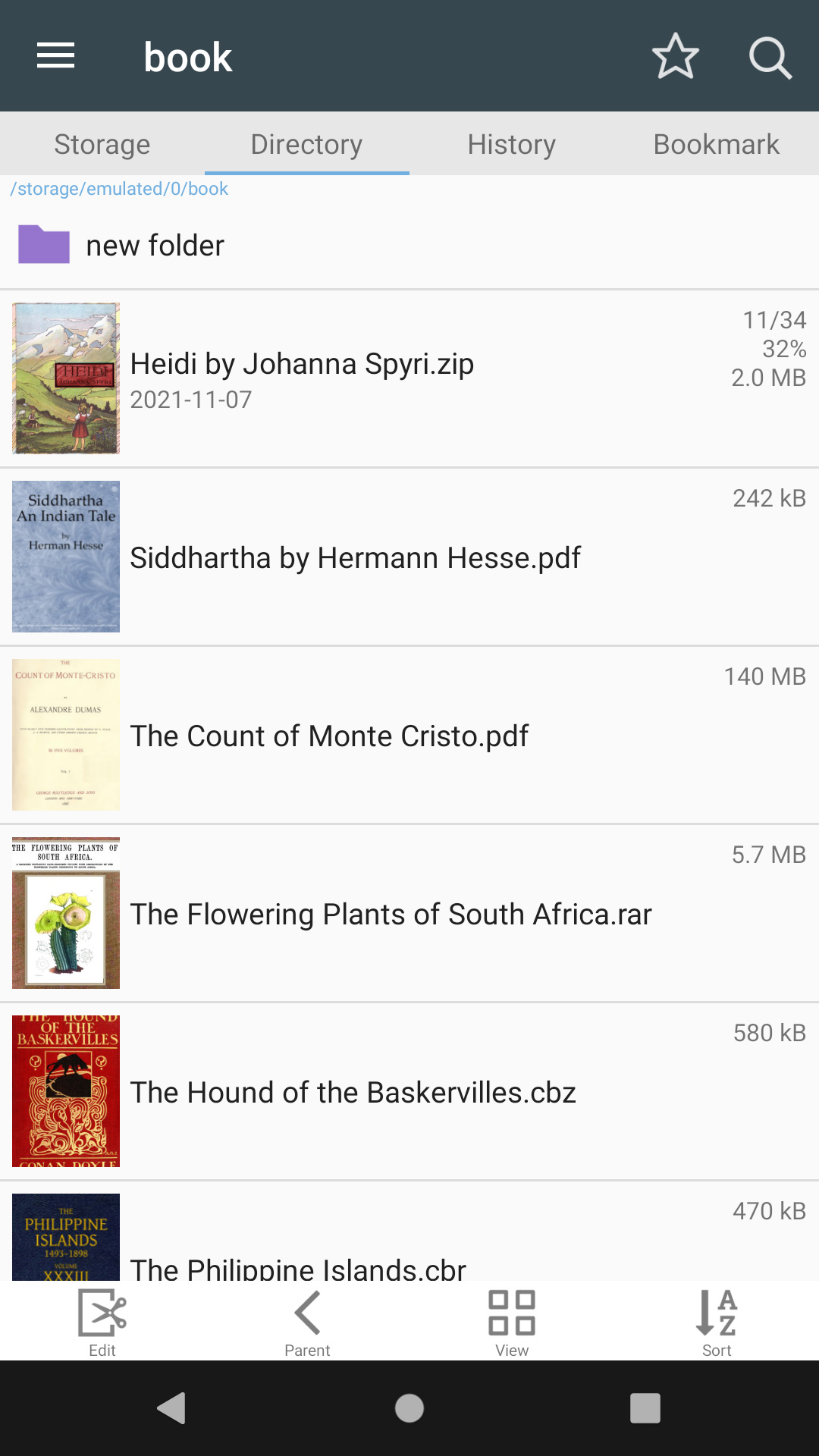
The app supports multiple compressed file types, allowing users to easily open ZIP, RAR, CBZ, and CBR files. This functionality is particularly beneficial for comic book readers who collect and organize their comics in these formats. Additionally, ComicScreen can handle PDF files, making it a versatile tool for reading digital comics and graphic novels.
Image support is a strong point of ComicScreen, as it accommodates a wide range of image formats. Users can view files in JPG, PNG, GIF, BMP, TIFF, WebP, and AVIF formats. This ensures that users have a comprehensive viewing experience, regardless of the image source. ComicScreen's ability to manage different file types efficiently enhances the overall user experience.
The app features a folder and file explorer that allows users to search, rename, and delete files easily. With USB-OTG drive support, users can access comics stored on external drives, making it convenient to use the app with various storage options. Network support for SMB and FTP further extends the app's capabilities, enabling users to access files over local networks.
Online graphic comic viewing function: Users can easily find and view their favorite topics with high image quality.
Customizable interface: Users can customize the background color, font style, and font size to suit their reading preferences.
Online comic search feature: Users can search for specific comics or files in the library easily.
Bookmarking: Users can bookmark pages for easy access in the future.
Support for various file formats: The app supports a wide range of file formats, allowing users to share and read them.
Social sharing: Users can share their favorite comics and graphic novels with friends and followers on social media.
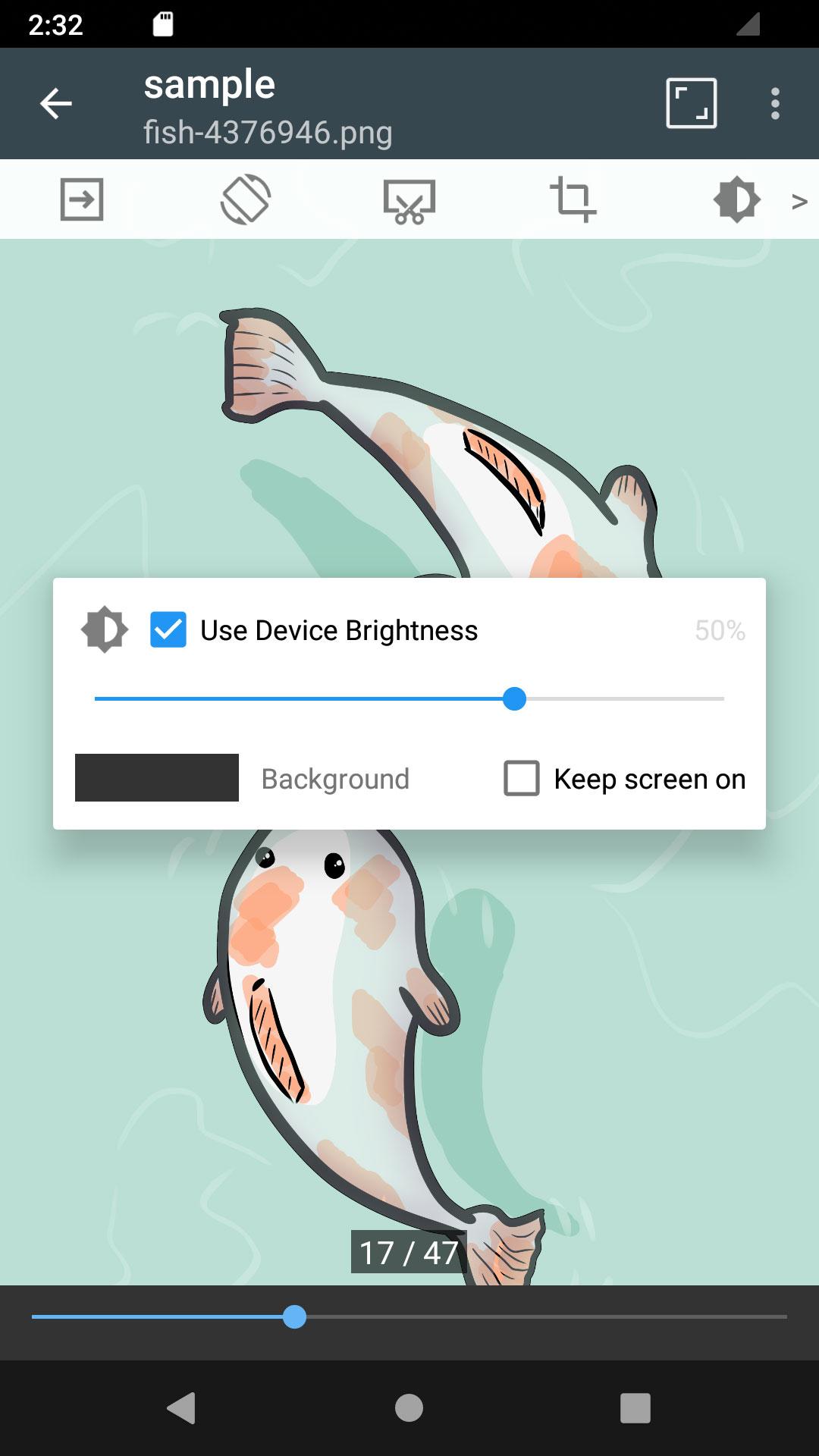
Customize your reading experience by adjusting the app’s interface settings to suit your preferences.
Utilize the online graphic comic function to discover new comics and genres easily.
Take advantage of the comic search feature to find specific comics quickly and interact with other readers.
Explore different file formats supported by the app to enhance your reading experience.
Pros
Reads CBZ, CBR, ZIP, RAR, PDF, and numerous image formats
Supports SMB, FTP, and USB OTG storage
Includes margin trimming, bookmark previews, and two-page viewing
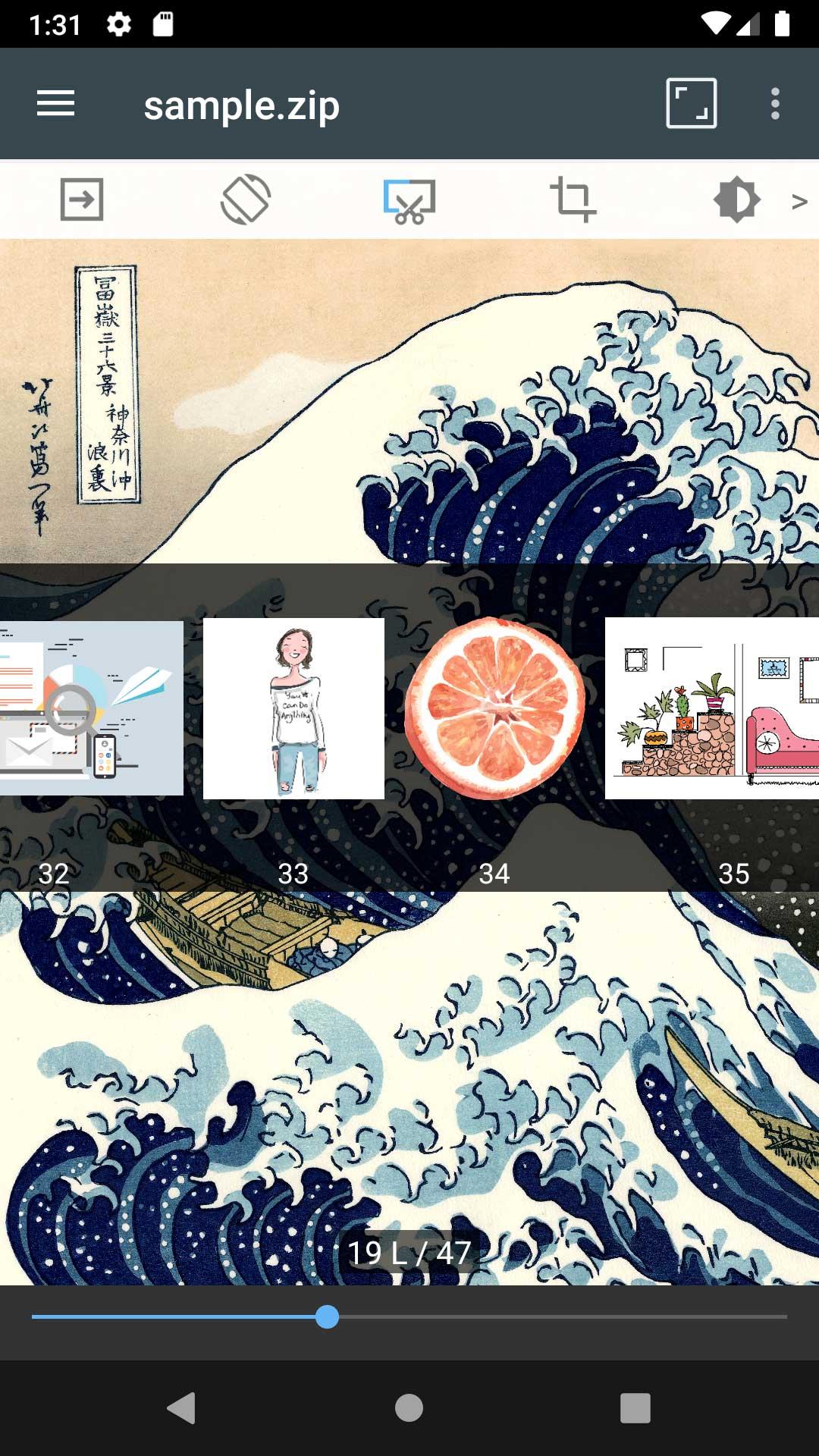
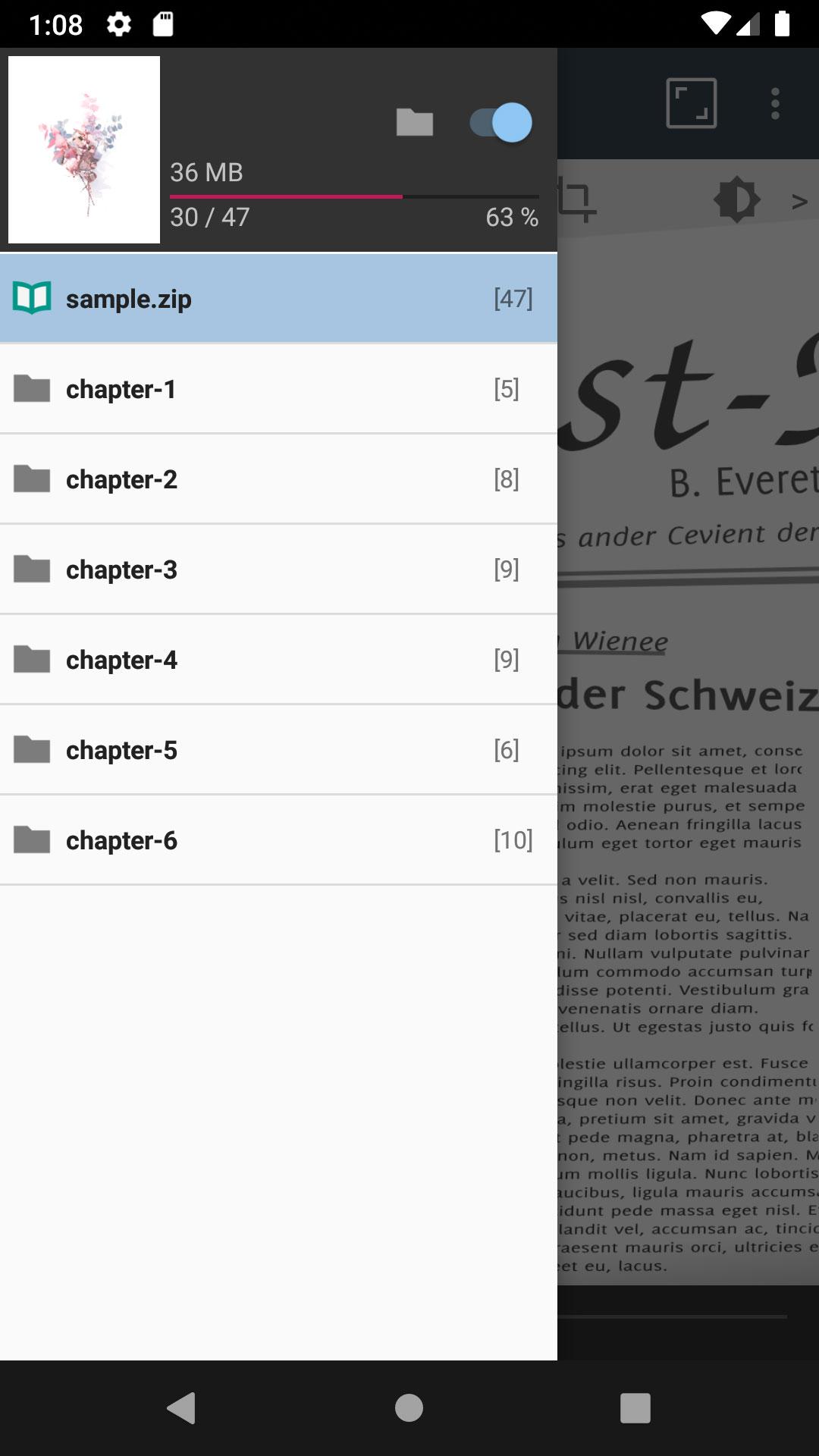
Can turn folders inside ZIP archives into chapters
Cons
No automatic catalog for a large comic library
Remove Ads has reportedly used a limited-duration license
For example, with just one click you can correct the colors of the page you're on, or turn it into black and white. You can also easily zoom, change the direction of the text, or share images. ComicScreen is a powerful Android comic reader and image viewer. It has a friendly interface and very interesting features and overall great visuals.
Size:44.48MB Version:2304
Requirements:Android 10.0+ Votes:296
Package Name:com.viewer.comicscreen Signature:5a8849d38aeb2ae6a534239c20690a46
Struggling to find a great place to read comics? Many fans face issues like limited selections or annoying paywalls-but it doesn't have to be that way! To make your reading experience smoother, I've put together a curated list of the best comic apps, all packed with free, high-quality content and easy-to-use features. Whether you're into manga, webtoons, or classic comics, these apps have you covered. Check them out and dive into endless entertainment hassle-free!
Dive into this carefully curated selection of exceptional manga-inspired graphic stories, perfect for both newcomers and longtime fans of the genre. Our collection spans thrilling superhero sagas, vibrant fantasy epics, and gripping psychological thrillers-each showcasing the distinctive artistry and narrative depth that define Japanese comics. Whether you crave pulse-pounding action, whimsical adventures, or thought-provoking mysteries, these works deliver unforgettable visual storytelling and emotional depth. Follow heroes on epic quests, unravel intricate plots, or explore the complexities of the human psyche-all through the lens of stunning manga-style illustrations. Ready for a journey filled with wonder, suspense, and boundless creativity? Start exploring now and let these captivating stories ignite your imagination!
Comic fans always look for the best comic software to satisfy their love for exciting stories and graphic art. This software is a must-have tool for comic enthusiasts, providing rich and diverse comic resources and functions. Whether you like Japanese manga, American manga, or manga from other regions, these software can meet your needs. Whether you want to read some interesting comics in your leisure time or delve into the world of comics, these apps are your best choice. Download this software now and start your comic journey!
About us | Contact us | Privacy policy| DMCA
Copyright © 2026 Xiaohei All rights reserved.