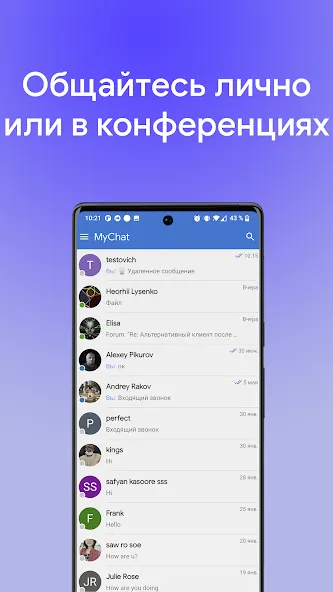
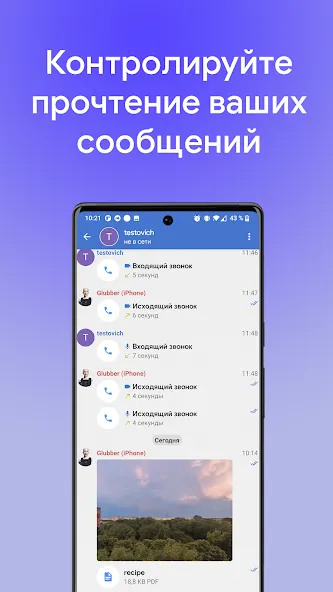
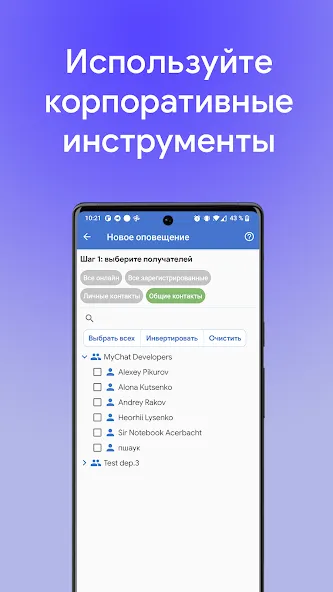
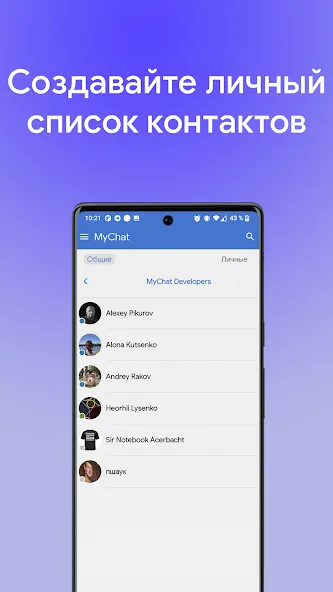
MyChat is an office communication application that not only facilitates rapid messaging among colleagues but also ensures the constant protection of user information and privacy, allowing for worry-free work and high productivity. Users can send documents and presentations in various formats and invite colleagues to group chats, making communication more convenient. Additionally, users can create and manage their own servers according to their preferences, enabling communication with colleagues regardless of location or internet connectivity. The software is continuously updated, with new features and security enhancements regularly introduced to provide an improved user experience.
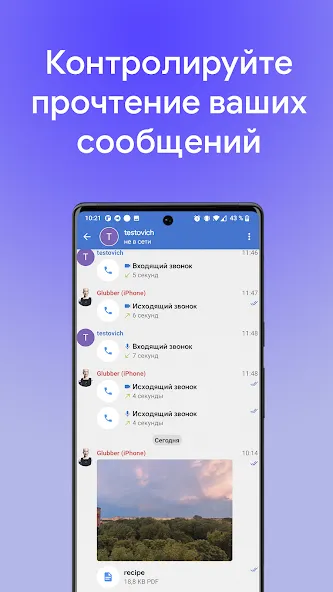
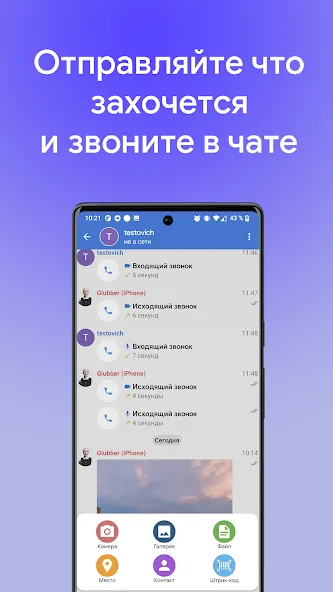
File Sharing, Simplified: Easily send documents, presentations, and just about any file type you’ll need during the workday—no email attachments or lost links.
Customizable Server Setup: You get total control. Set up and manage your own server so you decide exactly how communication happens at your workplace.
Works Online or Offline: Internet access spotty? No worries. MyChat lets you communicate securely whether your company’s online or running on a local network.
Security for Every Message: Because it stays off public chat systems, MyChat helps protect your information and keep sensitive office discussions, well, in the office.
Easy Team Collaboration: Jump into group chats or handle one-on-ones without a hitch, keeping projects and conversation threads on track.
Private, Workplace Messaging: Swap quick messages with your coworkers without all the clutter of public chat apps. Everything stays within your network or company, adding an extra layer of privacy.
Right-click on a message in the chat and choose who you want to forward it to: to a conference, as a private message, or any other conversation type.
When forwarding, a recipient selection window opens. It intelligently remembers frequent recipients, but you can also filter all server users, your own conversations, contacts, and conferences. If you want additional context, you can add a short comment.
It has always been a common UX pain point that in messengers, the forward comment is sent first, and then the message itself. As a result, the comment itself gets lost. So we have implemented a better approach: first the forwarded message, and then the comment, if any.
Forwarded messages cannot be edited to avoid losing the original meaning. And if you forward a message that's already been forwarded, MyChat doesn't nest one message within another. The server takes the original content and creates a clean, single-level forward.
As usual, everything is controlled by permissions; you can prohibit message forwarding in private conversations and conferences using user group permissions.
Conferences are handled separately. If the message source is a hidden conference, the client should not allow the recipient to join it without access. The source name is displayed in the forward banner, but switching to the hidden conference is blocked for outsiders.
Forwarding to guest web support is also automatically disabled. This protects guest service conversations from accidentally sending internal information.
The cards' appearance has been updated to provide better contrast and easier reading. Also, sorting and tag display within the tasks themselves:
Kanban project management system update, sorting, tags, avatars
Tags let you quickly filter tasks across the entire project board.
We've implemented a task copying mechanism. Notice that comments aren't transferred, only the task itself and its properties. This is convenient if you need to constantly complete routine tasks with minor differences:
Updating the Kanban project management system, copying a task
We've also implemented automatic comments about task actions. This is convenient for understanding the history of task progress through its stages, for example:
Updating the Kanban project management system with automatic comments on task actions
MyChat Server now has a quiz bot based on movie screenshots. It's free and included with MyChat Server, in both the commercial and free versions. It runs in a separate "Movie Quiz" conference that it creates automatically.
The bott pulls movie frames from TMDB service. To enable the integration, you need to register there and obtain a TMDB API key.
Control over start, stop, and restart is managed by administrators (there's a setting for that, if needed).
If the TMDB key is not specified or the server cannot connect to the service, the bot will send a clear message to the channel and suggest what needs to be checked.
Icons for files without extensions that are sent to chat are rendered correctly. We've also added a display of the application type used to send the chat message:
Displays the type of application through which the chat message was sent
And in the client applications for macOS and Linux, you can now choose a background image for the chat.
Development history with developers' comments
MyChat Client
[+] (alt, mac, linux) added chat message forwarding;
[+] (kanban) user avatars on cards and in comments;
[+] (alt, mac, linux) chat background selection: pre-defined options with saved selection;
[+] (kanban) task sorting (by creation date, due date, label);
[+] (kanban) task copying from the card menu;
[+] (kanban) automatic system comments when changing stages and modifying tasks;
[+] (admin) added movie quiz "Movie Quiz";
[+] (linux, mac, alt) added a setting to display the list of conferences and private conversations as bookmarks/lists;
[*] (win32) right-clicking on a file in chat, "Download and save as..." now opens Explorer with the file selected in the folder after successful saving;
[*] (win32) information about the type of application from which the chat message was sent. Displayed in the hint shown when hovering over the timestamp;
[*] (linux,mac,alt) the latest message is displayed in the conference list;
[-] (win32) the mechanism for sending reports regarding working time control was broken, fixed;
[-] (win32) an error that could sometimes create private conversations "with yourself" after several hours of work on servers with old history and database errors. Fixed;
[-] (win32) correct rendering of file icons without an extension sent to the chat;
MyChat Server
[+] message forwarding technology;
[+] (node) early detection of abnormal activity with warnings in the server log;
[*] (node) protection: control of spam login attempts from one address + UIN;
[*] (node) enhanced security for processing uploaded files (path-traversal);
[*] (node) added login protection against automatic password guessing;
[*] (node) increased web server resilience to abnormal loads;
[*] more accurate detection of busy ports at server startup, automatic program termination, and automatic opening of the Help page on the official website to clarify how to resolve the issue;
[-] on the admin panel, it was impossible to select a local IP address for the TURN server if the address was virtual rather than physical. Fixed;
[-] the list of tags in Kanban was incorrectly determined when receiving own and assigned tasks. Fixed.
Is MyChat a Slack or Teams replacement?
Not one-to-one. MyChat is a self-hosted communication suite for organizations that want team chat, internal discussions, lightweight task boards and website support in one controlled system. It can reduce dependence on Slack, Teams, Jira, Zendesk or WhatsApp, but it should not be presented as a complete replacement for every feature of those platforms.
Where is the data stored?
On the customer's own server. MyChat is self-hosted and does not require a vendor cloud workspace for daily communication.
What systems does MyChat support?
The server runs on Windows (as a service) or on Linux (x86-64, via Docker), and is administered from a browser — no Kubernetes cluster required. Desktop clients cover Windows, macOS (Intel and Apple Silicon) and Linux (.deb and .tar.gz); mobile apps run on iOS and Android, plus a browser web chat with no install.
What happens to message history?
Message history is stored in the customer's own MyChat database. It is not hidden behind a 90-day SaaS history limit, and it stays readable even if the update subscription expires.
Is MyChat open source?
No. MyChat is commercial closed-source software with a capacity-based license and vendor support.
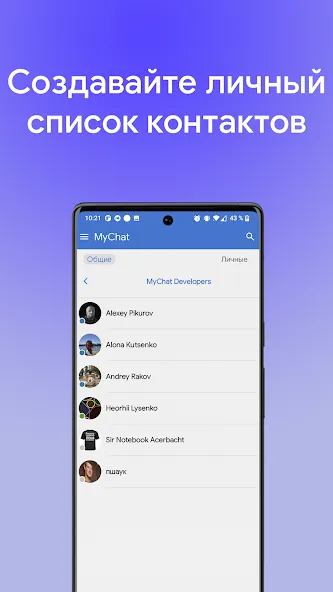
MyChat is built for organizations that cannot move internal conversations to a public cloud. It gives teams a private messaging server, desktop and mobile clients, file sharing, calls, admin controls, task boards, forums, and integrations with existing company infrastructure.
Size:46.26MB Version:2026.6.2.1
Requirements:Android 4.2+ Votes:106
Package Name:com.nss.mychat Signature:a6dd834d780b4d791fb92e8ab2ccd52d
Virtual dating apps are digital platforms that allow users to connect, socialize, and build relationships in immersive online environments. By leveraging cutting-edge technologies like VR (virtual reality), AR (augmented reality), live video chat, and gamified interactions, these apps create engaging and lifelike dating experiences. Whether through virtual dates in digital worlds, interactive games, or AI-powered matchmaking, they offer a fresh and exciting way to meet new people. Ready to explore? Dive into the virtual dating scene and discover meaningful connections in a whole new way!
In today's digital era, many people find dating apps to be an incredibly effective way to expand their social networks. As one of the most convenient tools for modern socializing, these platforms offer users diverse opportunities to connect with others. Our curated selection of dating apps provides high-quality matching services, helping users quickly find like-minded people for meaningful interactions. Whether you're looking for friendship or romance, these apps empower you to meet new people in ways that suit your personal preferences and social style, making the journey of connection both enjoyable and rewarding!
Nowadays, various social media apps are constantly being launched, enriching people's ways of making friends in their daily lives. People can meet people from all over the world online without leaving their homes. At the same time, the software adopts real name authentication, allowing everyone to make safe friends. This collection integrates numerous popular social media apps. Interested friends, come and download it now!
About us | Contact us | Privacy policy| DMCA
Copyright © 2026 Xiaohei All rights reserved.