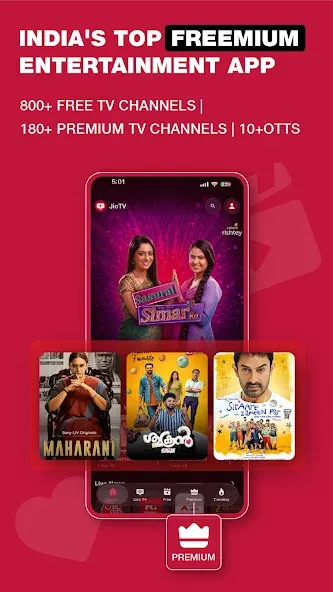
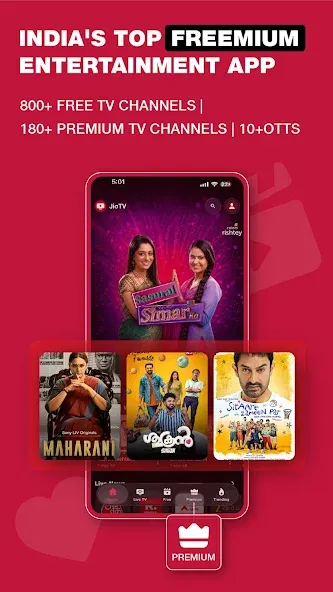
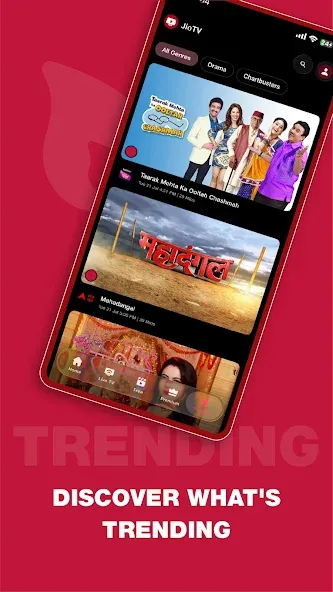
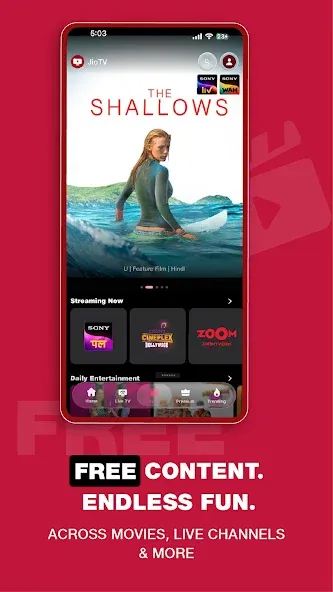
JioTV is a comprehensive entertainment platform offering a vast array of content, including television channels, movies, series, documentaries, and news. It also features a wide selection of programming designed for children, engaging reality shows, and a rich collection of music. Users can easily find what they love by entering keywords or browsing through specific channels. You can add your favorite shows to a "favorites" list and catch up on content from the past seven days, ensuring you never miss a moment of great entertainment. The platform supports 16 languages and is constantly updated with fresh content; it also provides personalized recommendations based on your preferences, keeping your viewing experience exciting and new.
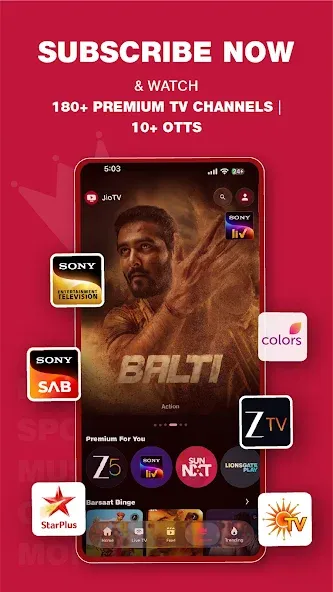
All-in-one streaming hub: Browse 1000+ live channels plus premium libraries from 12+ OTT partners—think blockbuster films, buzzy originals, documentaries, and more, all in one app.
Multilingual lineup: Watch in 16+ languages with regional favorites, national hits, and niche picks that feel tailored to you.
Sports, news, and beyond: Grab live cricket, football, wrestling, motorsports, and daily headlines, alongside movies, kids’ shows, devotional programming, lifestyle, and infotainment.
Picture-in-Picture mode: Keep a floating player on-screen while you check messages or browse—multitasking made easy.
Watchlist and reminders: Save what you want to watch next and set gentle nudges so new episodes and live events don’t slip by.
Simple live TV guide: Jump through channels, see what’s on now and next, and hop straight into the action without digging around.
Religious and devotional programming reflects deliberate service localization. Live spiritual content featuring darshans, poojas, and aartis serves audiences seeking specific devotional material. This programming category addresses content preferences frequently absent from mainstream Western-focused streaming services—reflecting recognition that effective streaming platforms require regional content customization to address diverse audience cultural values and viewing preferences.
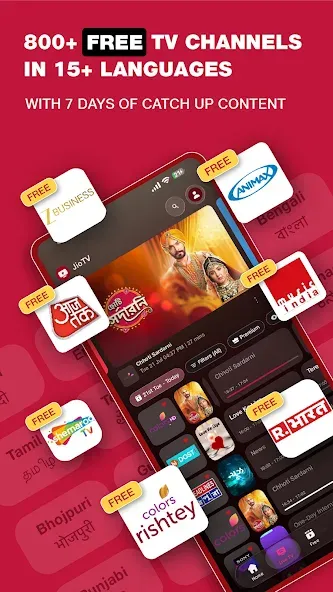
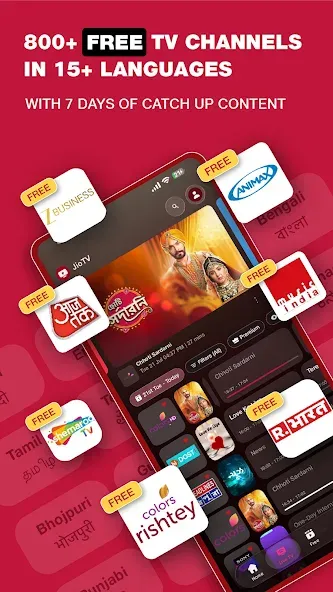
The catch-up feature allows viewers to access programs broadcast within the preceding seven days. This addresses the practical gap between scheduled broadcast times and actual audience availability. By retaining programming for seven days following initial broadcast, the service enables asynchronous consumption of recent content without requiring real-time viewing. This window extends the practical utility of broadcast programming while maintaining the freshness characteristic of broadcast-on-demand models.
On-demand movie content provides permanent library access distinct from time-limited broadcasts. Films alongside live channels within a unified application enable seamless access across content types. This model combines scheduled linear television with user-directed on-demand selection, expanding the service beyond broadcast-dependent viewing patterns.
Games extend the platform's entertainment scope beyond video programming. Their inclusion positions the service as a comprehensive entertainment destination rather than exclusively video-focused, acknowledging varied entertainment consumption patterns within audiences.
Getting started takes a few steps and works well for casual or daily viewing. For a smoother setup and the current layout, consider installing the JioTV latest version. Once open, you can browse the guide, choose a language, and begin watching without extra steps.
Open JioTV on your phone, then review any prompts and grant permissions if requested.
From the home screen, go to the TV Guide and filter by category or language to narrow the list.
Select a channel to start a live stream, and use the on-screen controls to pause or resume if supported.
If you missed a show, open the channel page and pick from the available 7-day catch-up episodes.
To keep track of future programs, tap Set Reminder or Add to Watchlist, and turn on Picture-in-Picture when you need to multitask.
Love watching live TV on Jio TV app. But it will be great if you can develop it for Apple TV version as well. Just like you'll have it for Jio Cinema. Thanks. Cheers. Keep up the good work.
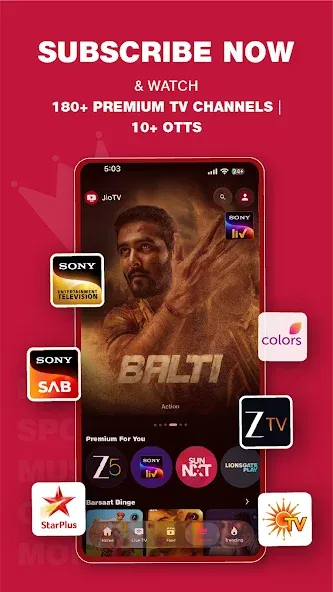
super app. but zee telugu and zee movies live channels are not available at 55 pack. please pursue this issue to add these 2 channels.its a lot of draw back.
The app is very user friendly. For the last few days all the favourites are not visible. Even adding favourites again, it does not appear in favourites. I wish it should be set right.
good work but please add one plan only for live TV and one plan live tv and ottcombo both.......waiting ans...(request add zee5 live TV in ₹55 plan).
As we cannot carry our home TV in our daily life, it is very good that we can watch this app with very little money subscription. But here I would like to say that normal channels should be kept along with HD channels and only TV ads should not come without any sponsored ads.
With JioTV, the last week's content will always be available on demand and this allows you to catch up with episodes of your favorite series or TV shows that you did not catch when they went out. The picture-in-picture function allows you to continue watching a broadcast while accessing other apps on your smartphone. You can even organize your favorite content by creating a watchlist that will bring all the audiovisual content you want to watch in one place.
Size:77.93MB Version:7.1.8
Requirements:Android 5.0+ Price:Free
Package Name:com.jio.jioplay.tv Signature:af367edb6f21f88c2a4eb0e34564acd2
Looking for Apps to download movies for free? DigitBin is here to assist you. Android, being an open-source platform, has given developers the power to develop some of the cool Apps that make the life of the netizens easier. Developers create unofficial media apps for downloading or streaming movies and TV shows on different devices. However, Google doesn’t allow these apps on its Play Store because they violate its policies. Still, you can freely install these apps on an Android phone from unknown sources. DigitBin has listed some of the best apps to download movies directly on Android. Most of these Apps do not store the movies on their web servers but search web directories to stream the movies and TV shows online. Today in this post, I will tell you about a few of the best Android Apps to download and watch HD movies on your mobile.
Is it safe to say the movies are back? Admittedly, they never really left. But it seems in this decade where every year throws up new challenges and hiccups in the industry, folks become convinced the sky is falling and cinema’s days are numbered. Still, here we are back at the end of the year. And once again, there seems plenty to be thankful for as new cinematic images burrow their way into the collective subconscious for years to come. Whether it’s the sight of Muad’Dib standing before a nation of radicalized disciples as if he were a space-aged T.E.
What are the best video player software? The editor recommends some treasure level video player apps to provide users with a massive collection of TV dramas and movie resources, allowing you to enjoy the joy of binge watching at any time. The interface is beautiful and the design is simple, and many functions are displayed very clearly without the need to search everywhere. It also has various functions such as screen casting and video screenshot, and all formats can be easily played without conversion, ensuring that users can enjoy the smoothest and highest definition picture quality. Interested friends, come and download it now.
About us | Contact us | Privacy policy| DMCA
Copyright © 2026 Xiaohei All rights reserved.