Google Chat is a communication app designed for Android. It allows users to send messages to individual contacts or groups. The app features real-time language detection and automatic translation, making it accessible to users worldwide. You can also host video meetings and invite multiple participants for online discussions. With a variety of file management and cloud storage tools, it is well-suited for professional use. Furthermore, the app integrates seamlessly with many popular third-party applications and provides robust security measures to protect user privacy.
Smart Assistance for Busy Chats
Get conversation summaries to catch up quickly.
Automatically translate messages across more than 120 languages.
Use AI-powered search to find emails and files.
Track action items so everyone knows their responsibilities.
Flexible Connectivity
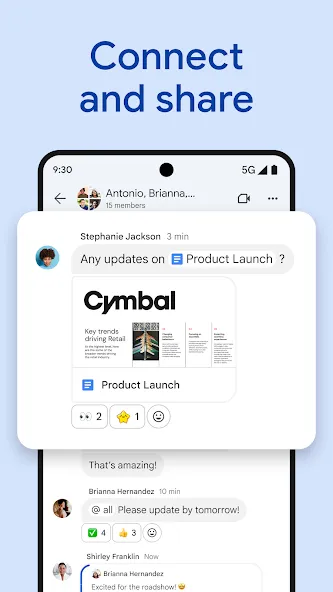
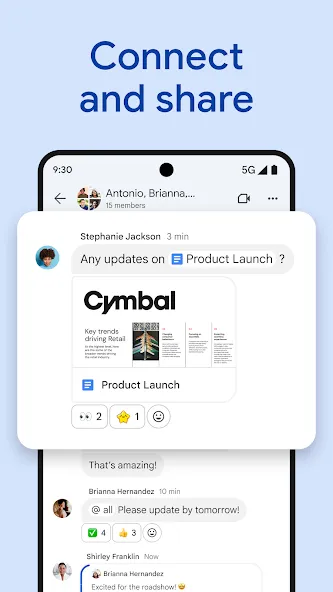
Send messages to individual users, groups, or entire spaces. Set your status to indicate your availability. Share updates via voice or video messages, or launch quick meetings for real-time discussion.
Workspace Integration and Apps
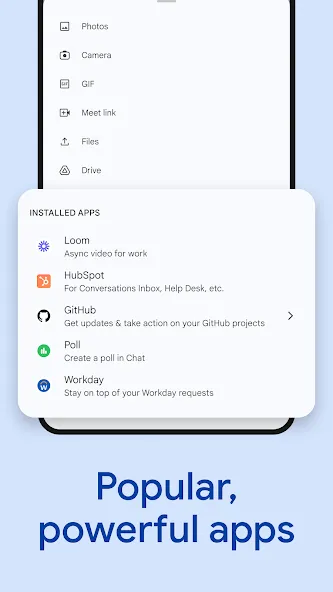
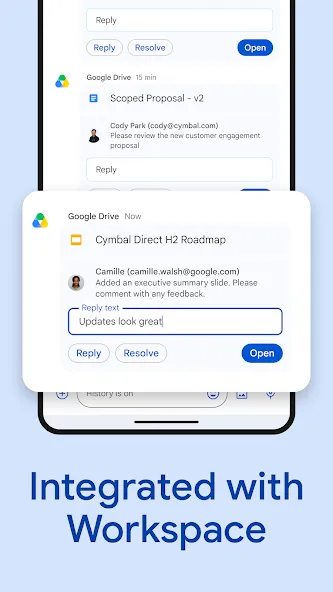
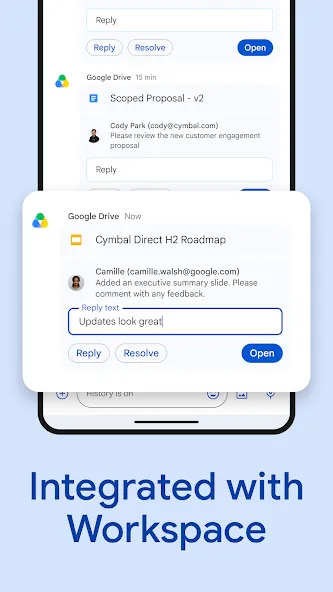
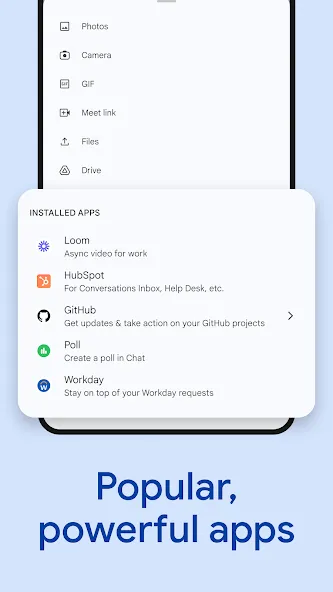
To streamline your work, Google Chat integrates with Gmail, Calendar, Drive, Tasks, and Meet, keeping all your information connected. Use smart tags while typing to quickly reference files, contacts, and spaces. It also supports popular third-party apps like PagerDuty, Jira, GitHub, and Workday, allowing for quick updates and the ability to view Drive requests and comments directly within your chats.
Secure by Design
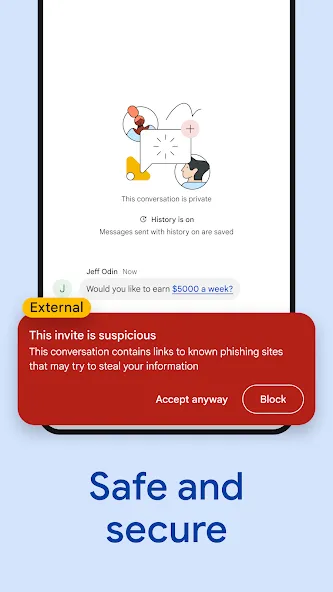
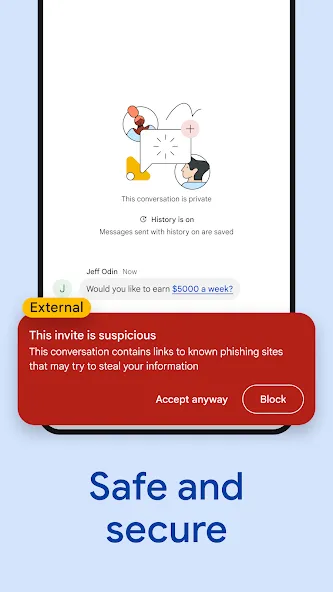
For enhanced security, Google Chat utilizes a cloud-native, zero-trust architecture. There is no need to patch desktop clients, and user data is never stored on your device. Features like data loss prevention (DLP) and detection for phishing and malware help mitigate common risks.
You can easily access Google Chat via the Google app launcher—represented by a grid of dots—located in the top-right corner of your Workspace screen. Clicking this grid will display a list of applications, including Gmail, Calendar, Contacts, and Drive. Simply select the app you want and click to open it. Upon opening the app, you will see a list of your chat history on the left side of the screen. You can view the status of your contacts and see who is currently online. Simply tap on a contact from the list, type your message, and hit the "Send" button to begin a one-on-one conversation. You can also leverage AI features to generate automated replies. Furthermore, you can share spreadsheets and documents from Google Drive, which participants can then access directly via Google Docs.
Pros:
Gemini-powered summaries, translation, and search help manage busy, high-volume discussions.
Deep integration with Google Drive, Calendar, Meet, and Tasks.
Supports audio and video messages, as well as "huddles" (quick, informal meetings).
Includes robust security controls tailored for organizations.
Cons:
Managing multiple Spaces and direct messages can feel cluttered.
Notification settings may require some fine-tuning.
I finally discovered an underrated gem today: Google Chat. After getting used to bloated social apps, this feels like a breath of fresh air—a total game-changer. Unparalleled freedom: There are virtually no restrictive content filters, allowing for truly open and unrestricted communication. A productivity hub: With AI and various tools integrated directly into the chat interface, you can get instant answers to your questions—the level of openness is simply unbeatable. Lightweight and native: The interface is as clean as a work of art; it’s efficient, lag-free, and exactly how a mobile app should be.
The mobile version of Google Chat is now available for personal accounts. It integrates various Google services—such as Search, Drive, Calendar, Meet, and Tasks—creating a tightly-knit ecosystem that enhances collaboration. I recommend transitioning from Hangouts to Google Chat; since both rely on the same Google account system, the switch is seamless.
It’s a comprehensive suite of Google’s productivity tools, and it has the potential to become a central hub for getting things done. With Google Workspace now open to personal accounts and the platform’s features constantly improving, it’s time to update.
Google Chat provides an efficient platform for users to stay connected anytime, anywhere. Its user-friendly design makes it accessible even to those with limited technical expertise, making it an ideal choice for anyone seeking a fast, secure way to communicate online without needing any specialized technical knowledge.
Size:37.17MB Version:2026.10.26.10070
Requirements:Android 6.0+ Price:Free
Package Name:com.google.android.apps.dynamite Signature:ae7caa97cd3318da754801f206b5328d
In today's digital era, many people find dating apps to be an incredibly effective way to expand their social networks. As one of the most convenient tools for modern socializing, these platforms offer users diverse opportunities to connect with others. Our curated selection of dating apps provides high-quality matching services, helping users quickly find like-minded people for meaningful interactions. Whether you're looking for friendship or romance, these apps empower you to meet new people in ways that suit your personal preferences and social style, making the journey of connection both enjoyable and rewarding!
Android mobile dating is one of the social channels for many otaku and beautiful women. Everyone likes to stay at home, lie on the sofa, chat with that person, share pictures, and communicate their feelings. Faced with the abundance of mobile dating apps in the Android market, do you often feel overwhelmed when choosing? Which Android mobile dating app is the best and most convenient? Our website has collected and organized a variety of mobile dating apps with different functions and designs for you to download and use for free.
Today, I would like to recommend several adult social chat apps that have a large user base. You can find friends from all over the world, open the same city to meet strangers nearby, interact and chat with them, and become friends. They provide various chat functions and can communicate through text, voice, video and other means. If you want to meet more opposite sex friends, download them now.
About us | Contact us | Privacy policy| DMCA
Copyright © 2026 Xiaohei All rights reserved.