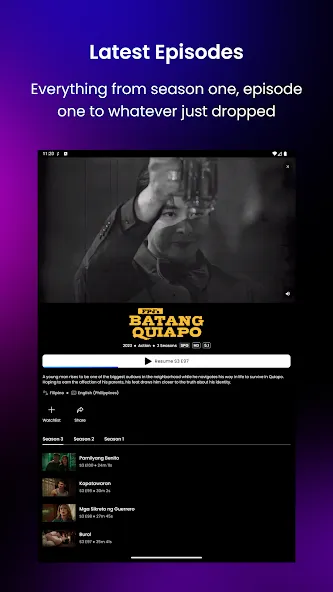
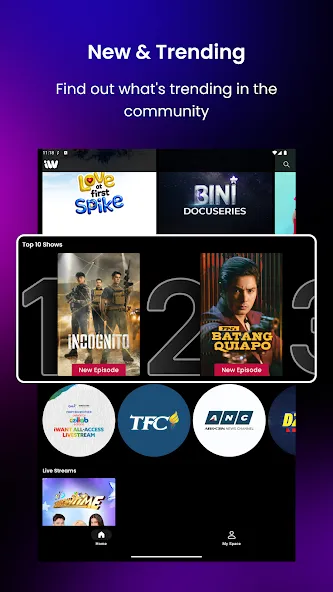
iWant TV is a video streaming application designed for the Android platform. It offers an extensive library of movies and TV series, along with a variety of live television channels from different regions. The app is compatible with multiple devices and supports casting to a television for a larger-screen viewing experience. Content is presented in high clarity, with playback becoming even smoother when connected to the internet. The interface is clean and intuitive, featuring a robust navigation system that allows users to find content quickly and easily. Additionally, the app supports offline viewing for select content, enabling users to watch their favorite shows anytime, anywhere.
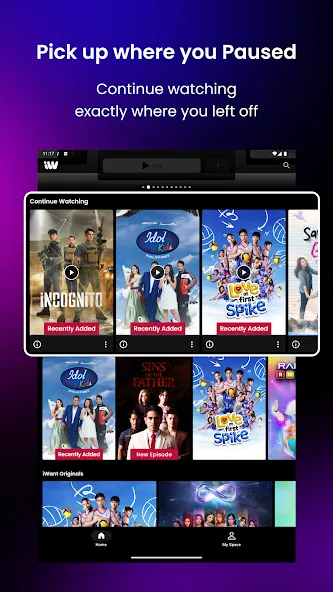
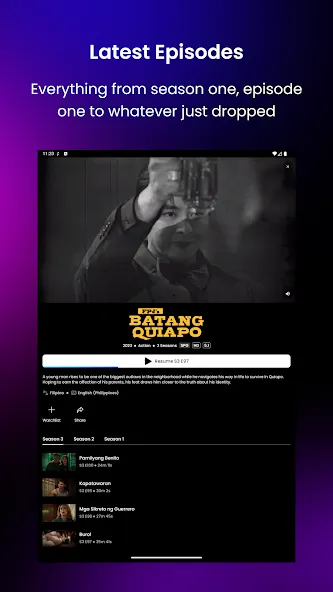
On-Demand Library: Watch thousands of movies and TV episodes whenever you want—no need to worry about broadcast schedules.
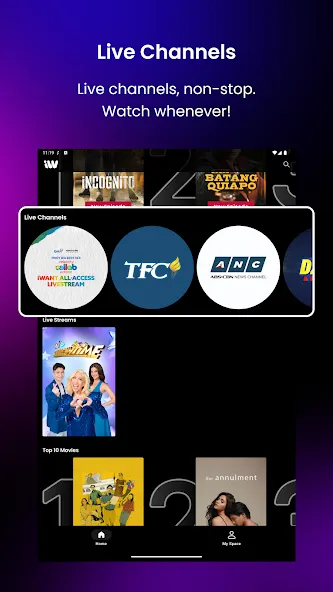
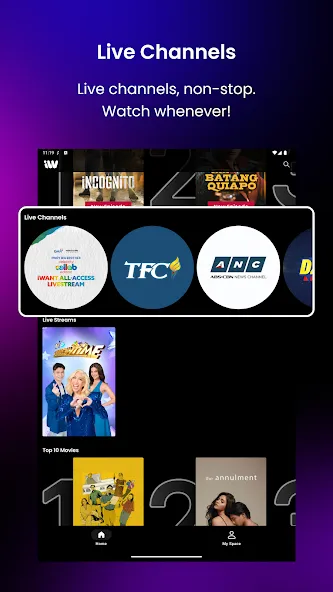
Live TV Channels: Stream live programs directly through the platform, including news and entertainment.
Multi-Device Support: Accessible via smartphones, tablets, smart TVs, and web browsers.
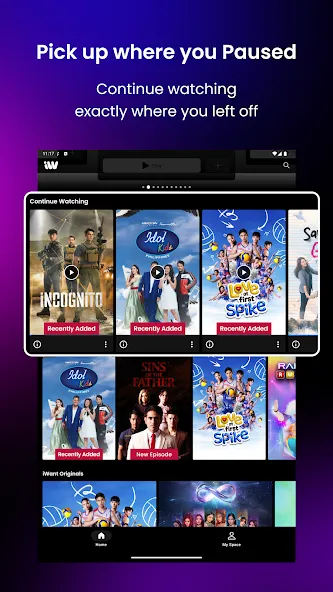
User-Friendly Interface: A clean, straightforward design makes finding content fast and effortless.
HD Streaming Quality: Enjoy crisp, high-definition video (subject to your internet connection).
Offline Viewing: Save select content to watch later—perfect for travel or situations with poor internet connectivity.
Free and Premium Versions: Access basic content for free, or unlock a wider selection with a premium subscription.
Pros:
Free access to a basic content library.
Live TV functionality—a feature not commonly found on all streaming platforms.
Compatible with a wide range of devices.
Affordable premium subscription plans.
Strong selection of regional and local content.
Cons:
The content library may be smaller than that of global giants like Netflix.
Some features require a paid subscription.
Use a stable internet connection: For smooth HD streaming, a minimum speed of 10 Mbps is recommended. For 4K content, a speed of 25 Mbps or higher is advised.
Keep the app updated: Always use the latest official version of the app. Updates often include bug fixes, performance improvements, and new features. Use Wi-Fi instead of mobile data: Streaming over Wi-Fi saves your mobile data and typically provides a more stable connection, ensuring uninterrupted viewing.
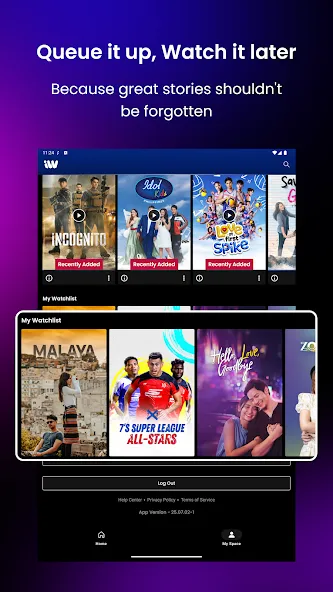
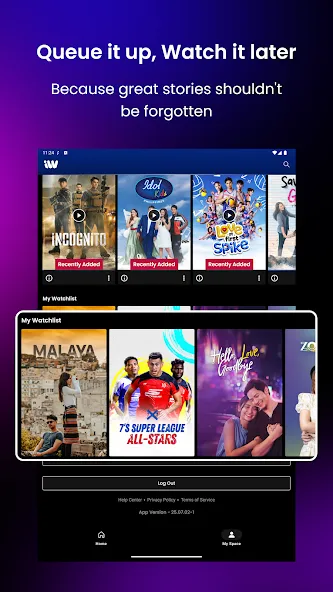
Create a watchlist: Use the platform’s watchlist or bookmark feature to save shows you plan to watch. This saves time and helps keep your entertainment organized.
Explore free content first: Before upgrading to a premium plan, check out the free content available. You might find plenty to watch without spending a cent.
Adjust video streaming quality: If your internet speed is slow, manually lower the video quality settings. This helps prevent frequent buffering and provides a smoother viewing experience.
Which devices support iWant TV?
iWant TV is available on smartphones (Android and iOS), web browsers, smart TVs, and major streaming devices, supporting a wide range of screen sizes.
Can I watch live TV on iWant TV?
Yes. A key feature of iWant TV is its live TV section, which includes real-time broadcasts of entertainment and news channels.
Is iWant TV available globally?
iWant TV is accessible in many regions; however, due to copyright agreements, some content may be restricted based on your location.
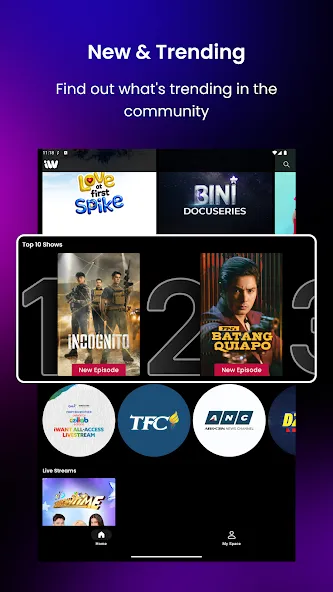
With multi-device support, a user-friendly interface, and both free and paid options, the platform caters to a wide variety of viewers. Whether you are a casual viewer or a dedicated binge-watcher, you are sure to find something that suits your tastes on iWant TV.
Size:19.71MB Version:5.4.2
Requirements:Android 7.0+ Price:Free
Package Name:com.abscbn.iwantv Signature:5eddcfe32da58c9cc1d3d2ca4bb45ad6
Looking for Apps to download movies for free? DigitBin is here to assist you. Android, being an open-source platform, has given developers the power to develop some of the cool Apps that make the life of the netizens easier. Developers create unofficial media apps for downloading or streaming movies and TV shows on different devices. However, Google doesn’t allow these apps on its Play Store because they violate its policies. Still, you can freely install these apps on an Android phone from unknown sources. DigitBin has listed some of the best apps to download movies directly on Android. Most of these Apps do not store the movies on their web servers but search web directories to stream the movies and TV shows online. Today in this post, I will tell you about a few of the best Android Apps to download and watch HD movies on your mobile.
Is it safe to say the movies are back? Admittedly, they never really left. But it seems in this decade where every year throws up new challenges and hiccups in the industry, folks become convinced the sky is falling and cinema’s days are numbered. Still, here we are back at the end of the year. And once again, there seems plenty to be thankful for as new cinematic images burrow their way into the collective subconscious for years to come. Whether it’s the sight of Muad’Dib standing before a nation of radicalized disciples as if he were a space-aged T.E.
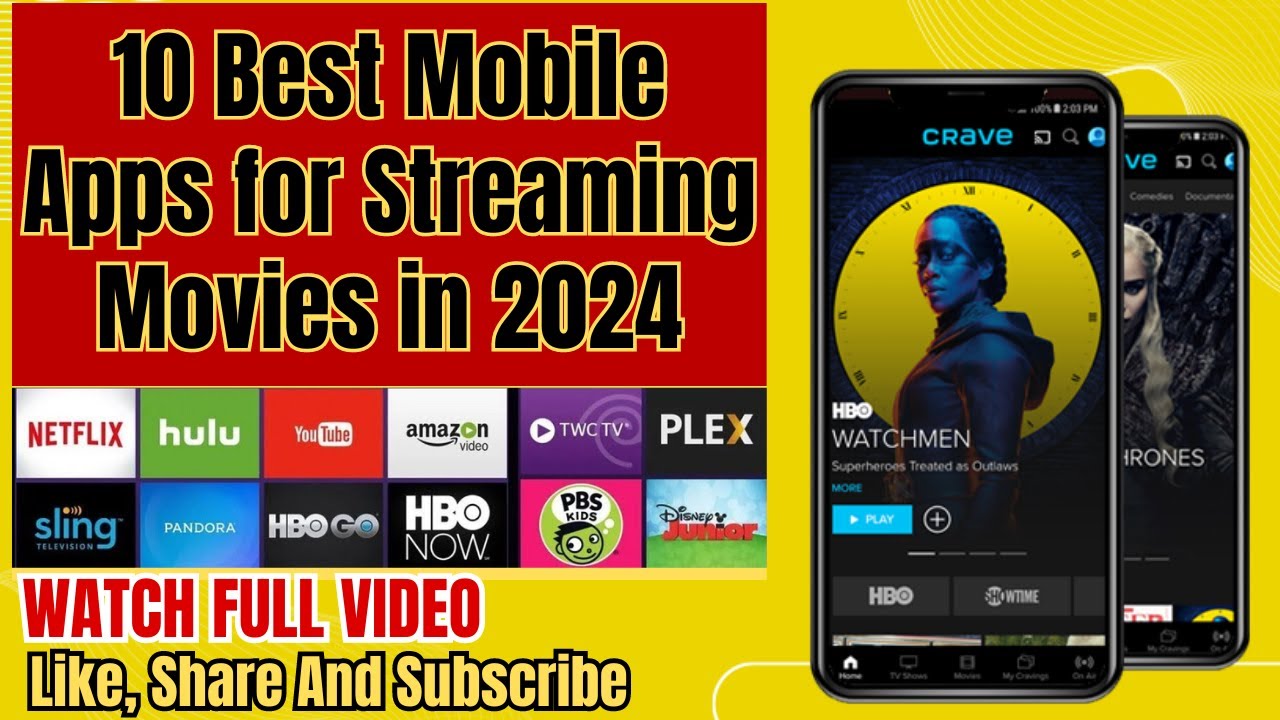
Free Cinema streaming apps offer various films and TV shows at our fingertips, catering to film enthusiasts, casual viewers, and budget-conscious streamers alike. These apps have become increasingly popular because they allow users to access a wide range of content without a subscription fee. Whether you’re looking for free movie streaming apps for Android, iPhone, PC, or smart TVs, every device has an option. This article will explore the best legal free movie streaming apps in 2024, helping you find the perfect platform for your viewing needs. Unlike free trials from amazon prime or netflix, these sites directly allows you to watch movies for free either after signup or without registering on their site/app.
About us | Contact us | Privacy policy| DMCA
Copyright © 2026 Xiaohei All rights reserved.