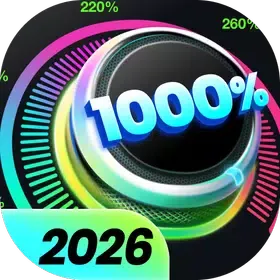
Volume Booster is an audio-visual application for Android. It allows users to amplify the sound of media apps, games, music, and audiobooks, as well as boost the volume of external speaker devices. The app includes a built-in music player, providing an enhanced listening experience, complete with the display of album art and other track information. Featuring a simple, user-friendly interface, it offers eight distinct sound modes that can be activated with a single tap. Additionally, the app includes home screen widgets for quick adjustments to settings. It supports background operation and does not require root access.
Extra Volume Booster and Speaker Booster
Boost system volume—alarms, ringtones, etc.
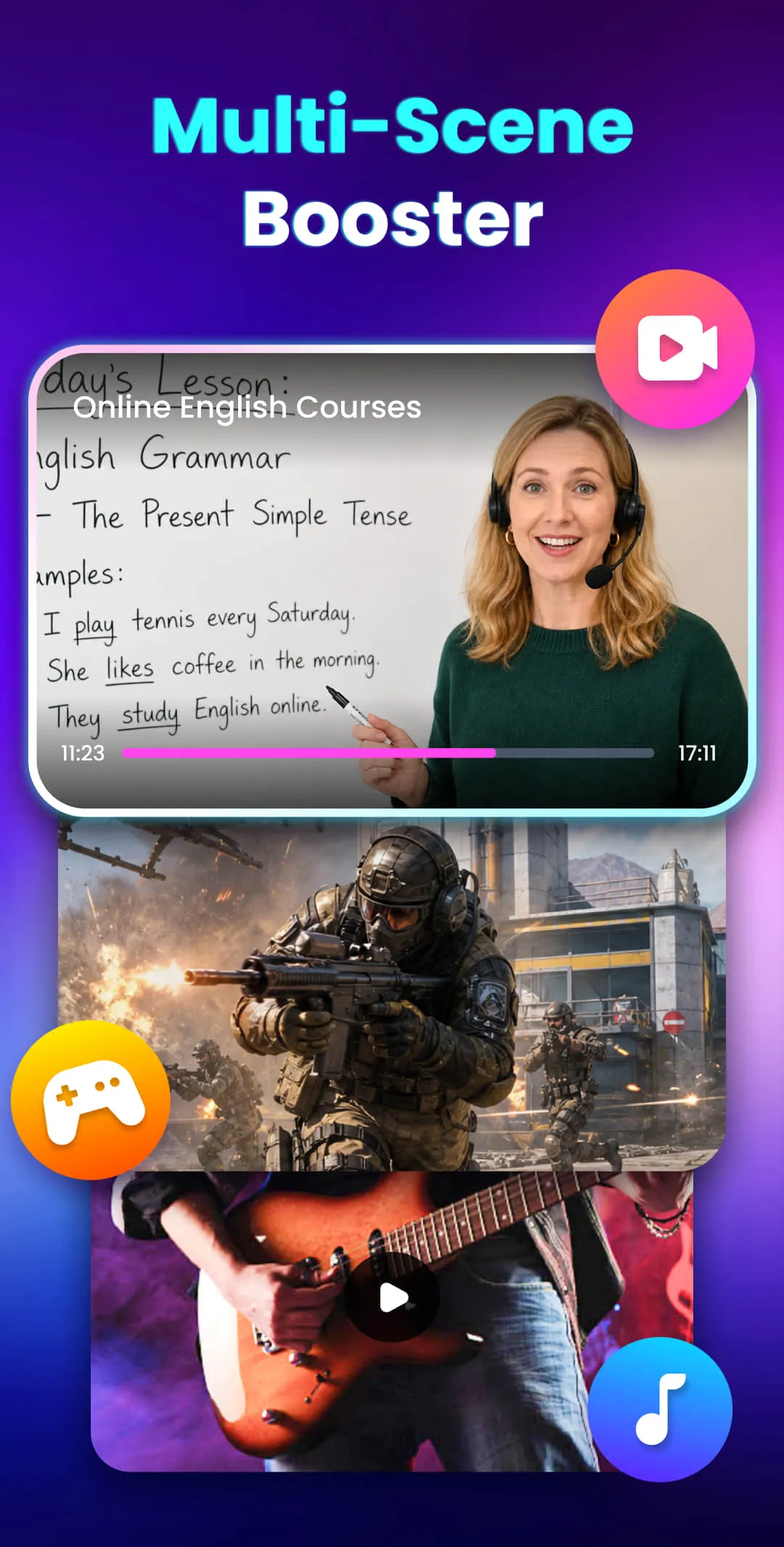
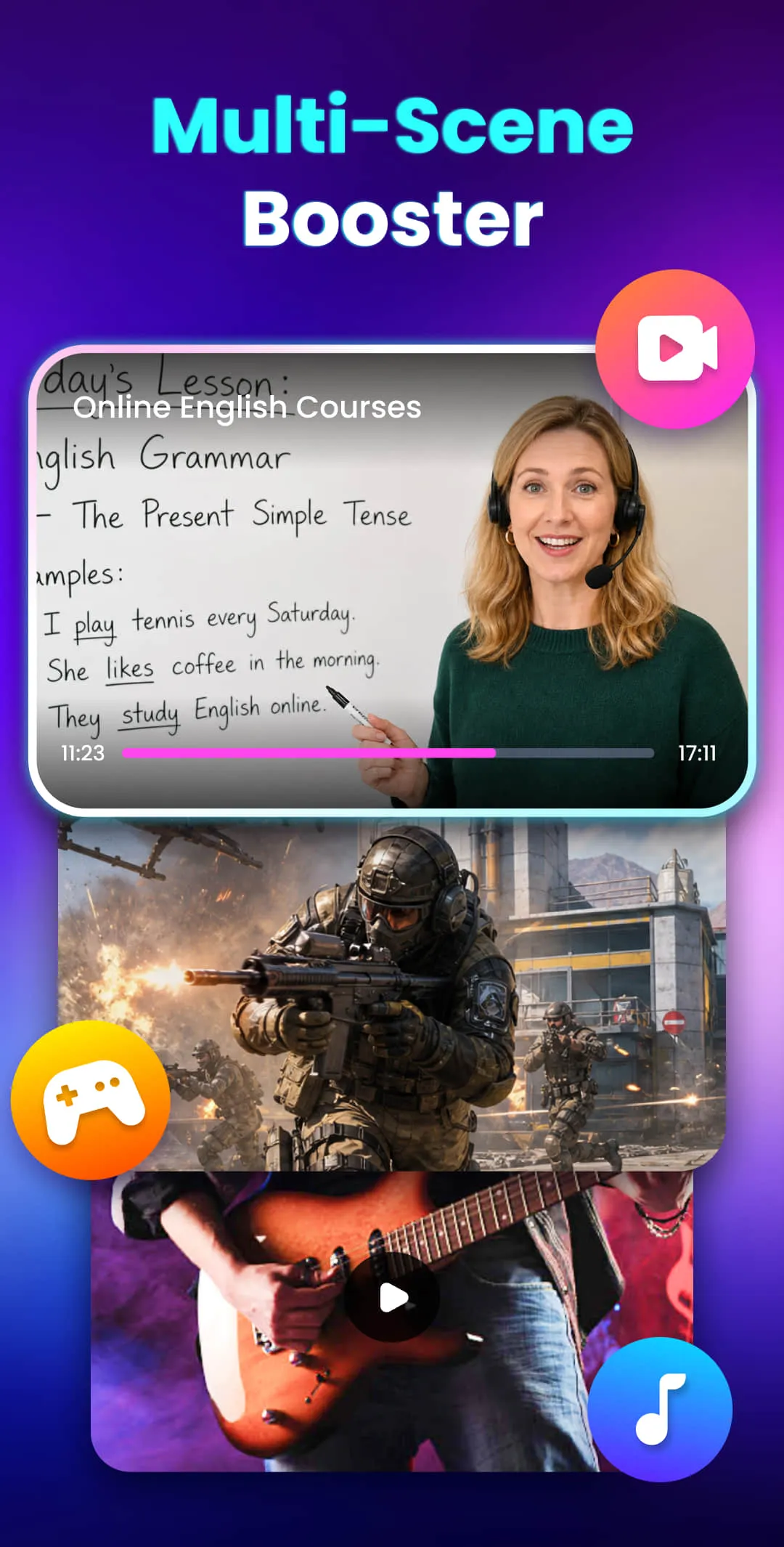
Boost media volume—videos, music, games, audiobooks, etc.
Enhance volume for external speakers, headphones, and Bluetooth devices.
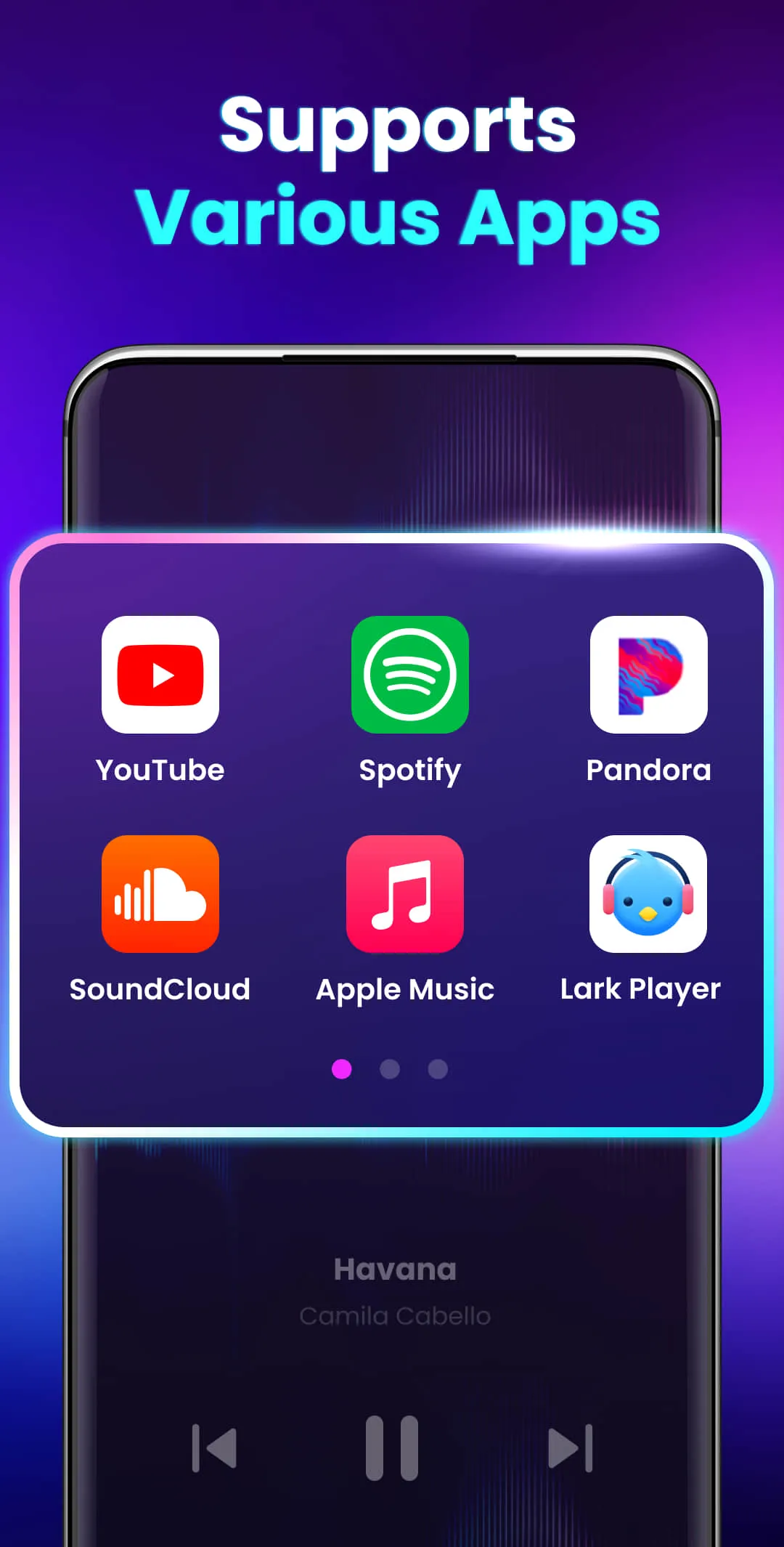
Built-in Music Player Controls
Integrated music player controls for an improved listening experience.
Displays album art, song titles, and artist names.
Supports playback functions such as play/pause and skipping to the next or previous track.
User-Friendly Operation
A simple, intuitive interface designed by a top-tier professional development team.
Eight sound modes allow you to set the volume to a specific level with just a single tap.
Home screen widgets and notification bar controls enable quick volume adjustments and toggling the booster on or off without needing to open the app.
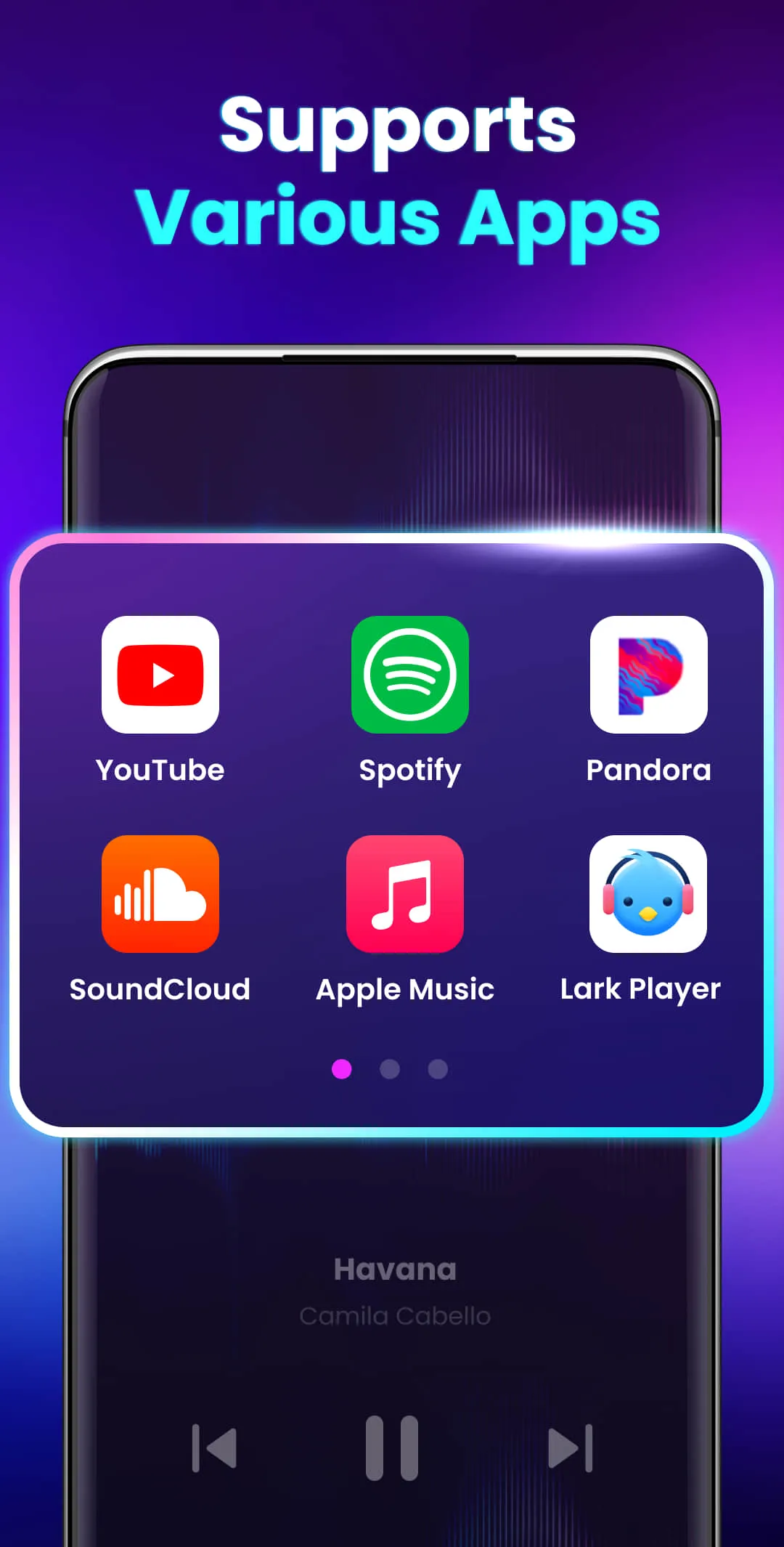
Increase all volume levels.
Boost volume without compromising sound quality.
Adjust volume to specific levels with one tap.
Stereo surround sound effects.
Music spectrum visualization that reacts to the melody.
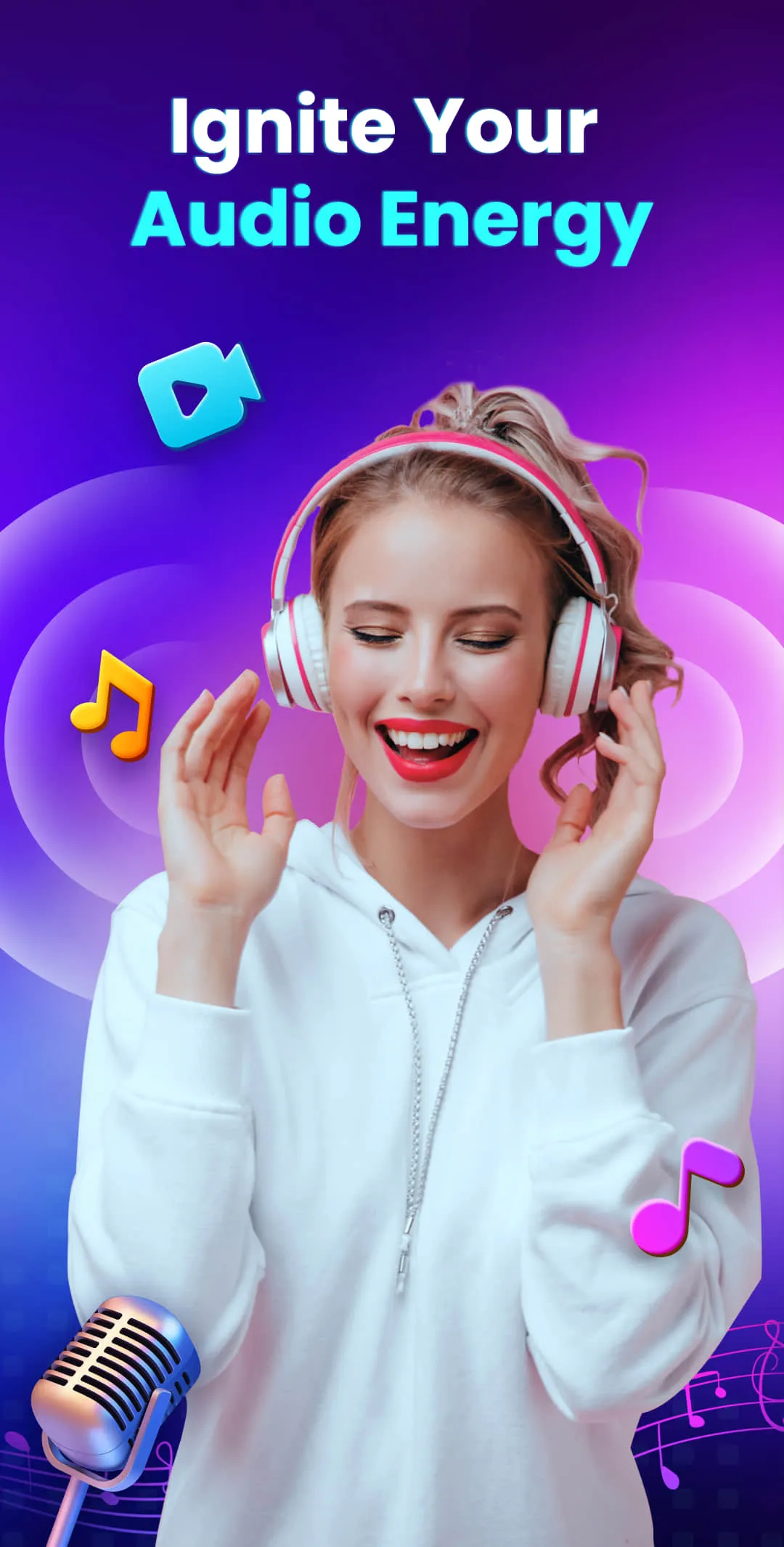
Supports background and lock-screen operation.
Quick controls via widgets and the notification bar.
No root access required.
How long does it take to download Volume Booster?
Volume Booster has a file size of 31.0 MB. Depending on your network speed, the download may take anywhere from a few seconds to a few minutes when using a stable 4G, 5G, or Wi-Fi connection.
Why am I unable to download or install the app?
Common reasons include insufficient storage space, an incompatible Android version, an unstable network connection, a corrupted download file, or a lack of installation permissions.
What are the system requirements for Volume Booster?
The latest version of Volume Booster requires Android 8.0 or higher. If your device is running an older version of Android, please check if an earlier, compatible version of the app is available for download.
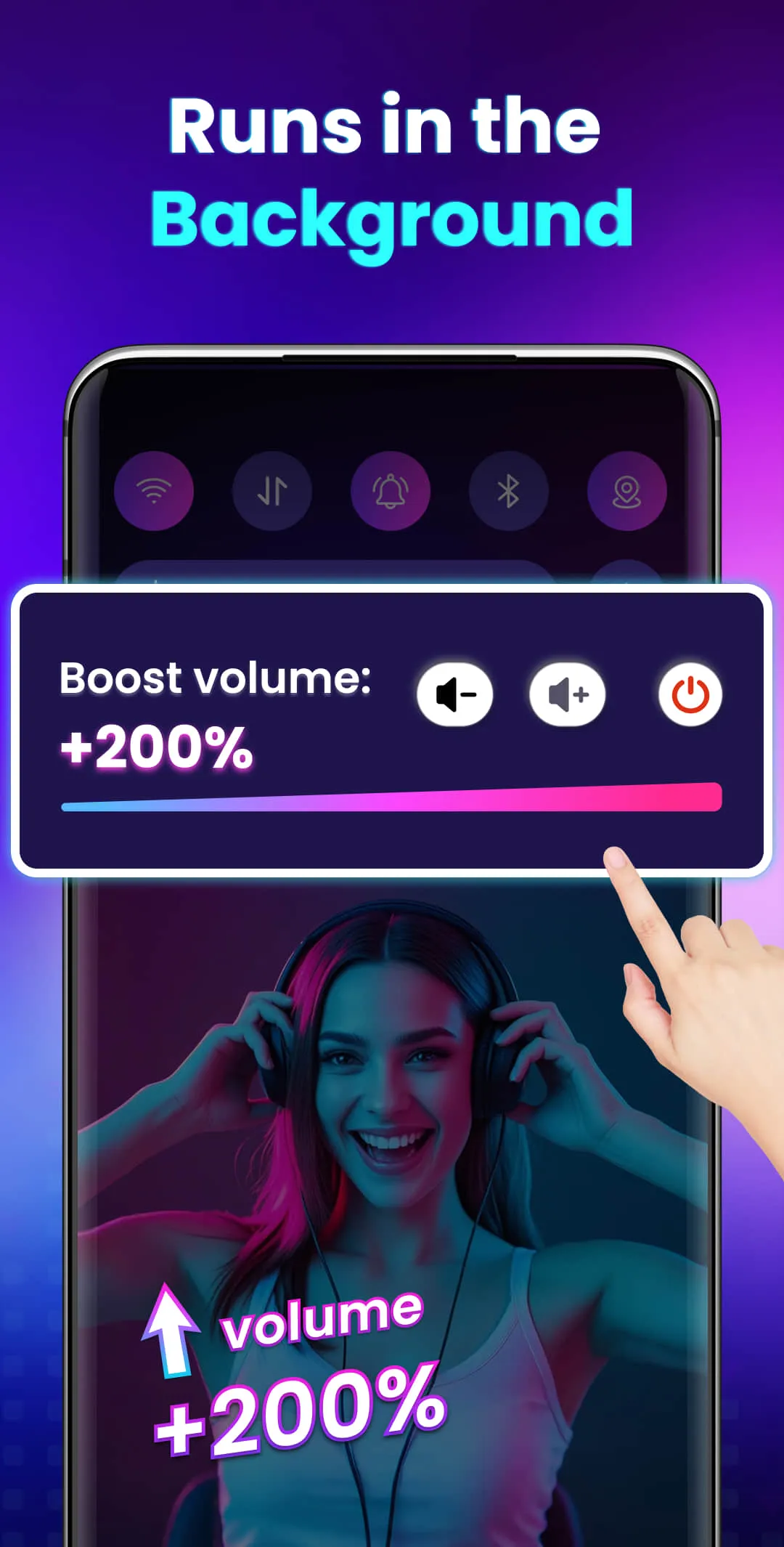
Elevate your music experience! Are you tired of not being able to hear your favorite songs clearly? Do you want to boost your device's volume and sound quality to fully enjoy your music? Look no further! Volume Booster will completely transform your music experience.
Size:31.01MB Version:3.1.0.62
Requirements:Android Price:Free
Package Name:volumebooster.soundspeaker.louder Signature:b9f4880c10d1f99689cf321771b515af
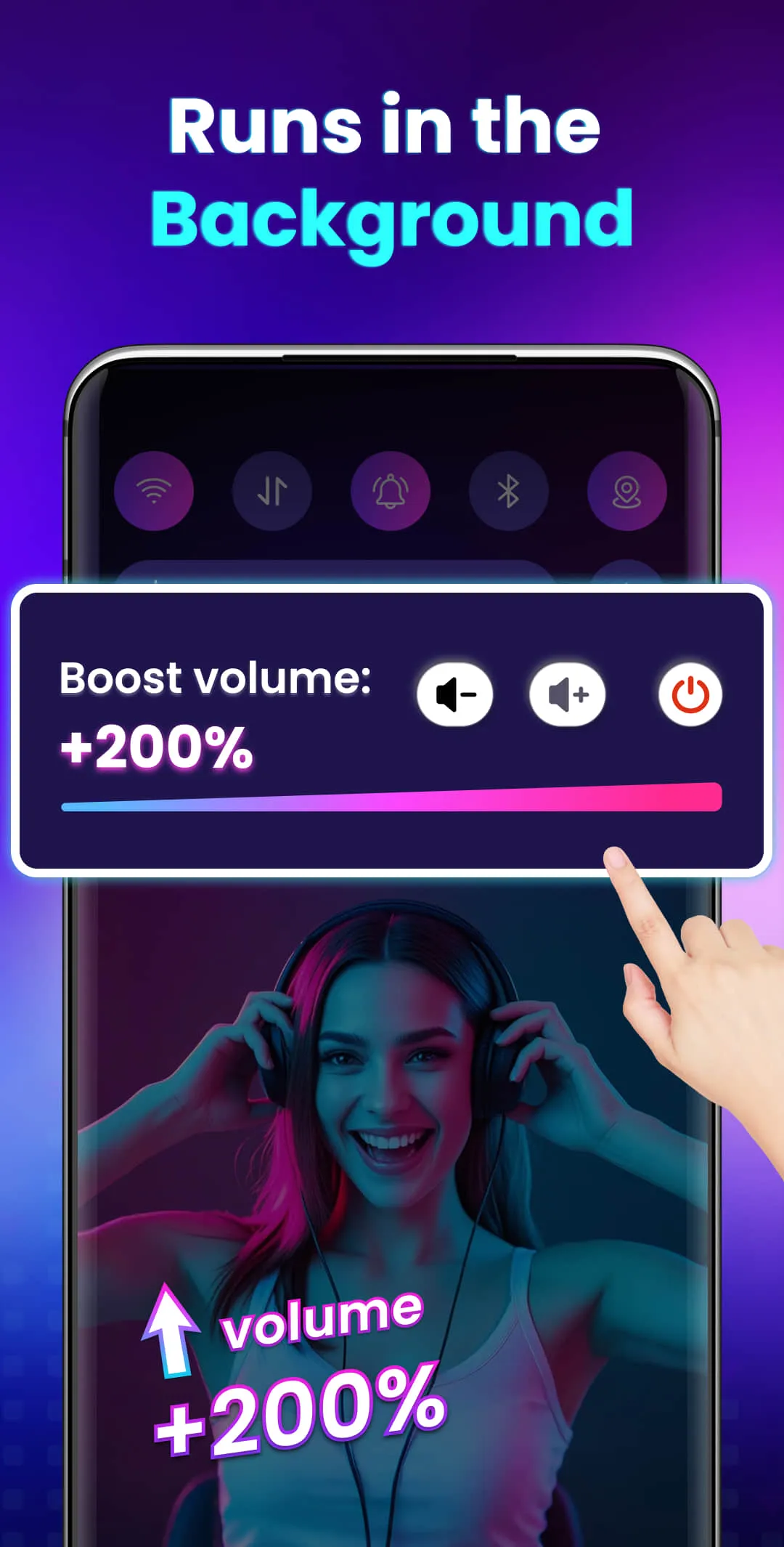
Dive into this comprehensive hub of music applications designed for every type of listener. Stream global hits, craft custom playlists tailored to your mood, or uncover hidden gems across diverse genres-all with intuitive, high-quality platforms. Discover both industry-leading streaming services and specialized apps offering exclusive features like AI-powered recommendations, social sharing, or advanced audio customization. Whatever your musical preference, find the ideal app to enhance your listening journey with effortless discovery and premium sound.
In today's digital era, music enthusiasts seek platforms that provide vast music libraries, high-quality audio, and seamless accessibility-all without subscription fees. Our curated selection of free music streaming apps delivers the perfect blend of variety, performance, and convenience, ensuring every listener finds their ideal soundtrack. Whether you're exploring new genres or enjoying timeless classics, these apps offer an unbeatable listening experience at no cost.
Music Player is a tool designed to play audio files, available as both software applications and dedicated hardware devices. It can be installed on electronic devices like smartphones, tablets, and computers, allowing users to stream or play locally stored music in various formats. Additionally, standalone hardware devices, such as MP3 players and digital audio players, are specifically built for high-quality music playback. Many modern music players support advanced features like equalizers, playlists, offline playback, and streaming service integration, enhancing the overall listening experience.
About us | Contact us | Privacy policy| DMCA
Copyright © 2026 Xiaohei All rights reserved.