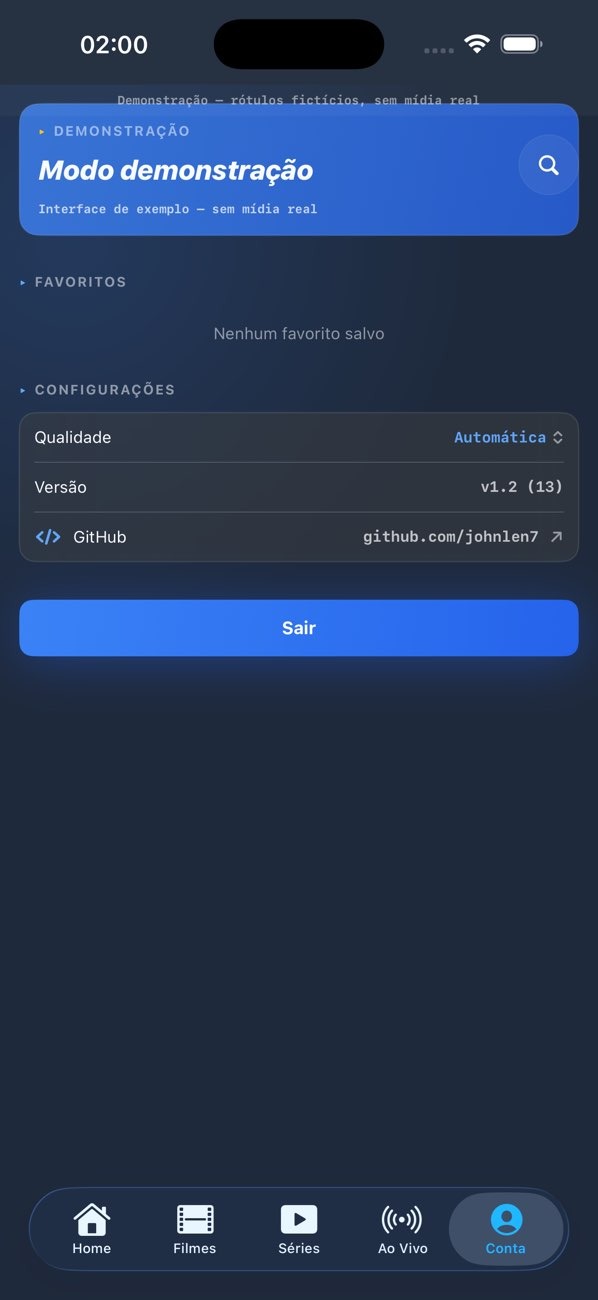
Lazer Play is an audio and video player designed for the Android operating system. It allows users to add video and audio files in various formats, as well as stream live content, videos, and movies. The app includes convenient tools for effortless playlist management and delivers excellent resolution and sound quality during playback. With its clean interface and robust navigation features, Lazer Play makes browsing through live streams and programs simple and intuitive.
Play Your Own Content
Lazer Play allows you to load your personal M3U playlists, giving you access to live TV, movies, and shows you are already authorized to view. If a program guide is available, it will be displayed to help you keep track of current and upcoming content.
Easy Playlist Management
You can add, name, and manage multiple playlists—whether for different providers or specific channel groups—making it quick and organized to switch between live channels and on-demand video libraries.
Fast, Stable Playback at Any Resolution
Lazer Play prioritizes rapid buffering and smooth video playback, ensuring that streams start quickly and remain stable. It supports high-definition (HD) video and adapts to various network conditions to guarantee a consistent, fluid viewing experience.
Clean, User-Friendly Navigation
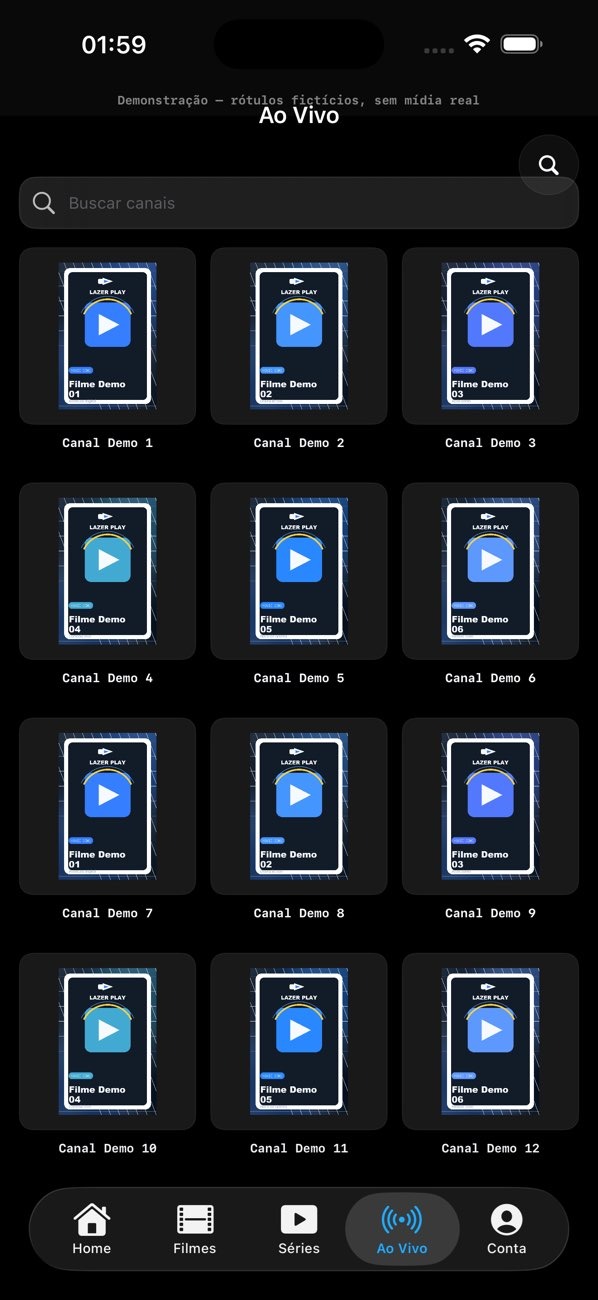
The interface is clearly laid out, with categories, an EPG (Electronic Program Guide), and search functions easily accessible—allowing you to find any channel or show in just a few taps. You can browse, filter, and continue watching content without ever losing your place.
External Player Support for Advanced Users
For those who require more advanced control, Lazer Play supports external players such as MX Player and VLC, allowing you to choose the best player for your specific device and streaming content.
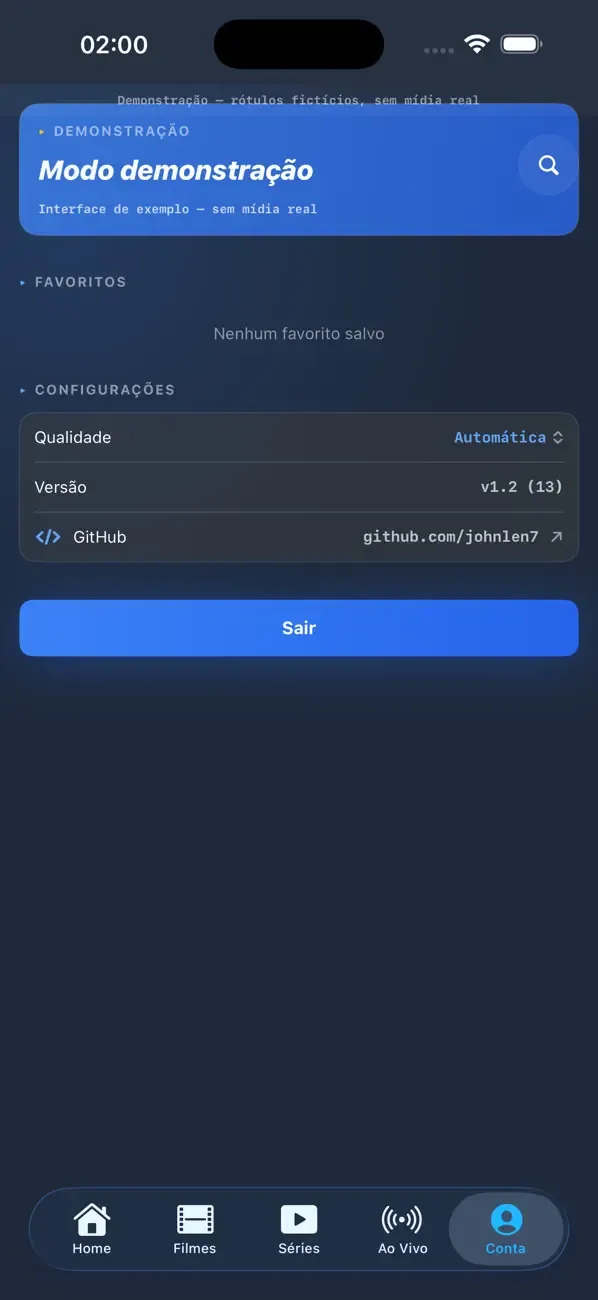
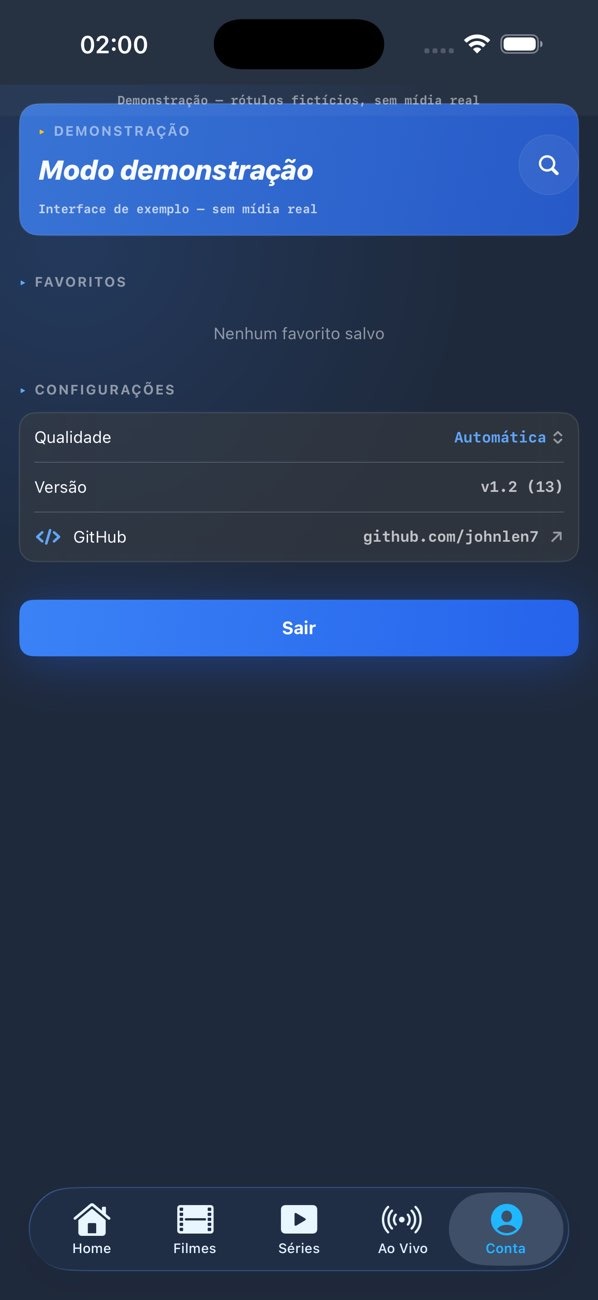
Once installed, open Lazer Play and register or log in to your account to save your settings across different devices.
Navigate to the playlist section to add your M3U link, or paste the content of your playlist file if provided by your service provider.
After the playlist loads, wait for the categories and program guide information to sync, then access live TV or on-demand content to see what’s available.
Select a channel or title to begin playback; you can also adjust audio or subtitle settings via the on-screen options if needed. Go to Settings and select an external player (such as MX Player or VLC) to take advantage of your preferred playback controls.
Does Lazer Play include channels or movies?
No, Lazer Play does not contain any content itself. It is a media player that organizes M3U playlists—which you obtain from your own content providers—to make playback easy and convenient.
What playlist formats does Lazer Play support?
Lazer Play supports standard M3U-based playlists, covering both live channels and on-demand video libraries. If your content source provides program guide data, Lazer Play can display EPG (Electronic Program Guide) details to help you browse.
Can I use MX Player or VLC with Lazer Play?
Yes, Lazer Play supports external players like MX Player and VLC. You can select your preferred external player in the settings to suit your desired control scheme and decoding options.
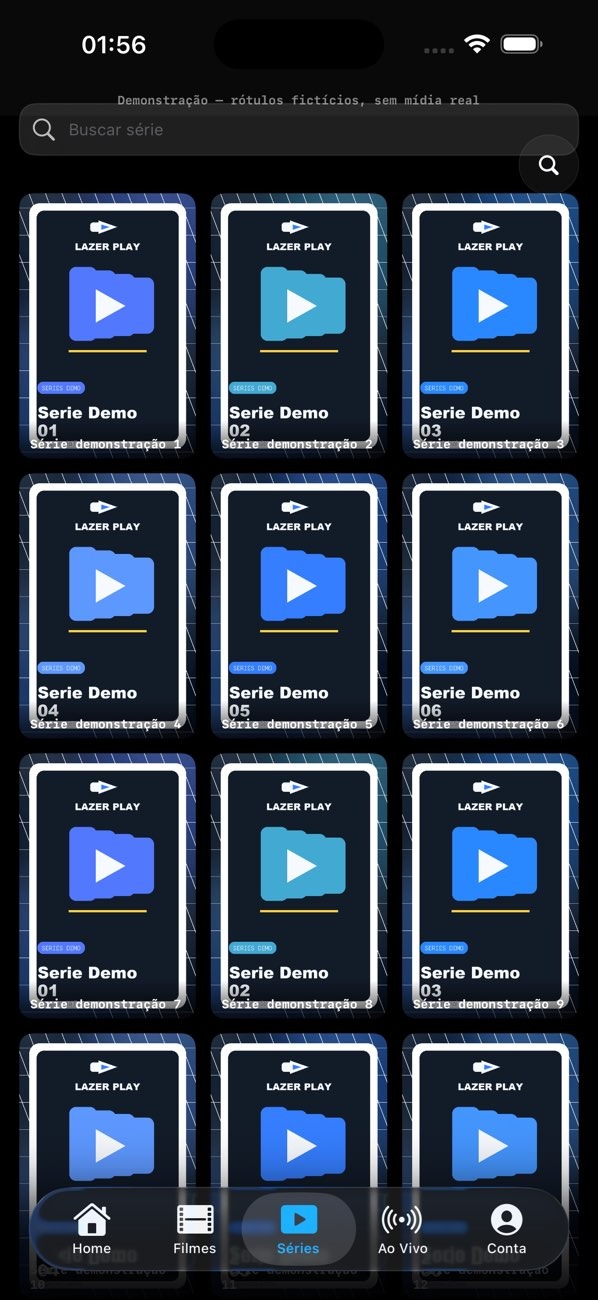
Lazer Play is designed to streamline your media consumption using personalized M3U playlists and XC credentials. Featuring a modern, user-friendly interface, it is compatible with smartphones, TV boxes, and Android TV, ensuring stable playback and efficient management of your favorite content. Users can customize categories and manage favorites, enjoying an intuitive navigation experience while benefiting from a strong focus on security and privacy.
Size:25.91MB Version:1.0.5
Requirements:Android 4.4+ Votes:247
Package Name:com.lazerplayer.app Signature:c009b17332f464e63d1ea45e1d98a2b6
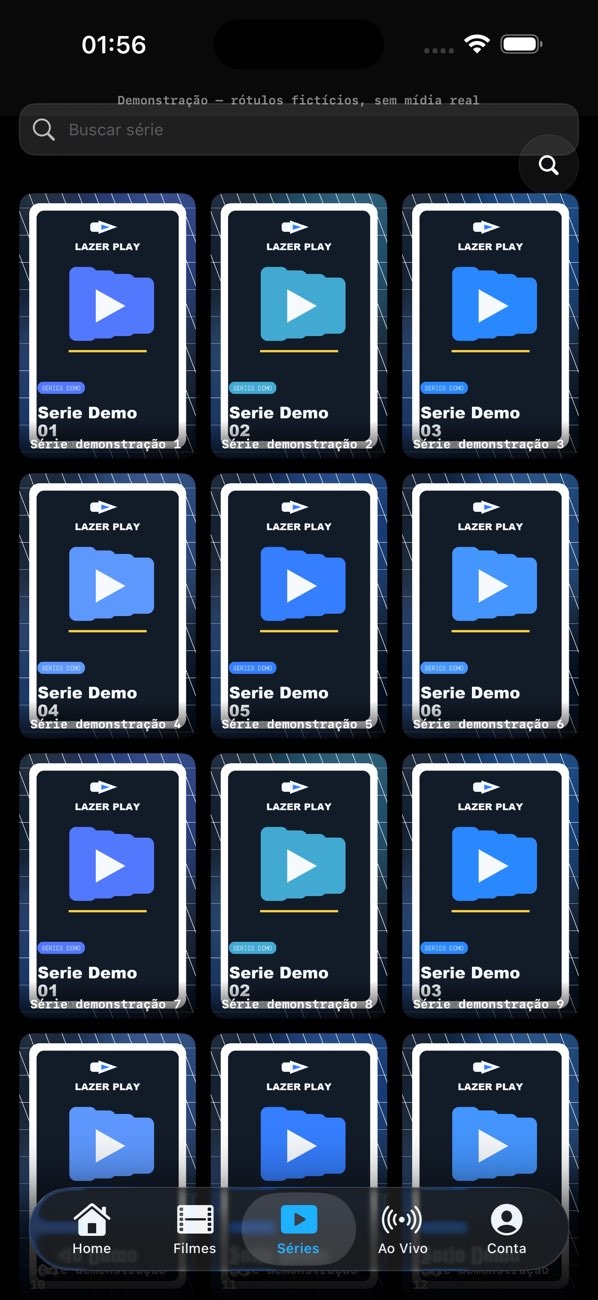
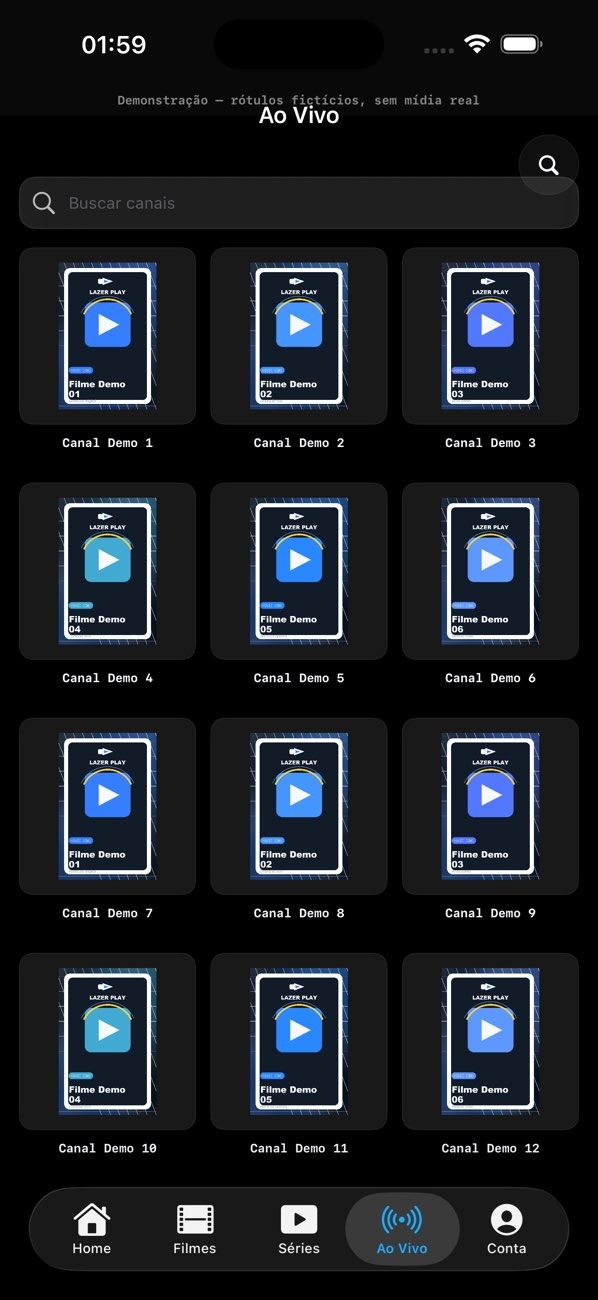
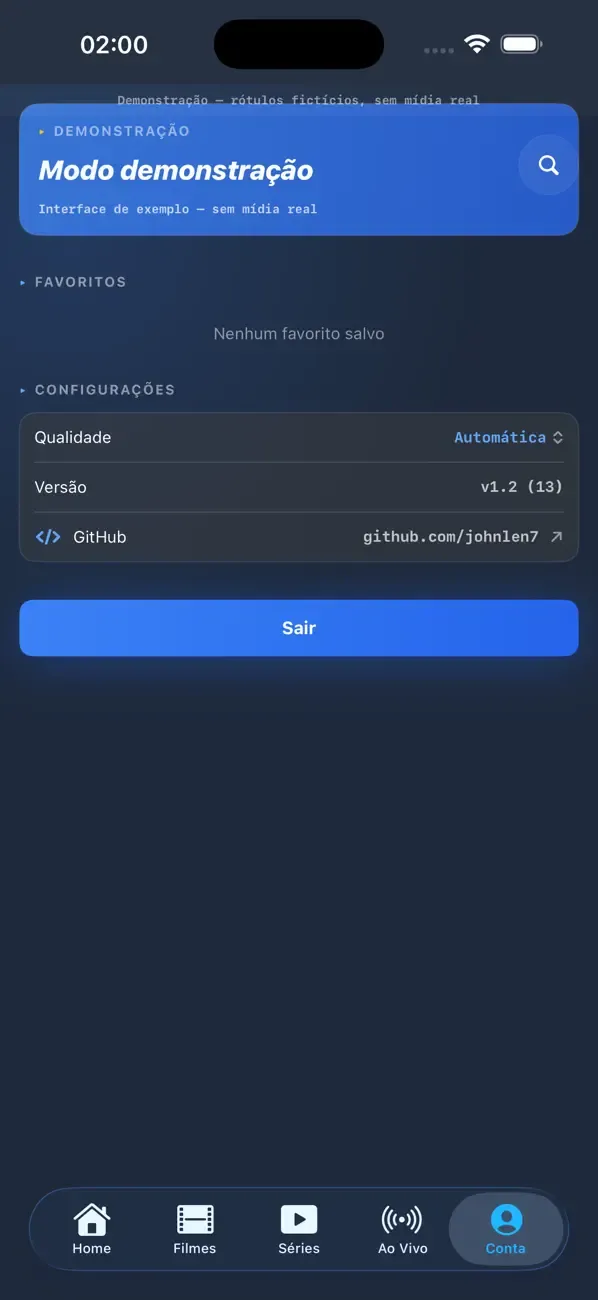
Discover top radio apps in one place! Stream global stations with TuneIn, enjoy personalized music on Pandora, or explore diverse content on iHeartRadio. Perfect for music, news, and podcasts on any device. Find your favorite app and start listening now!
Dive into this comprehensive hub of music applications designed for every type of listener. Stream global hits, craft custom playlists tailored to your mood, or uncover hidden gems across diverse genres-all with intuitive, high-quality platforms. Discover both industry-leading streaming services and specialized apps offering exclusive features like AI-powered recommendations, social sharing, or advanced audio customization. Whatever your musical preference, find the ideal app to enhance your listening journey with effortless discovery and premium sound.
In today's digital era, music enthusiasts seek platforms that provide vast music libraries, high-quality audio, and seamless accessibility-all without subscription fees. Our curated selection of free music streaming apps delivers the perfect blend of variety, performance, and convenience, ensuring every listener finds their ideal soundtrack. Whether you're exploring new genres or enjoying timeless classics, these apps offer an unbeatable listening experience at no cost.
About us | Contact us | Privacy policy| DMCA
Copyright © 2026 Xiaohei All rights reserved.