Tubi TV is a video streaming application that allows users to watch movies and videos completely free of charge. The platform features an extensive library of films from around the world, spanning a wide variety of genres. It is regularly updated, ensuring a fresh selection of content for users. In addition to on-demand viewing, the app offers live TV channels. It also provides access to various news programs and supports casting content to your television, making it easy to balance your entertainment with your daily life and work.
Free, Legal Streaming
Tubi TV offers free streaming of movies, series, and channels with minimal ad interruptions. There are no trials, no subscription fees, and no credit card requirements. You can start watching immediately, with the option to create an account later if you wish. This low barrier to entry makes it perfect for users who simply want to sit back and enjoy some entertainment.
A Vast and Diverse Library
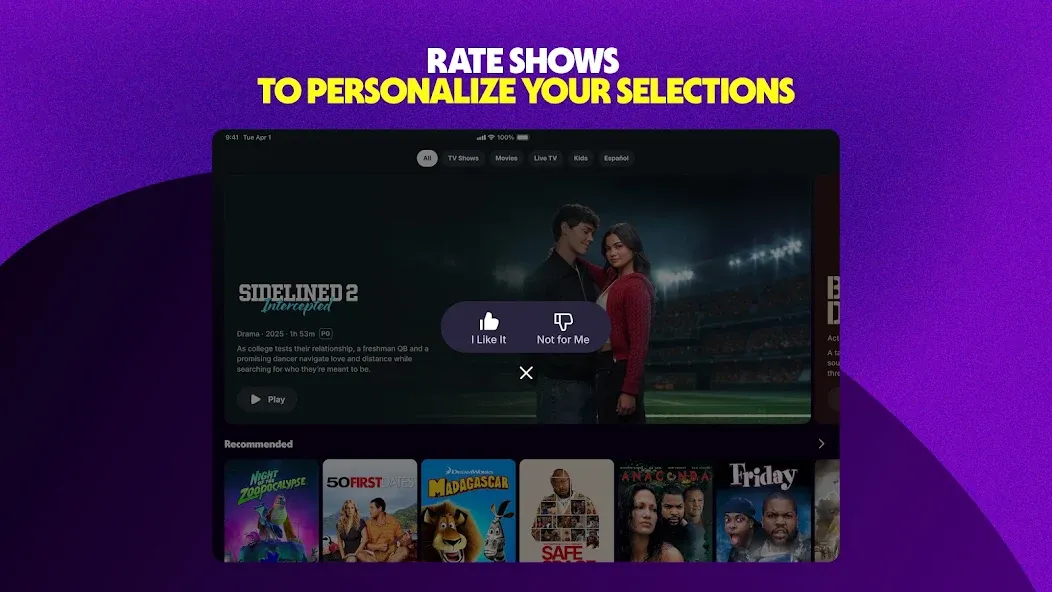
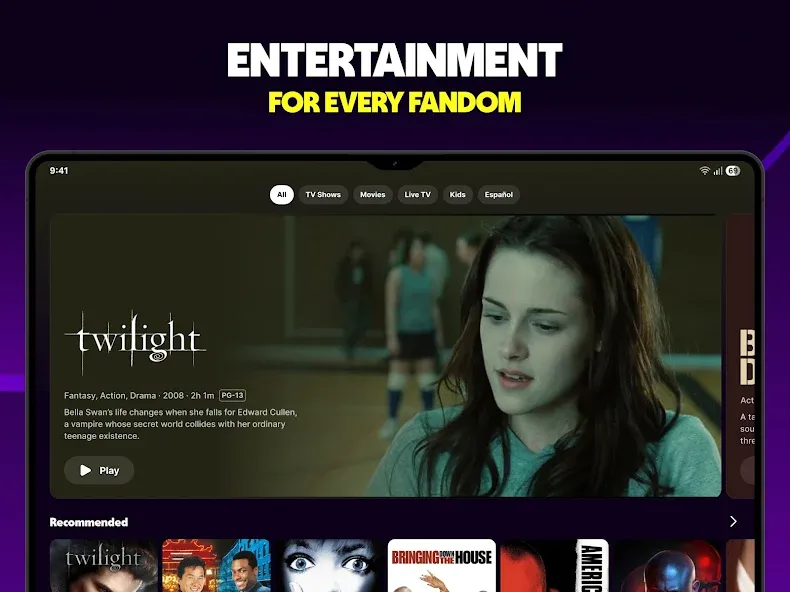
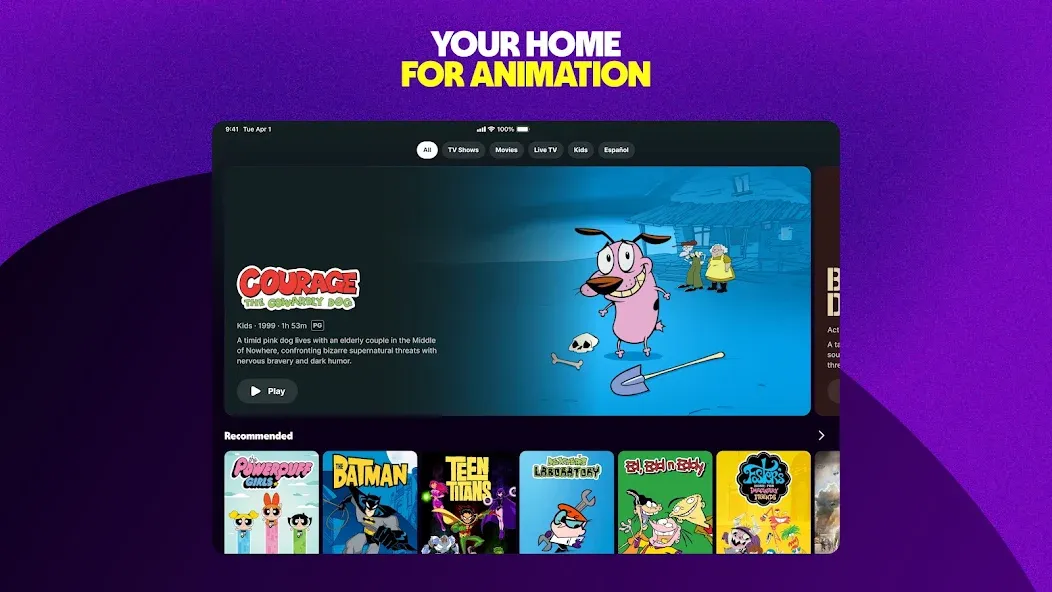
Tubi TV’s library caters to a wide range of tastes and genres, featuring everything from timeless classics to recent hit series. The collection includes movies, TV shows, Tubi Originals, anime, K-dramas, British series, and much more. New titles are added weekly, keeping the library fresh and engaging—whether you’re just browsing or diving deep into specific content, Tubi TV has you covered.
Live TV Channels and On-Demand Services
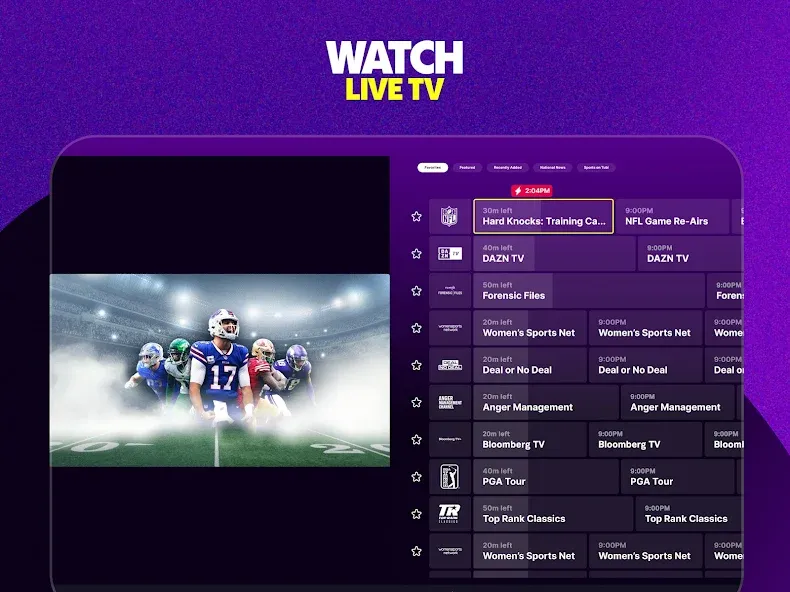
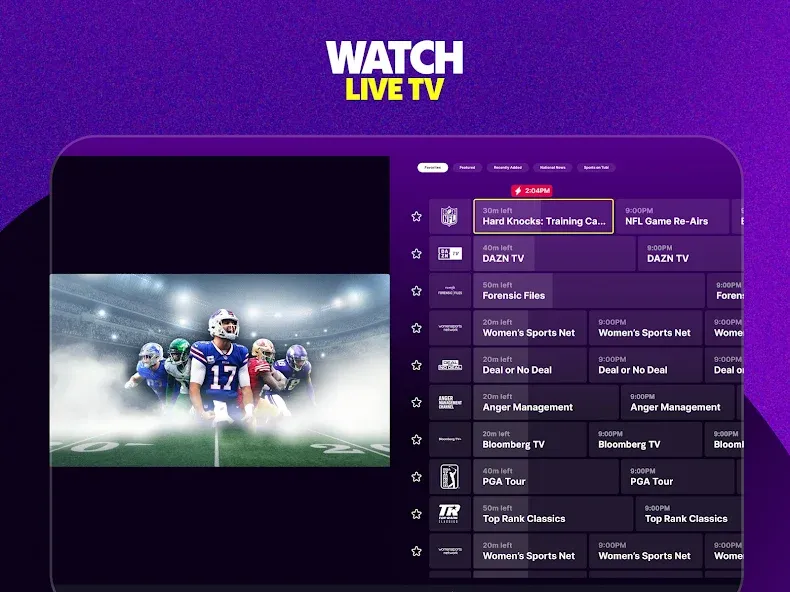
Beyond its on-demand library, Tubi TV provides live channels covering news, sports, weather, and entertainment. This integration allows you to watch scheduled programming without needing to switch between different apps; you can easily toggle between live channels and on-demand content within the same interface. It’s a convenient solution for users who want to stay updated on current events while also enjoying their favorite series or movies.
Multi-Device Viewing with Casting and Synchronization
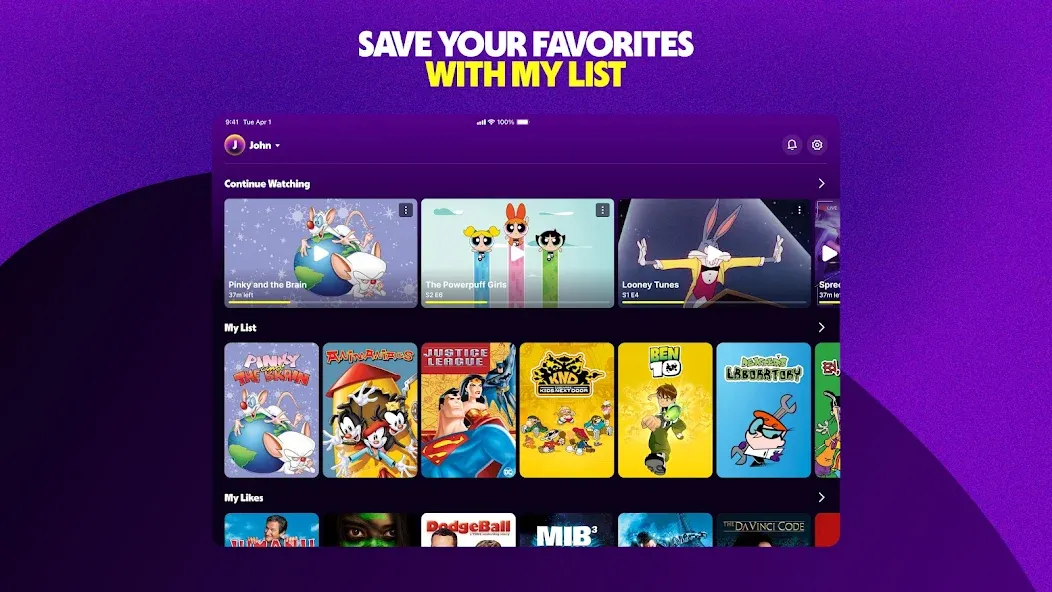
Tubi TV supports casting to compatible televisions via Chromecast or AirPlay, allowing for a seamless transition from your mobile device to a larger screen. The "continue watching" feature automatically saves your progress, and you can enable synchronization across devices by signing into an optional user account. This allows you to start watching on a mobile device and pick up right where you left off on your TV—no need to manually search for your previous spot. It’s an effortless way to maintain a consistent viewing experience across all your devices.
Featured Hubs and Tubi Kids
Tubi TV helps you browse content more efficiently through sections like "Most Popular," "Recently Added," "Channels," and "Tubi Kids." Whether you’re looking for hit movies or family-friendly entertainment, these categories help you quickly find exactly what you want to watch. These dedicated areas minimize the need for endless scrolling and highlight great content you might have otherwise missed. Parents can also guide their children to age-appropriate sections within the app.
Open Tubi TV and grant any necessary permissions for playback or casting.
Explore the home feed and categories, or use the search bar to find specific movies, shows, or channels.
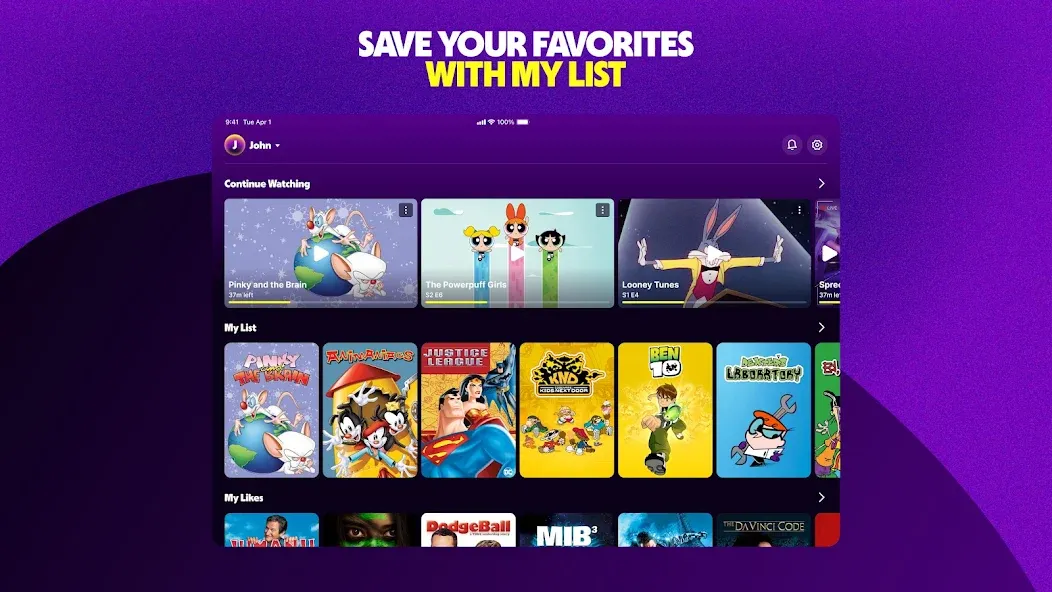
Select a title to view details, then tap "Play" to start watching. Use "Add to My List" if you’d like to watch it later.
Sign in to sync your "My List" and "Continue Watching" features across different devices—or, if you prefer, you can skip this step.
To watch on a TV, tap the cast icon and select your device. If using a TV app, follow the on-screen prompts—such as entering a code or scanning a QR code—to activate it.
Pros:
Wide variety of genres
Smooth, stable playback
Clean, intuitive navigation
Cons:
Content availability changes (rotations)
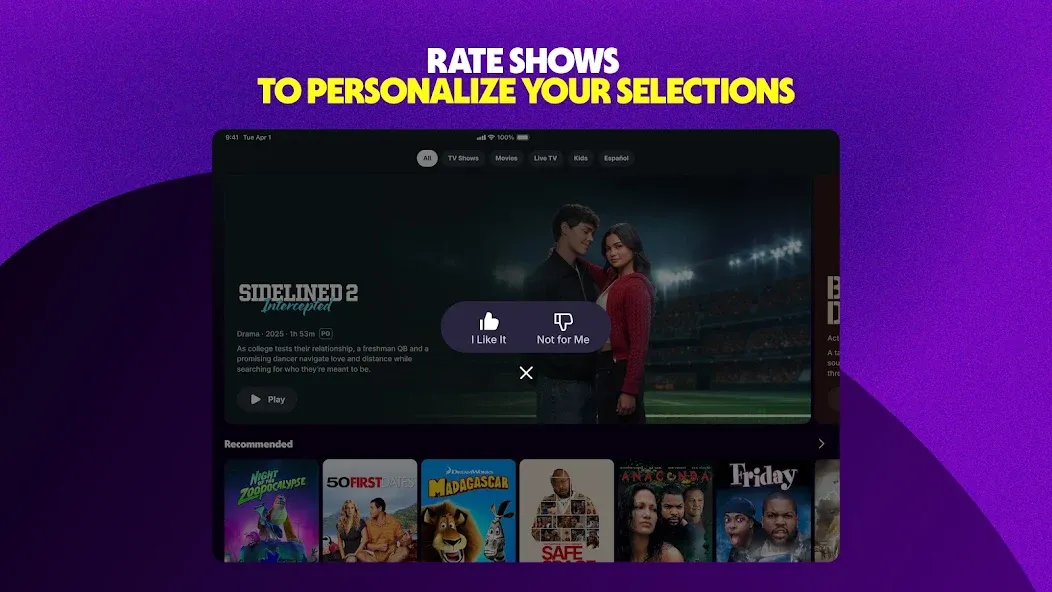
Repetitive content recommendations
In today’s world, it’s absurd to still see ads on paid subscription services—but when a service is free and includes ads, it’s perfectly acceptable. You get exactly what you’re looking for, and in return, you’re supporting the provider. So, yes—I’m all for this app!
As a young girl who can’t afford subscriptions like Netflix or Disney+, this app is the perfect alternative! I’ve found it incredibly useful, with a fantastic selection of movies and series. I originally downloaded it just to watch one specific show, but I ended up discovering so many other great films! Even though there are quite a few ads, the app itself is truly excellent. Highly recommended!
I’ve tried to watch movies online many times, only to end up being directed to paid subscription services. It feels like every time I want to watch a movie, I’m prompted to sign up for a new subscription—which can really add up for someone on a fixed income. Tubi, however, is completely free. There are only two short ads per movie, which I find to be a great deal—it saves both money and hassle. Plus, the movie library is constantly updated. You definitely won’t regret downloading Tubi.
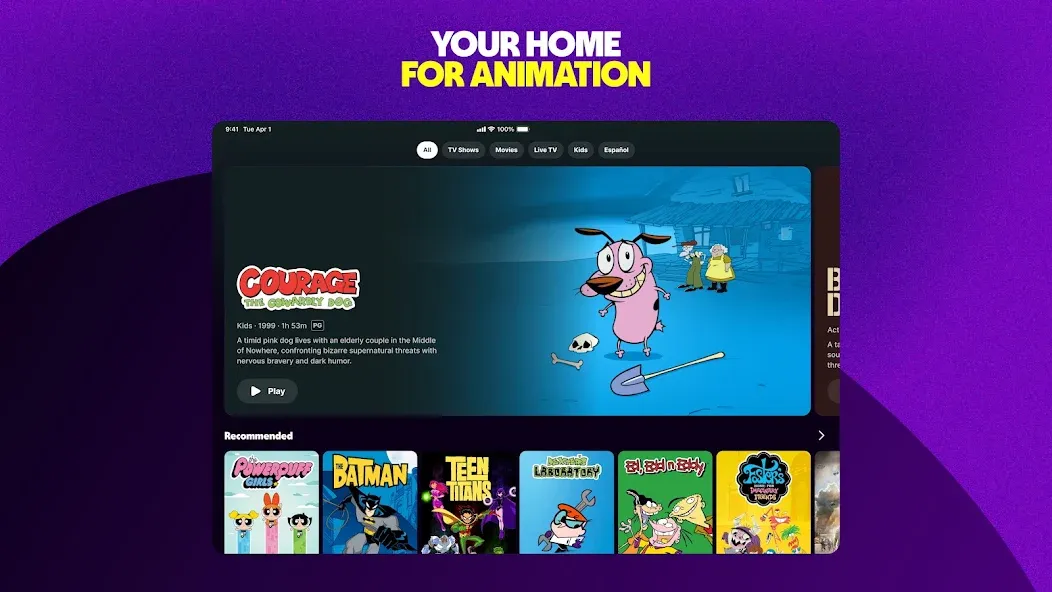
Tubi TV offers a reliable streaming service for users who want to enjoy a wide selection of movies and TV shows without the burden of subscription fees. The platform provides a convenient entertainment experience, featuring intuitive navigation, flexible content browsing options, and smooth, stable playback performance.
Size:74.07MB Version:10.43.1
Requirements:Android 9+ Votes:152
Package Name:com.tubitv Signature:c489cf02e864f46554d2cbe95ea6b5e3
Looking for Apps to download movies for free? DigitBin is here to assist you. Android, being an open-source platform, has given developers the power to develop some of the cool Apps that make the life of the netizens easier. Developers create unofficial media apps for downloading or streaming movies and TV shows on different devices. However, Google doesn’t allow these apps on its Play Store because they violate its policies. Still, you can freely install these apps on an Android phone from unknown sources. DigitBin has listed some of the best apps to download movies directly on Android. Most of these Apps do not store the movies on their web servers but search web directories to stream the movies and TV shows online. Today in this post, I will tell you about a few of the best Android Apps to download and watch HD movies on your mobile.
Is it safe to say the movies are back? Admittedly, they never really left. But it seems in this decade where every year throws up new challenges and hiccups in the industry, folks become convinced the sky is falling and cinema’s days are numbered. Still, here we are back at the end of the year. And once again, there seems plenty to be thankful for as new cinematic images burrow their way into the collective subconscious for years to come. Whether it’s the sight of Muad’Dib standing before a nation of radicalized disciples as if he were a space-aged T.E.
Free Cinema streaming apps offer various films and TV shows at our fingertips, catering to film enthusiasts, casual viewers, and budget-conscious streamers alike. These apps have become increasingly popular because they allow users to access a wide range of content without a subscription fee. Whether you’re looking for free movie streaming apps for Android, iPhone, PC, or smart TVs, every device has an option. This article will explore the best legal free movie streaming apps in 2024, helping you find the perfect platform for your viewing needs. Unlike free trials from amazon prime or netflix, these sites directly allows you to watch movies for free either after signup or without registering on their site/app.
About us | Contact us | Privacy policy| DMCA
Copyright © 2026 Xiaohei All rights reserved.