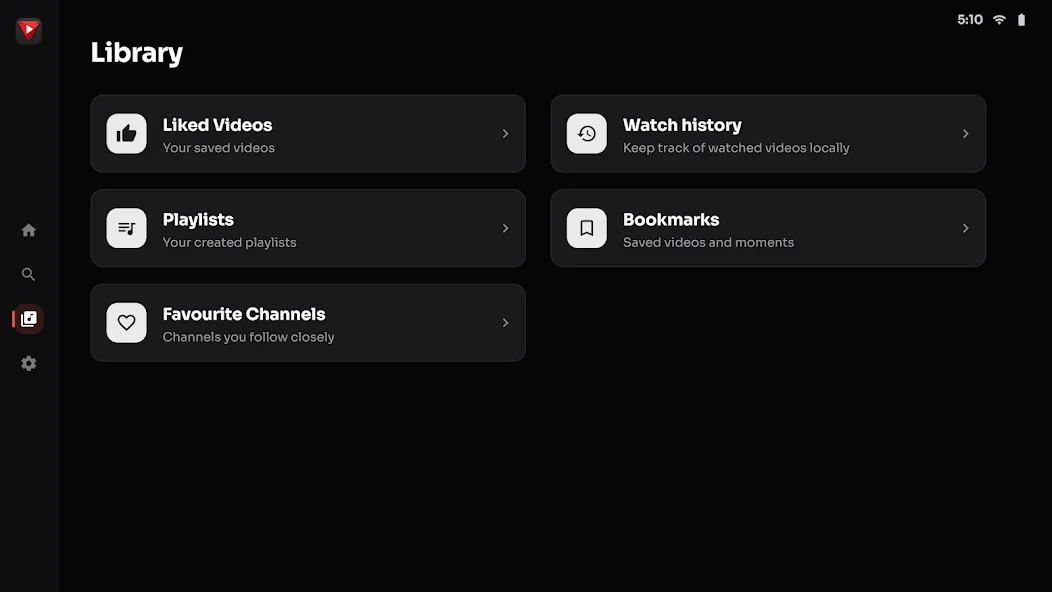
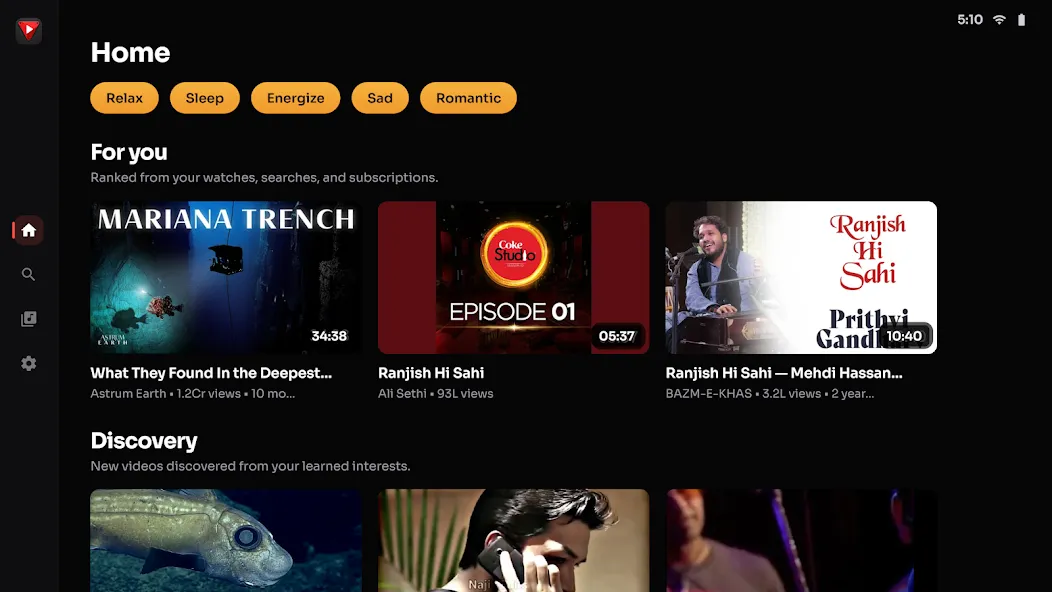
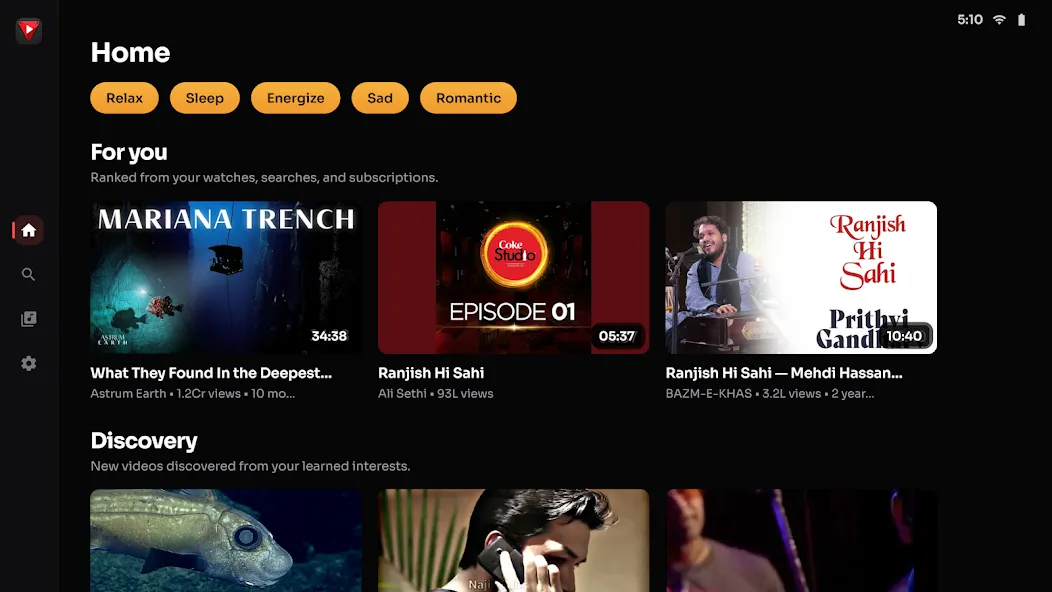
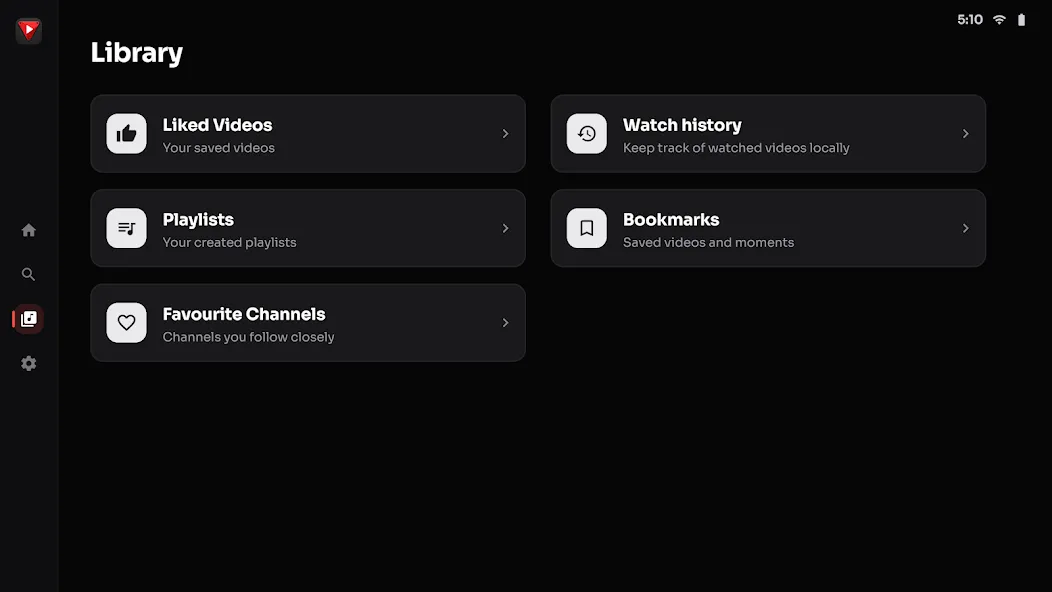
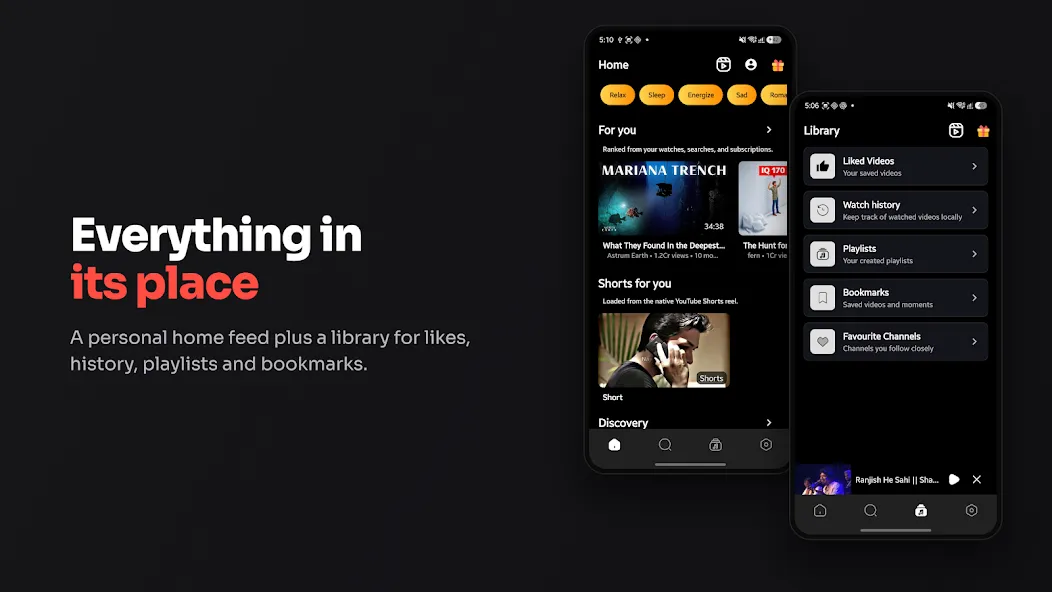
Float Tube is a video player designed for the Android operating system. It allows users to watch videos in a small, floating window while performing other tasks—such as reading the news, working, or using other apps. The app also supports playback while the phone screen is locked, which is ideal for long-form videos or audio-heavy media. Furthermore, the floating window can be repositioned anywhere on the screen, ensuring that you can continue watching your content without obstructing your view of other apps or web pages. The app includes a variety of tools and features that allow you to customize the floating window to your preference.
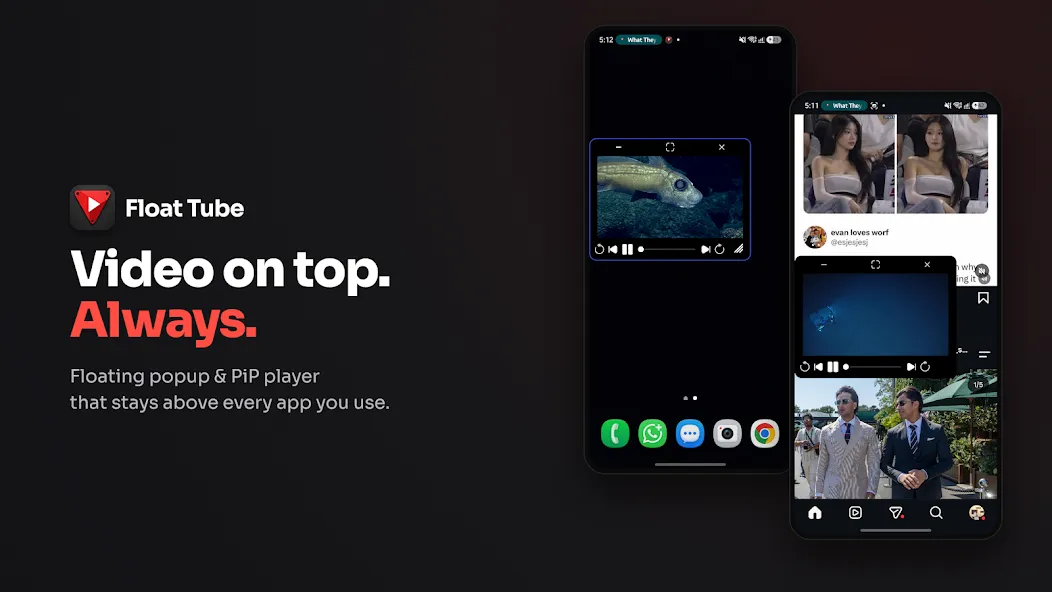
Floating Playback for Multitasking
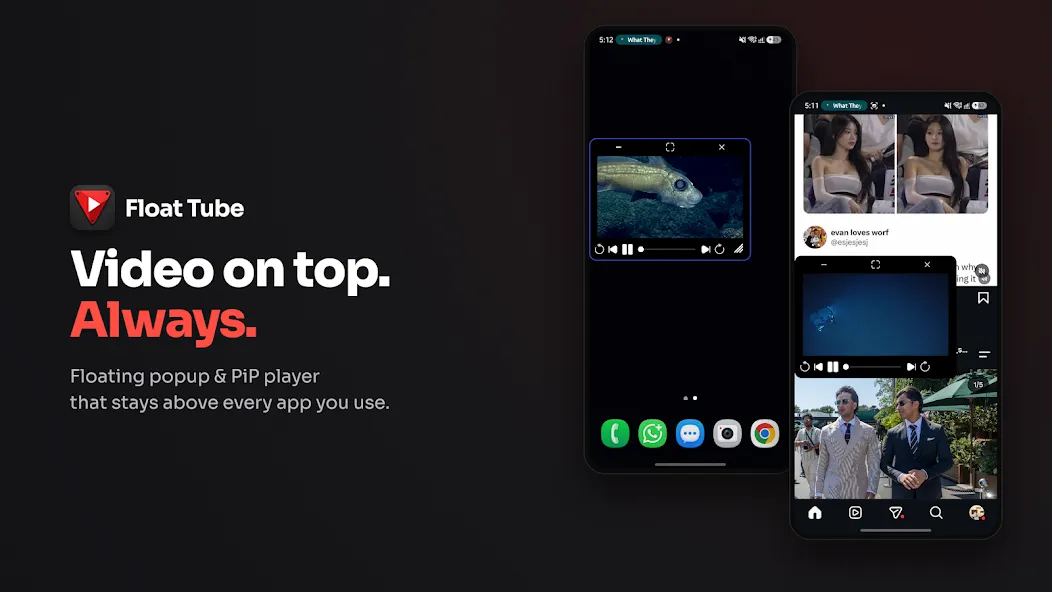
The core concept behind Float Tube is simple: your video remains visible on top of whatever else you are doing. Instead of being confined to a full-screen player, the video runs in a floating window that stays active even when you switch to other applications.
In practical terms, this means you can browse the web or use social media apps while keeping your video in view at all times.
Additionally, the app can continue playing content even when your phone is locked. This makes it perfect for listening to long lectures, music videos, or podcasts without needing to keep the screen turned on. This background playback capability is a key reason to choose Float Tube over a standard video player.
Movable Windows and On-Screen Controls
Float Tube offers great flexibility regarding the placement and appearance of the video player. You can drag the floating window to any corner of the screen so that it stays out of your way. You can also resize the window; if you shrink it beyond a certain point, it will automatically minimize, preventing the screen from being cluttered by an excessively small video frame.
Tapping the center of the floating window opens a control menu. From here, you can adjust the player's size, move it, minimize it, lock it in place, or close it entirely. You can also tap it again to expand the player back to a larger size whenever you want a better view. Additionally, there is a lock switch: once locked, the player stays fixed in place, preventing accidental movement while you are typing or scrolling through a page. Simply tap the unlock button to make it draggable again. On touchscreens, accidental dragging is a common issue, so this small detail is incredibly useful.
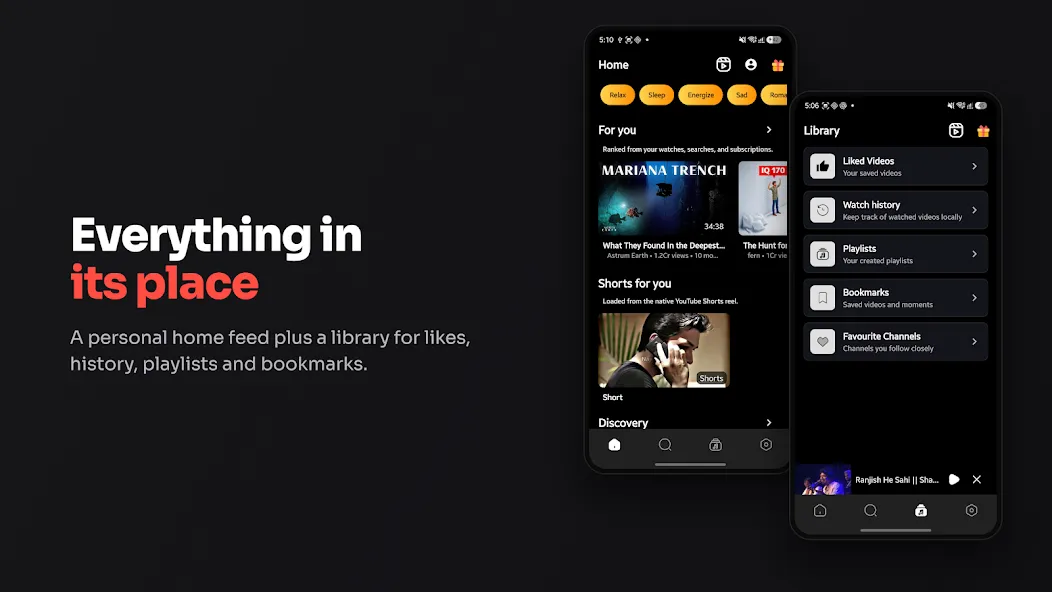
Open the floating player and find a video.
Tap to launch the floating pop-up player.
Drag, resize, or lock the mini-window.
Switch to any other app—the video will continue playing on top.
Pros:
The floating video window always stays on top of other applications, facilitating multitasking.
Content continues to play even while you use other apps.
The player is movable and resizable, with quick access to control buttons directly within the floating window.
The lock/unlock feature helps prevent the player from being moved accidentally.
Playlist playback allows you to play through an entire list, with the option to switch items directly within the player.
Completely free, with lifetime access to core features.
Cons:
Playlist playback may sometimes stop after the first item or skip specific videos you’ve selected.
In some cases, you might need to reopen the app after fully minimizing it in order to change what is currently playing.
10/10 Highly recommended! It’s super useful when you want to play YouTube videos or music in the background, or when you need to multitask! I mainly use it for listening to music, but I also love watching videos while chatting with friends! It would be even better if there were an option in the settings to hide the floating bubble and keep it only in the notification bar. Otherwise, everything is great! The number of ads is reasonable—they only appear when you open the app and don’t cause any noticeable lag! Fantastic!
I’ve been using this app for several months; it’s perfect for listening to music or watching videos while doing other things. Surprisingly, the ads aren’t annoying at all—they only show up when you open the app.
I’ve been using this app for a long time. Ever since I discovered it, I’ve found it to be fantastic; despite the occasional minor glitch, it is, in my view, nearly perfect.
Float Tube - Float Video Player is an Android app that lets you watch or listen to online videos in a small, floating window that stays on top of other applications. It is designed to allow you to enjoy video content while browsing the web, chatting, or even with your screen locked. It is ideal for users who frequently consume long-form video or audio content and want simple on-screen controls while multitasking on their phones.
Size:53.49MB Version:1.3.1
Requirements:Android Votes:564
Package Name:com.xynderous.vatole.floattube Signature:c36627d2be53b30b614fc674c3e298b9
Is it safe to say the movies are back? Admittedly, they never really left. But it seems in this decade where every year throws up new challenges and hiccups in the industry, folks become convinced the sky is falling and cinema’s days are numbered. Still, here we are back at the end of the year. And once again, there seems plenty to be thankful for as new cinematic images burrow their way into the collective subconscious for years to come. Whether it’s the sight of Muad’Dib standing before a nation of radicalized disciples as if he were a space-aged T.E.
Does the world need one more app for social media? That was one of the main things that the founders of the startup thought about when they came up with the idea to create a social media app. Threads has apparently answered with a resounding “yes.” In just one hour, the Meta app gained one million users, making it the winner of this competition of social media apps. The “Threads case” is different, you might say. And I agree. Since they already had Instagram users, that gave them an edge that other apps do not have. And finally, is it still worth it to start from scratch and make a social media app when you do not have Instagram to watch your back? Yes, that is the clear answer. Today I am going to discuss why social media app development is worth your time and money. Also, I will cover steps, costs, features, and other aspects.
A truly outstanding movie is not just about an engaging plot-it also requires seamless transitions between scenes. When these transitions are natural and fluid, they help the audience stay immersed in the story without feeling disconnected. The same principle applies to video games. Games that ensure smooth, uninterrupted gameplay, whether through well-designed animations, intuitive controls, or seamless scene changes, create a more immersive and enjoyable experience for players. A game that flows effortlessly from one moment to the next demonstrates a level of craftsmanship that deserves recognition and admiration.
About us | Contact us | Privacy policy| DMCA
Copyright © 2026 Xiaohei All rights reserved.