Video Player is a video player designed specifically for Android devices. It supports all video formats and handles high-definition (HD), Full HD, and even 4K content, meeting a wide range of playback needs and allowing users to enjoy stunning visual quality. With Video Player, users can easily enjoy amazing videos of various resolutions on Android devices, experiencing stunning visuals and clear sound quality. Furthermore, the app automatically detects all video files on your phone, making it simple to browse and play the content you want to watch.
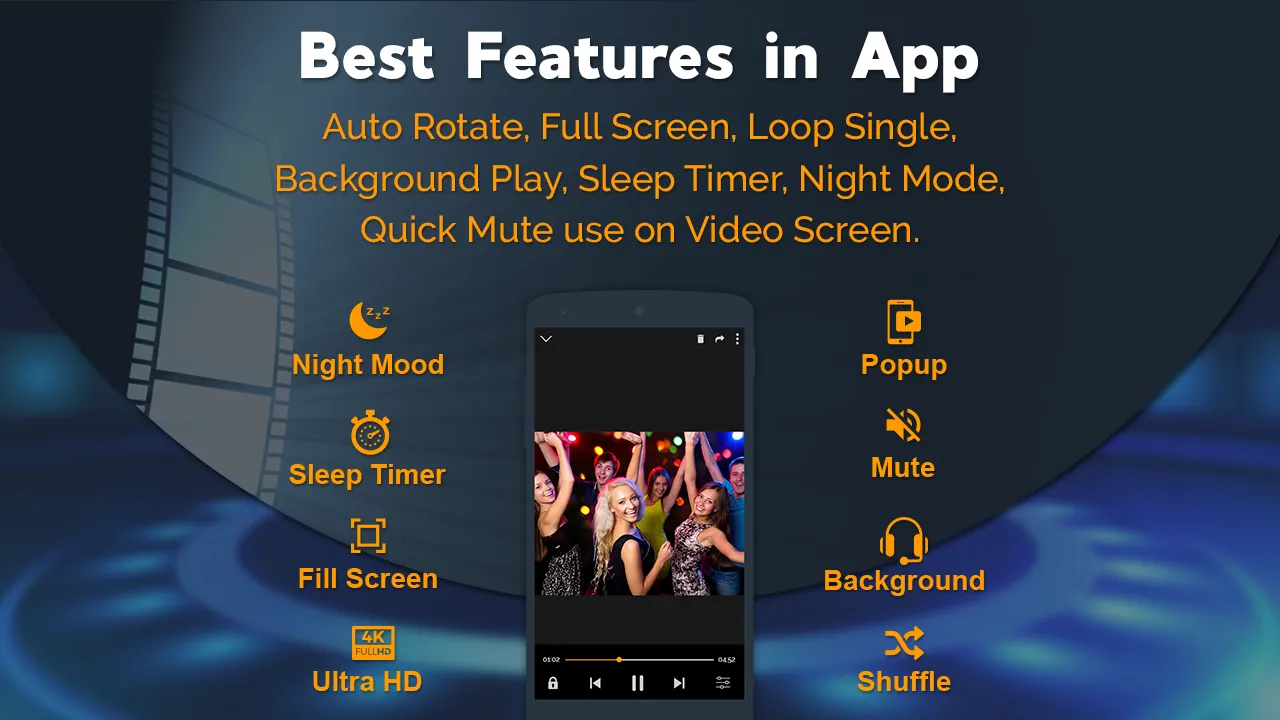
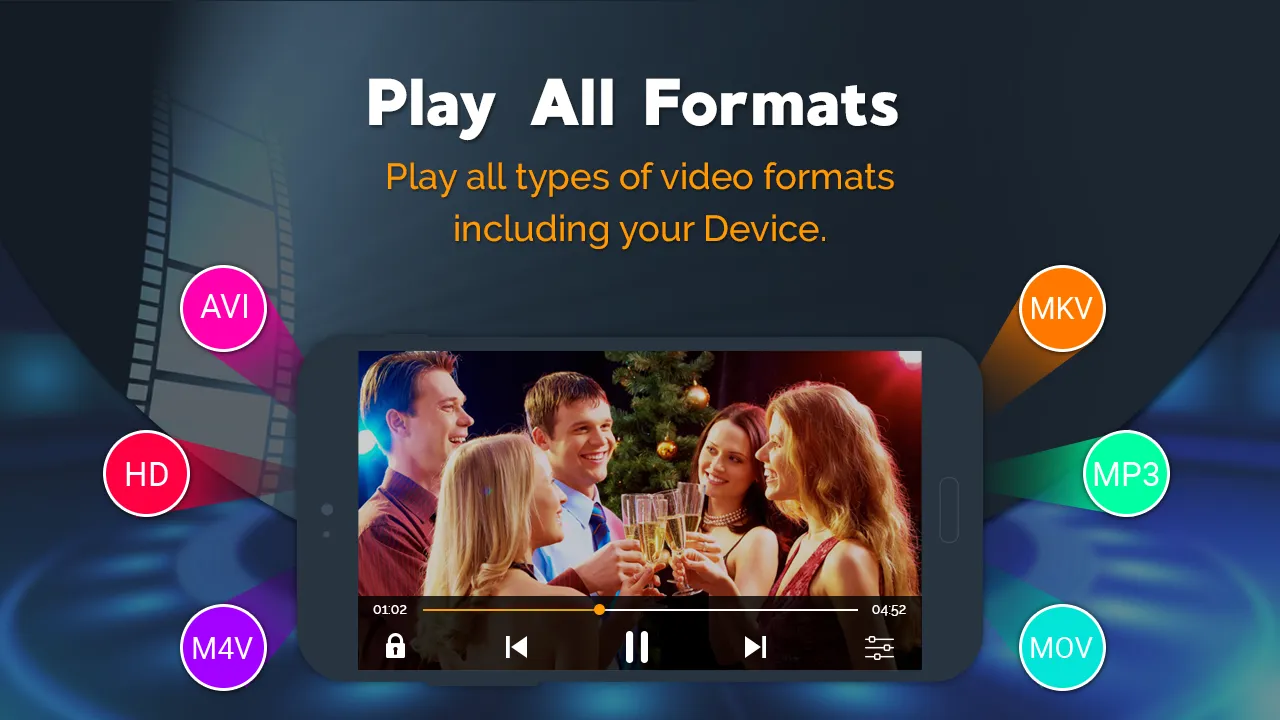
Video Player handles common formats including AVI, MKV, MP4, and MP3. Standard playback tools cover pausing, resuming, scrubbing through a clip, and moving between videos. It also scans both device storage and SD cards for video files, reducing the need to hunt through folders before pressing play.
That combination suits people with a mixed collection of downloaded media who want one free app for both watching and listening. The format range is useful, but the basic playback controls remain familiar rather than ambitious. This is a practical alternative to players such as MX Player, not a radical reinvention of the category.
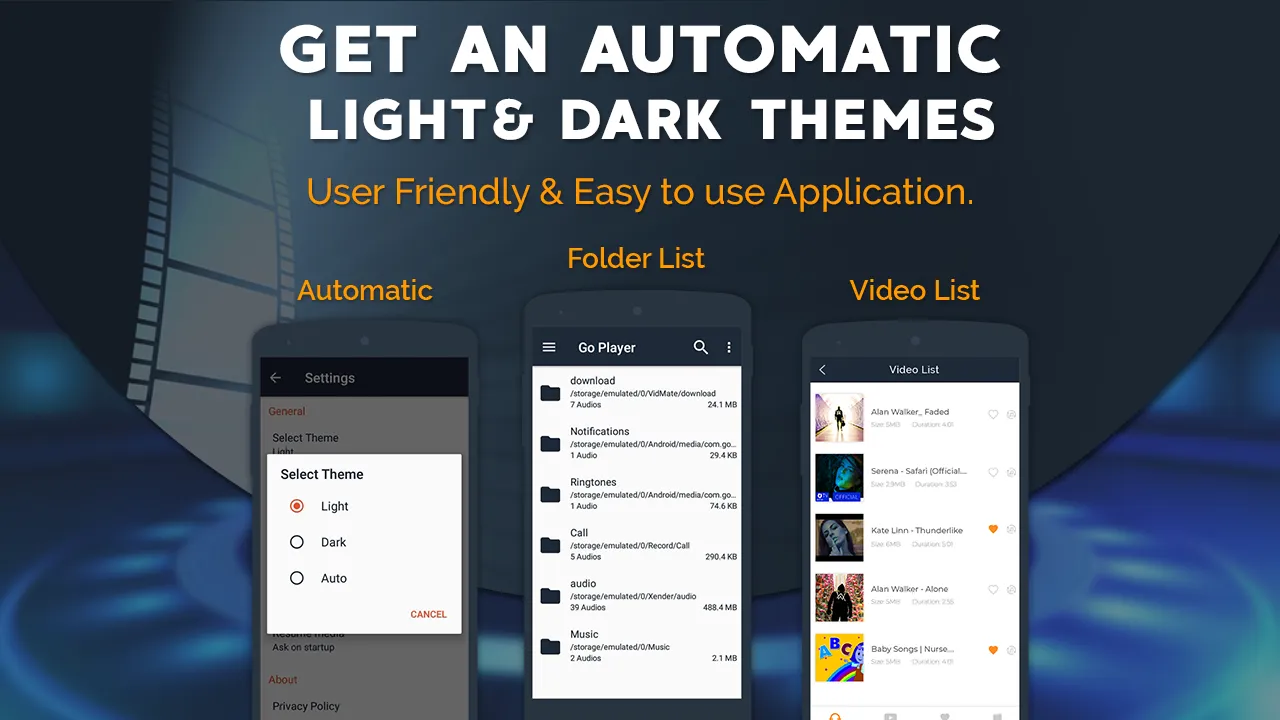
Volume and screen brightness can be changed with swipes, keeping commonly used adjustments close at hand. Playback works in portrait or landscape orientation, and full-size viewing makes sensible use of the available screen. A selection of themes also changes the interface's appearance, though this is more of a pleasant extra than a reason to choose the app.
The floating player is Video Player's most useful feature. It keeps a clip visible in a pop-up window while another app is open, which makes the player better suited to multitasking than a conventional full-screen-only viewer.
The main drawback isn't hidden in an advanced menu. Ads can appear frequently, sometimes one after another, obstructing navigation and interrupting video viewing. Having to close several promotions in succession works directly against the app's otherwise straightforward controls.
Support ALL video formats, including MKV, MP4, M4V, AVI, MOV, 3GP, FLV, WMV, RMVB, TS etc.
Ultra HD video player, support 4K.
Hardware acceleration.
Keep your video safe with private folder.
Support subtitle downloader and more.
Adjust subtitle and audio.
Identify ALL video files on your device and SD Card automatically.
Manage or share videos easily.
Easy to control volume, brightness and playing progress.
Multi playback option: auto-rotation, aspect-ratio, screen-lock etc.
Video player hd for both android tablet and android phone.
Use High-Quality Videos: To fully enjoy the capabilities of the Video Player, make sure to play high-quality videos. Opt for HD, Full HD, or 4K resolution videos to experience stunning visuals and immersive audio.
Organize Your Videos: Take advantage of the automatic identification feature and organize your video files properly. Create folders or playlists to easily access and play your favorite videos without any hassle.
Customize Playback Settings: Explore the settings options of the Video Player to customize your playback experience. Adjust the video brightness, contrast, and audio settings to suit your preferences and enhance your viewing pleasure.
Pros
User-friendly and intuitive interface
Allows you to customize appearance with themes
Features a pop-up floating video player
Compatible with numerous file types
Cons
Has too many obstructive ads
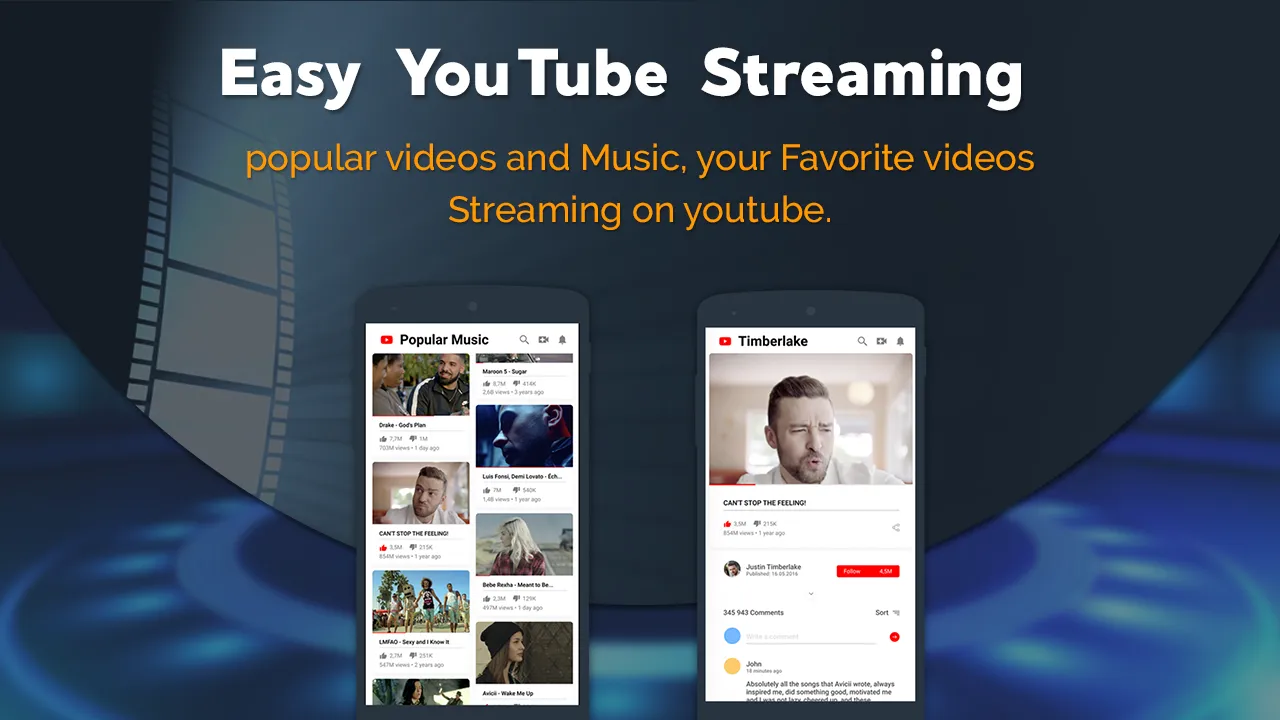
With support for HD, full HD, and 4K videos, it ensures an excellent audio-visual experience. The app's intelligent design and convenient features make it easy to navigate and enjoy your favorite content. Additionally, Video Player supports all popular video formats and eliminates full-screen ads, enhancing the overall user experience. Download now and elevate your video viewing experience to new heights.
Size:16.32MB Version:8.2
Requirements:Android 5.0+ Votes:370
Package Name:com.simplemobiletools.gallery.dcube Signature:ed7ed098a012e2110cf52e935fe97669
A truly outstanding movie is not just about an engaging plot-it also requires seamless transitions between scenes. When these transitions are natural and fluid, they help the audience stay immersed in the story without feeling disconnected. The same principle applies to video games. Games that ensure smooth, uninterrupted gameplay, whether through well-designed animations, intuitive controls, or seamless scene changes, create a more immersive and enjoyable experience for players. A game that flows effortlessly from one moment to the next demonstrates a level of craftsmanship that deserves recognition and admiration.
Free ad free binge watching software usually has a huge library of film and television resources, covering various types, styles, and themes of film and television works. From popular IP adaptations to original scripts, from movies and TV dramas to variety shows, anime and animation, everything is available. These software can keep up with the update pace of the film and television market, ensuring that users can watch the latest film and television works in the first time and not miss any exciting moments. The operation of free ad free drama following software is usually very convenient, and users only need a few simple steps to find and watch the movies and TV shows they are interested in.
About us | Contact us | Privacy policy| DMCA
Copyright © 2026 Xiaohei All rights reserved.