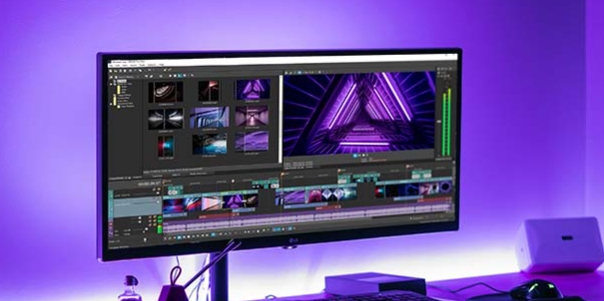
Vita is a lightweight video editing tool. It offers a wide range of features—supporting the trimming, merging, and enhancement of video clips—and includes an intuitive timeline that allows users to easily add text, background music, and transition effects for a quick, streamlined workflow. With Vita, users simply import their footage and utilize a variety of editing tools to precisely control timing and create smooth, professional-looking videos. Once editing is complete, you can export your project using standard aspect ratios and resolutions, save the finished video to your device, and share it with friends or on social media platforms.
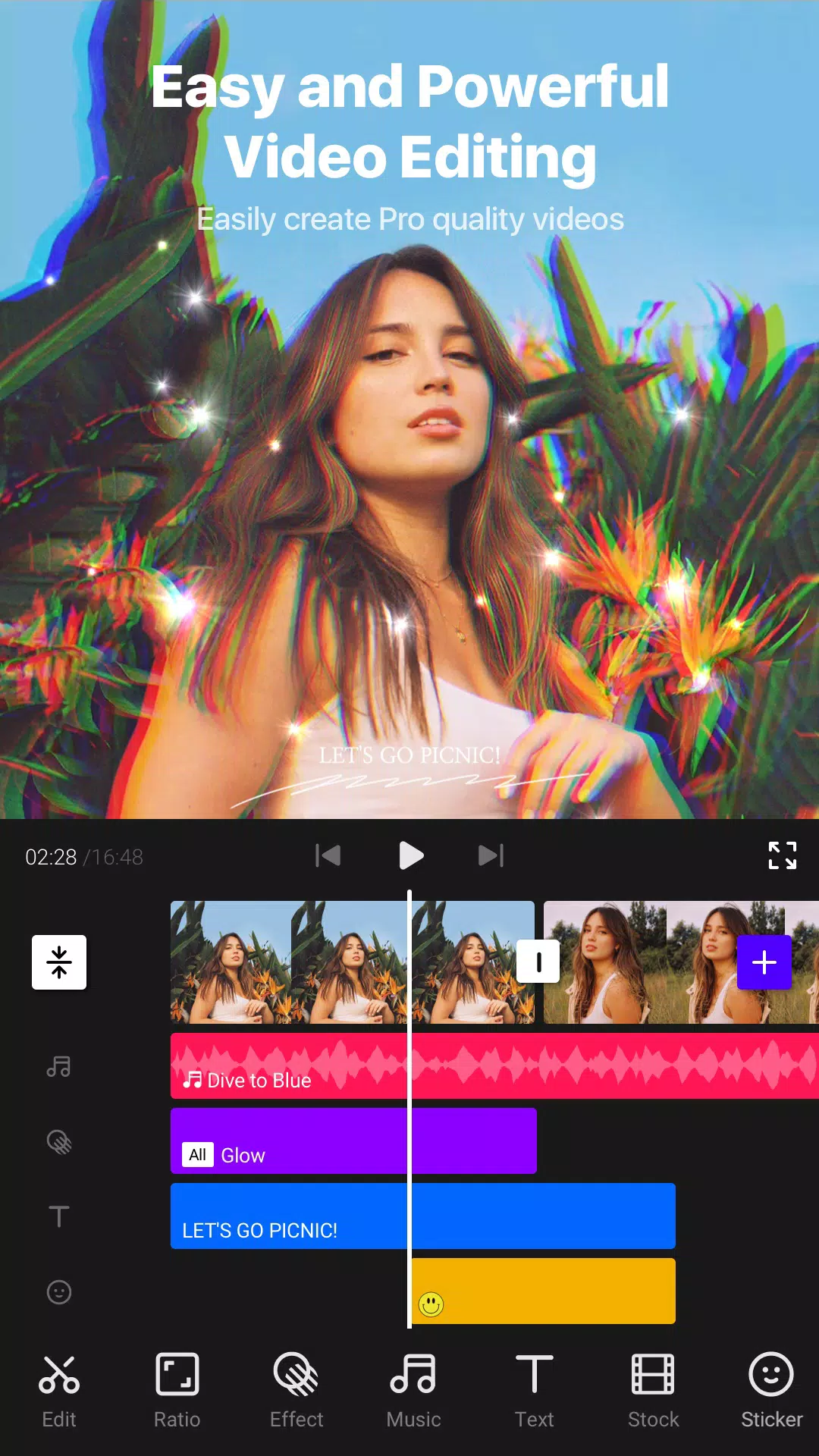
VITA features an intuitive interface that allows even non-professionals to transform their footage into professional looking movies. It contains all the basic video editing tools, including cropping, trimming, merging clips, and more.
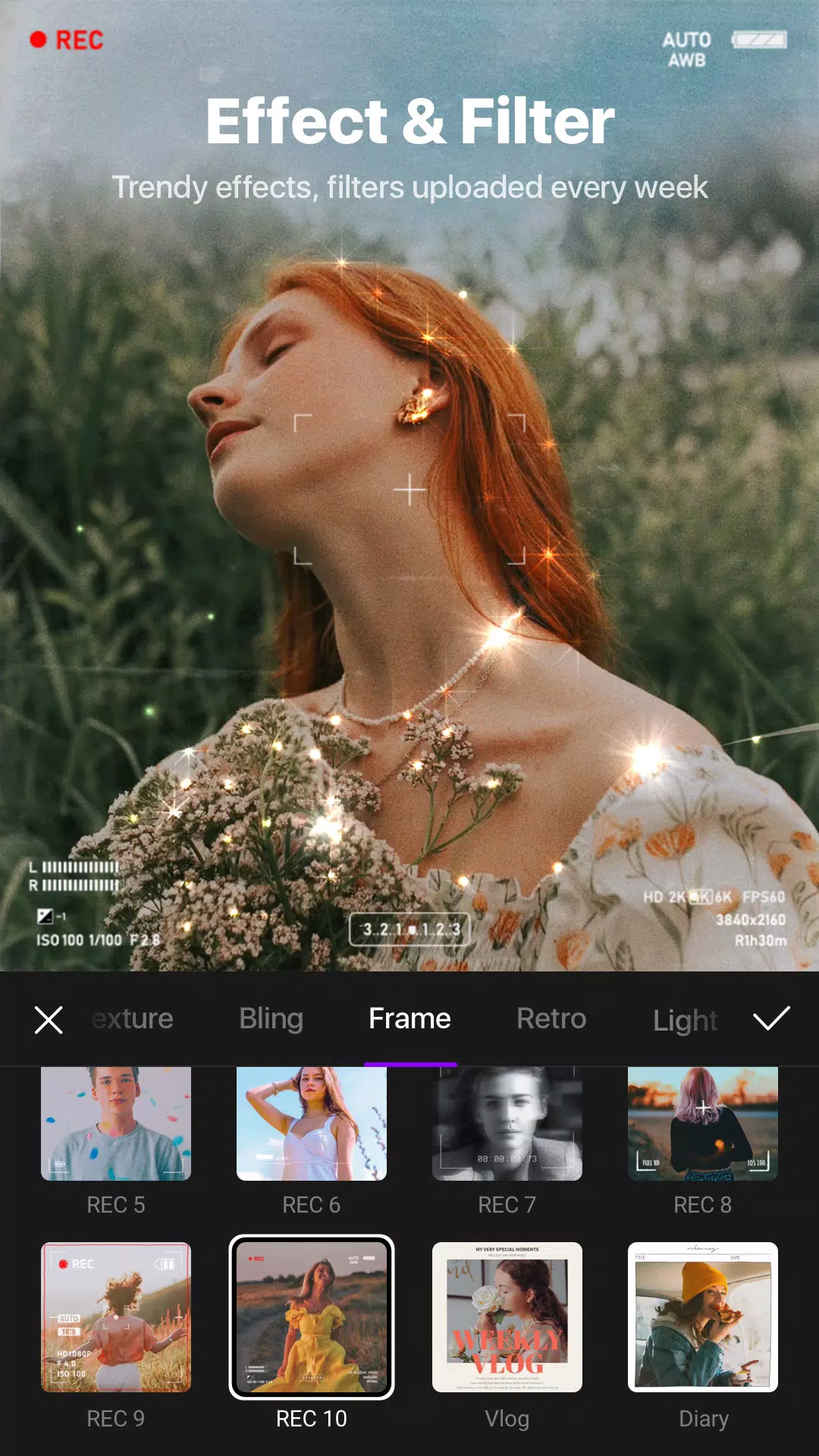
You can add special effects to your video that give it a cinematic touch, such as leaves floating in the wind, fog rising from below, smoke filling up the screen, and more.
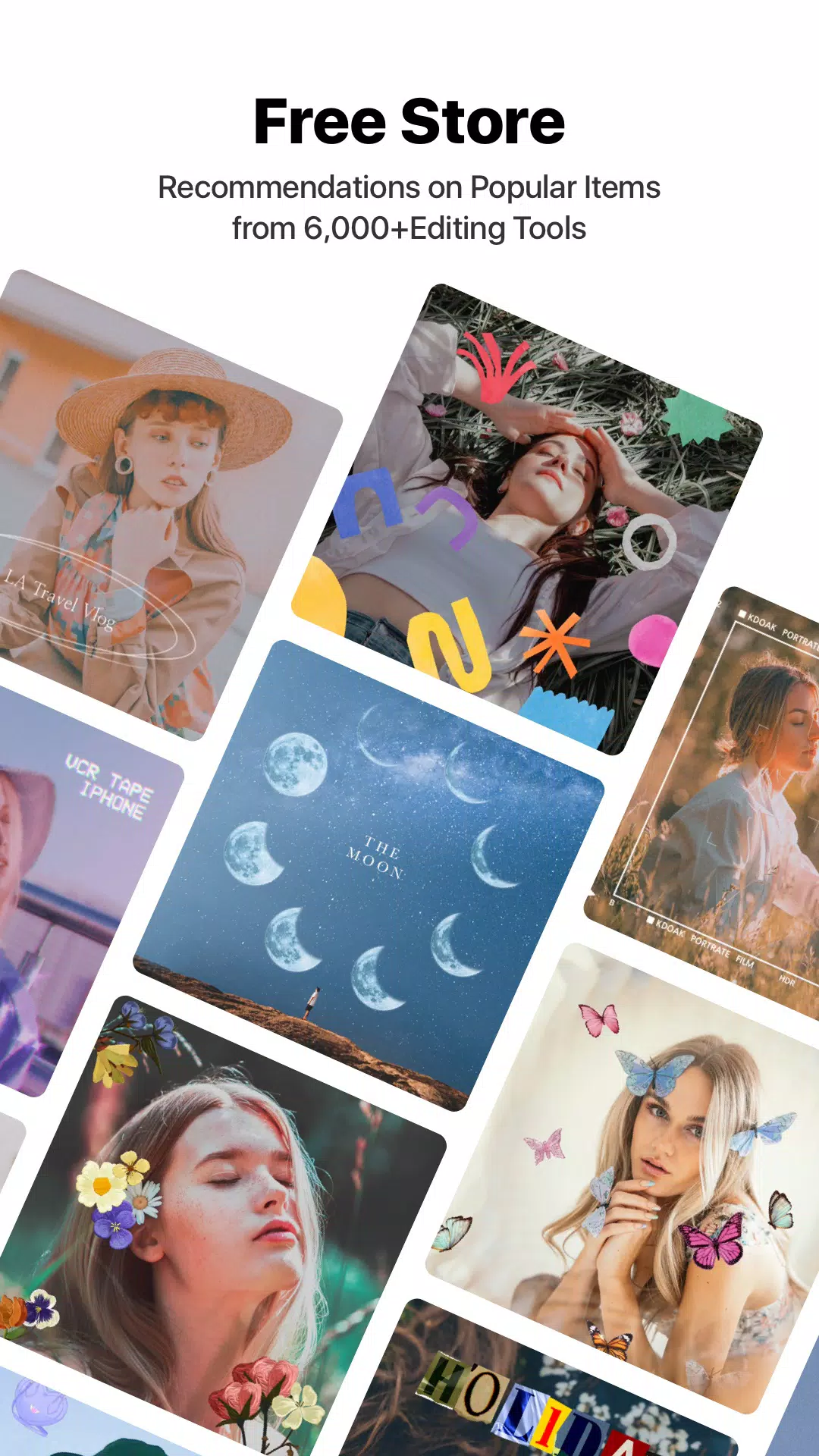
Further, in this tool, there are many different types of filters that you can add to your videos. It also offers an extensive collection of trendy ready-made templates.
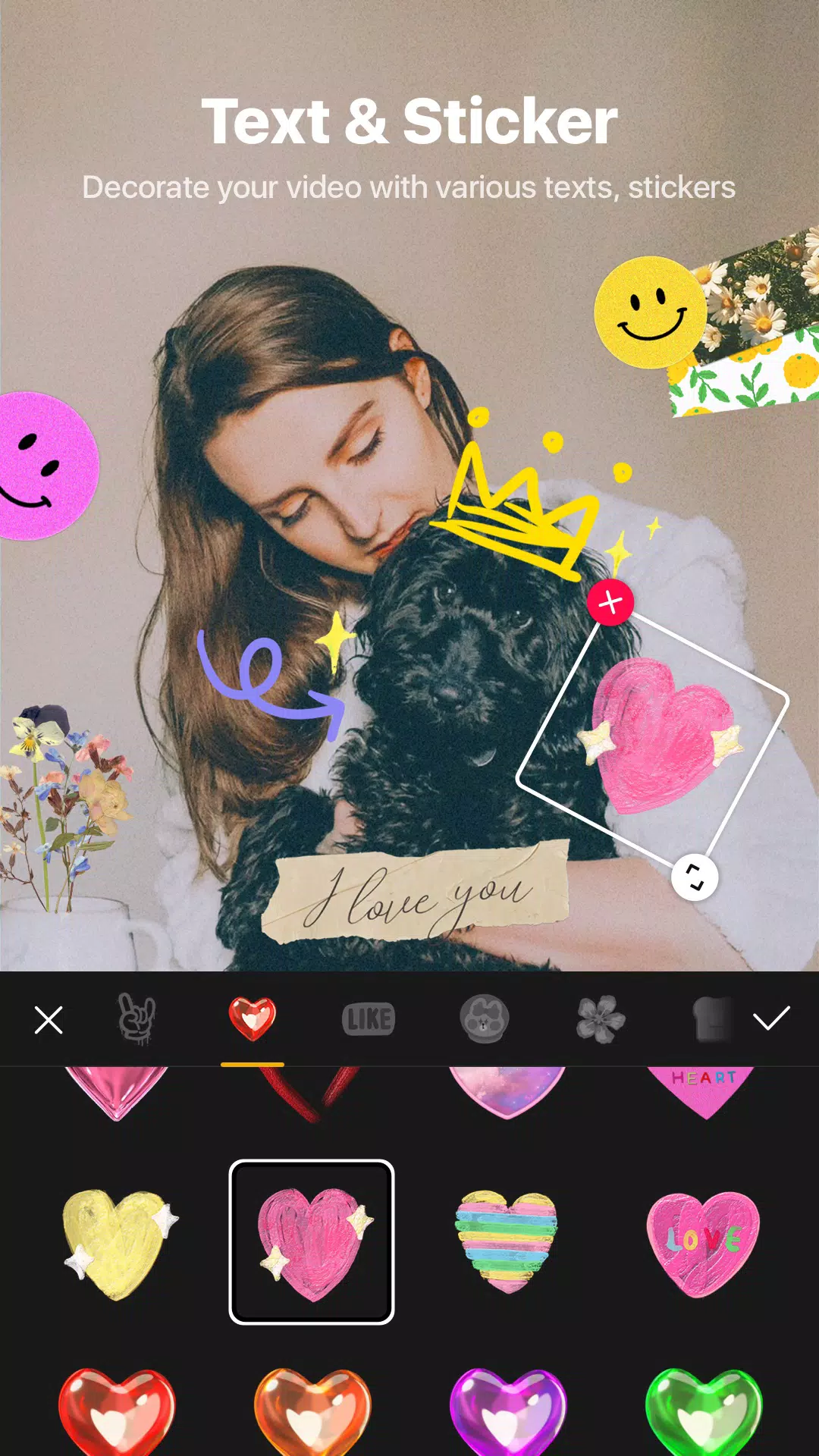
Moreover, this video editing app features a variety of text fonts and design options, each with its own set of animations you can customize.
You can also incorporate sound effects and music from its extensive library of songs to enhance your videos.
You can also export your videos in full HD resolution using this video editing tool. It also provides multiple languages, such as English, Korean, Japanese, Chinese, Spanish, and Portuguese.
However, this app does have some issues to note. The app becomes laggy and frequently freezes when you add more effects to the videos, or sometimes there’s no reason for a lagging issue, which can be annoying for some users.
Full HD export and speed control
Start with precise timing. VITA lets you adjust clip speed for slow motion or fast sequences. You can change tempo across an entire video or only selected parts to match the action. When the edit is ready, export in full HD for a clear result.
Transitions, effects, and filters
Next, shape the look of your video. You can add transitions to connect scenes smoothly. Effects such as glitch, glitter, and bling create a specific mood. Filters support color grading so clips shot in different lighting feel consistent.
Music and templates
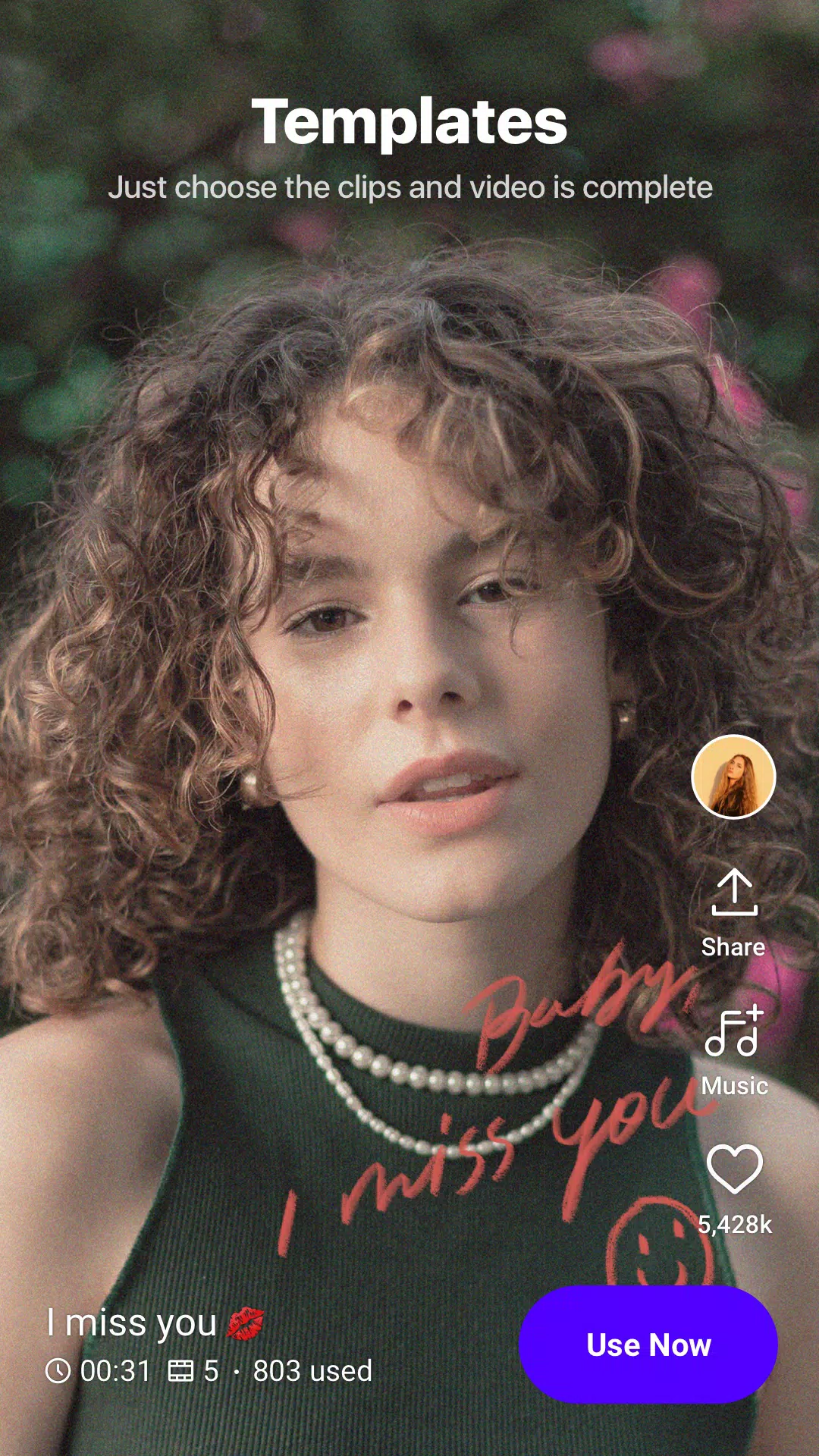
For audio and pacing, pick tracks from the in app music library to match the tone. Templates guide the order and timing of clips, which helps when building vlogs quickly. Replace media and keep the structure to finish faster without starting from scratch.
Text, picture in picture, and collages
Finally, add finishing layers. Use preset fonts and animated text for titles or captions, then adjust strokes, shadows, and colors. Picture in picture lets you overlay videos, create clone style looks, or arrange collages for side by side comparisons.
Pros
Wide selection of filters, effects, transitions, and templates
Customizable animated text with strokes and shadows
Speed controls, PIP overlays, and Full HD export
Music and sound-effect libraries built in
Cons
Exports may be slow and require the app to remain open
Lacks some precision tools requested by experienced editors
The application will occasionally suggest stickers for you to use in your videos. You want to hide or remove some elements, but you’re afraid that doing so will ruin the image. Applying one of these stickers to the video will make it more memorable. This application provides you with access to a wide range of new and unique sticker themes, allowing you to choose the option that best suits your needs. The application wants you to use all of the stickers available to you.
Size:102.18MB Version:1.31.2
Requirements:Android Votes:232
Package Name:com.snowcorp.vita Signature:31d51438315cbb0103cf5d3d5b80688a
Video Editor is a powerful software tool designed for crafting, refining, and enhancing video content. It enables users to transform raw footage into compelling visual narratives or effective communication platforms. As digital media continues to evolve, video editing has grown in significance - no longer just a professional necessity but also an accessible skill for everyday creators. Modern editing tools now offer intuitive interfaces, AI-powered features, and cross-platform compatibility, making high-quality video production achievable for both experts and casual users alike.
Mobile video editing tools are highly popular, with complete functions and professional tools that provide a strong atmosphere for various materials. Rich video templates can be operated with just one click, saving time and without too high a threshold. So what are the free versions of mobile video editing software? Editing software should have high popularity, but most of them require membership. Next, I recommend several platforms that can be used for free.
In the era of popular short videos, it seems that everyone can edit, which has become an essential skill. The editor brings you a ranking of video editing software that is good. Editing videos seems to be a daily routine, used by both internet celebrities and daily life recorders. The editing techniques are also different. The videos edited by professional personnel are more shocking and beautiful, while those edited by non professional personnel are ordinary. Below, the editor will organize some useful video editing software.
About us | Contact us | Privacy policy| DMCA
Copyright © 2026 Xiaohei All rights reserved.