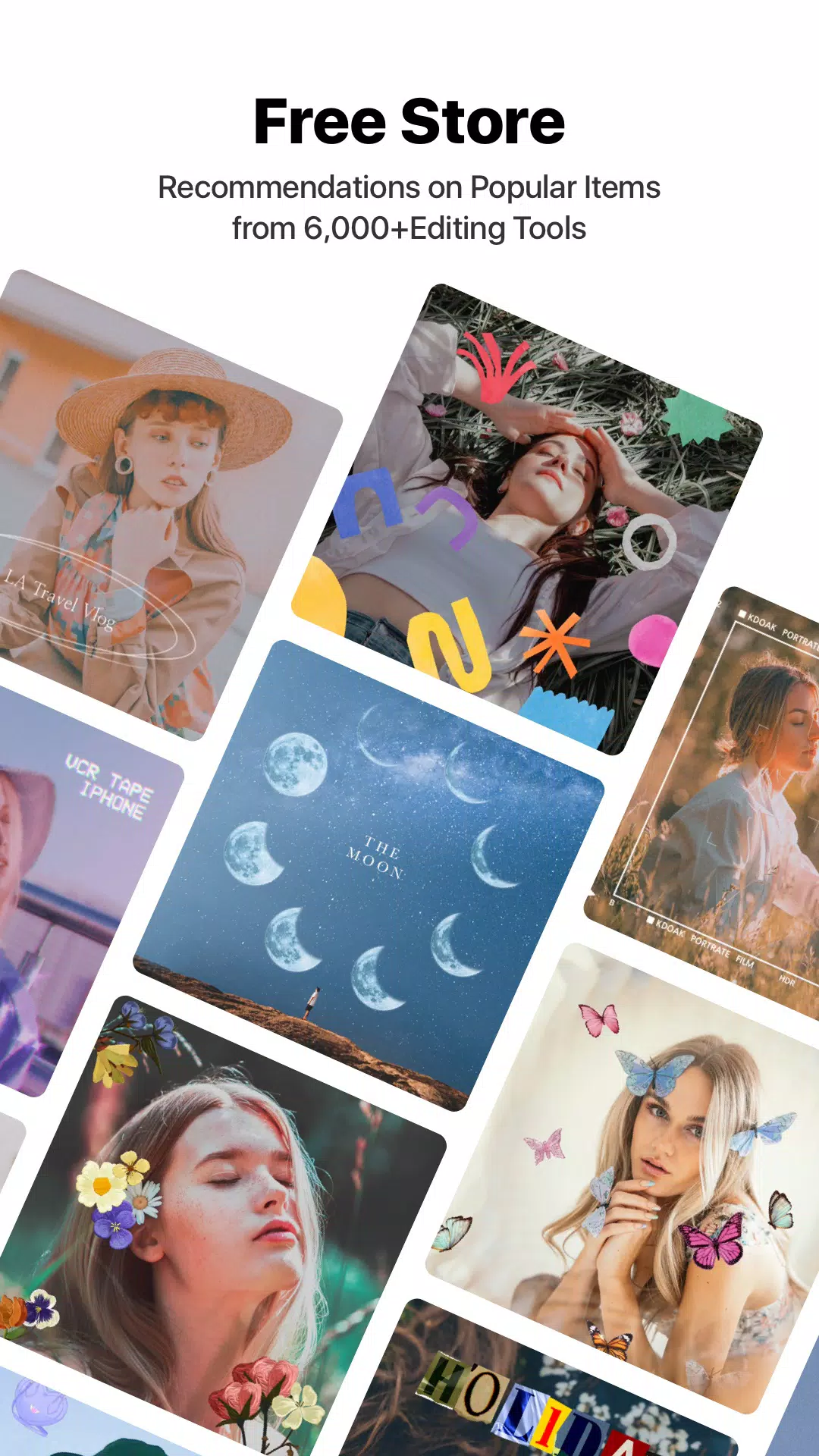
VITA is a user-friendly video editor. After importing videos, users can freely add various styles of video transitions, effects, music, text styles, and more to create highly personalized video works, which can then be shared with friends or on social media platforms to garner numerous likes. The software also offers a wide selection of video templates, giving users more creative possibilities and eliminating the need to spend time arranging video layouts, making creation easier. The software's editing tools and resources are constantly being updated, continuously releasing more types of editing tools and materials to keep users engaged and entertained.
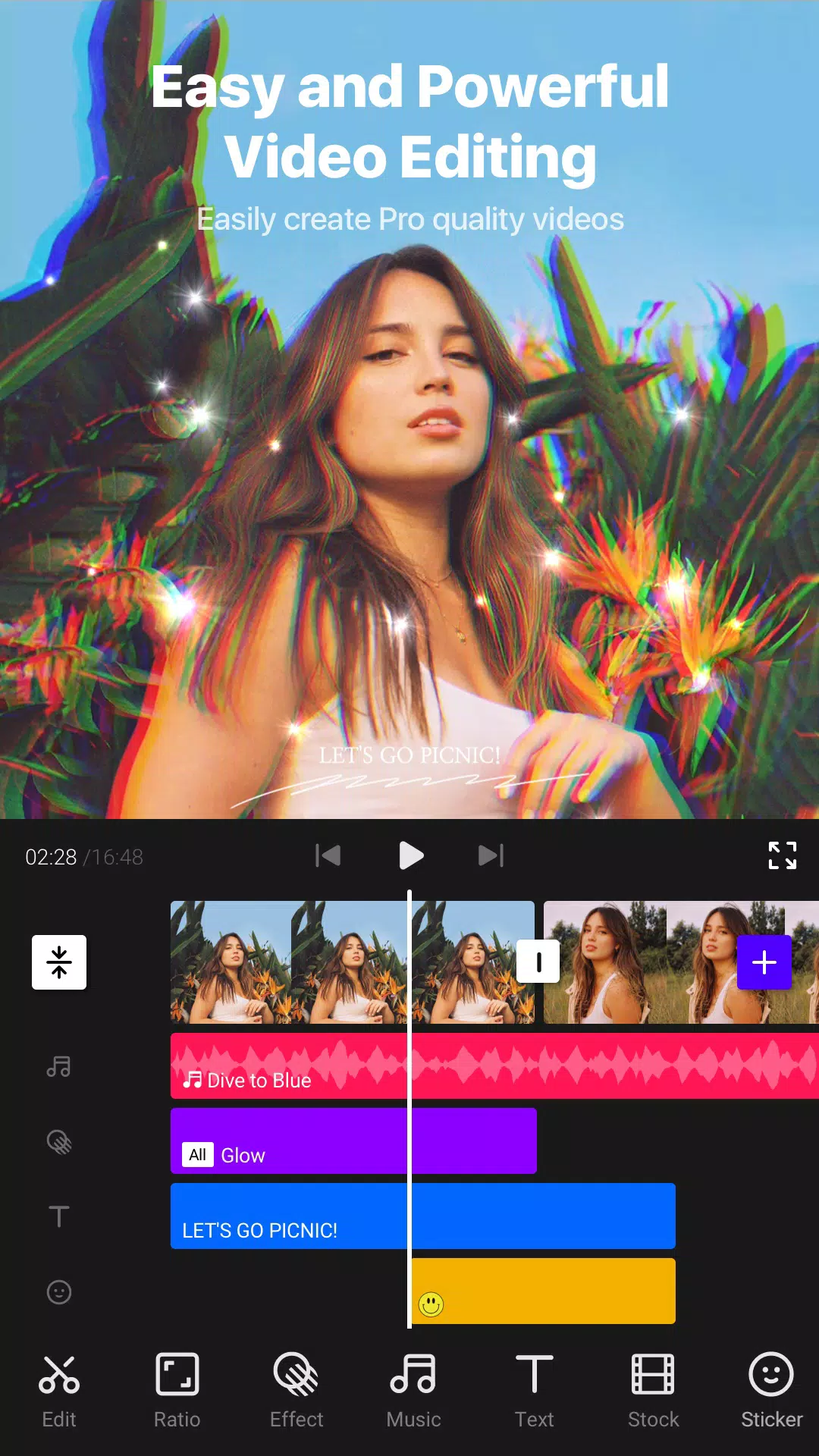
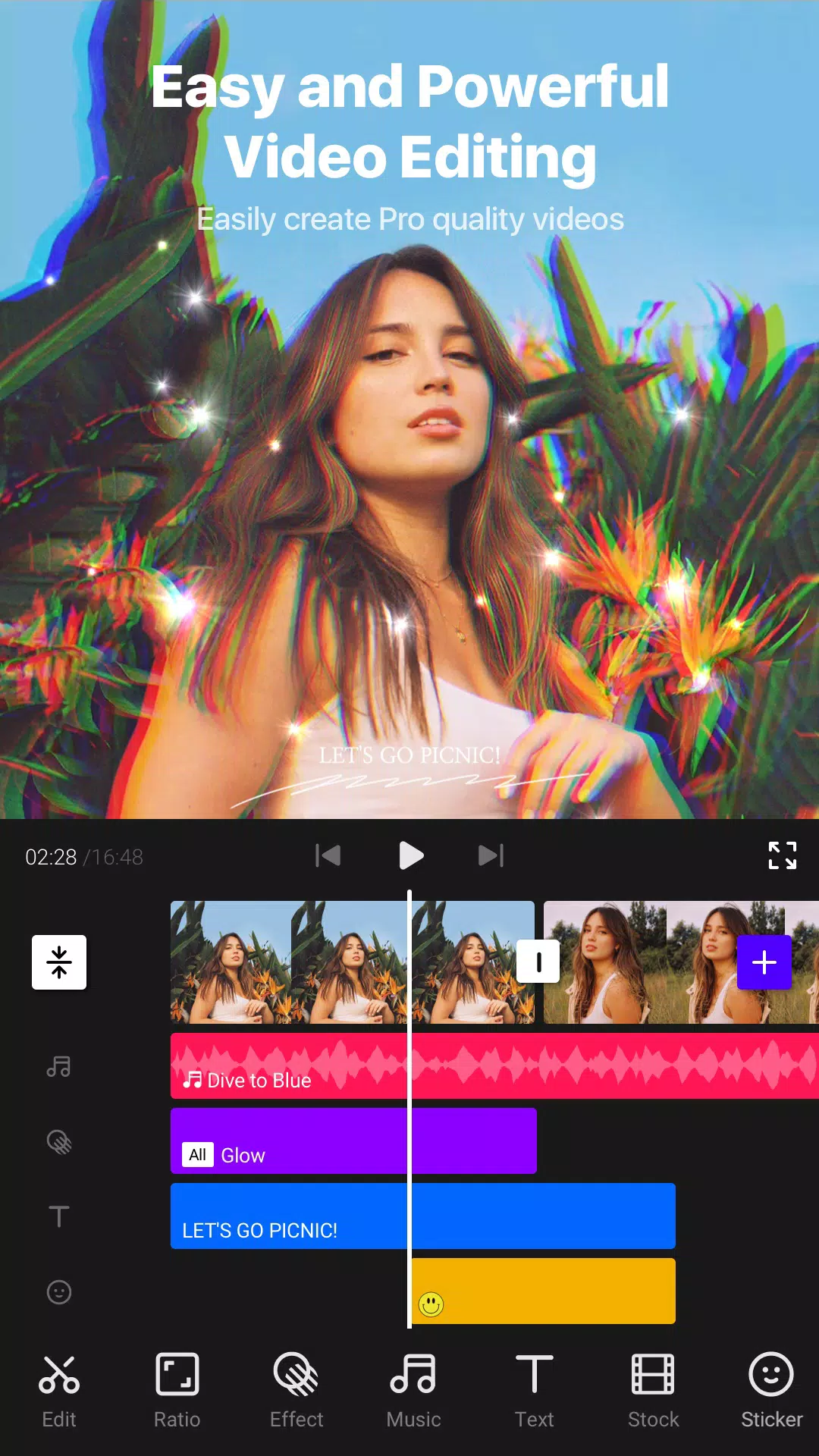
User-Friendly Interface with Quick Access: Navigating VITA is straightforward thanks to its clean design and logically organized menus. Users can quickly start new projects, browse through stylish templates, or access editing tools with just a few taps. The timeline interface allows efficient trimming, splitting, and arranging of clips, making video assembly swift—even for first-time users. Multi-layer editing supports complex projects, letting users stack video, audio, text, and effects effortlessly.
Speed Control: Creativity flows through every frame with VITA's speed control options. Whether you’re looking to create dramatic slow-motion effects or energize your footage with fast-paced sequences, these tools allow precise control over video playback speed, adding dynamic flair to any clip.
Video Transitions: With a variety of cinematic transitions at your fingertips, VITA helps in seamlessly blending scenes together. These transitions are essential for maintaining viewer engagement and providing a polished look to your edits.Music and Audio Customization: Enhancing videos with sound is effortless in VITA. The built-in music library spans a variety of popular genres and moods, while sound effects further enhance storytelling and engagement. Users can also import their own tracks to give videos a unique touch. Basic audio editing tools, such as volume control and fade, are available for precise sound design.
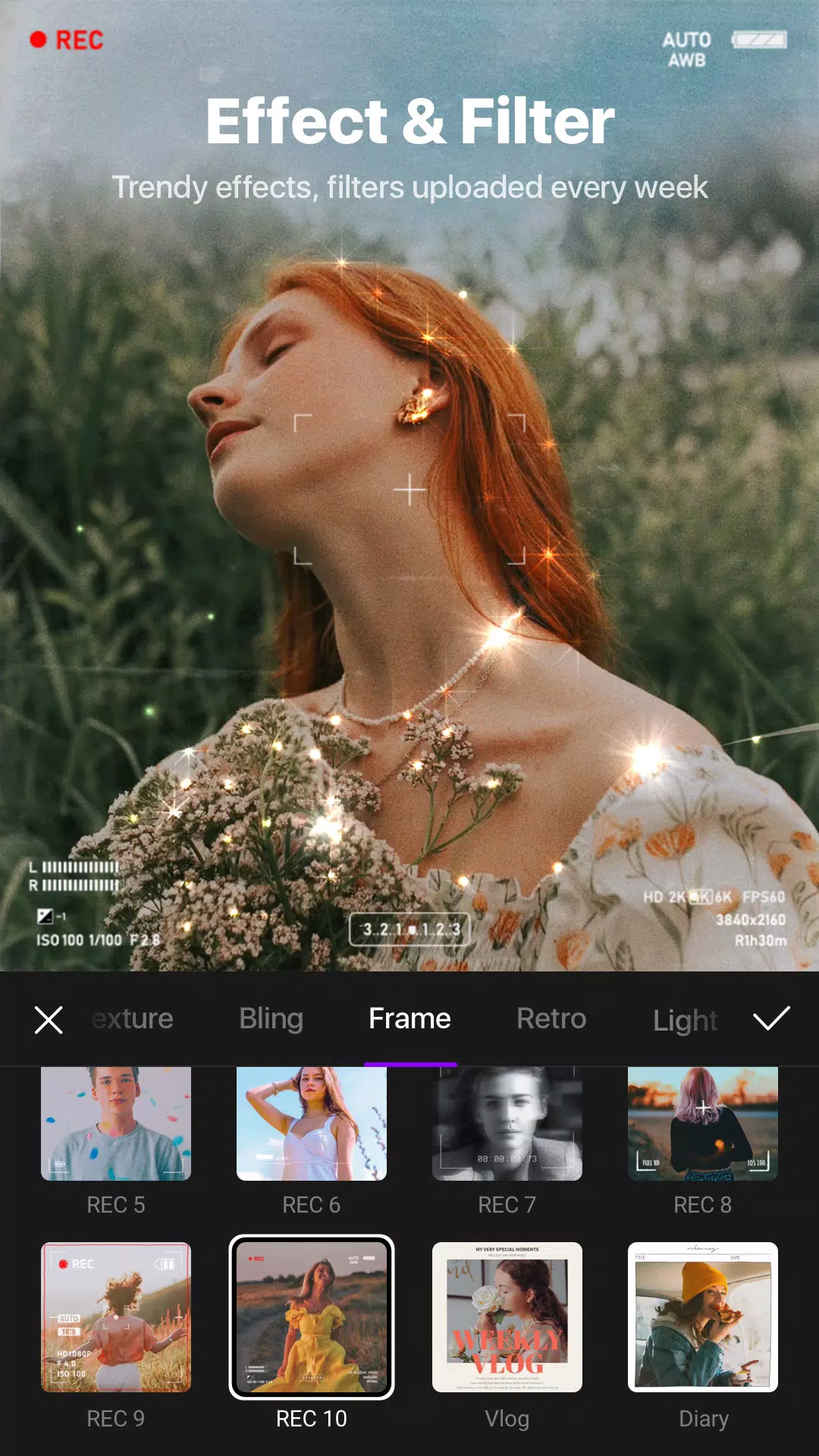
Rich Selection of Editing Tools: VITA provides robust editing essentials such as cropping, trimming, cutting, merging, and speed adjustments. The app stands out with its collection of creative effects—dynamic overlays like floating particles, gentle fog, dramatic lighting, and more add a cinematic touch to any video. A wide range of filters helps users match their footage to various moods or trends, perfect for social media sharing.
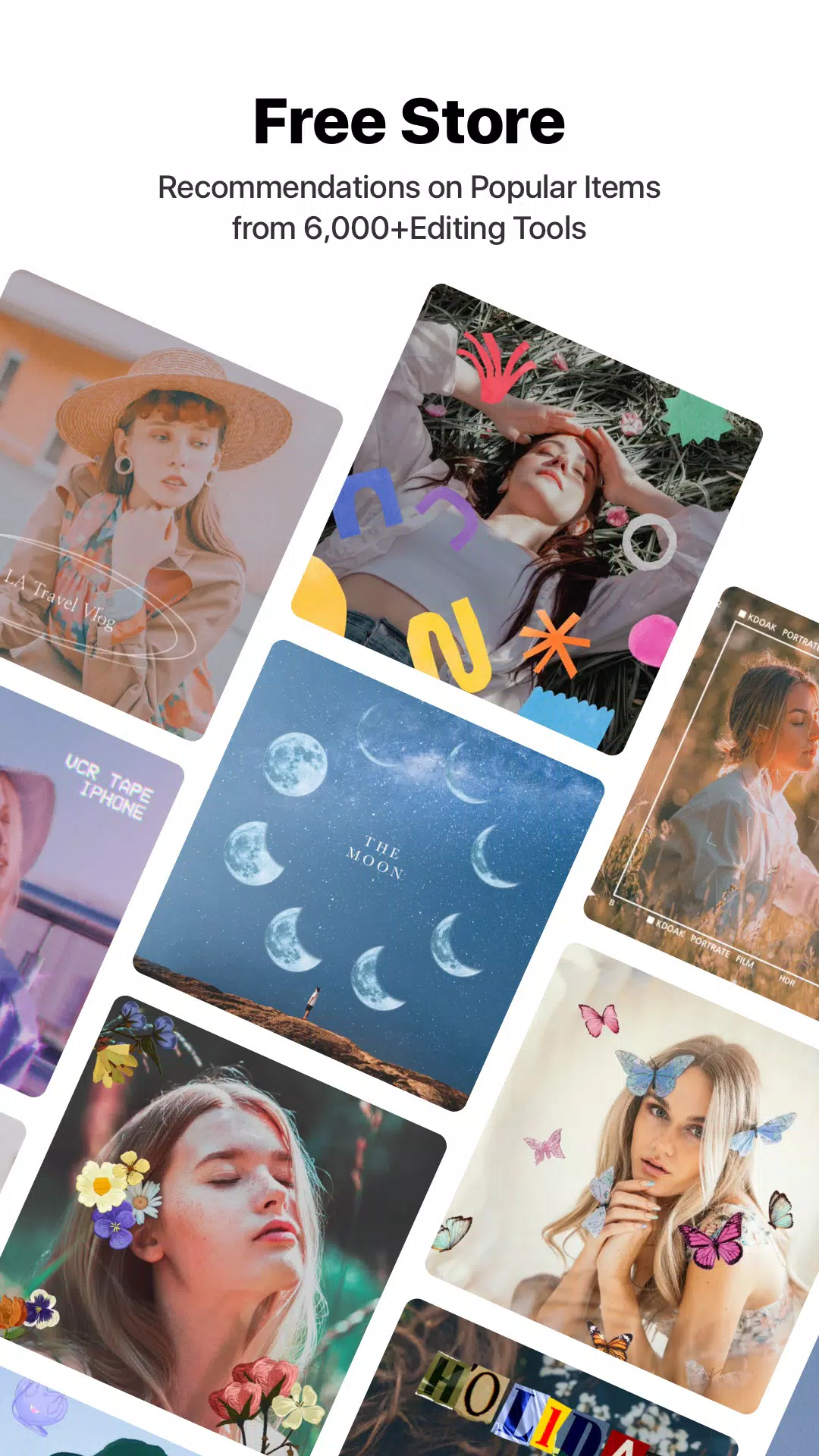
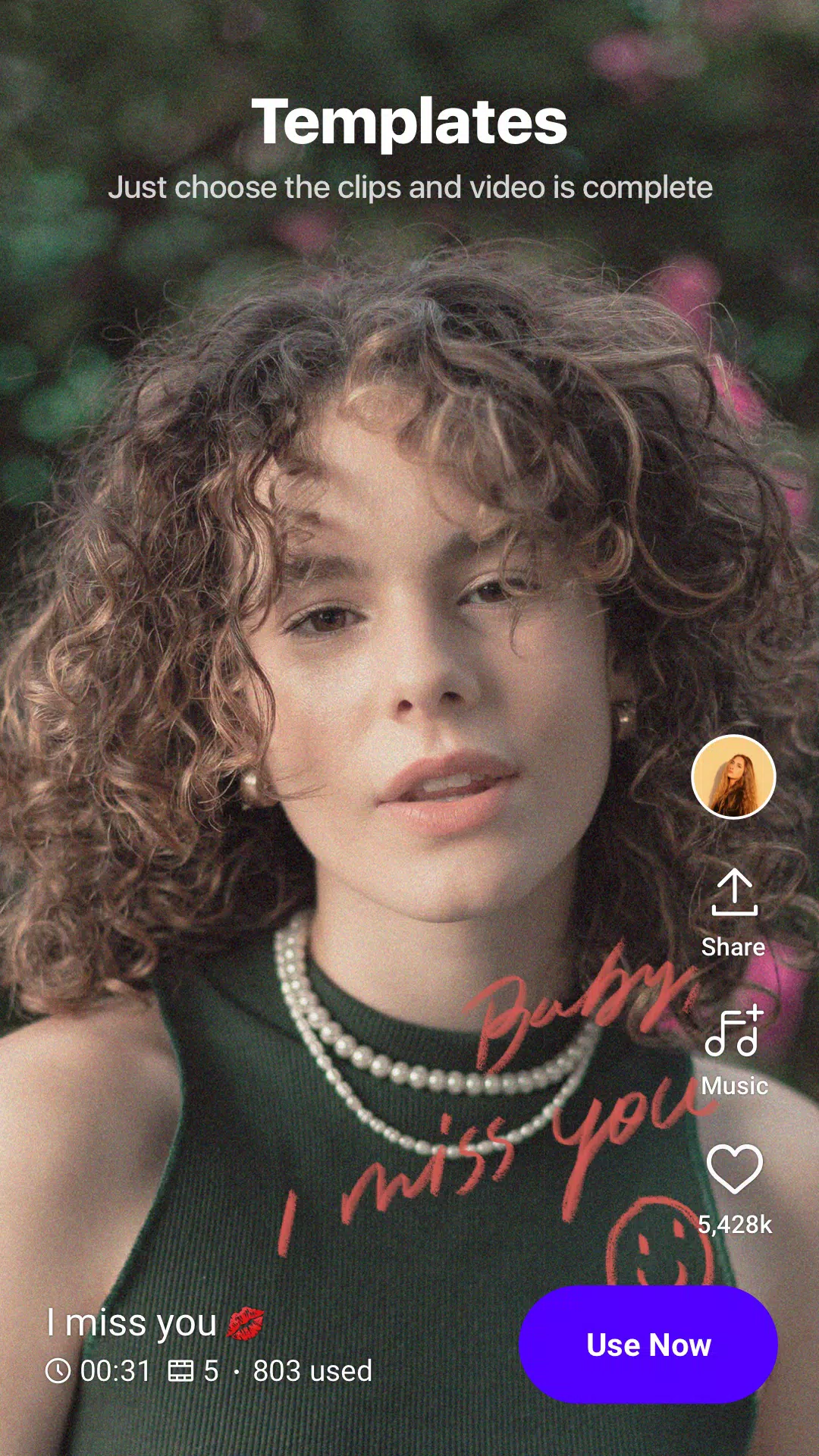
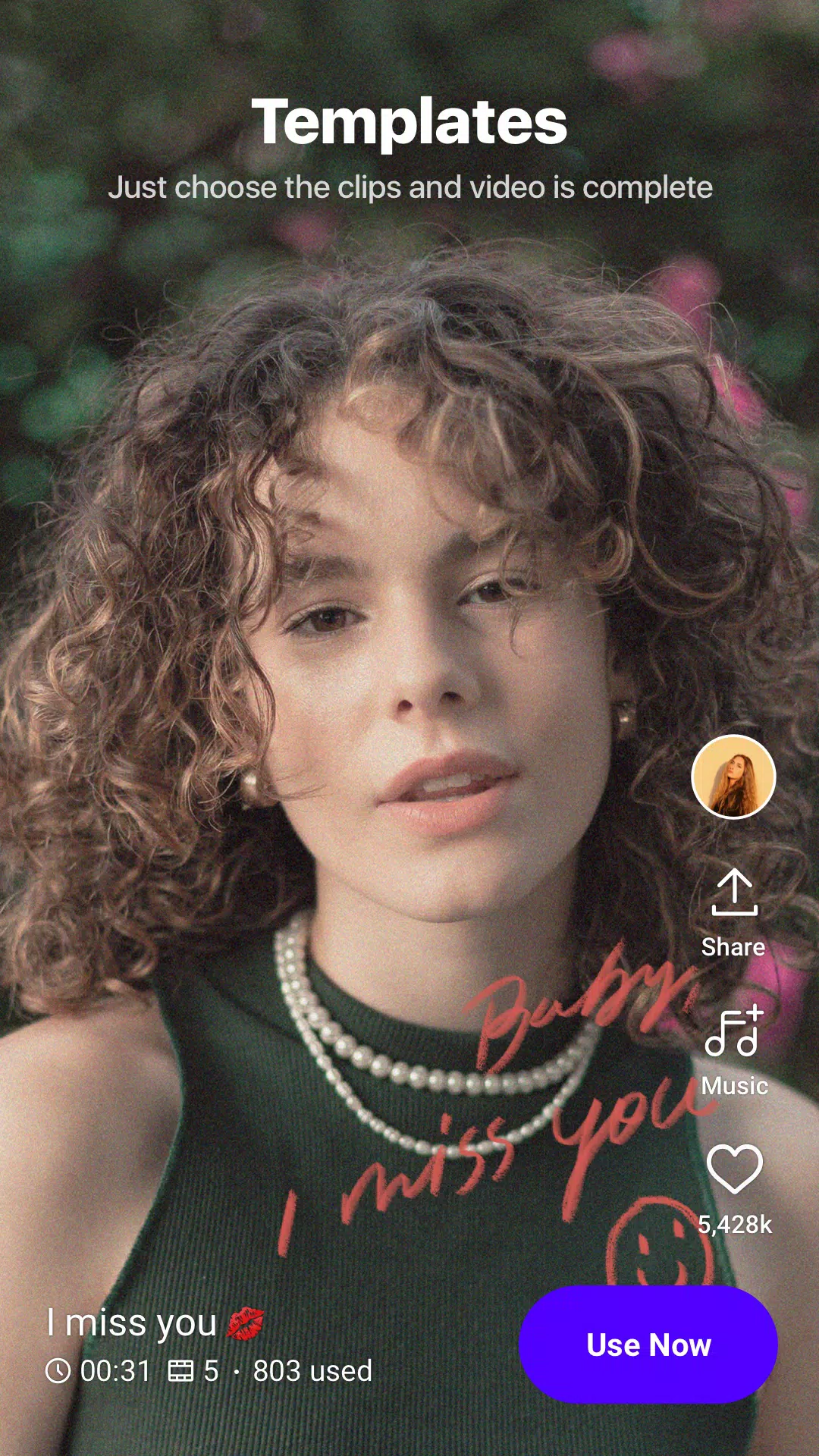
VITA provides users with various new video template suggestions that can be used to meet their needs. Choosing a demo video is a simple process, and users can select the best template for their needs by browsing through the available options. After selecting a template, the app recommends recording a separate video in the format provided. Users are free to use their imagination and choose images that suit their preferences. They can also create videos by coming up with their own ideas and putting them into action using the app’s sketchpad.
VITA provides a wide range of cutting-edge video editing tools to meet users’ specific needs. Users can use an innovative formatting tool to correct any photos that are incorrectly proportioned when uploading them. The app also includes a variety of tools for cropping, aligning, and removing fonts from images.
VITA provides access to a wide range of unique effects that users can use to enhance their videos. Users can choose the desired effect by typing keywords or writing down their preferences. The app offers a variety of one-of-a-kind animation effects that users can use to create the best movies possible. VITA also provides exclusive special effects and extras that are not available elsewhere.
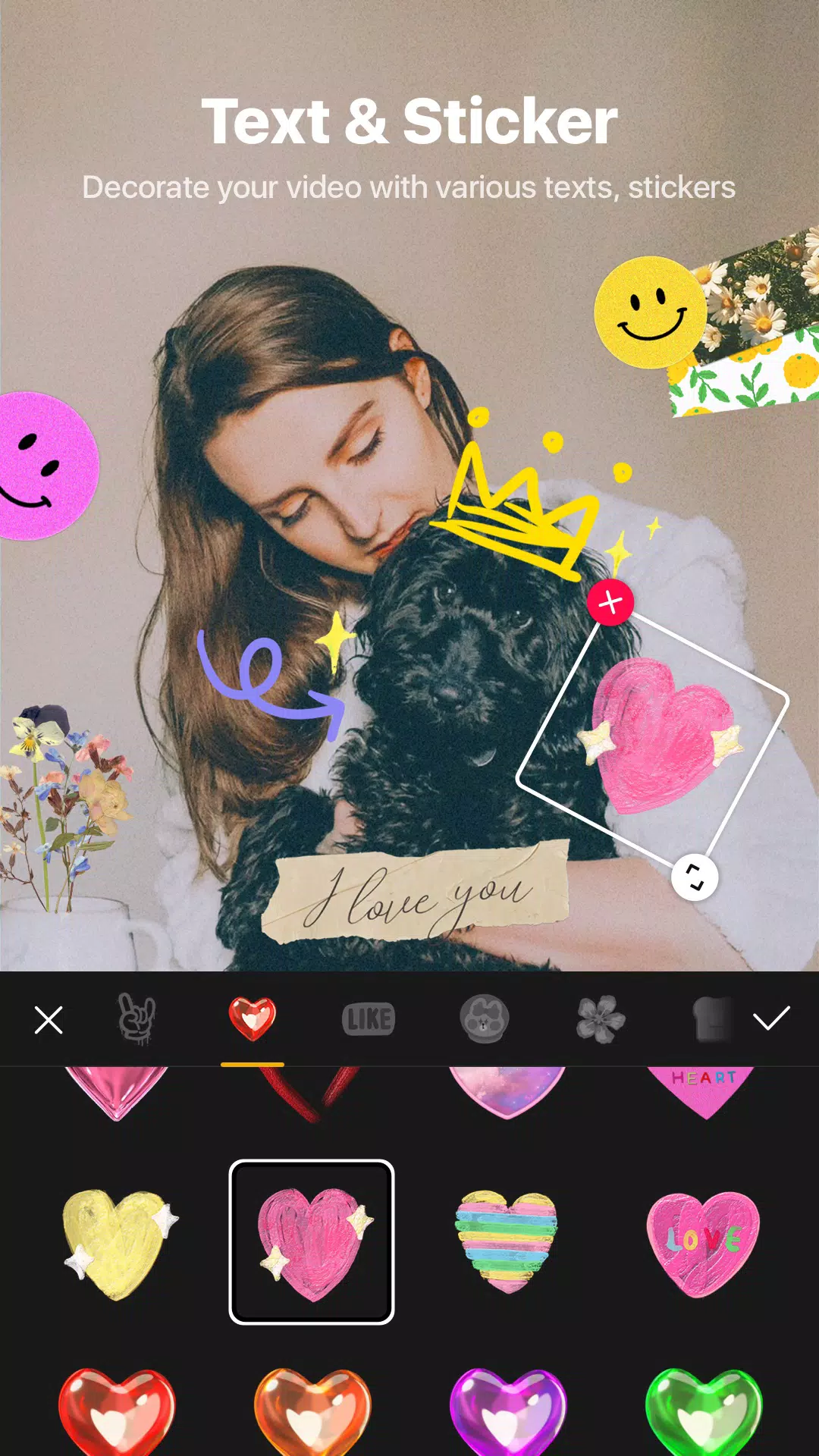
Users can add featured text to their videos using VITA. They can select text from various sources, copy it, and paste it into the video. The app can also add text effects to music videos and automatic subtitles to film clips. Users can change the font and font size to suit their needs.
..Magical. Should be rated much higher!! I use 7 other video effects apps daily.. This is the best. What fun! Truly the best original effects..! Happy with this discovery. I have had no problem with the app BUT what could be improved is the export.. It's more difficult to manage than any of the other 7 video apps I use.
Awesome app! Very easy to use and absolutely fantastic. I really love it. It has so many amazing options and features that make video editing so interesting every single time. Honestly, I haven’t found a better editing app than this. Highly recommended! Awesome, Amazing, Fantastic, Super etc. etc. no words. I like very much..
This is the best video Editing app I have ever Used ,iam editing videos since so many years but there is no such app near to this which give soo many features for free,I faced only one Problem which is ,we can't search songs in this and whichever song we download to edit it comes at very last in the songs list so if you add a search bar or fix this issue it will be more easy to use.
This app is hands down the best for mobile video editing I have ever used. Ever since I started using this app in 2022, I have found that it is immensely useful in expanding my YouTube channel. It's extremely easy to edit videos in this app. Although the free plan does contain a watermark, removing that comes at a very cheap price. However, it lacks a PC version, which is no big problem as almost everyone has their smartphones, and the app size is also small.
Does it support 4K video editing?
Yes, Vita supports HD and even 4K export depending on your device performance and hardware compatibility.
Will I get updates automatically?
No, updates are not automatic. You need to download the latest Version manually from a trusted source when available.
Is Vita free?
Yes, it’s completely free. All premium features, filters, effects, and templates are unlocked without any subscription charges.
Do I need internet to use it?
No, most editing features work offline. Internet is only required for downloading new templates, effects, or online music.
Can I edit long videos in Vita?
Yes, you can edit long videos, but device storage and performance may affect smooth editing and exporting.
To wrap it all up, VITA is that go-to editing app for creators who want more control without more complications. It's built with mobile creators in mind, and whether you're posting to your story, feeding your YouTube shorts, or prepping your next viral TikTok, it holds up. Straight up—if your camera roll is full of content waiting to be turned into something sick, VITA might be exactly what you need.
Size:255.9MB Version:302.0.20
Requirements:Android Votes:227
Package Name:com.snowcorp.vita Signature:f4e987b5e6a55c8743d356447758fd1a
Welcome to our image editing apps! Perfect for beginners and pros alike, they make photo enhancement easy. Use PicsArt to crop, adjust colors, and apply filters. Remove backgrounds instantly with Remove.bg. Get creative with layers and advanced tools on Adobe Photoshop Express. Start transforming your images today!
Transform your smartphone into a powerful editing studio with the best video editing apps for Android! Whether you're a content creator, social media enthusiast, or just looking to polish personal videos, these apps offer professional-grade tools right at your fingertips. Enjoy intuitive interfaces, advanced features like multi-track editing and filters, and seamless exporting options - all optimized for mobile devices. Download now and start creating stunning videos anytime, anywhere!
Video Editor is a powerful software tool designed for crafting, refining, and enhancing video content. It enables users to transform raw footage into compelling visual narratives or effective communication platforms. As digital media continues to evolve, video editing has grown in significance - no longer just a professional necessity but also an accessible skill for everyday creators. Modern editing tools now offer intuitive interfaces, AI-powered features, and cross-platform compatibility, making high-quality video production achievable for both experts and casual users alike.
About us | Contact us | Privacy policy| DMCA
Copyright © 2026 Xiaohei All rights reserved.