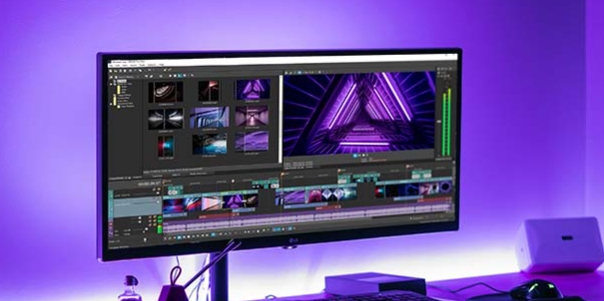
MiniMovie is a versatile video creator that offers a wide array of background music, filters, stickers, and themed effects. Users can craft videos tailored to specific occasions and add custom subtitles, with the option to share their creations directly to social media platforms once finished. The app allows users to pause their work at any time; progress is saved, ensuring a seamless experience even when switching between different devices. Furthermore, the library of assets is updated regularly, keeping the content fresh every time you open the app.
The platform offers versatile functionality, permitting the choice of crafting video narratives in either portrait or landscape mode – a feature notably absent in many other editors. It's equipped with a smart face detection system that intelligently positions faces at the center of slideshows, although this is exclusively accessible for photo-based projects. Stay inspired by exploring a curated selection of mini-movies on the Inspiration page, or use the Moments feature for quick and automatic daily or weekly memory compilations.
Enjoy seamless integration with cloud services like Google Drive or Facebook to fetch visual content and weave it into mini-movies. Once the masterpiece is ready, sharing is a breeze across multiple platforms such as Facebook, YouTube, Instagram, or it can simply be saved to the device's Gallery.
Customization is central to the game, offering a suite of professionally crafted themes to align with any event, from birthdays to weddings. Immerse in editing with real-time previews, manage the sequence and focus of content, and embellish work with personalized subtitles and background music.
As users embark on their journey of creation, they can rest assured that projects can be saved as drafts to revisit at convenience. Plus, the Treasure Store awaits with a constantly updated selection of free themes and music, ensuring videos stand out.
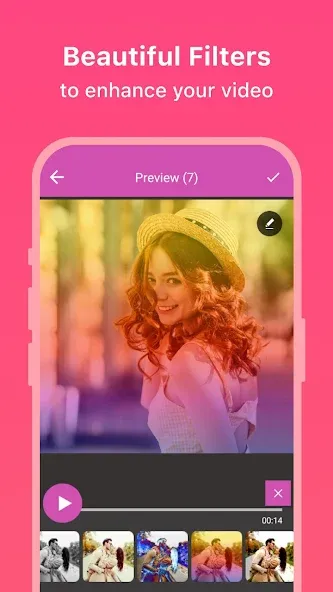
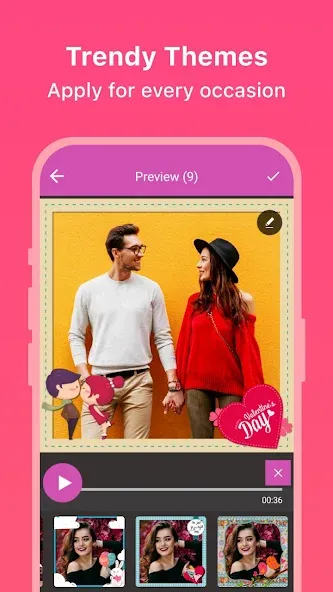
Themes: Select the perfect theme for the occasion from our library of professionally-made themes, including themes specially designed for Instagram that runs for 15 seconds.
Preview page: With this handy video editor, you can get instant previews of the edits you’ve made to the photos, whether they be adjusting the photo order, changing the focus, replacing the photos, adding/changing music, or editing subtitles on the slides.
Edit order & display area: Rearrange the order of the photos and adjust the focal point of the displayed area.
Background music: Select background music from our preloaded music library or from an external source (MP3 format).Edit the length of the music and apply to your movie/slideshow.
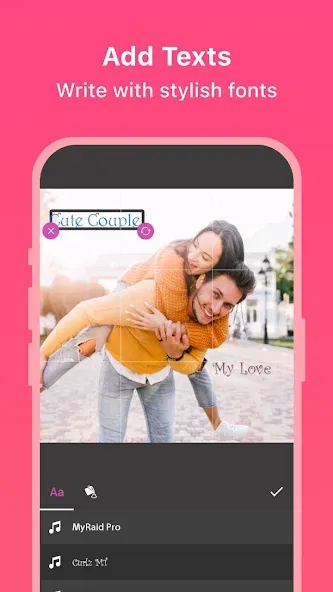
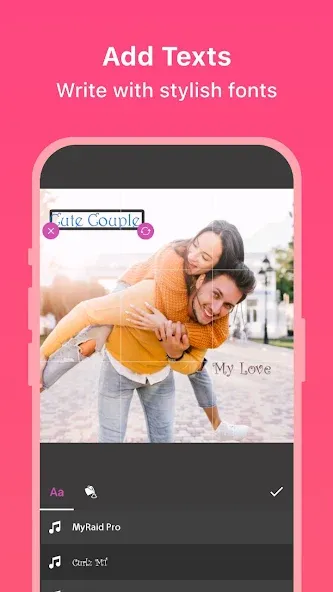
Edit subtitle: As a video editor, you can add meaningful or heartwarming notes and texts, and edit the date of your slideshow.
My drafts: Save an unfinished project as a draft if you want to edit or finish it later. You can continue editing your projects via My drafts on the MiniMovie home screen.
Treasure Store: Get the latest themes, slideshow effects, and music contents right here.
It's awesome and funny I can make funny videos and sad videos like my memories and etc. It's the best app in my phone.and also it can make me pretty and beautiful.
It's AMAZING I can make videos with SPECIAL effects and sound and not like slideshow but there's is 1 problem can u add more music and effects thank u.
Its awesome coolest game in the world it can make you feel and be a pop star .... love this app ..... They should make more apps like this...
This is amazing app......By this app ....Our memories become more special.....
I am not sure about this app and just downloaded it now I will see its performance and give commons don't ask to change the review so don't ask me again and again to rate also adjust heard about this that's all I'll try it I think it's a good app.
MiniMovie can be used to create and send a video slide show to friends or family. Occasions such as birthdays, weddings and office parties are all examples of when this software will come in handy. A series of images is first selected. Then, a specific theme is chosen from a number of existing templates. Once the file is created, users can share it via common social media platforms. It can also be saved into a dedicated cloud storage account for later retrieval.
Size:21.03MB Version:1.4
Requirements:Android Votes:337
Package Name:global.smartalbum Signature:f82d77eb95f9585283edcd39eb377fd8
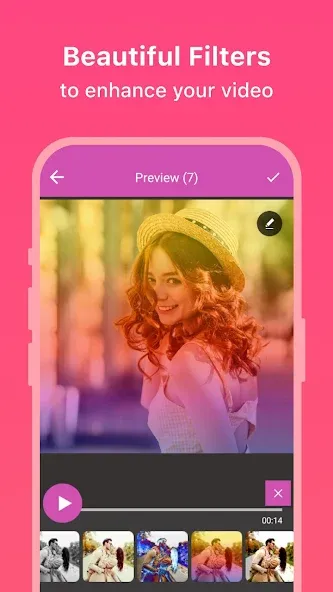
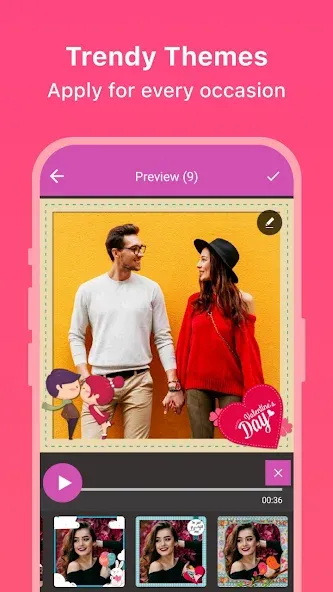
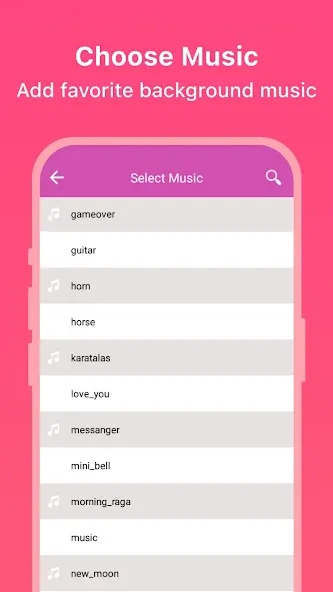
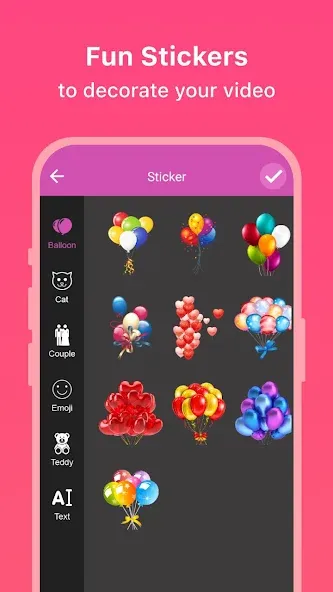
Transform your smartphone into a powerful editing studio with the best video editing apps for Android! Whether you're a content creator, social media enthusiast, or just looking to polish personal videos, these apps offer professional-grade tools right at your fingertips. Enjoy intuitive interfaces, advanced features like multi-track editing and filters, and seamless exporting options - all optimized for mobile devices. Download now and start creating stunning videos anytime, anywhere!
Video Editor is a powerful software tool designed for crafting, refining, and enhancing video content. It enables users to transform raw footage into compelling visual narratives or effective communication platforms. As digital media continues to evolve, video editing has grown in significance - no longer just a professional necessity but also an accessible skill for everyday creators. Modern editing tools now offer intuitive interfaces, AI-powered features, and cross-platform compatibility, making high-quality video production achievable for both experts and casual users alike.
Mobile video editing tools are highly popular, with complete functions and professional tools that provide a strong atmosphere for various materials. Rich video templates can be operated with just one click, saving time and without too high a threshold. So what are the free versions of mobile video editing software? Editing software should have high popularity, but most of them require membership. Next, I recommend several platforms that can be used for free.
About us | Contact us | Privacy policy| DMCA
Copyright © 2026 Xiaohei All rights reserved.