Rapchat is an audio editing app designed specifically for music enthusiasts. It offers a wide array of editing assets and musical tracks across various styles, empowering users to bring their own creative visions to life—and best of all, most of these resources are completely free. You can enhance your tracks with high-quality backing beats, vocal effects, and professional-grade mixing. You can even collaborate with friends, sharing musical insights, techniques, and inspiration as you create together. Once your masterpiece is complete, share it with the community and watch the likes and comments roll in!
Access over 300,000 beats spanning hip-hop, trap, R&B, and beyond.
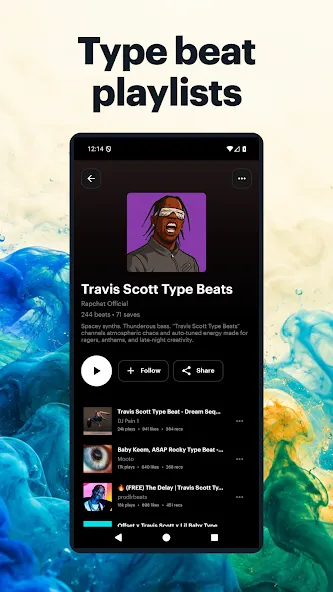
Discover playlists inspired by top artists like Future and Travis Scott.
Royalty-free tracks mean worry-free creativity.
Record high-quality tracks using your phone’s mic.
Advanced vocal processing with auto-tuning and presets.
One-tap sharing to major platforms lets your music go viral.
Choose from 50+ effects including reverb and pitch correction.
Artist-inspired presets help you sound like your icons.
Connect with a vibrant network of over 10 million artists.
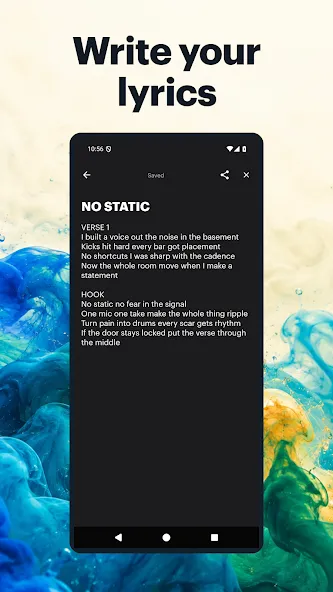
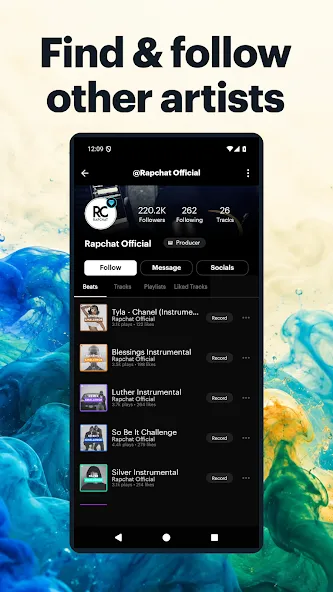
Rapchat also fosters a supportive community for its users. The platform encourages collaboration among artists, allowing them to remix songs and work together on projects. This collaborative environment not only helps users improve their skills but also enables them to build a following and gain recognition within the music industry. Newcomers can benefit from the collective knowledge of more experienced artists, which can be invaluable in their musical development.
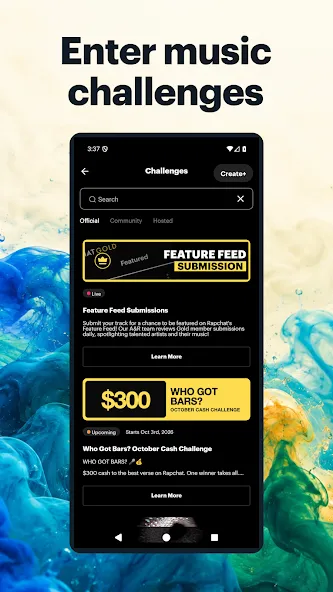
To further engage users, Rapchat offers various challenges that provide opportunities to win real prizes, such as festival tickets and music equipment. By participating in these challenges, artists can showcase their talents while also having the chance to gain fame and recognition. This gamified aspect of the app adds an element of excitement and motivation for users to create and share their music.
The app's recording capabilities are designed to deliver studio-quality sound. Users can record vocals using external microphones, ensuring that their tracks meet professional standards. This feature is particularly beneficial for artists looking to produce high-quality recordings without the need for expensive studio equipment.
Rapchat prioritizes accessibility, making it easy for anyone to dive into music creation. Whether a user is a beginner or a seasoned musician, the app offers a straightforward approach to music production. The intuitive design allows users to focus on their creativity rather than getting bogged down by complicated processes.
Additionally, the app supports a wide range of genres and languages, reflecting the diverse interests of its user base. This inclusivity encourages artists from various backgrounds to share their unique perspectives and styles, contributing to a rich tapestry of music on the platform.
I mean we sing in the shower, driving to work, in our natural mind, even find ourselves singing to a baby or getting high something. Follow me some of us or most of us like the way they sing to themselves. Me too. I love how I sound because we listen to everyone's feelings that are similar to what we feel as humans. So I can be who I want to be letter how I feel without no one knowing who I am.
I use it just to get my music out there I haven't recorded anything on the actual app but as a in a way that you know get your music out there and get your name out there it's it's really good but obviously people have to like your music.
I love this app. There are several talented people on here, rappers and producers alike. I'm still having issues with an error message when trying to upload beats but the Rapchat team is awesome and very responsive and I'm hoping whatever the issue is gets resolved soon. But i highly encourage you, the reader to check it out if you're a fan of rap or if you got bars that you wanna share with a fun and interactive community.
It's awesome. Selection of beats isn't my style tho maybe one in 50 beats or more? I also don't know how to record without having the beat play in the background with my words, Perhaps headphones? Amazing application to start your confidence in writing/rapping or hearing others rap. They also have 12 year olds rapping on here too. Like rap off (beat battle) on an app. It's kinda Kool.
Why will my microphone not record?
Check the site's microphone permission, select the intended input, and close other apps using it. If you denied access, change the browser permission and try again. Make a short test take before recording the whole song.
Are web Studio and the mobile apps identical?
No. Both support recording, but their tools and workflows can differ. Use web Studio for browser recording and the iOS or Android app for the mobile workflow.
Do I need a download, an account, or a beat license?
You do not need to install the mobile app to record in web Studio. You can try browser recording before signing in; publishing to your Rapchat account requires sign-in. Downloading a recording does not automatically grant rights to commercially release the beat. Check the beat's license and the licensing guide.
How can I adjust the volume of my Rapchat track?
If you want to adjust the volume of your Rapchat track, here's what you need to do:
Access the Mix menu: In the studio, select the "Mix" button at the bottom left of the screen.
Adjust the volume mix: Adjust the toggles to reduce the gain of the beat and/or increase your vocals to achieve the desired volume.
By following these steps, you should be able to adjust the volume of your Rapchat track to your desired level. If you have any further questions or concerns, please don't hesitate to contact our support team for assistance.
How can I change information on my Rapchat song?
If you want to add or change information on your Rapchat track, the process is quite simple. Here's what you need to do:
To change the information on a track you've already posted, go to your profile and find the song
Click on the three-dot menu to access the edit option.
Make the changes you want and then save them.
We hope this guide has helped you add or change the information on your Rapchat tracks. If you have any further questions, don't hesitate to reach out to our support team!
Rapchat is a handy audio and music utility that will allow you to record and enhance your song project at the comfort of your mobile phone. Whether you want to make rap songs professionally or for fun only, it serves a wide range of free instrumentals and beats that you can add to your work to incorporate more flavor. Its interface is intuitive thus, users with less technical knowledge shouldn't worry much about its operation.
Size:71.21MB Version:9.6
Requirements:Android Price:Free
Package Name:me.rapchat.rapchat Signature:958de208ccdaea6cc678f4dd5ee83da7
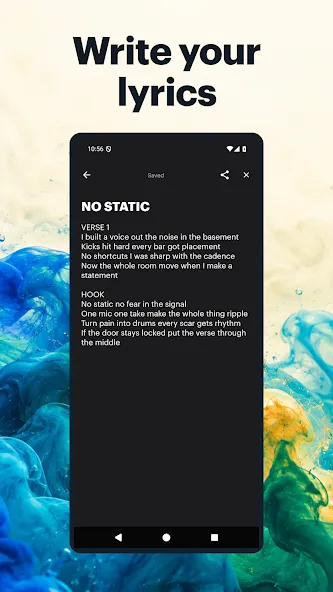
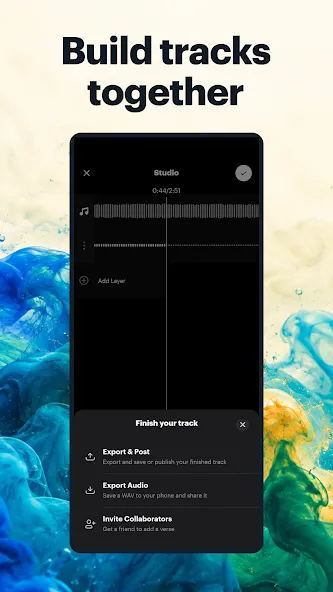
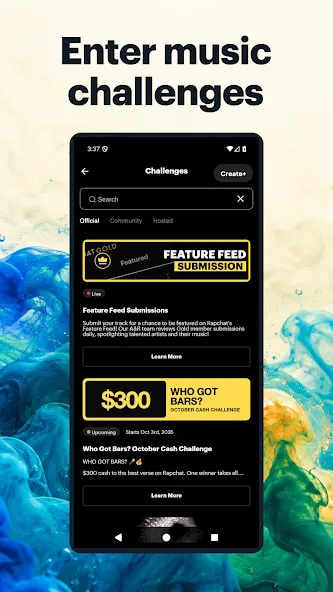
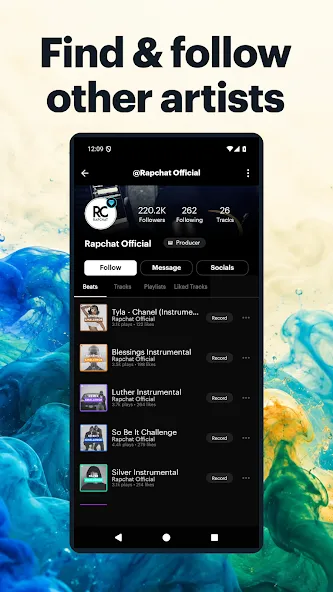
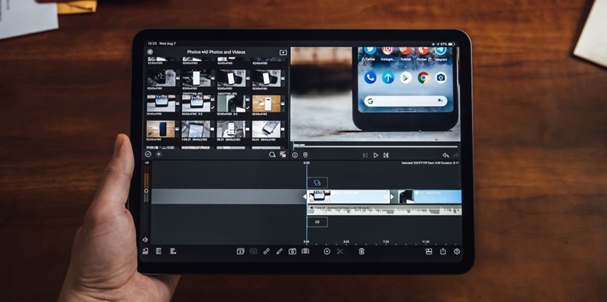
Transform your smartphone into a powerful editing studio with the best video editing apps for Android! Whether you're a content creator, social media enthusiast, or just looking to polish personal videos, these apps offer professional-grade tools right at your fingertips. Enjoy intuitive interfaces, advanced features like multi-track editing and filters, and seamless exporting options - all optimized for mobile devices. Download now and start creating stunning videos anytime, anywhere!
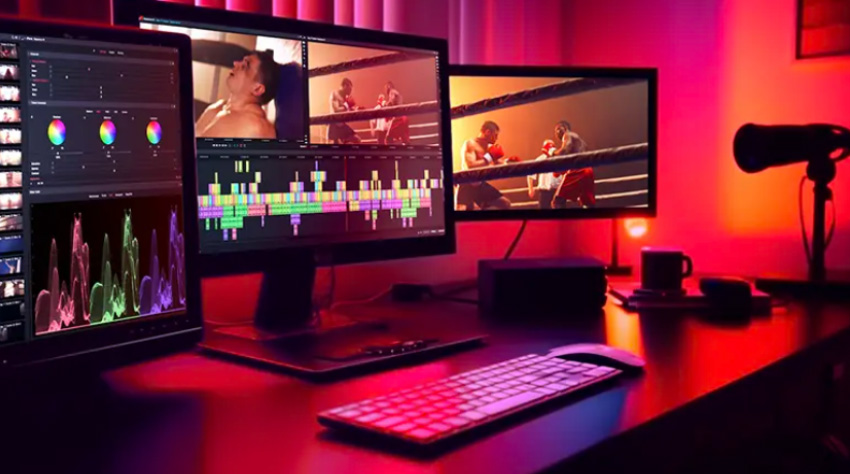
Video Editor is a powerful software tool designed for crafting, refining, and enhancing video content. It enables users to transform raw footage into compelling visual narratives or effective communication platforms. As digital media continues to evolve, video editing has grown in significance - no longer just a professional necessity but also an accessible skill for everyday creators. Modern editing tools now offer intuitive interfaces, AI-powered features, and cross-platform compatibility, making high-quality video production achievable for both experts and casual users alike.
Mobile video editing tools are highly popular, with complete functions and professional tools that provide a strong atmosphere for various materials. Rich video templates can be operated with just one click, saving time and without too high a threshold. So what are the free versions of mobile video editing software? Editing software should have high popularity, but most of them require membership. Next, I recommend several platforms that can be used for free.
About us | Contact us | Privacy policy| DMCA
Copyright © 2026 Xiaohei All rights reserved.