PictoBlox is an innovative educational programming software designed for beginners. The application offers a wealth of features, combining block-based programming with powerful hardware interaction capabilities. It incorporates cutting-edge technologies such as robotics, artificial intelligence, and machine learning, enabling users to learn various creative programming and physical computing skills. With PictoBlox, users can create amazing games, animations, and interactive projects simply by dragging and dropping programming blocks, and even control robots. At the same time, you can expand your knowledge and experience in programming and artificial intelligence through in-app interactive courses.
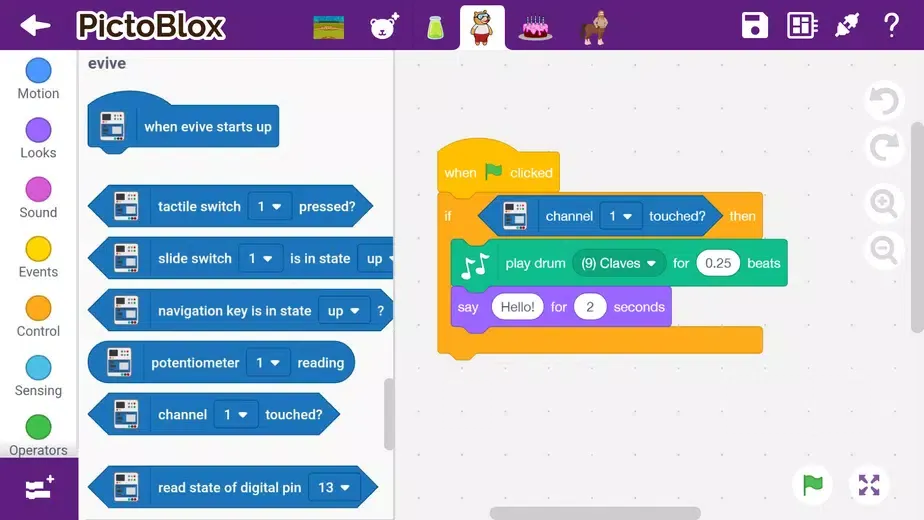
Block-based coding: Users can drag and drop coding blocks to create games, animations, interactive projects, and control robots.
Enhanced hardware interaction: The app allows users to interact with hardware devices such as robotics, AI, and machine learning.
21st-century skills: PictoBlox helps beginners learn creative and physical computing, developing skills like creativity, logical reasoning, critical thinking, and problem-solving.
Coding concepts: Users can learn important coding concepts like logic, algorithms, sequencing, loops, and conditional statements.
PictoBlox App brings artificial intelligence and Scratch coding to your phone and makes it easy and fun to learn complex AI and coding concepts through a learning-by-doing approach by animating your own games, programming and controlling robots in real-time, making interactive AI and machine learning projects, and much more.
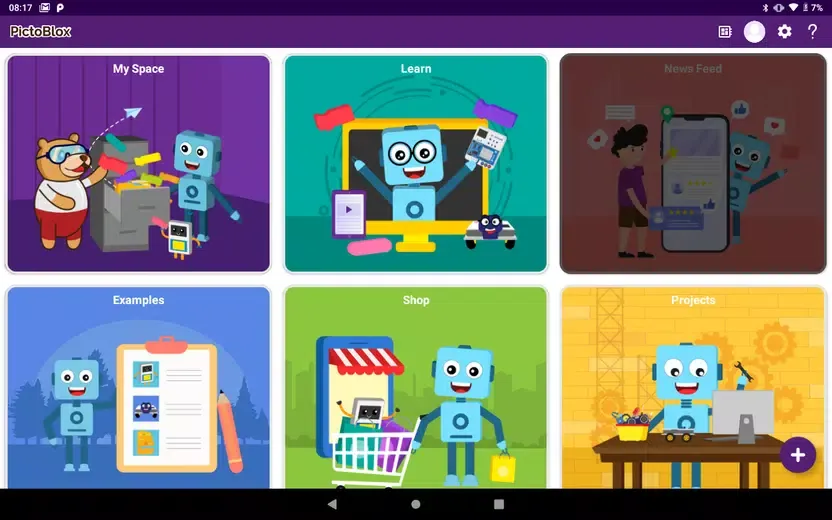
One of PictoBlox App’s best features is the user's interface which is adapted for young learners. Each action is represented by a color, and the mechanisms for coding any game involve dragging code blocks to certain spaces. This task proves to be highly intuitive and easy to understand even if you don’t have technical knowledge.
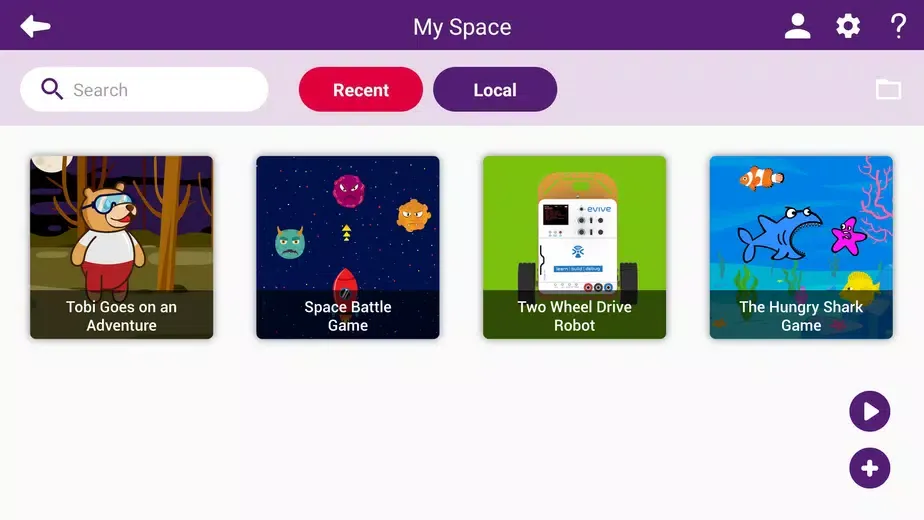
In PictoBlox App, you also have access to templates in the form of examples. These tell you the steps you need to take to code certain environments. From the side toolbar, you can access different segmented coding phases. Now you can make Artificial Intelligence and Machine Learning Projects directly from the PictoBlox App.
Pros
Beginner-friendly, color-coded block editor
AI and machine learning project support
Controls numerous boards and robotics components
Templates provide practical starting points
Cons
Image handling can be glitchy
Added boards and extensions may be difficult to remove
Bluetooth: to provide connectivity.
Camera: for taking pictures, videos, face recognition, etc.
Microphone: to send voice commands and use the sound meter.
Storage: to store the pictures and videos taken.
Location: to use the Location sensor and BLE.
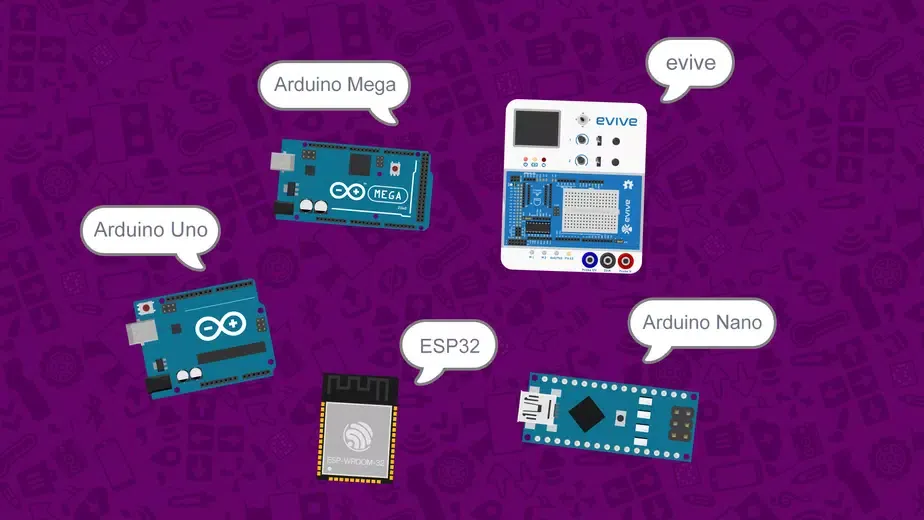
In PictoBlox, you also have access to templates in the form of examples. These tell you the steps you need to take to code certain environments. From the side toolbar, you can access different segmented coding phases. Now you can make Artificial Intelligence and Machine Learning Projects directly from the PictoBlox App. Have a blast with PictoBlox App and Learn Coding AI and Programming from Smartphone anytime and anywhere!
Size:85.76MB Version:3.1.5
Requirements:Android 6.0+ Price:Free
Package Name:io.stempedia.pictoblox Signature:6ead98c2ad2dbf21f9476de621ea6a97
Explore a handpicked selection of top mobile coding apps that transform your smartphone into a versatile programming hub. Whether you're a beginner diving into Python, Java, or JavaScript or a seasoned developer coding on the move, our platform offers offline-compatible tools, interactive lessons, and real-time compilers for smooth, on-the-go development. Discover apps like Termux (a Linux terminal emulator), AIDE (Android app development), and Pydroid 3 (Python coding), all optimized for touchscreen interfaces and cross-platform use. Utilize built-in debugging tools, version control systems, and cloud synchronization, alongside step-by-step tutorials and an engaged developer community. Ideal for web development, app creation, and scripting, these SEO-optimized coding apps ensure effortless discovery with keyword-rich descriptions and user-friendly interfaces. Start coding today and take your programming skills to the next level - anytime, anywhere!
Educational software are emerging in an endless stream on the market, so which one can stand out? It should not only be simple and convenient to use but also helpful for our study. Below, Xiaohei.com brings you a very comprehensive and practical summary of educational software downloads. Come and download it, there is always one that suits you.
About us | Contact us | Privacy policy| DMCA
Copyright © 2026 Xiaohei All rights reserved.