
Noteshelf 3 is a note-taking app designed for students and professionals, allowing users to experience the convenience of paperless office work. Users can capture their inspirations anytime, create notes, upload various images, and use templates and stickers to make their notes more vivid and engaging. The app also supports audio recording, accurately recognizing over 60 languages and quickly converting them to text for easy recording and proofreading. Furthermore, the app supports note management, arranging notes by time, category, and other methods for quick access and review.
Natural handwriting tools: Noteshelf 3 focuses on handwriting that feels familiar. You can write with realistic pens and highlighters, including a fountain pen for varied stroke width. When shapes are needed, the app converts rough sketches into clean circles, arrows, and polygons. As a result, diagrams and notes stay readable without extra editing.
Organize and personalize notebooks: You can structure your library with categories, groups, and subgroups. Color coded bookmarks work like a table of contents, so long notebooks stay easy to scan. The toolbar is fully customizable, and there are more than two hundred templates, covers, journals, and digital diaries to match different tasks. This approach keeps study notes, work projects, and personal plans clearly separated yet close at hand.
Type, record, and focus while you write: Noteshelf 3 supports rich text typing alongside handwriting for flexible note layouts. You can record audio while taking notes in a class or meeting, then play it back to review details. Multi window support helps you view two notebooks or a note and a PDF side by side. When you need fewer distractions, use focus mode or switch to dark mode for comfortable reading.
Noteshelf AI for smarter notes: The AI assistant can generate notes, summarize pages, translate text, and explain terms inside your notebook. Handwriting recognition works in sixty five languages, and you can search your handwriting or typed text to find what you need. This saves time when organizing long notebooks or preparing study guides. It also helps non native speakers review material in their preferred language.

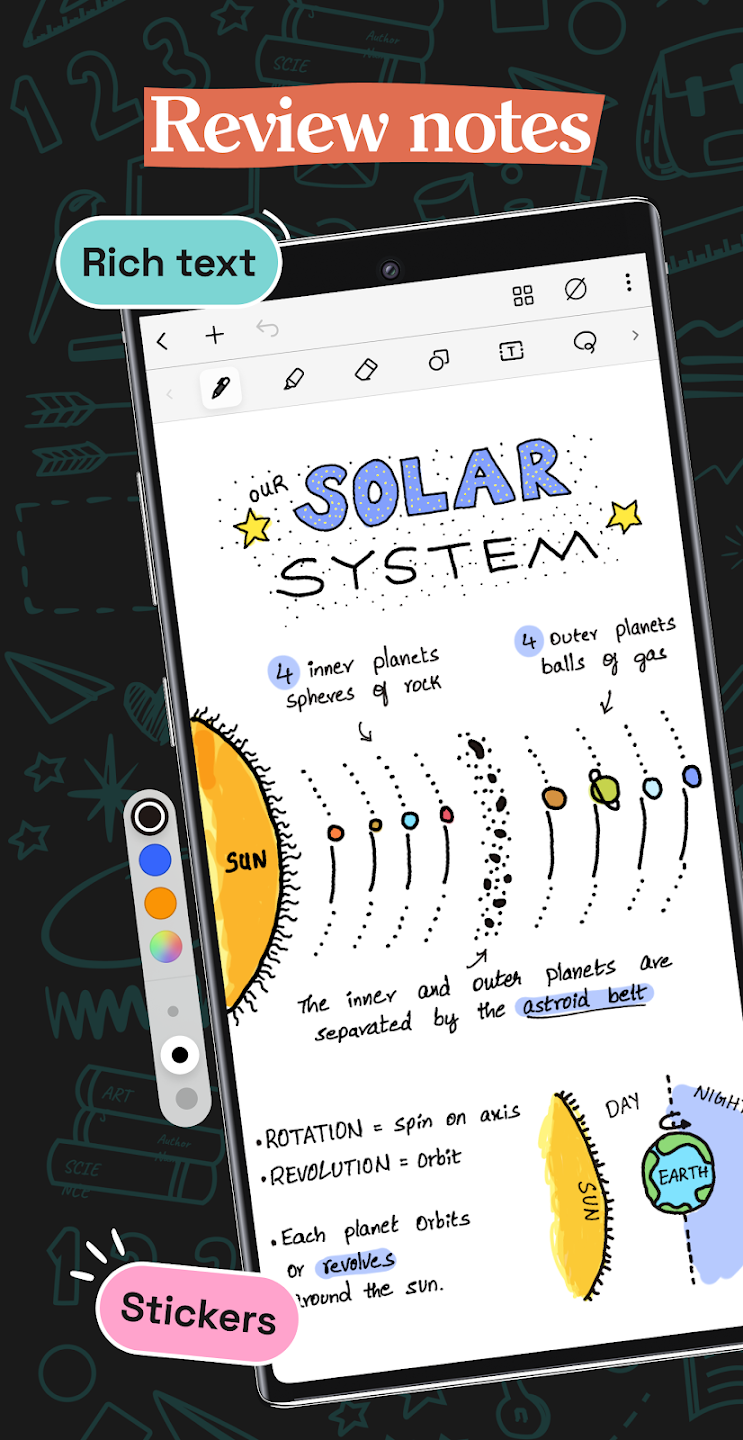
Smart Handwriting and Drawing: The application supports extremely smooth handwriting tools such as Samsung S Pen, USI, MPP… Additionally, it features a fountain pen for a realistic writing experience.
Content Overview: This smart feature allows the application to create multiple notebooks, main groups, subgroups, and organize them as desired.
Personalized Table of Contents: Mark important pages, name them, and color them.
Intelligent AI support features: Users can request automatic handwritten notes on any topic. The app summarizes entire pages, translates text, and explains complex concepts.
Simultaneous recording feature: The app can record voice, especially suitable for simultaneous recording and writing for more accurate synchronization. It can recognize handwriting and convert it to text in over 65 different languages.

This app is a god-send! I've loved every second of using it. The number of templates, the range of stickers and it's adaptability make it the perfect app for planning and organising. Plus it has the added benefit of a choice of cute aesthetics! Definitely recommend downloading this app.
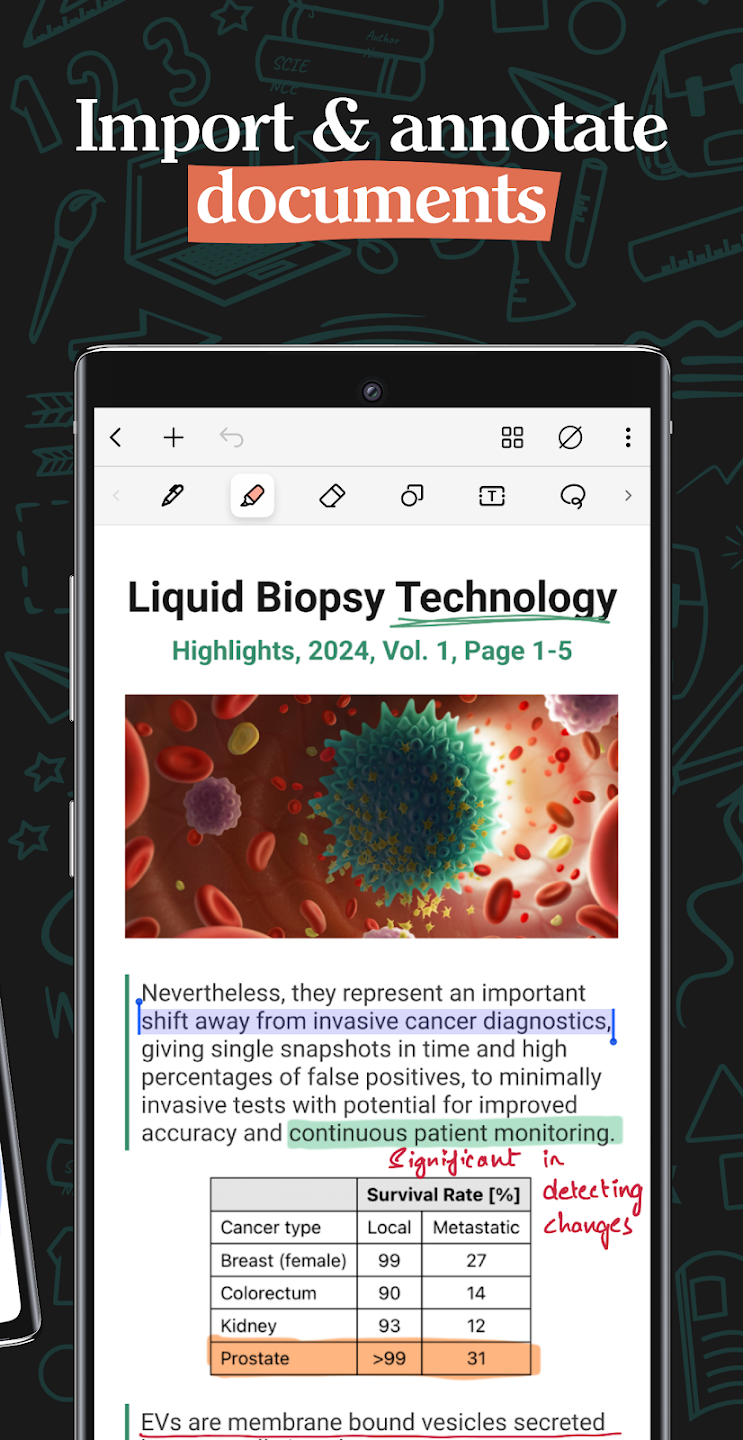
I’ve been using Noteshelf 3 (Fluid Touch) on Android for work notes and quick personal lists, and it feels smooth so far. The stylus handwriting tools are easy to use, and switching between pens, highlighters, templates, and shapes doesn’t feel cluttered. PDF import and markup worked well, and the Google Drive backup option is useful. Overall, it’s a solid app for keeping handwritten notes organized digitally. Its integrated well with my Samsung, no problems as of yet.
A great note taking app with all the features I need. Stylus support, customised notebook covers and page templates plus if you get premium they provide extra neat templates like the flexible year planner, which I love. I use this for teaching, tuition, basketball coaching and keeping track of the various projects and home improvements. One request would be to improve locking to a page so it doesn't accidentally move when my palm touches it.
I love Noteshelf! I have been using the paid version for about a year and I love being able to sort out thoughts in different notebooks. I probably use it every day. The new templates that Noteshelf came out with have been so helpful for organizing for the New Year. This app was probably my favorite purchase last year and has become a staple of my life!

Bookmarks provide a shortcut to easily accessing important notes at any point.
By bookmarking your notes, you can save a lot of time you might otherwise lose trying to locate your notes.
To use the Bookmark feature in Noteshelf, follow these steps:
1. Open the notes you would like to bookmark.
2. Tap the “Pages” icon
3. Here you will be able to view all your notes in that particular notebook. On the right corner of the preview page, you will find the “Bookmark” icon
4. Tap the bookmark icon to bookmark the page.
Long tap on the Pentagon preset shape once you've inserted it on the page to find a small orange color pointer inside. You can turn this pointer around for getting a Hexagon & other shapes. Try it out & reach our support (via in-app Settings->Support) if you have any questions regarding the same.
If you prefer to change the Noteshelf app language on your iPad, follow these quick steps-
Go to the the Settings PngItem app on the iPad
Select ‘General’
Select the language of your choice from the list to change your device language
Re-launch the Noteshelf app (note that the app language has changed too)
Noteshelf fits anyone who loves writing, sketching, or staying organized digitally. It’s most useful for students, artists, or professionals managing multiple projects and meetings daily. While it has minor limitations in its free plan, its clean interface, accuracy, and customization options make it one of the most balanced note-taking apps on Android.
Size:155MB Version:4.4.0
Requirements:Android Votes:551



Office Apps is a comprehensive and user - friendly platform that aggregates a wide array of office - related applications, catering to the diverse needs of modern professionals, students, and anyone who engages in office - based tasks. Whether you're working on a crucial business project, preparing academic papers, or handling daily administrative work, this aggregation page serves as your one - stop - shop.
The complete collection of office software is compiled based on user needs and referencing the popularity of major computer application stores. This collection selects various useful computer office software for users from multiple aspects such as office suite, communication and collaboration, email management, note management, cloud storage, download and decompression, etc. These software can meet your various document processing needs, making your team collaboration smoother, and conveniently managing your emails and keeping various meeting records. Download various materials and documents needed for office work. This collection of office software commonly used by professionals can meet all needs. Welcome to download and experience it!
About us | Contact us | Privacy policy| DMCA
Copyright © 2026 Xiaohei All rights reserved.





















