
Notewise is a note-taking app designed specifically for mobile devices. Users can not only handwrite notes but also create beautiful charts and, with the help of AI, summarize key points. It can also convert handwritten notes into PDF files for easy review. The software boasts advanced image and document scanning technology, accurately recognizing user-written content and even doodles, allowing users to edit scanned content at any time. The app provides a complete writing toolbox, including pens of various colors and thicknesses, erasers, text boxes, rulers, and more, enabling users to create personalized, high-quality notes. Users can also share folders in real-time via links or QR codes, facilitating online editing by other users and saving everyone time and effort.
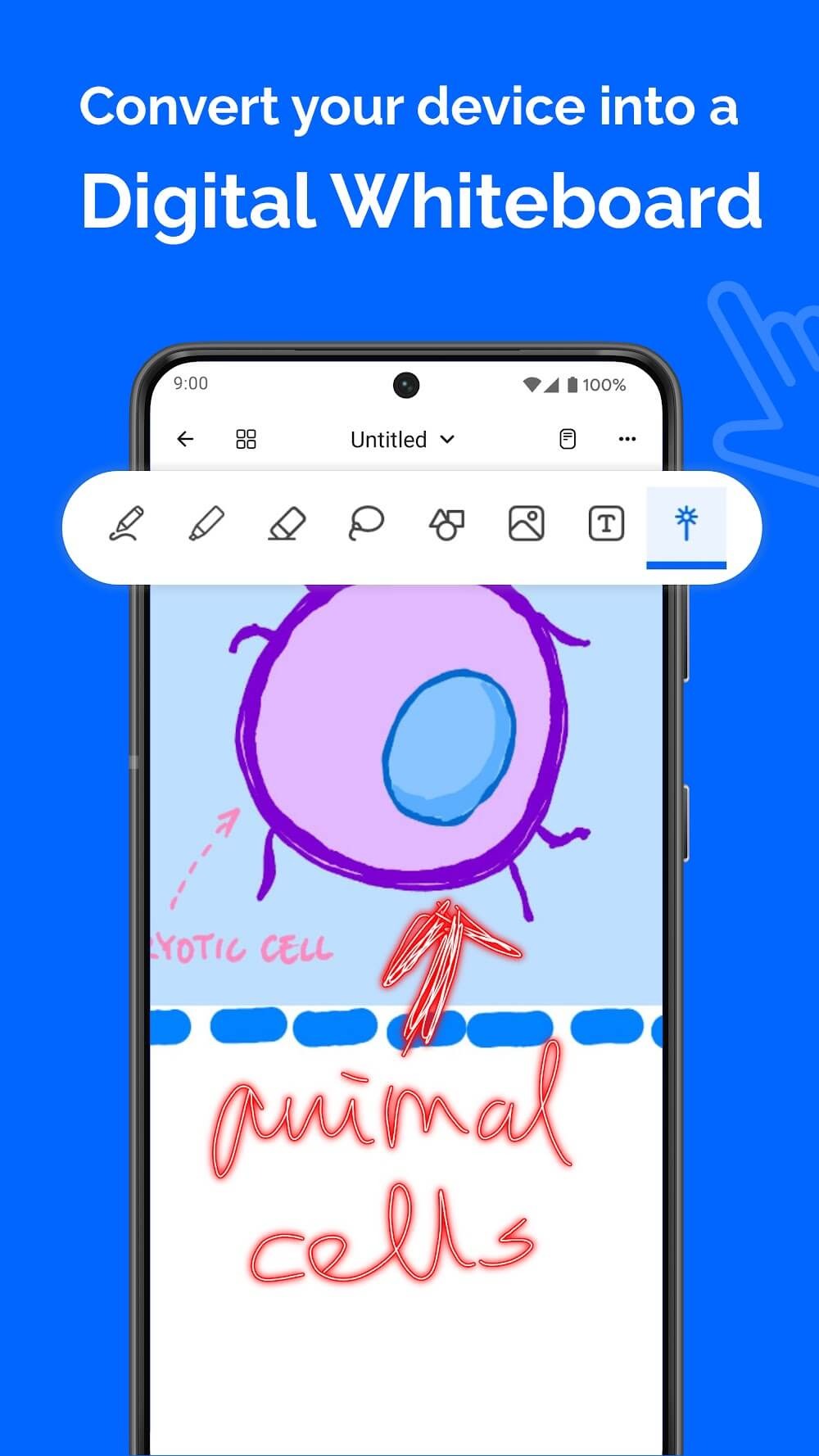
Handwriting you can rely on: To capture writing comfortably, Notewise supports low latency input, palm rejection, pressure sensitive pens, smooth highlighting, stroke stabilization, and shape assist. This setup suits class notes, design sketches, and whiteboard work. The toolbox includes pen, highlighter, eraser, lasso, tape, shape, text box, image, audio recorder, table, zoom box, ruler, and laser pointer.
Make handwriting searchable with AI OCR: Beyond writing, Notewise can extract text from handwriting, scans, and imported PDFs. You can search for formulas, quotes, or action items without retyping. Multilingual recognition helps you work across different languages and pull details from worksheets, whiteboards, and course materials.
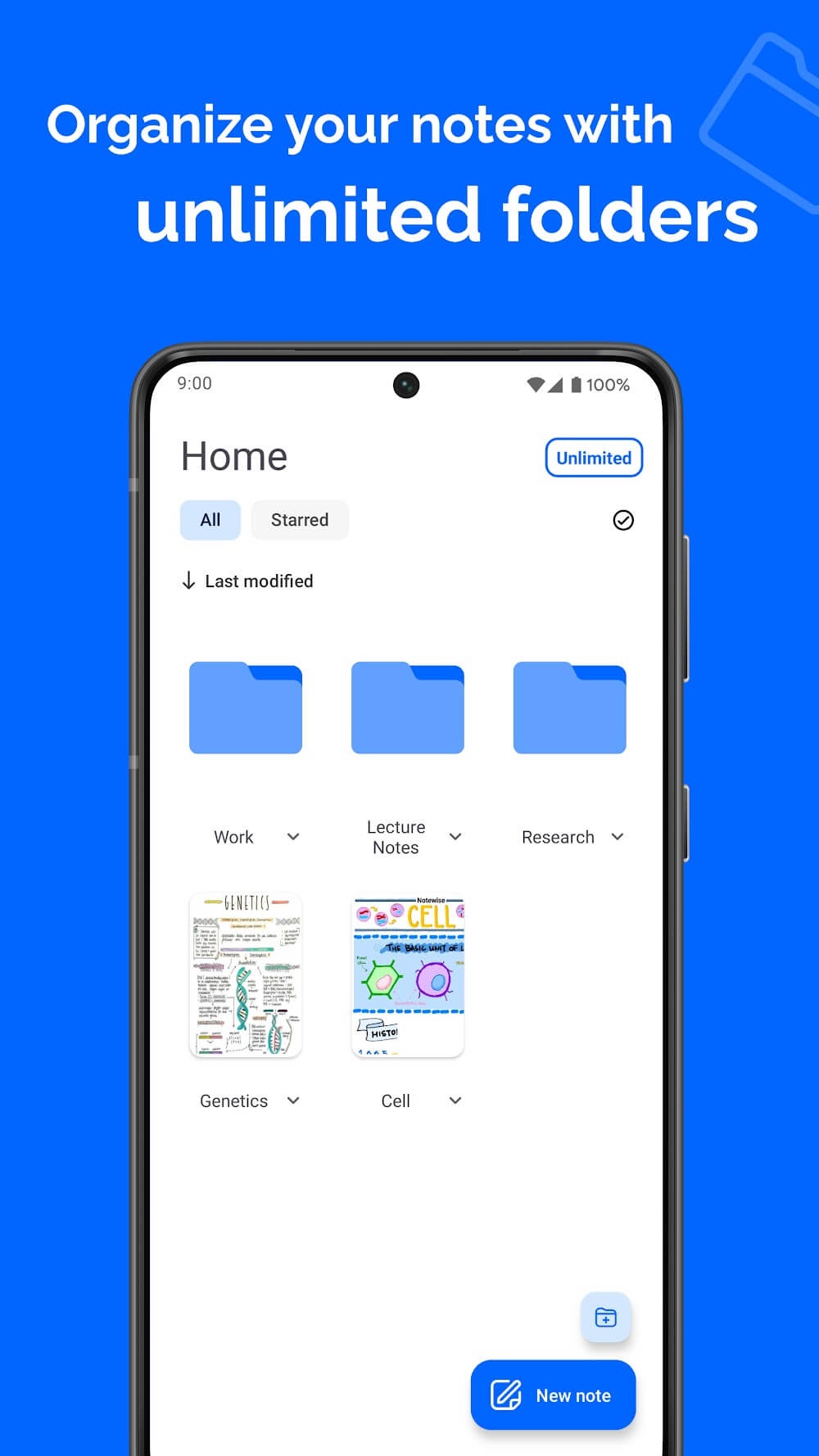
Organize and manage your library: Once notes are in place, you can set up folders and tags, sort items, and pin recent work. Notewise lets you merge content, reorder pages, and bulk import or export files. Color coding and simple controls help keep growing projects tidy and easy to review.
Sync, collaborate, and share: When you need teamwork, Notewise supports real time collaboration in shared notebooks. Notes can sync with the cloud, and offline first behavior keeps editing responsive on the device. You can share by URL or QR code, or export to PDF or image formats. Notes are encrypted, and the app does not show ads or sell data.
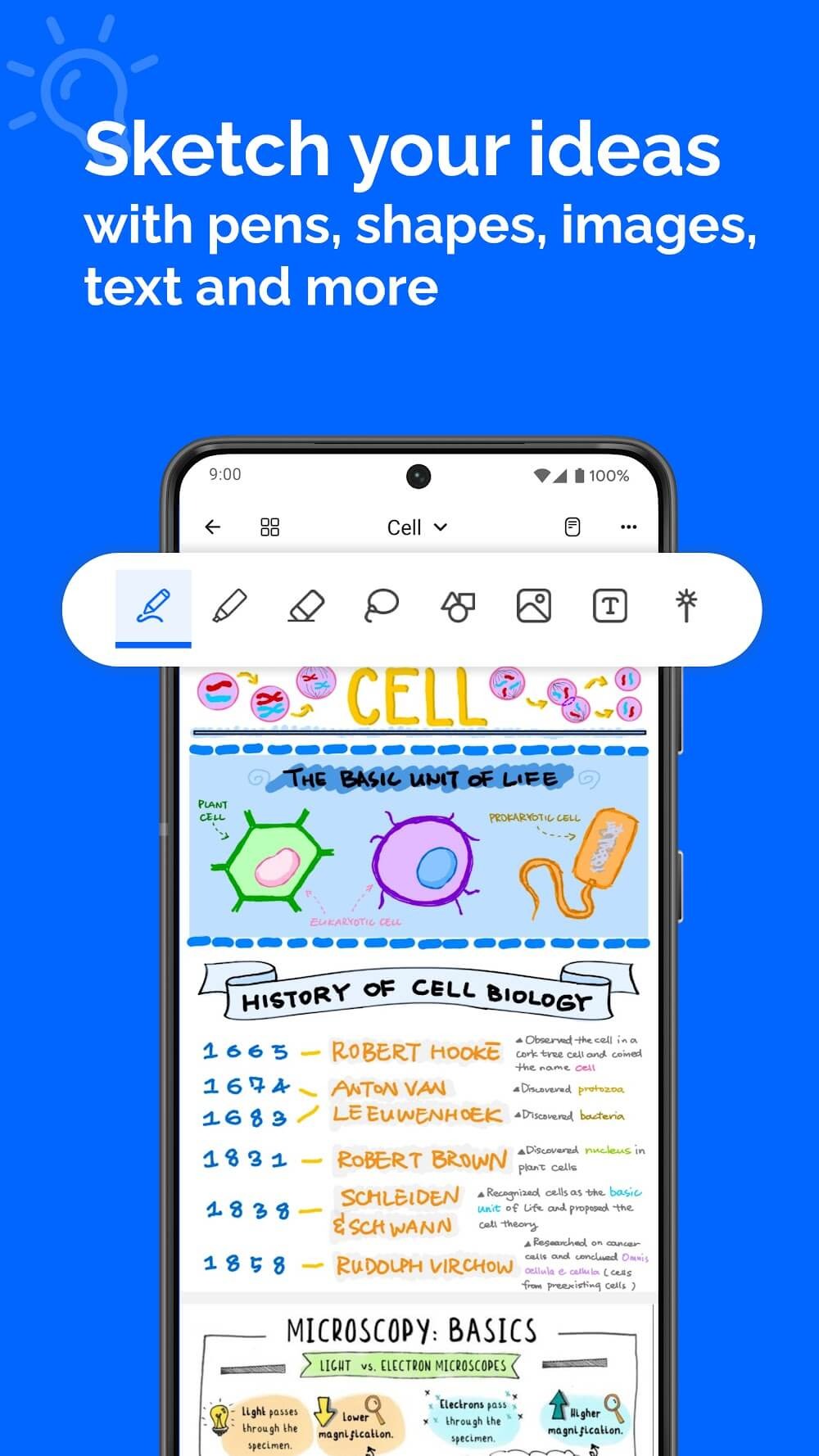
Flexible note-taking space: One thing I really like about Notewise is the feeling of freedom. The app doesn’t force you to write in lines, boxes, or a fixed layout. After using it for a while, I realized this is why I keep coming back to use Notewise more. Some days I just write text. Other days it’s all diagrams, arrows, and circles. The app doesn’t complain. No limitations.You can write wherever you want. Write off-center. Write over. Sometimes I’m jotting down the main idea, then a secondary idea pops into my head, so I just move to a corner to add it, without having to readjust the original layout.
Note-taking and editing directly on PDFs: Initially, I didn’t pay much attention to Notewise’s note-taking feature on PDFs, thinking it would be similar to other apps. But when I started using it to read study materials or work files, the feeling was different than I expected. Open a PDF file, write directly on it, draw arrows, circle important sections, underline key points – everything runs quite smoothly. It doesn’t feel like you’re adding notes to a file; it’s more like writing directly on printed paper.After using it for a while, I realized the great thing is that you’re not interrupted from the reading process. While reading, if you come across an important section, you can write it down immediately. No need to switch modes, no need to open additional cumbersome toolbars. This seamlessness allows me to read more thoroughly and remember longer, because my hands and eyes work simultaneously. This feeling arises because Notewise doesn’t try to make reading PDFs a complicated process.
Extremely effective note organization: The app does not manage notes in the manner of tagging, nor is there a hierarchy of notes. Actually, when you use it, the organization is quite similar to having a notebook you keep in your bag. There exists a folder. The notebooks exist. Every item sits in a well-known location. At first glance, it may seem simple but after using it for some time, this tool will feel quite handy.As my notes piled on, my focus shifted to searching for older content. Notewise manages this quite well. The search function does not work solely on the title but also on the handwritten text. At first, I didn’t think much of it, but when I typed some words in and the app found my exact page, it felt great. It gave me the impression my writing hadn’t been buried.
very good. and can be improved to do better 1 - Erasing in hand writing is combined with line shape surrounded it must be separated because we have 2 functions separately. 2 board number not displayed if you add go to board number it more easy then searching 3 in going to such precise board if we have a number we will be able to move from board to an other to move all or partial kind of the using menu 4- a keyboard can be added into text zone because we find hard to call keyboard.
overall, this is the best notes app for studies that i have found. but some extra features would still be nice. edit: App is constantly maintained and new features are added frequently and the team really seems to care about fixing issues/bugs. previous bugs mentioned within this review have been fixed. amazing app support. overall this is still the best notes app I've come across.
Best Sync between iOS and Android. Previously i was using OneNote for its sync capabilities, but i started having issues when i installed my emplyer office suite. In addition to the great sync, Notewise is feture rich when compared to OneNote, multiple pen tools, page templates, settings and the lasso tool is more coapable. 100% recommended.
I have purchased so, so many annotation apps, and this is by far my favorite. It flawlessly syncs between my phone and tablet without any lag. The only downside I see is that it isn't available for computers. I have another app that is available for all 3 devices (laptop, tablet, phone), but it takes so long to sync and then it creates random backups and I'm never sure which one to keep. Please, please, please make this available for use on laptops.
On home page, tap title of the note that you'd like to open in split screen, then tap Open in split view
On devices older than Android 12L, you should first enable split screen mode by going into your device's recent apps screen, then long hold Notewise to enter split screen mode. Now you may tap Open in split view inside Notewise, as shown in the image below.
Note that not all devices support split screen. If you're not able to find the Open in split view button, the mode might have been disabled by your manufacturer.
For Notewise Cloud Users: If you forget your password, you can reset it through the password settings. A reset link will be sent to your Notewise Cloud email. After resetting, you can unlock all your locked notes using the new password.
For Notewise Unlimited and Free Users: Unfortunately, password reset is not available. If you forget your password, we cannot recover your notes. To prevent this, make sure you set a helpful password hint during setup.
Make sure to choose a secure password and a useful hint to ensure you can always access your notes!
See all file types you can import into Notewise. Core support for PDF, images, ZIP; Notewise Cloud adds DOCX, XLSX, PPTX, CSV, Pages, Keynote, and more.
For all users, Notewise supports:
PDFs
Images
Notewise files (.notewise)
ZIP files – PDFs, Notewise files, and folders inside the ZIP will be imported. Please use the “Import PDF” or “Import Notewise file” button respectively.
For Notewise Cloud users, the following are also supported:
Documents: .docx, .doc, .odt, .rtf, .txt, .md, .pages, .dot, .dotx
Spreadsheets: .xls, .xlsx, .csv, .numbers, .ods, .xlt, .xltx
Presentations: .pptx, .ppt, .odp, .key, .pps, .ppsx, .pot, .potx
Notewise impresses users with its remarkably fluid and natural digital handwriting experience. Notes glide smoothly on the screen without lag, mimicking pen on paper thanks to palm rejection technology and precise stylus tracking. Jot down or sketch ideas effortlessly without interrupting flow. Zoom and scroll pages like a real notebook. Import images to enhance visual notes. Notewise perfects digitizing handwritten ideas for the future!
Size:207.0MB Version:3.6.5
Requirements:Android Votes:388
Office Apps is a comprehensive and user - friendly platform that aggregates a wide array of office - related applications, catering to the diverse needs of modern professionals, students, and anyone who engages in office - based tasks. Whether you're working on a crucial business project, preparing academic papers, or handling daily administrative work, this aggregation page serves as your one - stop - shop.
The complete collection of office software is compiled based on user needs and referencing the popularity of major computer application stores. This collection selects various useful computer office software for users from multiple aspects such as office suite, communication and collaboration, email management, note management, cloud storage, download and decompression, etc. These software can meet your various document processing needs, making your team collaboration smoother, and conveniently managing your emails and keeping various meeting records. Download various materials and documents needed for office work. This collection of office software commonly used by professionals can meet all needs. Welcome to download and experience it!
About us | Contact us | Privacy policy| DMCA
Copyright © 2026 Xiaohei All rights reserved.






















