What if you accidentally deleted a photo? This Deleted Photo Recovery software can help you solve this problem. It scans all your phone's storage and organizes it on your phone, making it easy to find the photos you want to recover. Even photos deleted before downloading the software can be easily recovered. The software also provides security protection, so users don't have to worry about information leaks.
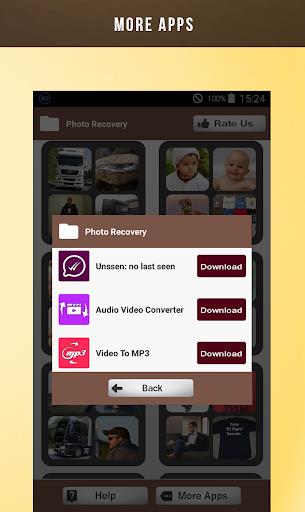
Easy and efficient photo recovery: This app makes it simple to recover deleted photos from your phone storage or external storage with just a few taps. No more lost memories!
Comprehensive scanning: The app scans all phone directories and subdirectories to ensure that no deleted photos are left behind, giving you the peace of mind that all your precious pictures can be recovered.
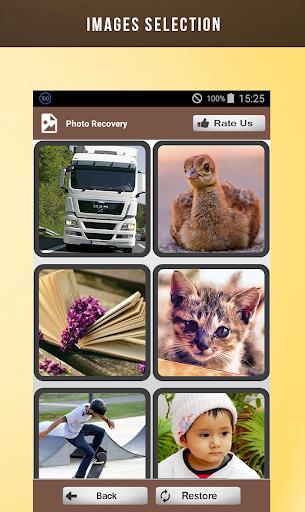
Intuitive interface: With a user-friendly design, navigating through the app and restoring your deleted photos is a hassle-free experience. You can easily preview and select the photos you want to retrieve.
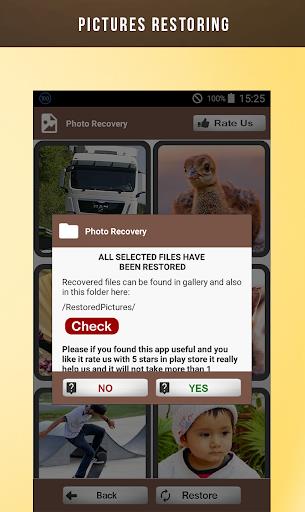
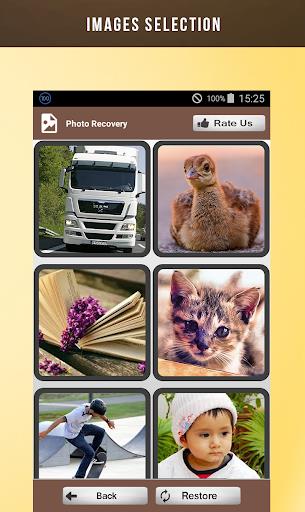
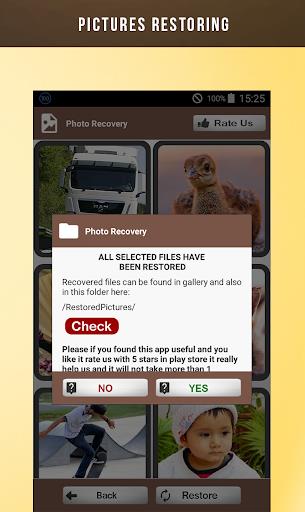
After installing and opening the application, it will start scanning your phone directories and sub directories looking for deleted or erased pictures and add them to its list. This operation can consume time depending on your storage size and your phone’s performance. Just after that a new interface with deleted photos previews will show up, all photo are divided by folders. You can choose each one separately and start looking inside it and restore your images from there.
Is Deleted Photo Recovery a free app?
Yes, Deleted Photo Recovery is available for free on the app store, allowing users to easily download and install it without any cost.
Can Deleted Photo Recovery restore photos that were deleted before the app was installed?
Yes, Deleted Photo Recovery can locate and recover photos that were deleted even before the app was installed on the device, offering a comprehensive solution for retrieving lost images.
Does Deleted Photo Recovery require root access to the device?
No, Deleted Photo Recovery does not require root access, making it a convenient and secure option for users looking to recover their deleted photos without compromising their device's security.
With its easy-to-use interface, comprehensive scanning capabilities, and support for various file types, this app is a reliable solution for recovering deleted photos. Whether you accidentally deleted your pictures or lost them due to unforeseen circumstances, this app can help you restore your precious memories quickly and efficiently. Don't let deleted photos become lost forever - download this app today and reclaim your memories!
Size:4.8MB Version:1.0.27
Requirements:Android Votes:455
Welcome to our image editing apps! Perfect for beginners and pros alike, they make photo enhancement easy. Use PicsArt to crop, adjust colors, and apply filters. Remove backgrounds instantly with Remove.bg. Get creative with layers and advanced tools on Adobe Photoshop Express. Start transforming your images today!
With the development of mobile hardware and software, many practical tool software have emerged, covering a wide range of aspects and becoming a good helper for everyone in work and life. Today, the editor provides you with a list of useful tool software downloads. These tools are not particularly complex types, and after reading them, everyone can quickly learn how to use them. Proper use can bring great convenience to life and work.
About us | Contact us | Privacy policy| DMCA
Copyright © 2026 Xiaohei All rights reserved.