SendSpace is a simple file-sharing tool. The app boasts a user-friendly interface designed to simplify the transfer of large files from Android devices to any recipient or computer, while ensuring convenience and security. With SendSpace, users can quickly and easily share files with any device, and the receiving device can access the shared files without any special app. Although the app is free to use and requires no registration, registering for a free account grants access to more file management and storage features.
Easily and securely transfer large files to and from your Android device, computer or other recipients.
Take photos, videos or voice recordings and easily share the file with anyone, including multiple recipients.
Send files for anyone to download using a web browser on any device.
Quickly download big files sent to you via SendSpace
Free! No signup required. Signing up for a free account allows for more file management and storage features.
Limits: 300MB per file for free users, 4GB for paid users.
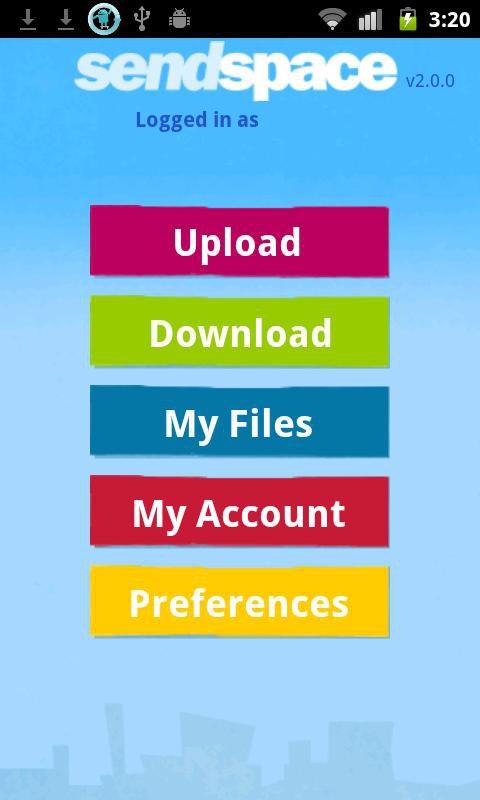
The process is straightforward and intuitive — take photographs, record videos, or voice clips, and share the files effortlessly with anyone. Your recipients don’t need special software to access the files as they can download them directly using a web browser on any device.
Concurrently, if you’re on the receiving end, the app enables rapid downloading of large files sent your way. While it’s entirely free and doesn’t require sign-ups, registering for a free account offers additional file management and storage features. Also, beware of the ads popping up every now and then.
To use this application, both devices must be in the coverage area of Wi-Fi or mobile network. When transferring files to a PC, the browser version of this utility is applied.
The app supports files of various formats, including video, image, music tracks, APK, PDF, and other documents.
At the start, it is desirable for users to create an account. This requirement is optional but provides them with some additional features.
After the registration, users can send files up to 300 MB free of charge. Premium account holders can increase this limit up to 4 GB.
SendSpace use cloud storage to upload various files. The utility generates links for downloading or deleting them. They are stored on servers for 30 days.
You can share links with your friends via messengers and social media.
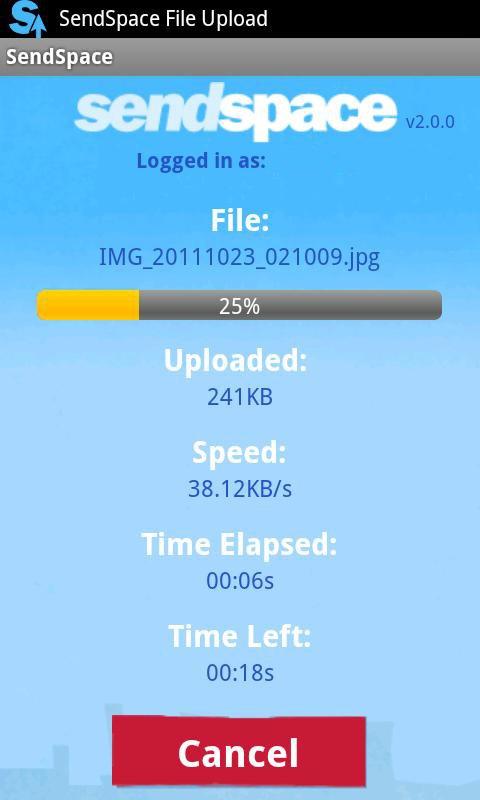
SendSpace is a great option. In the same vein as SHAREit and EasyShare, it facilitates seamless exchanges of large files such as photos, videos, or voice clips directly from your mobile device to any recipient. Registering provides the advantage of additional file management and storage options.
Size:2.0MB Version:2.3.1
Requirements:Android Votes:219
File Manager offers both graphical and command-line interfaces, allowing users to efficiently organize and control files and directories on their phone. With a file manager, users can perform a wide range of tasks, including creating, renaming, moving, copying, and deleting files and folders. Additionally, it enables users to view file properties, access content, and modify file permissions as needed. Advanced features may also include cloud storage integration, file compression, and secure encryption, enhancing file accessibility and management on mobile devices.
About us | Contact us | Privacy policy| DMCA
Copyright © 2026 Xiaohei All rights reserved.