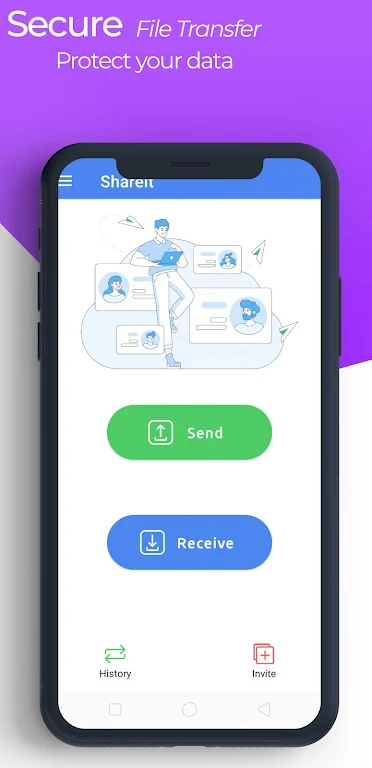
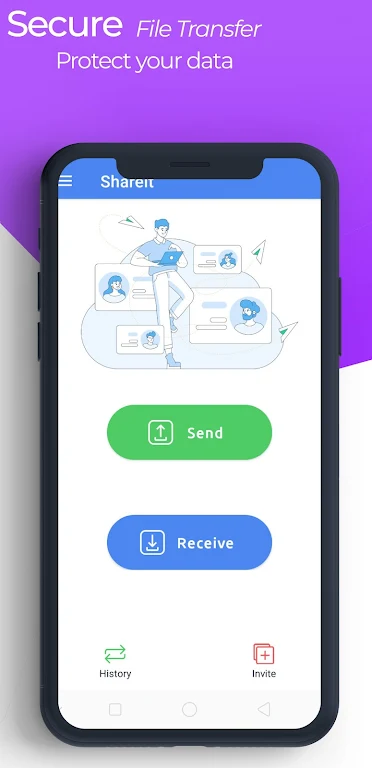
SHAREit - transfer & share files is a file transfer tool. It's very simple to use: just place the two devices together, tap "send" on one and "receive" on the other, and you can view the received file once the transfer is complete! It offers extremely fast file transfer speeds, far exceeding Bluetooth transfers, so you can send large files in a very short time. Because it uses a direct connection for file transfer, the application ensures security during the transfer process. In addition to file transfer, it also includes a built-in media player, allowing you to play the content you are transferring directly within the application, eliminating the hassle of switching back and forth.
Install and open the application on both devices. Place the two devices nearby so they can detect each other.
On the sending device, tap "Send," and then select the photos, videos, apps, games, or documents you want to transfer. Confirm your selection to continue.
On the receiving device, tap "Receive," and then follow the prompts so the other device can discover you. When the sender finds you, accept the connection request.
Once the devices are connected, the transfer will start automatically. Please wait for all items to complete the transfer within the application, and then go to your gallery or file manager to view your files. To transfer data to your new phone, open the "Phone Clone" app on both devices and follow the on-screen instructions. Select the items you want to migrate on your old device, confirm on the new device, and wait for the copying to complete.
High-Speed File Transfer
SHAREit - transfer & share files offers extremely fast file transfer speeds, up to 200 times faster than Bluetooth. With its incredibly high maximum transfer speeds, you can share large files in seconds. This powerful transfer capability makes this app ideal for quickly transferring photos, videos, music, and documents between devices. SHAREit - transfer & share files also supports transferring apps and games, allowing you to share your favorite apps with friends and family without having to re-download them from the app store, saving time and data.
Security and Privacy During Transfer
This app ensures the security and privacy of your data during file transfers. SHAREit - transfer & share files uses a direct connection between devices. This means files don't go through external servers, reducing the risk of interception and ensuring your data remains private at all times. With this direct network connection between devices, you can share anything without an internet connection. Built-in Media Player
In addition to file transfer functionality, SHAREit - transfer & share files also features a built-in media player, allowing you to play music and videos directly within the app. This provides a one-stop entertainment experience, allowing users to enjoy multimedia content without needing other apps. If you are sending or receiving a video, you can watch it before sharing or after receiving it.
File Cleanup Function
SHAREit - transfer & share files also offers a file cleanup function to help you free up device space. This cleanup tool scans your device, finding junk files, duplicate files, and unnecessary apps, allowing you to optimize device performance with just one tap.
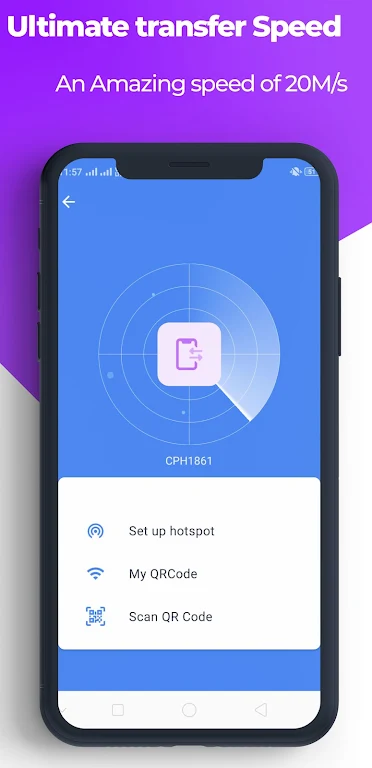
SHAREit - transfer & share files helps you share files without a network connection. Simply share files, videos, and apps with other phones and laptops via Bluetooth. Whether you're sharing files between phones with friends, SHAREit - transfer & share files is your best choice. With SHAREit - transfer & share files, you can easily send and receive files between two devices, regardless of their operating systems. It boasts incredible transfer speeds of up to 20MB/s, allowing you to enjoy the latest TV shows and movies anytime, anywhere. Watch numerous offline videos without a network connection and support 45 languages for the best localized experience.
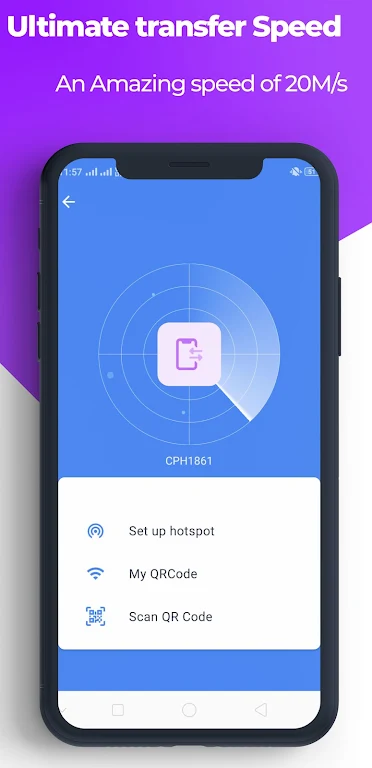
Ready to transfer files between Android devices? Download and install SHAREit to enjoy high-speed transfers and top-tier security on your Android devices. SHAREit's cutting-edge technology always protects your privacy and data security!
Size:70.8MB Version:6.53.38_UD
Requirements:Android Votes:415
Discover our File Management Apps hub! Here, you can explore essential tools like Google Drive for cloud storage, Dropbox for simple file sharing, and File Commander for managing files directly on your device. Easily organize and access your files across your phone, or tablet. Our platform is designed to help you quickly find reliable apps to streamline your digital file management.
Utility apps are indispensable in our lives, making our daily routines more convenient. To help you find these apps more easily, this site has created a collection. This collection brings together a series of practical tools covering various aspects of life, work, and education, meeting all your needs. What are you waiting for? Try these apps now and make your life easier!
Transform your mobile device into a powerhouse of efficiency with these handpicked essential tools. Whether you need professional-grade photo editing, seamless file organization, smart task management, or real-time weather updates, our curated selection of premium apps delivers unbeatable performance. Streamline your daily routine, automate repetitive tasks, and boost your productivity with intuitive interfaces and powerful features. Designed for both professionals and casual users, these editor-approved applications will revolutionize how you work and play. Don't settle for an ordinary phone - upgrade your digital experience today and unlock your device's full potential!
About us | Contact us | Privacy policy| DMCA
Copyright © 2026 Xiaohei All rights reserved.