Photo Recovery is a fun and user-friendly file management application. It boasts powerful features, instantly recovering accidentally deleted messages, pictures, and videos, providing a convenient user experience. With Photo Recovery, you no longer need to worry about accidentally deleting phone content, as you can quickly and completely recover all your lost files. This means you can save a lot of time, eliminating the need to take your phone to a repair shop. Data can be restored to your device in just seconds, saving you time and money – extremely convenient.
After installation, launch the application to find the tutorial screen.
Allow permissions for Photos, Files, and other Accesses.
Tap on Start Scan to let the application find deleted photos.
Once the scan is over, select a folder from where you want to recover.
Scroll through the images and use the download icon to save the file.
Tap the File Manager option from the home screen to access the folder with recovered images in internal storage.
Two recovery algorithms
After you download Photo Recovery, you can choose between two different scan methods to look for deleted or hidden images. If one method misses files, try the other to compare results and increase your chances of finding what you need.
No root required
It works on standard Android devices without root access. This keeps setup simple and avoids changes to your system configuration while you attempt to restore photos.
File transfer and helpful suggestions
Once recovery is complete, you can upload or transfer files to another location for safekeeping. The app also provides in-app recommendations for recovering videos, audio, and documents using supported tools.

Pros
Retrieves different types of files in their original quality
Simplified one-tap process
Filtered file searching
Organized folders for retrieved files
Cons
Permanently deleted files can no longer be recovered
Latest OS compatible
10 different languages supported (English, Arabic, German, Greek, Spanish, French, Hindi, Portuguese, Russian , Chinese )
File explorer has been added
Now Results are displayed categorically for ease.
Minor bug fixes
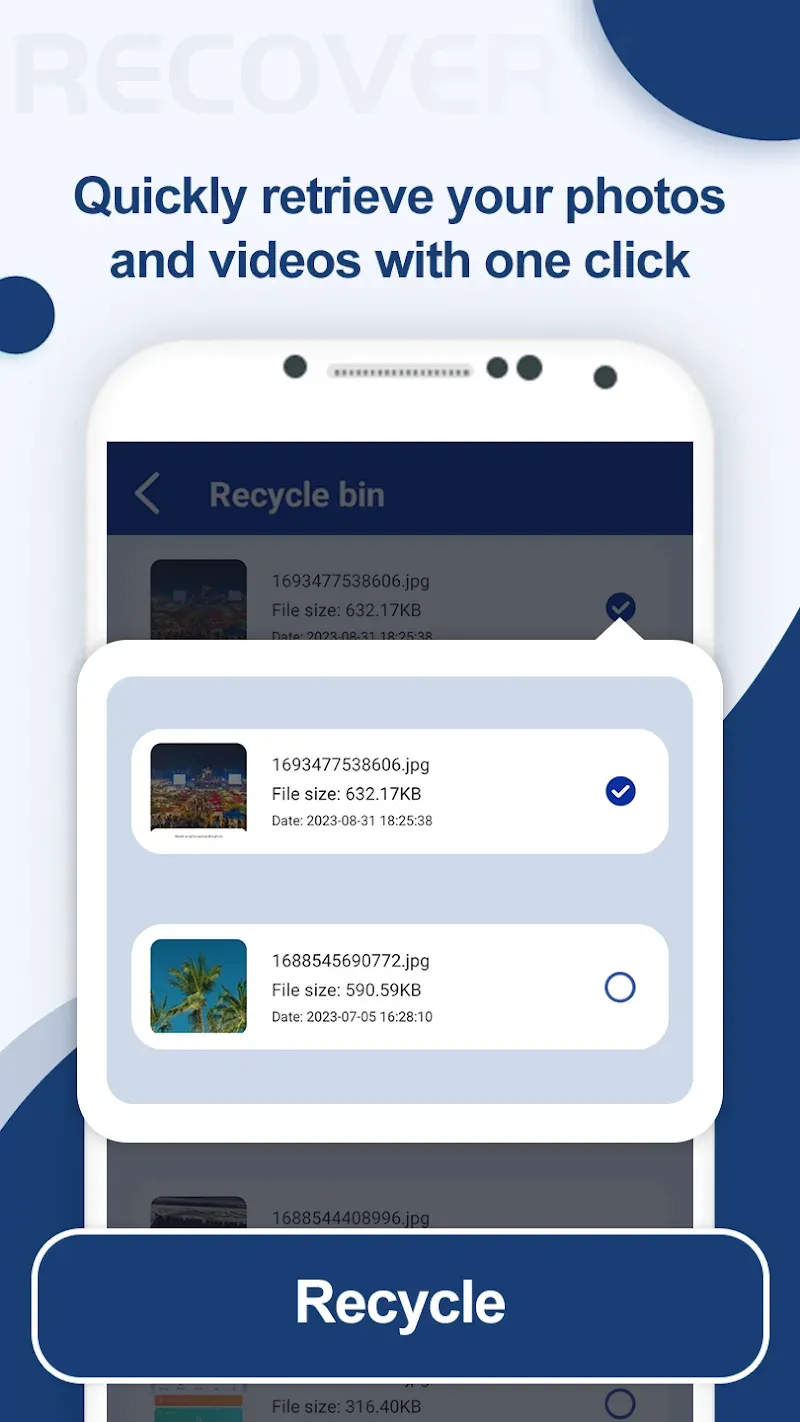
For individuals concerned about the loss of personal or treasured digital belongings due to accidental deletion, Photo Recovery serves as an essential tool to reclaim those files with minimal effort, providing peace of mind and the preservation of your digital memories.
Size:26.38MB Version:1.8.6
Requirements:Android Votes:491
Discover our File Management Apps hub! Here, you can explore essential tools like Google Drive for cloud storage, Dropbox for simple file sharing, and File Commander for managing files directly on your device. Easily organize and access your files across your phone, or tablet. Our platform is designed to help you quickly find reliable apps to streamline your digital file management.
About us | Contact us | Privacy policy| DMCA
Copyright © 2026 Xiaohei All rights reserved.