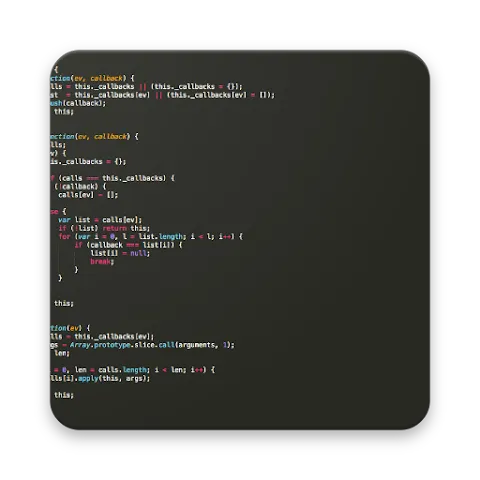
Sublime Text Editor is a fun and engaging text editor. This powerful application supports multiple languages, providing a smooth user experience whether you're a programming enthusiast or a writer. With Sublime Text Editor, you can easily customize your text, including color themes and font sizes, and gentlemen can easily undo and redo changes. Finding and editing files has never been easier thanks to quick file opening options and syntax highlighting. Furthermore, the application offers a range of useful tools, such as an online compiler, smooth scrolling, and quick search and replace functionality.
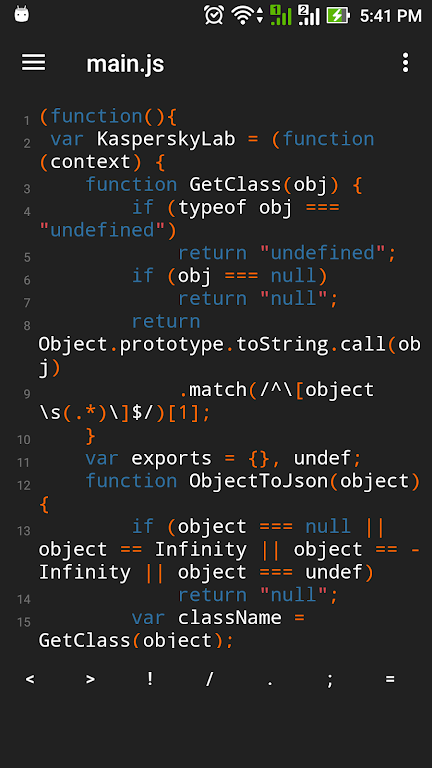
Support multi languages (.txt, .html, .js, javascript, c++, c, python, ruby, lua, sql, json, xml, react ...)
Quick open file with open recent file
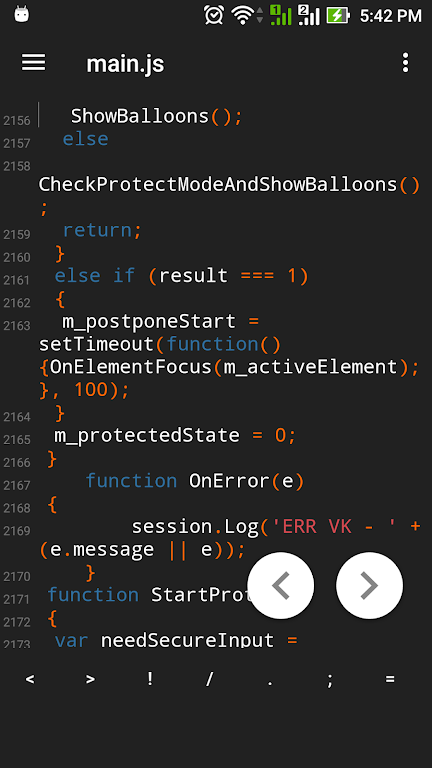
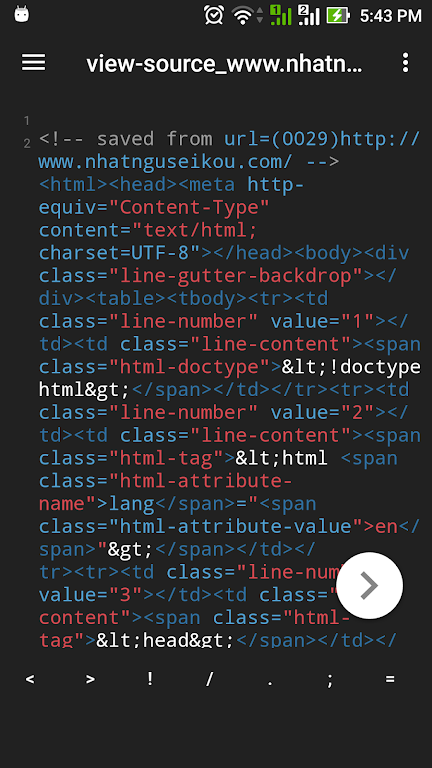
Support Syntax Highlighting
Custorm color themes of text
Setting font size for text file.
Undo & Redo text when edit
Search & replace text with easy
Rename file easy
Auto save history files open and changes with multi files edit. (Files recent)
Support more character encoding (utf-8, utf-16, shift_jis...)
Keyboard shortcuts to quick edit file.
Easy share documents, files to your friend via email, dropbox, google driver ...
Preview HTML files in browser
Quick go to line of a file with easy
Multi-language Support: This app supports a wide range of programming languages and file formats, making it versatile for various tasks.
Quick File Access: Easily access recently opened files for quick editing and seamless workflow.
Syntax Highlighting: Enhances readability by highlighting different elements of code, making it easier to identify and correct errors.
Customizable Color Themes: Personalize the appearance of the text editor by choosing from a variety of color themes.
Font Size Adjustment: Adjust the font size to optimize reading and editing experience based on individual preferences.
Easy Editing Functions: Undo and redo previous changes, search and replace text effortlessly, and rename files with ease.
High Character Limit: Users can work with up to 1 million characters in their texts, ensuring they have enough space for extended content.
Versatile Character Codes: The App supports various character codes and has an Auto-Detect feature, making it compatible with different text formats and languages.
Powerful Search and Replace Functionality: Users can easily find and replace words or phrases in their texts, including support for regular expressions.
Highlighting of Search Results: The App highlights the searched words in the text, making it easier for users to locate them.
Customizable Features: Users can customize various aspects of the App, such as font style, toolbar, and syntax highlighting for different programming languages.
With its wide range of features and user-friendly interface, this Sublime Text Editor App offers a convenient and efficient solution for editing text files on Android devices. From its support of multiple programming languages to customizable settings, this app enhances productivity and user experience. Don't miss out on the opportunity to download this versatile and powerful text editor app today.
Size:10.44MB Version:2026011016r
Requirements:Android Votes:446
Package Name:com.csgroup.texteditor Signature:3c1212a1c1e817df1b797a982e16b31435bcb62b
Explore a handpicked selection of top mobile coding apps that transform your smartphone into a versatile programming hub. Whether you're a beginner diving into Python, Java, or JavaScript or a seasoned developer coding on the move, our platform offers offline-compatible tools, interactive lessons, and real-time compilers for smooth, on-the-go development. Discover apps like Termux (a Linux terminal emulator), AIDE (Android app development), and Pydroid 3 (Python coding), all optimized for touchscreen interfaces and cross-platform use. Utilize built-in debugging tools, version control systems, and cloud synchronization, alongside step-by-step tutorials and an engaged developer community. Ideal for web development, app creation, and scripting, these SEO-optimized coding apps ensure effortless discovery with keyword-rich descriptions and user-friendly interfaces. Start coding today and take your programming skills to the next level - anytime, anywhere!
About us | Contact us | Privacy policy| DMCA
Copyright © 2026 Xiaohei All rights reserved.