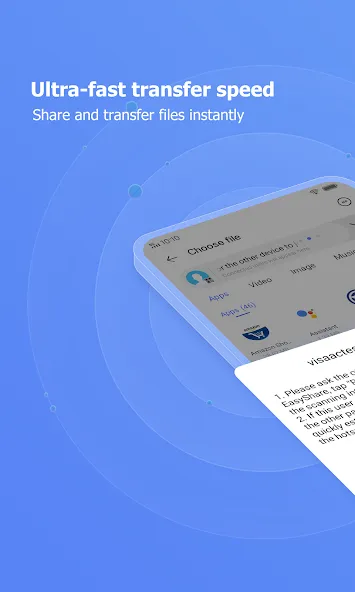
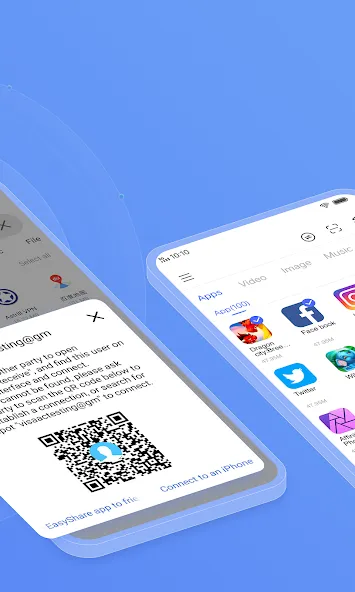
EasyShare is a file transfer tool that quickly helps users transfer files, with speeds up to 40MB/s. It supports multiple file formats and can transfer files via Wi-Fi and Bluetooth. There are no file size limits. The software is ad-free, enhancing the user experience. The interface is simple and clean, allowing users to quickly learn how to use the application. If you are looking for a file transfer tool, this is your best choice.
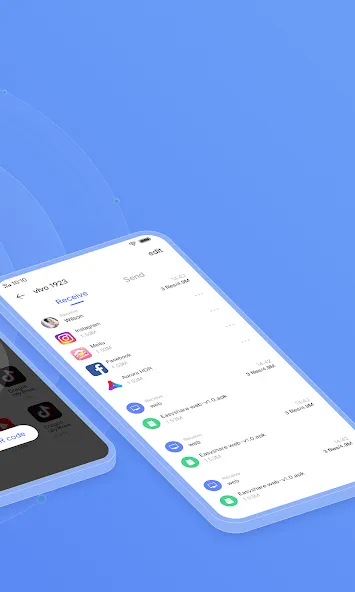
Ultrafast speed
Experience the lighting-fast transfer speedwith EasyShare! Speed can be up to 40 Mb per second*
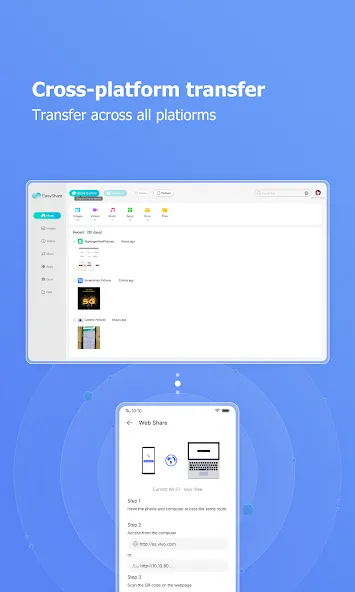
Cross-platform
Transfer and share all kinds of files with different formats (like MP4, AVI, JPEG, APK, etc) to your friends by just one tap! EasyShare support Android, iOS, Windows and Mac Operating Systems
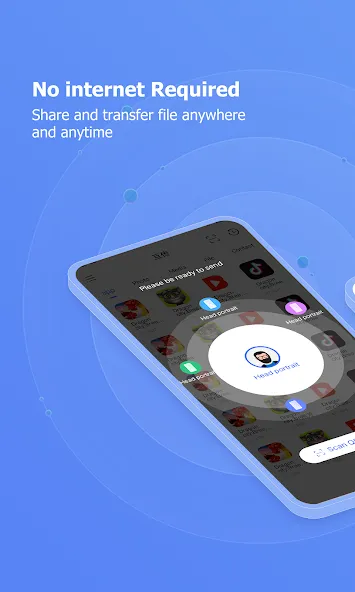
No internet Required
Transfer and share all kinds of files through wireless LAN or Bluetooth. No internet required! Send whatever you like at anywhere and anytime
Phone replication
With just a few steps, you can migrate your content automatically and securely from your old phone to your new phone
No file size limitation
Transferring and Sharing any types of file with no size limitation
No Ads
simple and easy-to-use interface with No Ads at all
Lightning-fast speed, Up to 40Mbps
No internet connection required
Share and transfer file anywhere and anytime
Ultrafast speed phone replacement (From Photos to Apps)
File sharing and transferring app that has No Ads at all
Support all Android devices
Support Android, iOS, Windows and Mac Operating System
vivo official app: secure, stable and reliable
Pros
Transfer all kinds and size of files
Share data through wireless LAN or Bluetooth
Transferring speed of up to 40 MB per second
Ad-free and supports cross-platform sharing
Cons
No sync player feature
Music sharing fails to work at times
EasyShare is a fast and reliable file-sharing app. It makes transferring photos, videos, apps, and documents between devices quick and effortless without using mobile data. The interface is simple, the connection is stable, and the transfer speed is impressive. It's a great tool for anyone who wants a convenient way to move files between phones. Highly recommended!
One of the best sharing apps, files, audio, video, image from one device to another.. Fast and secure .. Thank you Developer ?..
Device cloning is not working on this device, my mobile version is Vivo Y100 (V2412). Now that the reason is unknown, whether the problem is with Easy Share or the Android OS version, Please resolve this issue as soon as possible.
EasyShare is designed to help you send and receive files on Android quickly and without limits, whether you’re sharing photos, videos, documents, or full apps. It’s a practical tool for anyone who needs to transfer content between devices without cables, mobile data, or cloud services.
Size:61.16MB Version:7.1.1.7_ex_gp
Requirements:Android Votes:442
Package Name:com.vivo.easyshare Signature:2f65705f9679a0cdced49b6350d9ffb7
Discover our File Management Apps hub! Here, you can explore essential tools like Google Drive for cloud storage, Dropbox for simple file sharing, and File Commander for managing files directly on your device. Easily organize and access your files across your phone, or tablet. Our platform is designed to help you quickly find reliable apps to streamline your digital file management.
File Manager offers both graphical and command-line interfaces, allowing users to efficiently organize and control files and directories on their phone. With a file manager, users can perform a wide range of tasks, including creating, renaming, moving, copying, and deleting files and folders. Additionally, it enables users to view file properties, access content, and modify file permissions as needed. Advanced features may also include cloud storage integration, file compression, and secure encryption, enhancing file accessibility and management on mobile devices.
About us | Contact us | Privacy policy| DMCA
Copyright © 2026 Xiaohei All rights reserved.