SHAREit Lite - Fast File Share is a file transfer assistant that enables highly efficient file transfer. Its user interface is clean and intuitive, allowing for quick and easy use. It boasts speeds up to 42MB/s and supports various file formats. Encryption technology is used during transfer to fully protect user privacy. Format type conversion is supported. It can manage applications on your phone and clean up files, deleting inappropriate photos or files. Cross-platform transfer is supported without impacting device performance.
Simple & Special UI interface
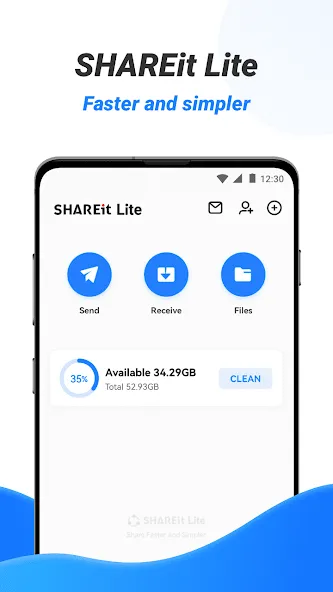
The Simple interface brings you a comfortable file transfer & share experience. File Transfer has simple, clean, and user-friendly transfer files interface.
Transfer files with fast speed
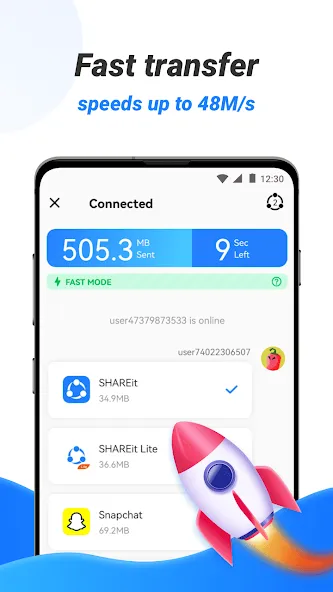
Now Share your favorite videos, music, photos, mobile apps through the File transfer app. The highest transfer speed reaches 42MB/s. With this sharing app you can send and receive files as big as you want. Movies, videos etc with 200 times faster speed than bluetooth transfer. You can send a lot of Apps, files and medias at once.
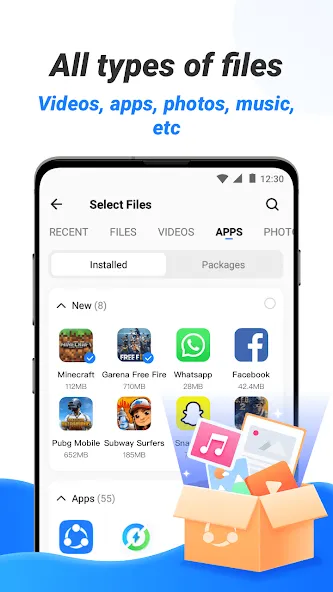
Share and send all kinds of files without restrictions
Transfer all types of files (App, music, pdf, word, excel, zip, Folder..)in any place at any time. Transfer satisfies all your transfer needs perfectly. It's very easy to connect your phone to computer when you want to send files especially when sharing big files.
Completely secure file transfer process
The entire file transfer process uses encryption technology to protect your privacy in all aspects. And also we will not transfer to you any malware that you did not ask for like other file sender APPs.
Fast Downloader
Supports downloading videos and photos to your device.
Video to MP3 –Convert Video to Audio
Easy to convert video to MP3 file, convert MV /Lectures to MP3. The App is good for conversion of videos to audios and it stores in your device in a compressed format i.e (smaller space, which conserves storage) .
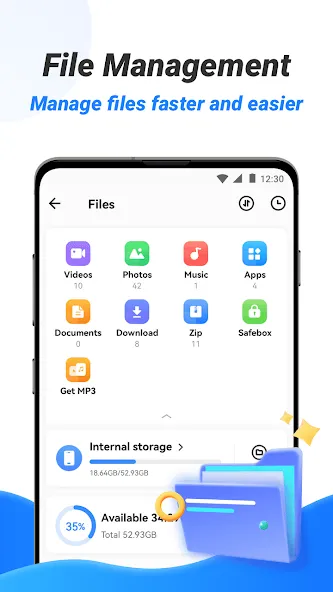
File manager
The file manager will let you see how many files and apps are on your phone at a glance. The easy-to-use File Manager allows you to view, move or delete files you received.
Cleaner:
Scenario-based removal of junk files, app uninstallation, deletion of unhealthy or unnecessary photos and videos.block notifications from third-party apps set by the user and prompt the user to clean it up
Pros
Fast file-sharing speeds
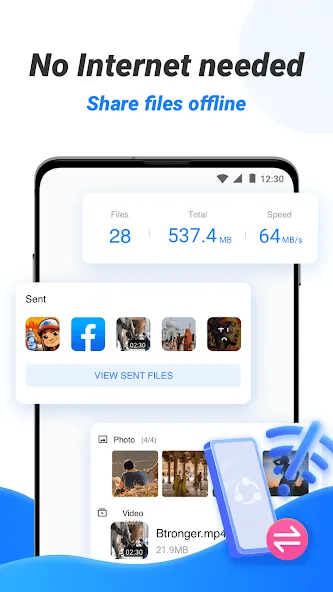
No internet connection required
Supports a wide range of file types and sizes
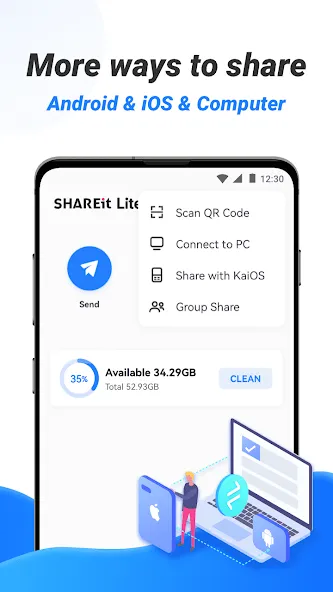
Cross-platform compatibility
Cons
Can request seemingly excessive permissions
Occasional connectivity issues
this is a very accurate app and is convenient for sending large files,so theses no need for downloads (if you have someone who has it) although it does not work for some devices like Samsung A1 and vivo... but it's very good ?
Amazing app it's fantastic and easy to get the best of it when it comes to sharing with friends it's the best
this is the best app I never met it is farst and it does not take to much space. I love this app it can make a group share no data needed
SHAREit Lite - Fast File Share is the lite version of SHAREit, one of the top file transfer apps for Android. This version of the tool basically offers the same functionalities as the traditional option, but only taking up half the space on your smartphone. So, if you're looking for a fast and efficient tool to transfer files, this variant presents dozens of functions without affecting your device's performance.
Size:53.97MB Version:3.9.18_ww
Requirements:Android Votes:165
Package Name:shareit.lite Signature:5549d827225c4a1983c45e4f2a6a16c8
Discover our File Management Apps hub! Here, you can explore essential tools like Google Drive for cloud storage, Dropbox for simple file sharing, and File Commander for managing files directly on your device. Easily organize and access your files across your phone, or tablet. Our platform is designed to help you quickly find reliable apps to streamline your digital file management.
File Manager offers both graphical and command-line interfaces, allowing users to efficiently organize and control files and directories on their phone. With a file manager, users can perform a wide range of tasks, including creating, renaming, moving, copying, and deleting files and folders. Additionally, it enables users to view file properties, access content, and modify file permissions as needed. Advanced features may also include cloud storage integration, file compression, and secure encryption, enhancing file accessibility and management on mobile devices.
About us | Contact us | Privacy policy| DMCA
Copyright © 2026 Xiaohei All rights reserved.