Xender is a file transfer tool that allows you to share files of various formats without the need for USB cables. It supports cross-platform sharing—including between Windows and Mac—and operates without consuming mobile data. It also supports file format conversion and achieves transfer speeds of up to 40MB/s. Additionally, you can share files directly to major social media platforms, check your phone's storage status, and free up space. It is a free tool designed to make cross-platform sharing simple and efficient.
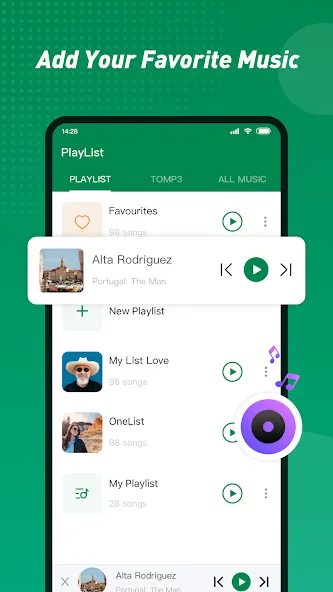
Share Music, Share Video, Share Photo, Share MV, Share It, Share Me, Share File
Transfer any files (app, music, video, pdf, Word, Excel, zip, folder..) anywhere, anytime
No mobile data usage
200 times Bluetooth speed: WiFi File Transfer Master!
Cross-Platform Connect & Share: Connect to Windows PC, Mac
No USB cable
Choice of 2 Billion users
Over 200 million files transferred daily
Play all music, videos right after receive
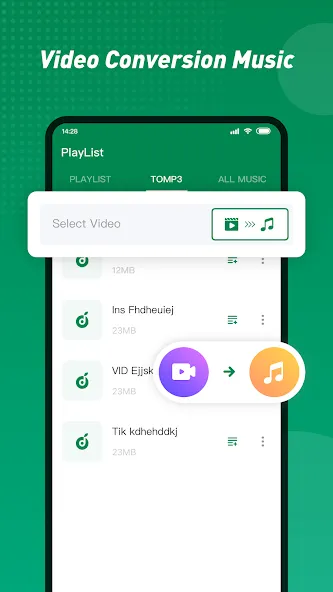
To MP3: Convert Video to Audio
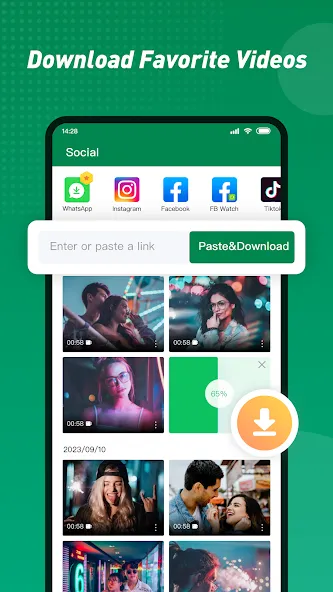
Social Media Downloader: Save video, photos from Facebook, Instagram, Tik Tok, Whatsapp
High speed share
Send video, music, photos to friends in seconds! Highest speed can reach 40Mb/s.
No file size limit
Share large files without size limit.
Free of network or data usage
No cable, no internet, no data usage! Share anywhere anytime.
Share all kinds of files
Transfer anything you want: documents, music, pictures, videos, apps.
New Feature: Cross-platform connectivity
Connect & share between any devices: Android, iOS, Windows PC, Mac.
Manage phone media
View, upload, download, delete phone media (photos, music, video) from PC. Share between phone and PC.
To MP3
Convert Video to Audio
Social media download
Save videos, photos from Facebook, Instagram, Tik Tok, Whatsapp.
Phone Copy
Copy contents from old phone to new phone at a simple step.
File manager
View phone storage. Delete files, clear up space.
Pros
Cross-platform compatibility
Unlimited file size support
No data required
Preserves original file quality
Cons
Receiving device must have the app installed
High battery consumption during large file transfers
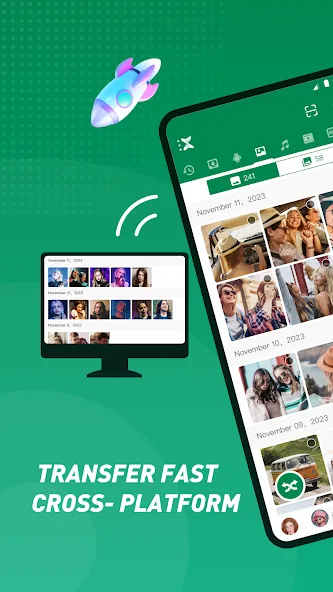
Xender is one of the fastest and most reliable file-sharing apps I've used. It transfers photos, videos, apps, and documents quickly without needing mobile data. The interface is simple and easy to use, and the connection between devices is usually smooth. It saves a lot of time when sharing large files. A great app for anyone who frequently transfers data between phones and devices. Highly recommended!
Xender is one of the useful app in phones, so easy and affordable . It saves our time in buying data and wasting our phone batteries. When l found out about this app l was so relieved that l wasn't gonna spend much like before, l can only spend it why chatting so if u don't know it high time to get that into ur phone try and testify
Xender makes sharing files quick and effortless. The transfer speed is impressive, the app is easy to use, and it works smoothly without the internet. A reliable app that I use regularly. Highly recommended!
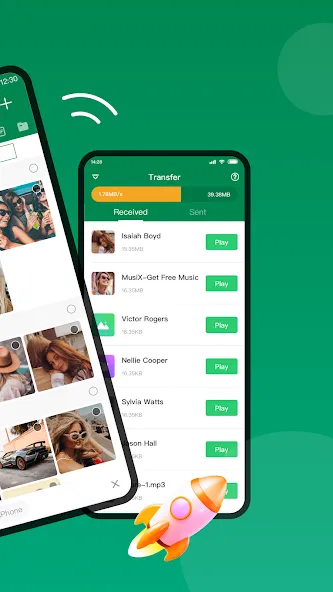
Xender is a free utility designed to make file sharing across devices simple and efficient. Its standout feature is its compatibility with both mobile and PC platforms, eliminating the need for cables or additional software. Whether you’re sharing photos, videos, or documents, this application easily handles all file types.
Size:28.62MB Version:18.8.0.prime
Requirements:Android Votes:245
Package Name:cn.xender Signature:983e754b61fa668fd21a1d7dab01ecbe

Discover our File Management Apps hub! Here, you can explore essential tools like Google Drive for cloud storage, Dropbox for simple file sharing, and File Commander for managing files directly on your device. Easily organize and access your files across your phone, or tablet. Our platform is designed to help you quickly find reliable apps to streamline your digital file management.
File Manager offers both graphical and command-line interfaces, allowing users to efficiently organize and control files and directories on their phone. With a file manager, users can perform a wide range of tasks, including creating, renaming, moving, copying, and deleting files and folders. Additionally, it enables users to view file properties, access content, and modify file permissions as needed. Advanced features may also include cloud storage integration, file compression, and secure encryption, enhancing file accessibility and management on mobile devices.
About us | Contact us | Privacy policy| DMCA
Copyright © 2026 Xiaohei All rights reserved.