Gcam is a powerful Android camera app. Upon launching the app, it automatically activates Do Not Disturb mode, blocking all notifications. The app utilizes hardware acceleration for image processing, leveraging its image processor to enhance camera module quality. It also features video stabilization for smoother video recording and addresses issues like breathing effect and rolling shutter distortion. It can capture dynamic photos and perform tasks such as object recognition, text copying, and QR code scanning. A night mode is supported, allowing for clear photos even in low light. It also supports astrophotography.
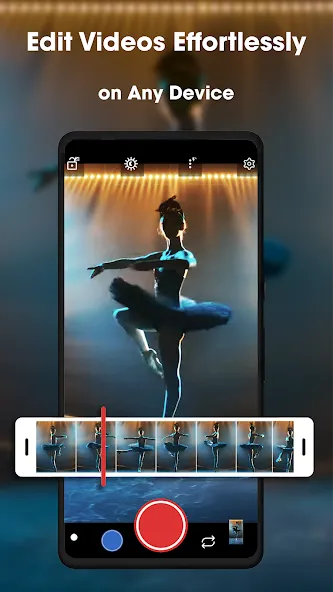
Do Not Distur Mode Activated – unlike in inbuilt camera apps, this option block all the notifications, especially when the camera is in use! That implies that no notifications will enter when you are taking photograph or recording a video. Nonetheless, your messages and other notifications will be received, but they do not appear on the screen while the camera is in use!
Pixel Visual – notably, the Google camera is helped with hardware accelerators to accomplish its image processing. It makes the camera module perform better and in a more efficient way. Basically, the Pixel Visual Core forms a series of ARM-based SiP image processors developed by Google. This feature unbelievably enhances the quality of a camera module.
Video Stabilization – for a significantly smoother video, the GCam App applies an amazing technique known as Fused Video Stabilization. This process combines Electronic/Digital image stabilization and Optical Image Stabilization. With the combined abilities, the user will be able to rectify other problems such as Focus breathing and rolling shutter distortion.
Capture Motion Photos – Motion Photos from the GCam function in a similar manner to Live Photos in iOS. The original image is accompanied by a short, silent, moderately low-resolution video when it is enabled. However, this mode is not functional in HDR+ enhanced mode.
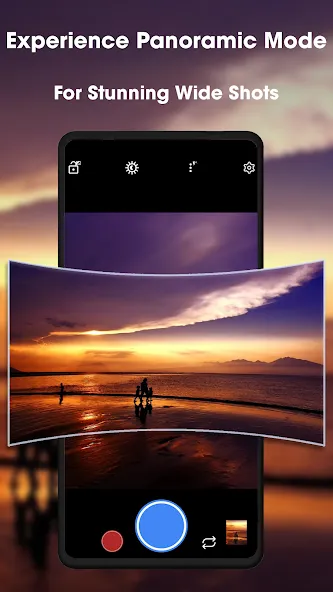
Google Lens: Identify objects, copy text, scan QR codes, and translate languages directly through your camera viewfinder
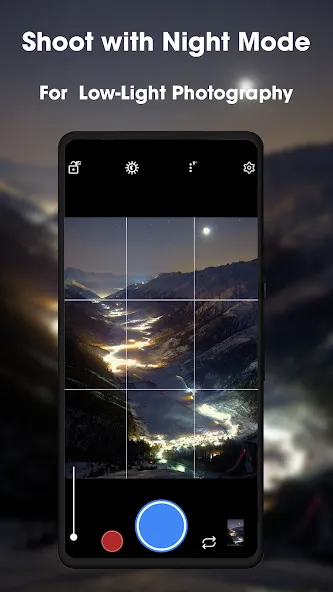
Night Sight: Capture detailed, bright photos in extremely low light without flash
Photo Sphere: Create immersive 360-degree panoramic images
AR Stickers/Playground: Add interactive animated elements to photos and videos
Astrophotography: Capture stunning night sky images including stars, planets, and even the Milky Way when your phone is stable or on a tripod
Full marks, 5 stars. The camera is simply amazing if your phone or company put in a horrible algorithm API. I own a Samsung Z Fold 4. Samsung Z Fold cameras algorithm are simply terrible if you zoom in and worst if you try to zoom in after taking a photo. Compare to Gcam. It transitioned and processing is so much better. I can actually read text at 8-10x zoom (which is the maximum it can do, which means it that it limits but still better than Samsung.) Honestly ads aren't an issue.
this camera app makes my 8 mp camera look like a 108 mp camera, you can change the scene mode and exposure. great for photography. I recommend this app for any device. one problem: adds. some people might hate it bc they don't know how to properly use it.
lol, expected a failure when downloading. found a treasure!!!! 100% recommended. it's not as features rich as google camera. but it sure is ALOTTT better than your default android camera
Can I use multiple Gcam versions on one device?
Yes, you can install multiple Gcam versions simultaneously by using ports with different package names. This allows you to switch between versions optimized for different features—for example, one version for portrait photography and another for night shots.
Some advanced users maintain 2-3 different Gcam ports to leverage the strengths of each developer’s implementation for specific shooting scenarios.
How do I access the full resolution of my camera sensor?
Most Gcam ports limit output to 12MP due to how Google’s image processing is designed. However, some specialized ports (particularly from developers like Greatness and BSG) offer limited support for higher resolutions on specific devices.
For 48MP, 64MP, or 108MP sensors, look for ports with “High Resolution” or “Full Res” modes in their settings. Keep in mind that these higher-resolution modes typically don’t benefit from all of Gcam’s computational photography features.
Will Gcam drain my battery faster than stock camera?
Gcam’s advanced processing does require more computational power than most stock camera apps, which can lead to increased battery usage during extended photography sessions. However, for casual use, the difference is minimal.
To reduce battery impact, close Gcam when not in use rather than leaving it running in the background, and consider disabling some of the more intensive features like Motion Photos or RAW capture when battery life is a concern.
GCam APK is a popular camera app among most of the android camera software, while it being a stock camera app. People find it difficult to acknowledge why it’s like that and what’s so beautiful about the GCam that they can’t have on any other camera app. Basically, the most prominent reason for its popularity is behind its camera software compatibility, which you cannot find in other stock camera applications.
Size:6.33MB Version:1.0
Requirements:Android Votes:578
Package Name:com.gcam.gcamatic Signature:c8d4ff3afd58f71d6d9dba4fc0551902
Photography is an art form that has been around for over a century and has evolved greatly over the years. With the advent of technology, photography has become more accessible and convenient, especially with the rise of mobile photography. Mobile photography has revolutionized the field of photography, making it possible to capture and edit high-quality photos right from your smartphone. As mobile photography continues to grow in popularity, there is an abundance of mobile apps available for photography enthusiasts. However, with so many options available, it can be difficult to determine which apps are worth your time and investment. In this article, we’ll take a look at the top mobile apps for photography and provide you with a comprehensive guide to help you choose the best app for your needs.
Transform your smartphone into a powerful creative tool with these top-rated camera apps. Packed with professional-grade editing features, stunning filters, and advanced effects, they help you capture and refine every shot like never before. Perfect for landscapes, portraits, or spontaneous selfies, these apps offer intuitive controls and AI-powered enhancements-all for free. Download today and unlock your full artistic potential. With these apps, your photos will stand out with polished, professional quality, making every moment picture-perfect!
About us | Contact us | Privacy policy| DMCA
Copyright © 2026 Xiaohei All rights reserved.