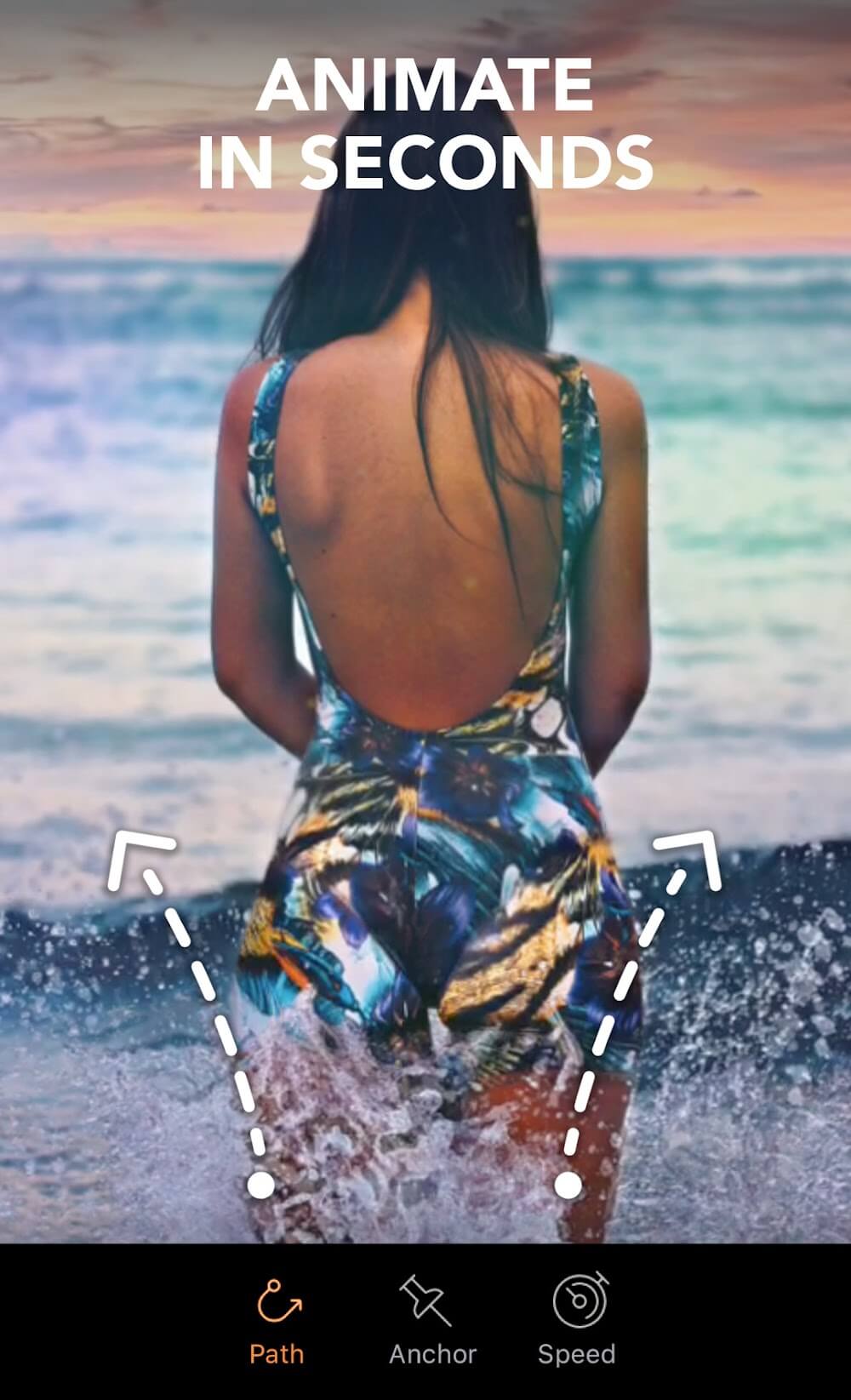
Lightricks This is a photo editing app that lets you add cinematic effects to your photos on your Android device, aiming to bring them to life and create stunning animated photos. Its powerful features elevate photo editing to a new level. It boasts a user-friendly interface and provides powerful, precise, and easy-to-use animation tools. With just a tap, you can create videos that satisfy you. Of course, it also plays smoothly. If you want to make your photos more fun, then give this app a try!
Animate the Skies
Sky animation is one of the most used features of MotionLeap. It comes with the option to animate the sky in the image background. The simple waving animation makes the skies move, making your images look stunning. For animating the sky background, you get many great options to customize the animation. With the filters, customization options, length, type, and many other things, you will have full control over the animations.
Mood Overlays
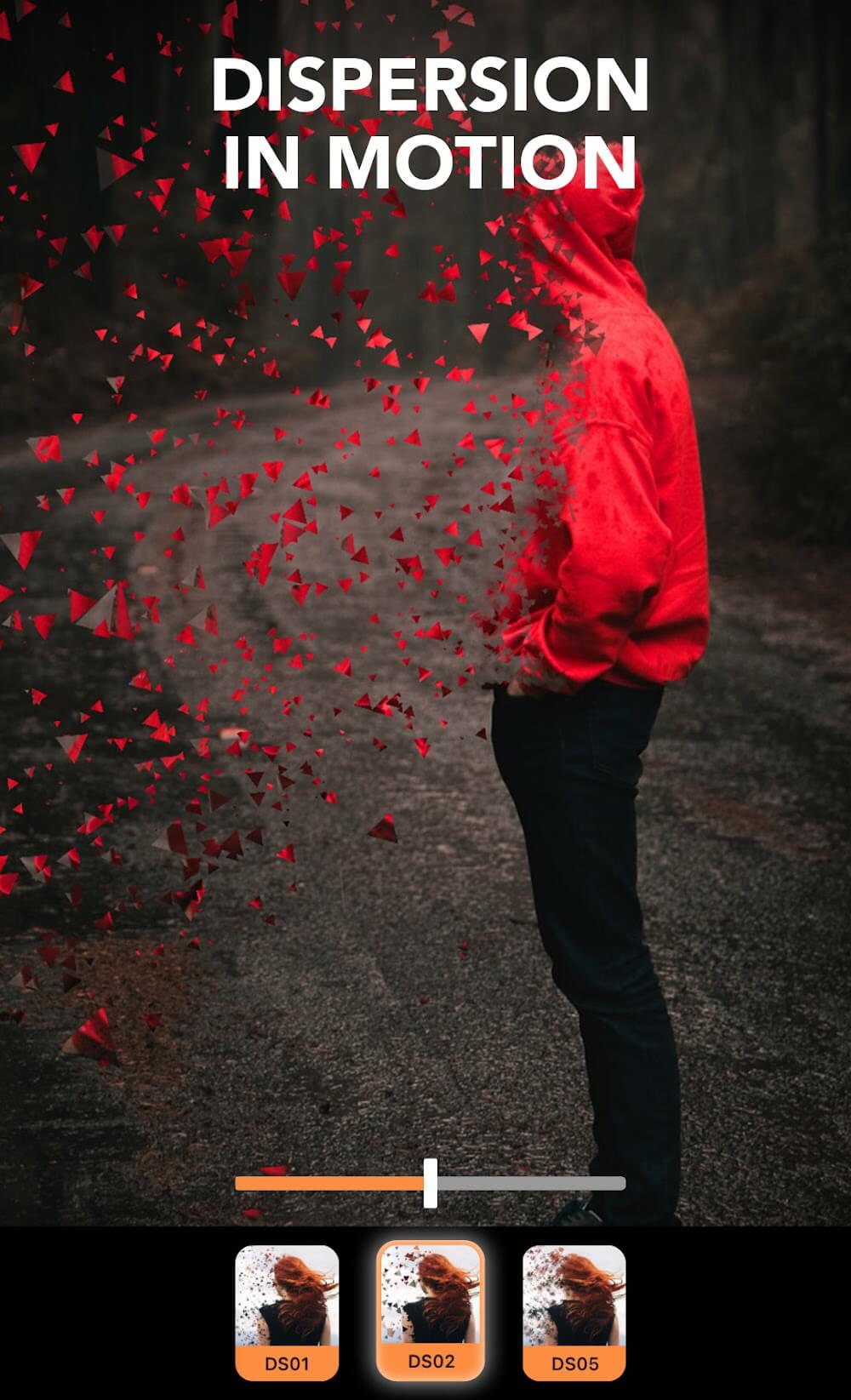
Mood overlays might sound fancy, but it’s nothing but animations and effects. With several fantastic effects, one can easily customize the images with ease. With the huge library of mood overlays, customizing the images and other things makes it easier for everyone. The library of effects is huge, and new effects are being added from time to time with the updates.
3D Motions
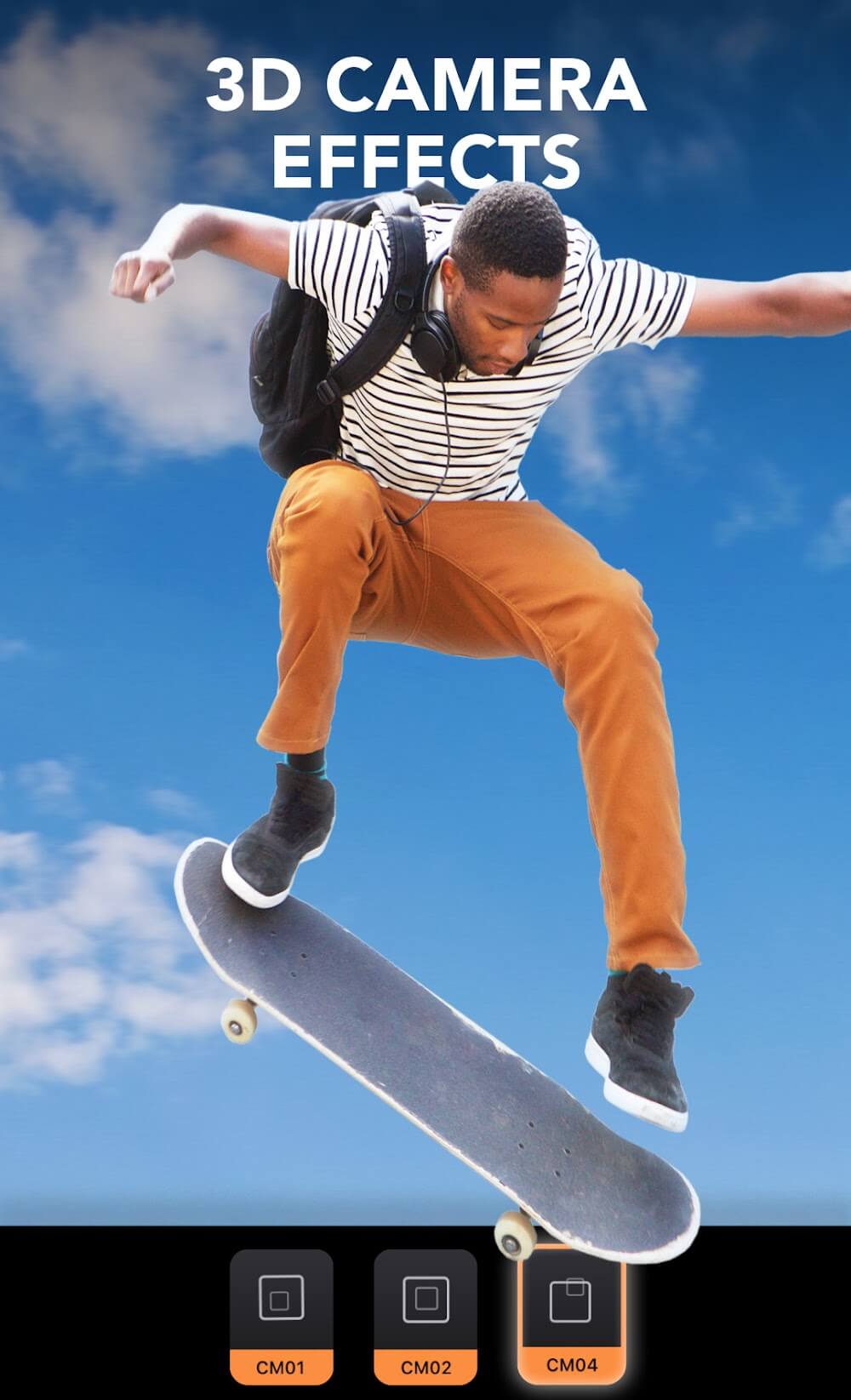
In the animation sector, 3D motions are one the most important things. With the MotionLeap, one can easily use the feature that allows you to tweak the 3D motions. With the geometric customizations, one can easily add and alter the existing 3D motions. This makes it easier for everyone to animate the high-quality images the way they want. If you know in-depth about 3D motions, everything is possible with this feature.
One of the best enhancement tools. I've been using it for years. If you've never used it, at least give it a shot. I've done all sorts of interesting things with it. Including animating a camp fire, among other things. If done right you can even make it look realistic. Only two down sides are,the freeze and unfreeze should have finer controls (it's hard to get just a belt buckle without getting other stuff too) and there are a lot of locked out stuff unless you fork out the $ forget about those.
Pros: It's great at animating anything fluid (water, lava, etc.). Very easy to use. A nice learning curve means you'll gradually find more and more little tricks you can pull off. Cons: Consumes disk space like no other app I've seen. There's a bug where sometimes you can't delete certain projects through the app. Other: I am hoping that for future releases it wi be possible to have more than one element per animation. Also, the ability to define the area for the sky would be helpful.
Great app. Can easily transform photos and make them come alive. Great effects! Only problem/suggestion. The sky moves way too quick. There should be a speed scale to slow or turn off movement. Also, the app needs more elements! Alien space ships, air planes, hot air balloon, fairies, laser beams.. Get creative. And maybe an option to draw a path for elements to move along.
Pros
User-friendly interface that facilitates easy navigation and editing.
Powerful animation tools allow for impressive motion effects on images.
High-quality output that enhances the visual appeal of photos.
Offers a variety of pre-set animations and overlays, saving time for users.
Constantly updated with new features and functionalities, keeping the app fresh and relevant.
Cons
Limited functionality compared to more advanced animation software.
Performance can be slow on older devices or lower-end hardware.
Some features may require in-app purchases for full access.
The learning curve may be steep for users not familiar with animation tools.
File export options may be limited compared to traditional software.
What does the Motionleap app do?
Motionleap app does the animation of the still images. With a lot of features to add animation factor to the still images, it makes the still images look stunning.
Can you export images from Motionleap?
Yes. MotionLeap allows you to automatically export animated images and videos anywhere. With the feature to export in multiple formats, it becomes easier to export images in any format desired.
Are Pixaloop and Motionleap the same?
Yes. Pixaloop is the old name of MotionLeap. So, both the apps are the same, but the Pixaloop name and old app are discontinued.
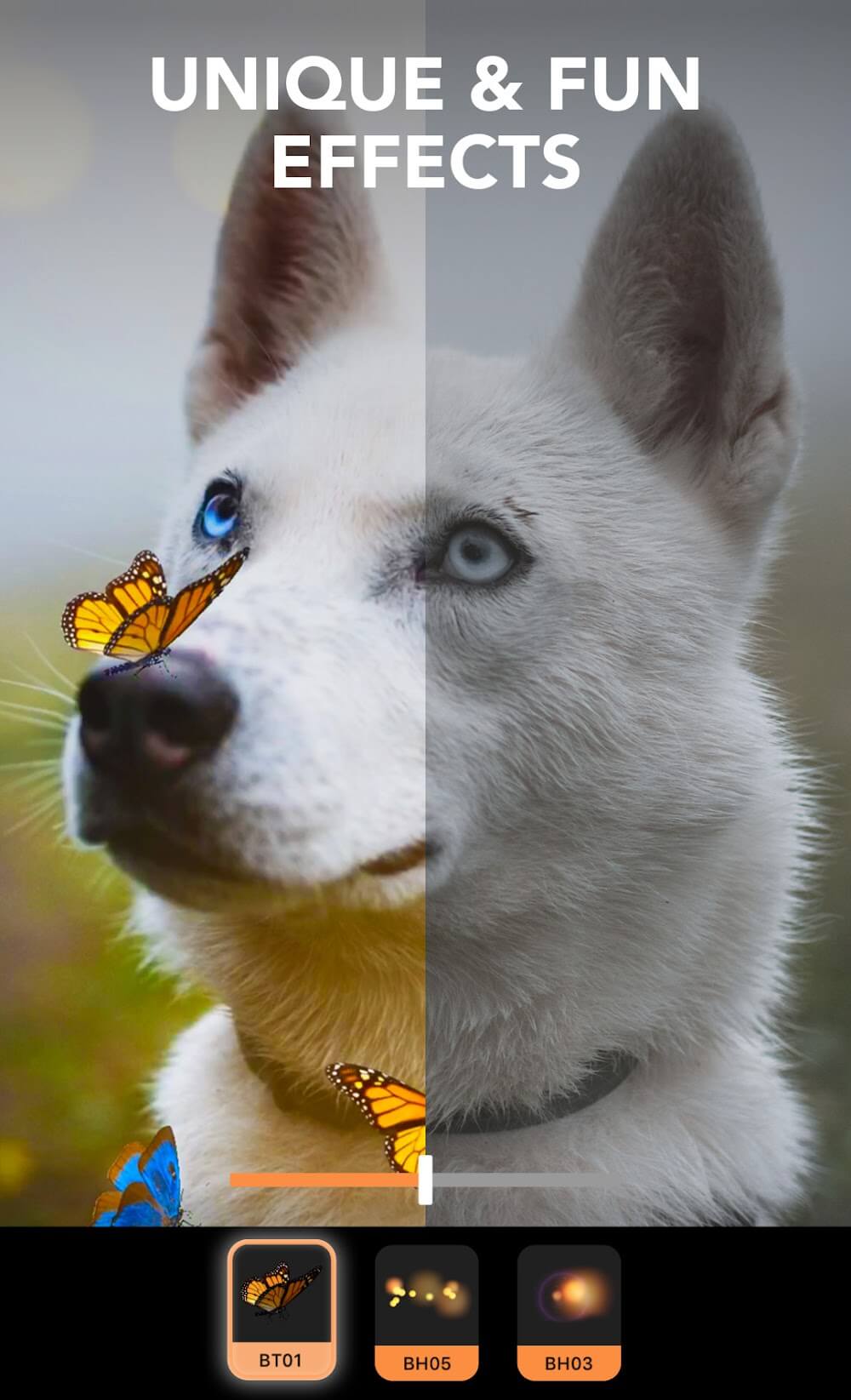
Motionleap’s potential is endless in providing all the amenities needed for editing or motion creation to the user. Above all, the additional content such as filters, effects, and motions are beyond common sense and the pinnacle of modern art to create countless masterpieces. Not stopping there, but AIs also greatly contribute to the editing process, as they help simplify some processes or give users better accuracy when editing.
Size:157MB Version:1.8.1
Requirements:Android Votes:141
A collection of essential beauty camera tools designed to instantly enhance your photos. Whether you’re perfecting your selfies or creating stunning images, these tools help you achieve flawless results with just a few taps. Ideal for anyone looking to elevate their photo game effortlessly.
Photography is an art form that has been around for over a century and has evolved greatly over the years. With the advent of technology, photography has become more accessible and convenient, especially with the rise of mobile photography. Mobile photography has revolutionized the field of photography, making it possible to capture and edit high-quality photos right from your smartphone. As mobile photography continues to grow in popularity, there is an abundance of mobile apps available for photography enthusiasts. However, with so many options available, it can be difficult to determine which apps are worth your time and investment. In this article, we’ll take a look at the top mobile apps for photography and provide you with a comprehensive guide to help you choose the best app for your needs.
Transform your smartphone into a powerful creative tool with these top-rated camera apps. Packed with professional-grade editing features, stunning filters, and advanced effects, they help you capture and refine every shot like never before. Perfect for landscapes, portraits, or spontaneous selfies, these apps offer intuitive controls and AI-powered enhancements-all for free. Download today and unlock your full artistic potential. With these apps, your photos will stand out with polished, professional quality, making every moment picture-perfect!
About us | Contact us | Privacy policy| DMCA
Copyright © 2026 Xiaohei All rights reserved.