Device ID Changer is a device tool for Android devices. It helps users change their phone's Device ID. Root access is required. It allows for one-click restoration to the original ID and saves the Device ID to the device directory. It can quickly help users view the IMEI number, SIM card serial number, and other phone parameters. The user interface is simple and easy to use, with a guided mode to help users quickly familiarize themselves with the application's functions.
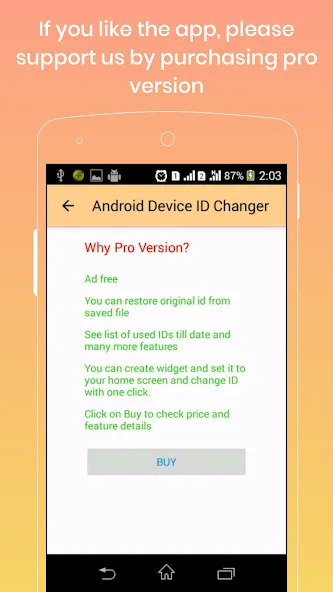
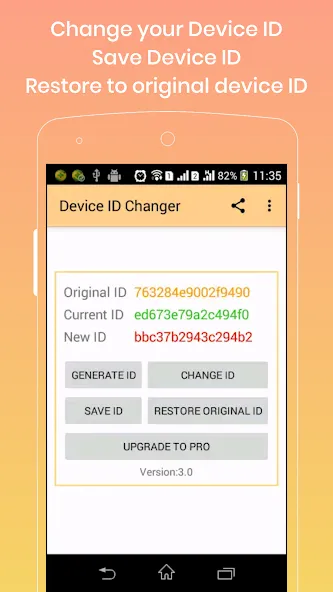
You can change your device id using this. To perform this you must have rooted device.
You can restore to original Device or android id at anytime by using a single click.
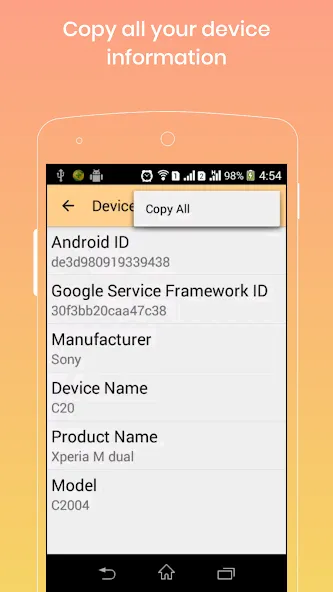
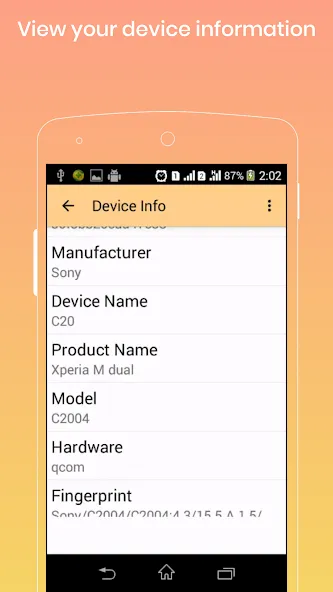
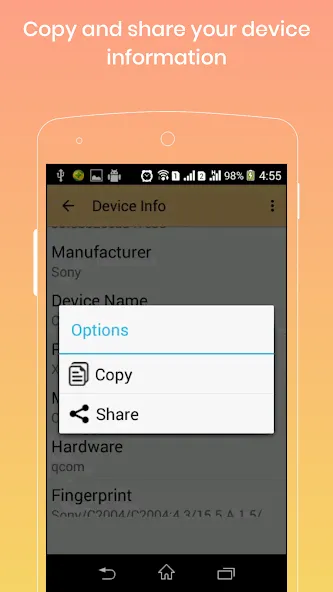
You can view your device id of your mobile.
You can save device id to your internal storage of your mobile in file named "device.Id".
View your IMEI number, SIM serial number, subscriber id and more
You can generate unique id and set that ID as your device id.
Open the app.
Root privilege is required.
A toast is shown on the app startup to indicate whether root permission is granted or not.
The app will NOT work if root permission is not available.
Tap on an app in the list that you want to work with.
A pop-up box will show up.
Modify the values in the text boxes.
These values should be hex-strings and should be exactly 16 characters long.
A hex string is a string that consists of only digits and characters from 'a' to 'f'.
The app automatically guarantees these properties.
It's not possible to input invalid characters.
If the value does not match the requirements, the "Commit" button will be grayed out.
What are "Current ID" and "Default ID"?
See this post.
"current ID" and "default ID" corresponds to "value" and "default value" in the above post.
Tap on the green SAVE button in the bottom right corner.
Settings will be written back to the system only if you press this button.
Restart your phone.
Changes will take effect on the next boot.
Latest OS Support
Bug fixes
Please Report us for any translation mistake
Added options to choose App language from settings
New App looks
Added Restore original ID option
Added Google Service Framework ID( GSF ID ) in device info list
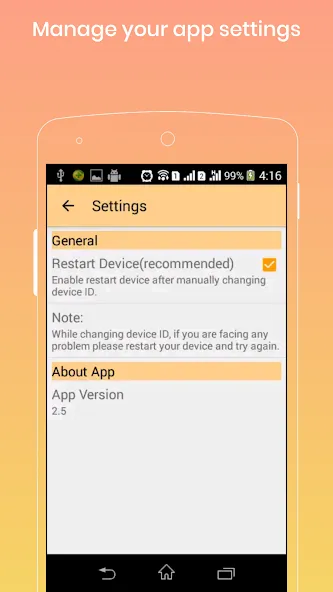
Added options to disable Device restart after device id changed,check settings menu
View your IMEI, SIM serial number, subscriber id and more
Fixed Application closing on start for some android version
An excellent program, but if it is available in installing the program to change the id instead of searching for it every time it will be excellent ... I have purchased your program, but unfortunately it is ineffective and now I use the free version and it works better than the paid version
Bestt of it's kind. Does the job at best. It's the only option to do that particular task. Other than this. The Device id can be restore with swift backup. By restoring the last backed up app including it's device id.
Excellent app! It allowed me to hide my rooted apps from detection. Now I can use my banking apps again. Thank you!
The Device ID Changer app offers a practical solution for Android users looking to modify their unique device identification number without the need for a factory reset—something particularly helpful for those aiming to preserve their phone data. This tool is especially valuable for those who require a different device ID for specific apps or services. It's pivotal to note that root access on the user's device is necessary.
Size:15.05MB Version:3.0.4-free
Requirements:Android 4.0+ Votes:199
Package Name:com.silverlab.app.deviceidchanger.free Signature:dd6d503c80c2bfad41615fb4348921d7
Utility apps are indispensable in our lives, making our daily routines more convenient. To help you find these apps more easily, this site has created a collection. This collection brings together a series of practical tools covering various aspects of life, work, and education, meeting all your needs. What are you waiting for? Try these apps now and make your life easier!
Transform your mobile device into a powerhouse of efficiency with these handpicked essential tools. Whether you need professional-grade photo editing, seamless file organization, smart task management, or real-time weather updates, our curated selection of premium apps delivers unbeatable performance. Streamline your daily routine, automate repetitive tasks, and boost your productivity with intuitive interfaces and powerful features. Designed for both professionals and casual users, these editor-approved applications will revolutionize how you work and play. Don't settle for an ordinary phone - upgrade your digital experience today and unlock your device's full potential!
With the development of mobile hardware and software, many practical tool software have emerged, covering a wide range of aspects and becoming a good helper for everyone in work and life. Today, the editor provides you with a list of useful tool software downloads. These tools are not particularly complex types, and after reading them, everyone can quickly learn how to use them. Proper use can bring great convenience to life and work.
About us | Contact us | Privacy policy| DMCA
Copyright © 2026 Xiaohei All rights reserved.