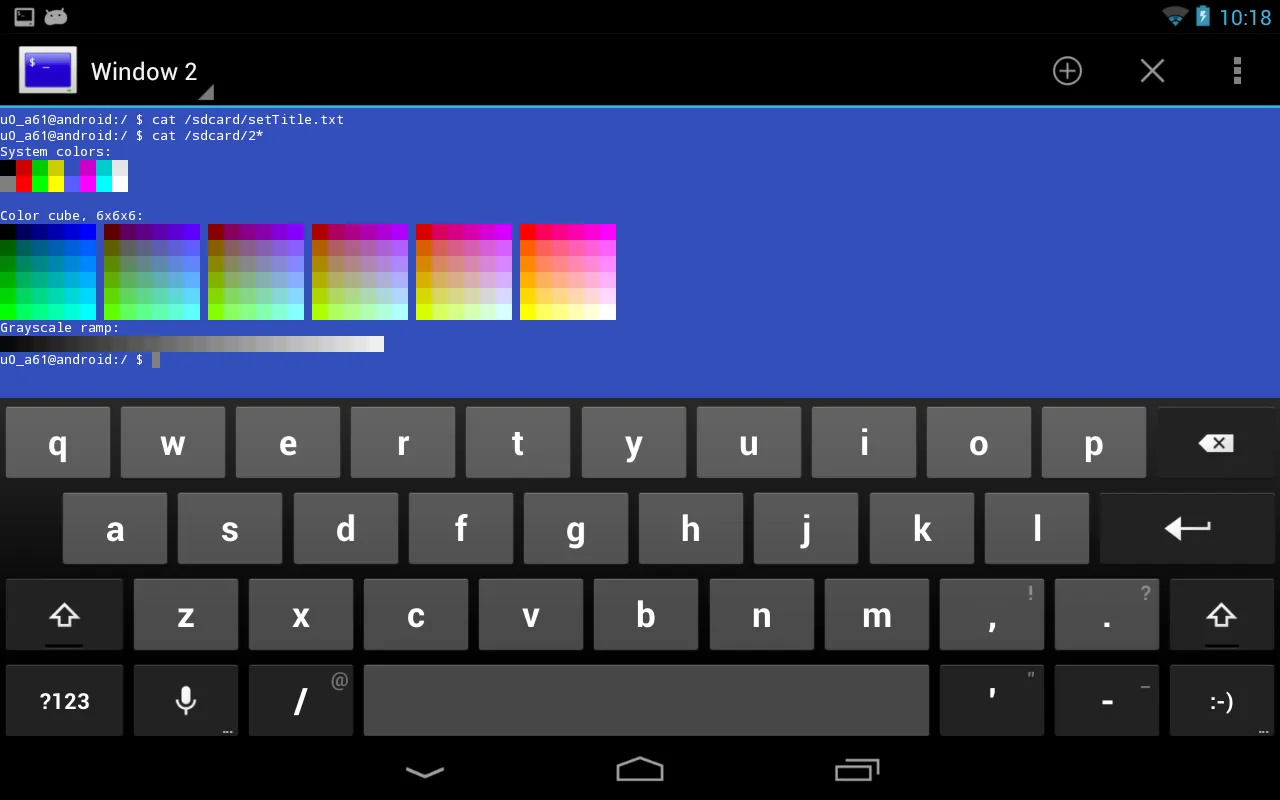
Terminal Emulator is a utility app for Android devices. It offers a suite of powerful features that perfectly emulate a full Linux terminal, providing users with a native command-line interface complete with standard input and output capabilities. With Terminal Emulator, users can execute built-in commands and interact directly with the Android shell to run commands, test scripts, or manage files. The application also provides multi-window support, allowing users to open multiple terminal windows and handle different tasks simultaneously.
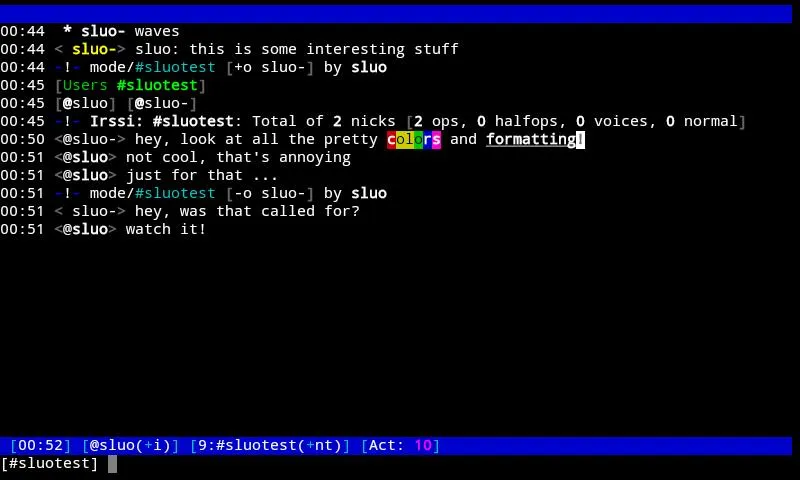
This is a terminal emulator, so the user will have to install the software that allows them to use the terminal interface.
It can be used on Android devices running on the Linux operating system.
It can also be used on other devices, but they will have to be able to run the emulator as well.
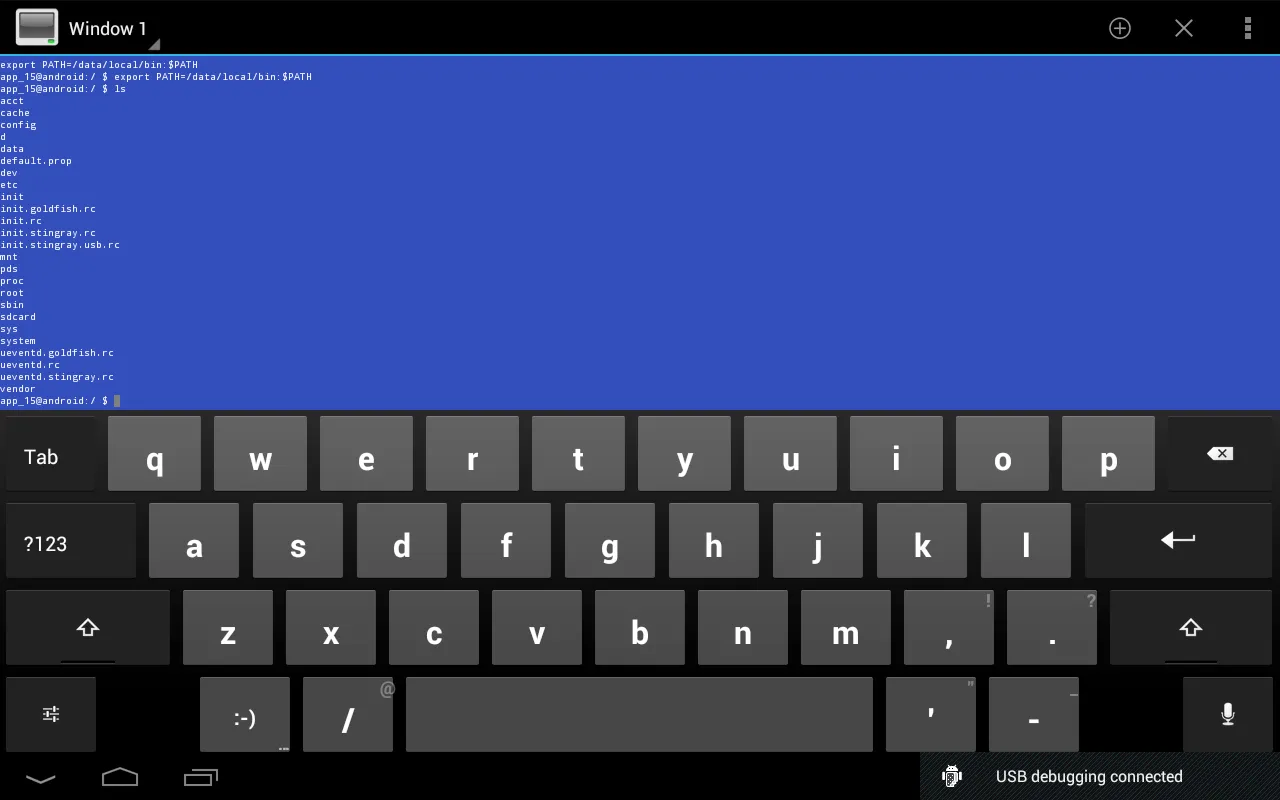
The user can enter any commands that they wish, and the app will then interpret them and display the results on the screen.
The user can use the command line interface to do different things, such as searching the internet, viewing and modifying files, and more.
It can also be used to run a command that the user has previously stored in memory. The user can also send any text that they wish to another device or the server.
Full Linux terminal emulation.
Multiple windows.
Launcher short cuts.
UTF-8 text. (Arabic, Chinese, Greek, Hebrew, Japanese, Korean, Russian, Thai, etc.)
Completely free. No ads, no in-app-purchases, no nag screens, nothing.
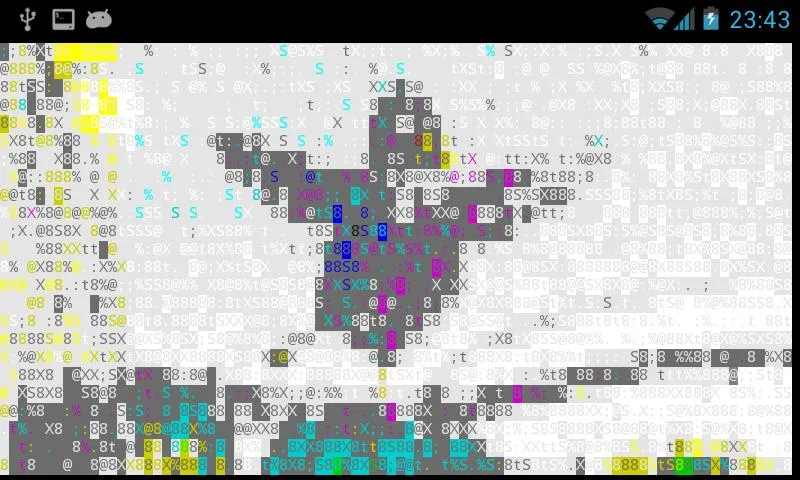
It allows a complete emulation of the Linux terminal.
The user can use several windows at the same time.
The launcher can be used with shortcuts.
It does not include any type of advertising or any payment option.
To use the app, you need to know how to use the Linux command line or be willing to learn.
It supports UTF-8 text, which means, it is compatible with characters from other languages such as Japanese, Russian, Korean, and others.
As mentioned by the application's developers, Terminal Emulator for Android can't be used to root a device, nor can it be used to emulate any kind of video game. Terminal Emulator for Android is not an application for everyone and is better for users who can use Linux fluently. If you can't, it's probably not worth your time.
Size:551.44KB Version:1.0.70
Requirements:Android 2.1+ Votes:370
Package Name:jackpal.androidterm Signature:801006944755b591cd214b1fef685237
Utility apps are indispensable in our lives, making our daily routines more convenient. To help you find these apps more easily, this site has created a collection. This collection brings together a series of practical tools covering various aspects of life, work, and education, meeting all your needs. What are you waiting for? Try these apps now and make your life easier!
With the development of mobile hardware and software, many practical tool software have emerged, covering a wide range of aspects and becoming a good helper for everyone in work and life. Today, the editor provides you with a list of useful tool software downloads. These tools are not particularly complex types, and after reading them, everyone can quickly learn how to use them. Proper use can bring great convenience to life and work.
About us | Contact us | Privacy policy| DMCA
Copyright © 2026 Xiaohei All rights reserved.