LoFi Cam is a fast and convenient photography app. This app offers powerful features, a variety of filters and effects, presenting users with the unique aesthetics of a traditional camera and giving your photos a nostalgic and artistic style. With LoFi Cam, users can quickly and easily edit photos; simply select the image and choose a filter to begin editing. You can also take photos directly within the app, eliminating the need to import them from your gallery. Once you've finished editing, saving your photos to your device or sharing them with friends is effortless, requiring no complicated steps.
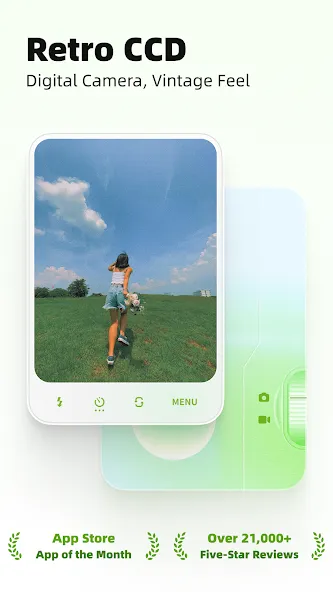
Experience the charm of film photography with a realistic, minimalist, and authentic shooting experience.
Capture nostalgic, professional 8mm-style videos with vintage camcorder effects.
Use the flash to create cinematic shots even in low-light conditions.
Easily switch between front and rear cameras for effortless selfies.
The Selfie function frees up your hands, letting you strike the perfect pose with ease.
Enhance Creativity with Tailored Effects
LoFi Cam allows you to elevate your photography with features such as exposure, vignette, temperature, noise, and blur adjustments, all contributing to a unique retro atmosphere for your images. Additional tools like flash, countdown timers, and smooth zooming help capture memorable moments effortlessly. Whether you are shooting new photos or editing existing ones, the app provides powerful tools for personalized and creative output.
Versatile Photo Editing Options
This app also functions as an intuitive photo editor. You can import existing images from your gallery, apply your preferred filters, and save the enhanced memories seamlessly. The app supports customizable saving formats, allowing you to add retro-inspired timestamps, simulate vintage camera displays, or recreate the appearance of old video recorder interfaces.
Nostalgia Meets Modern Functionality
With its focus on merging retro charm and modern usability, LoFi Cam provides a distinctive option for photography enthusiasts looking to explore creative possibilities while reconnecting with vintage camera aesthetics.
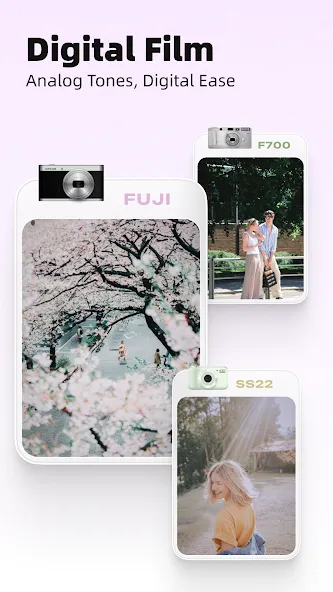
Digital: Analog the screen display of a classic digital camera.
RETRO: Time Stamp for Analog Vintage Film Cameras.
CAM LOOK: Save with the camera looks.
VCR: Analog the video interface of a classic digital camera.
DV: Recreate the interface of a retro DV recorder.
Pros
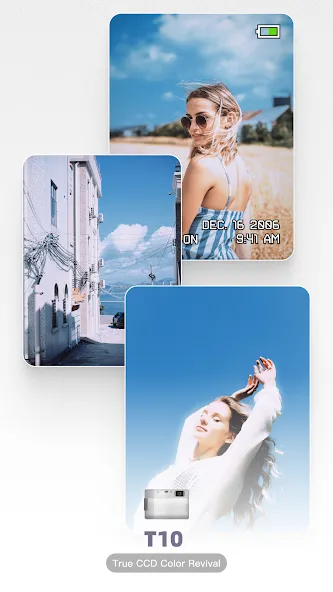
Distinct T10, F700, GR D, and 120 camera profiles
Adjustable exposure, noise, blur, temperature, and vignette effects
Edits both new shots and existing gallery photos
Configurable Digital, RETRO, VCR, and DV presentations
Cons
Some camera profiles may require paid access
Editing tools remain narrowly focused on retro styling
Camera profiles are inspired interpretations, not exact emulations
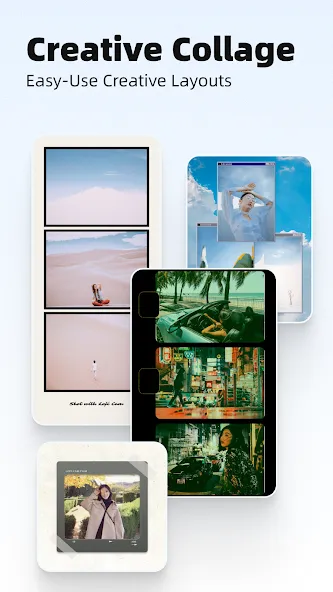
Additionally, LoFi Cam provides features like flash, countdown, and smooth zoom functions to capture special moments creatively. Users can import and edit photos easily within the app, applying filters to enhance their images. With customizable save effects including digital, retro, cam look, VCR, and DV styles, users can personalize their photos further. The promise of new camera updates ensures a continuous stream of fresh styles and features for an enhanced photography experience.
Size:139.45MB Version:2.20.4
Requirements:Android 8.1+ Votes:203
Package Name:com.camera.loficam Signature:b820c20f2949fbd81e88e22b18f5d32d
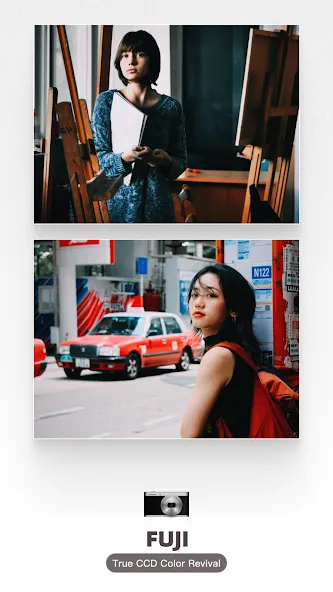
Welcome to our image editing apps! Perfect for beginners and pros alike, they make photo enhancement easy. Use PicsArt to crop, adjust colors, and apply filters. Remove backgrounds instantly with Remove.bg. Get creative with layers and advanced tools on Adobe Photoshop Express. Start transforming your images today!
Photography is an art form that has been around for over a century and has evolved greatly over the years. With the advent of technology, photography has become more accessible and convenient, especially with the rise of mobile photography. Mobile photography has revolutionized the field of photography, making it possible to capture and edit high-quality photos right from your smartphone. As mobile photography continues to grow in popularity, there is an abundance of mobile apps available for photography enthusiasts. However, with so many options available, it can be difficult to determine which apps are worth your time and investment. In this article, we’ll take a look at the top mobile apps for photography and provide you with a comprehensive guide to help you choose the best app for your needs.
More and more people enjoy taking selfies nowadays, and the most important thing about a good selfie app is its filter function. Filters are mainly used to achieve various special effects on images. Taking photos with these cameras can make them more aesthetically pleasing. So which mobile filter software is good? Below, the editor recommends several super useful filter apps for everyone. In addition to having a large selection of filters, you can also customize and adjust your photos. Multiple filter overlays are super stylish, and you can modulate your exclusive filter effects. Below are the most popular filter software downloads for everyone, hoping to help you.
About us | Contact us | Privacy policy| DMCA
Copyright © 2026 Xiaohei All rights reserved.