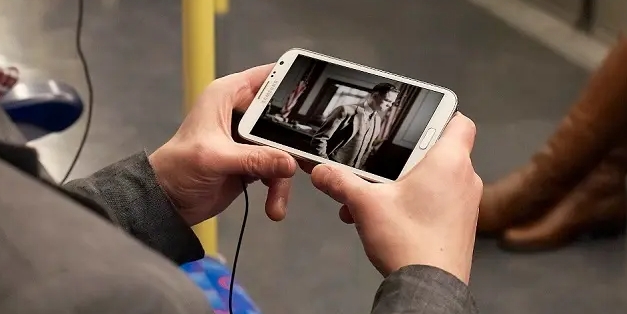
VLC for Android is a comprehensive media player app. It features a robust media library and equalizer, supports a wide range of audio formats, and is completely free and ad-free, delivering an exceptional audio experience. With VLC for Android, users can easily browse audio and video files via the media library, allowing for seamless organization and access to their content. Additionally, the app offers gesture controls for adjusting volume, brightness, and playback progress, enabling users to customize playback settings to their personal preferences.
Support for a wide range of audio and video formats, including MPEG, MP3, AVI, and more.
Ability to play media files from various sources, such as DVDs, CDs, streaming services, and webcams.
Customizable interface with skin options and extensions for added functionality.
Support for subtitles and closed captioning.
Advanced playback options, such as playback speed control, equalizer, and audio/video synchronization.
Wide Format Support: VLC for Android plays most local video and audio files, as well as network streams, DVD ISOs, and disk shares. All formats are supported, including MKV, MPAVI, and more.
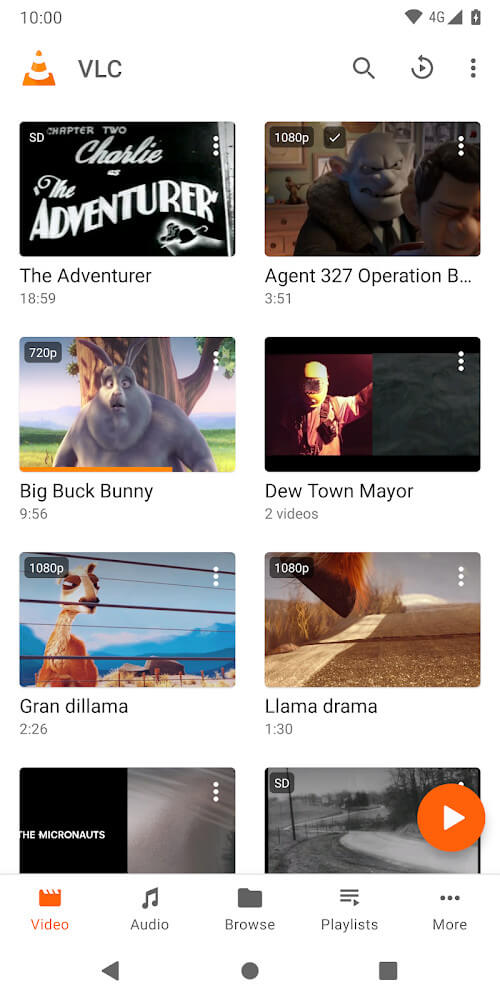
Media Library: VLC for Android has a media library for audio and video files, making it easy to browse folders directly and organize your media collection.
Multi-Track Support: This app supports multi-track audio and subtitles, as well as auto-rotation, aspect-ratio adjustments, and gestures for volume, brightness, and seeking control.
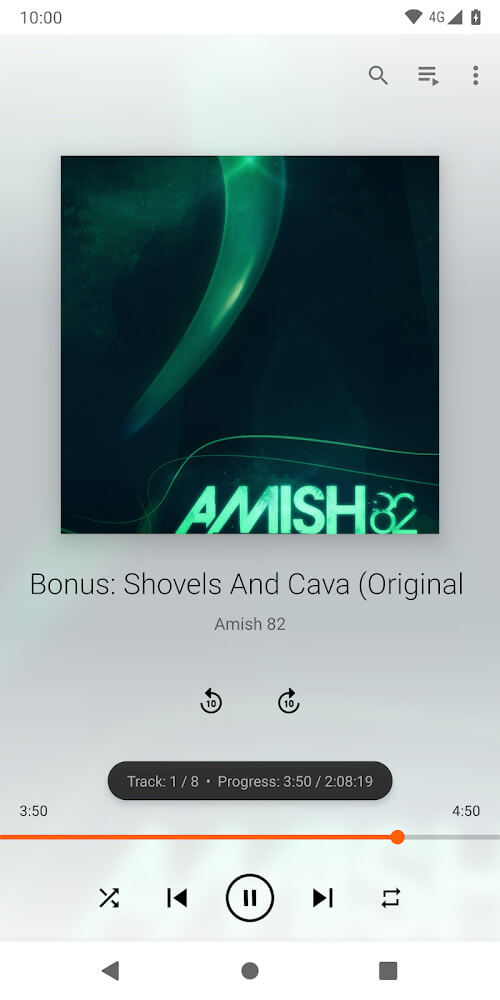
Audio Player Features: VLC for Android is a full audio player with a complete database, equalizer, filters, and support for cover art and a complete audio media library.
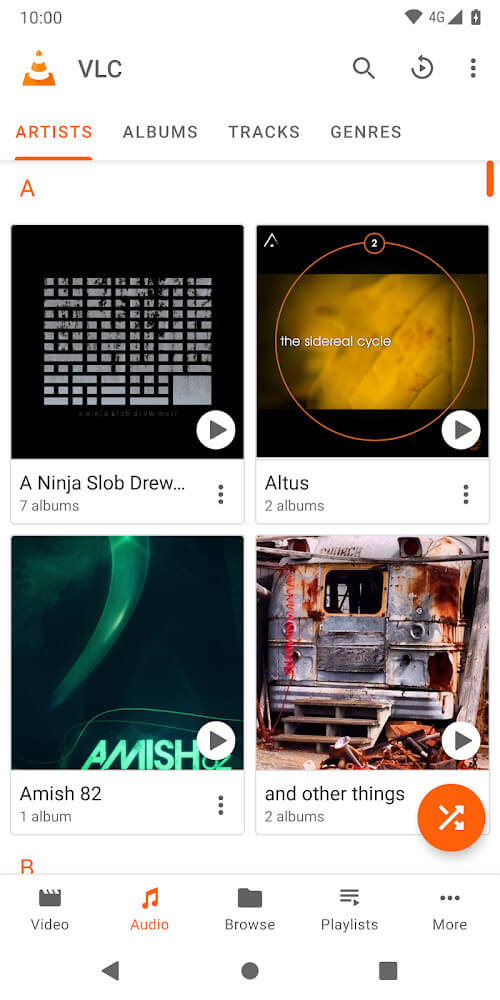
Customize Settings: Explore VLC for Android's settings to adjust aspect ratios, enable gestures for volume and brightness control, and personalize your audio settings for the best listening experience.
Utilize Gestures: Take advantage of gestures like swipe controls to easily navigate through your media playback, making it convenient and intuitive to use VLC for Android.
Organize Your Library: Use the media library feature to categorize and sort your audio and video files for quick access, ensuring you can find and play your favorite content with ease.
Pros
Intuitive to use
Chromecast and Android Auto support
Extensive playback features and options
Cons
Dull UI design
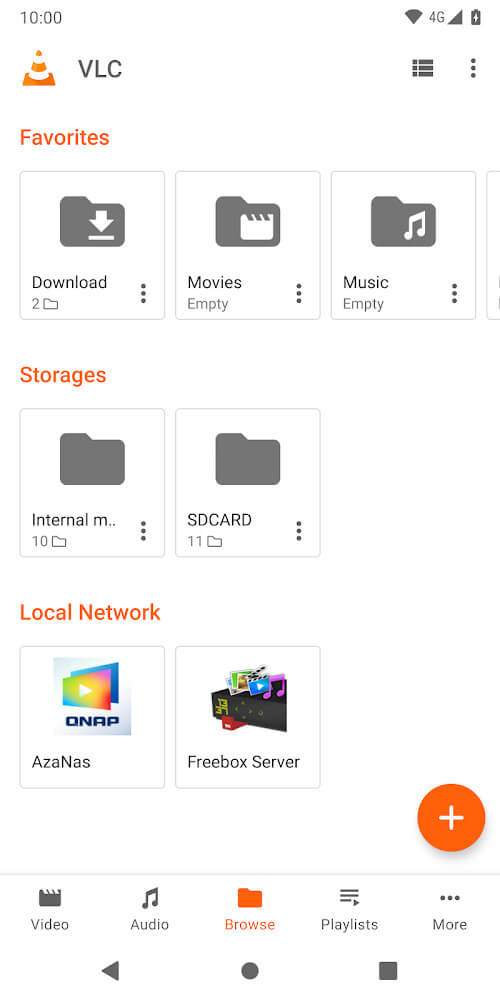
To sum up, VLC for Android does an admirable job of replicating the experience of its desktop counterparts to great results. It's just as intuitive and feature-rich, and it will satisfy most users' needs for an all-around media player solution. The UI could use some sprucing up and additional ways to personalize it, but aside from that, this is a must-try.
Size:45.77MB Version:3.7.1
Requirements:Android 4.2+ Votes:166
Package Name:org.videolan.vlc Signature:b09cfd89a9280dc93500c52180b937d1
Video Player is a software application or hardware device designed to decode and display digital video content. Modern video players are highly versatile, capable of handling both locally stored files and real-time streaming media from online platforms. Over time, technological advancements have transformed video players from basic format-specific tools into sophisticated systems supporting a wide range of codecs, resolutions, and playback features. Today’s players offer enhanced functionality such as subtitle synchronization, playback customization, and adaptive streaming, ensuring a seamless and user-friendly viewing experience across various devices.
This comprehensive collection features a diverse selection of free mobile streaming apps, each offering unique functionalities to suit different user preferences. Whether you're looking for live broadcasts, on-demand videos, or audio streaming, these apps provide seamless access to endless entertainment. Designed for convenience, they enable smooth playback while continuously delivering data, ensuring an uninterrupted viewing or listening experience. With multiple options available, users can easily find the perfect app to match their needs, making this collection ideal for anyone seeking high-quality streaming solutions. Explore the variety and enhance your daily entertainment today!
Free ad free binge watching software usually has a huge library of film and television resources, covering various types, styles, and themes of film and television works. From popular IP adaptations to original scripts, from movies and TV dramas to variety shows, anime and animation, everything is available. These software can keep up with the update pace of the film and television market, ensuring that users can watch the latest film and television works in the first time and not miss any exciting moments. The operation of free ad free drama following software is usually very convenient, and users only need a few simple steps to find and watch the movies and TV shows they are interested in.
About us | Contact us | Privacy policy| DMCA
Copyright © 2026 Xiaohei All rights reserved.