GDMSS Plus helps users ensure the safety of their homes by connecting to cameras and surveillance equipment from various brands. It allows for remote control and management, as well as the ability to share video feeds with family members. Through the app, users can view live footage from their homes, adjust camera angles, and change display settings; all recorded footage is saved to the device, making it easy to review at any time. Furthermore, even when the user is not actively controlling the system, the app will send an immediate alert if any camera detects movement, prompting the user to check the feed and providing enhanced protection for the home.
Camera Grids Do the Heavy Lifting: Camera mode carries most of the app's appeal. It can show four, nine, or 16 camera thumbnails, then open an individual feed for closer viewing. A calendar provides access to footage from earlier days or months. With compatible equipment, the app can also record video, capture still images, open the microphone for two-way communication, and display each device's network bitrate.That range makes Gdmss Plus best suited to people managing several supported cameras or recorders from one phone. A single-camera household may use only a fraction of it, but centralized monitoring is the point here.
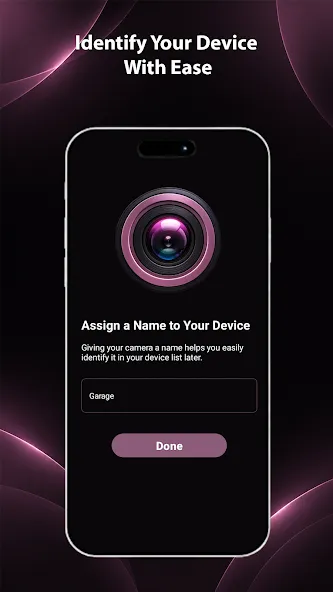
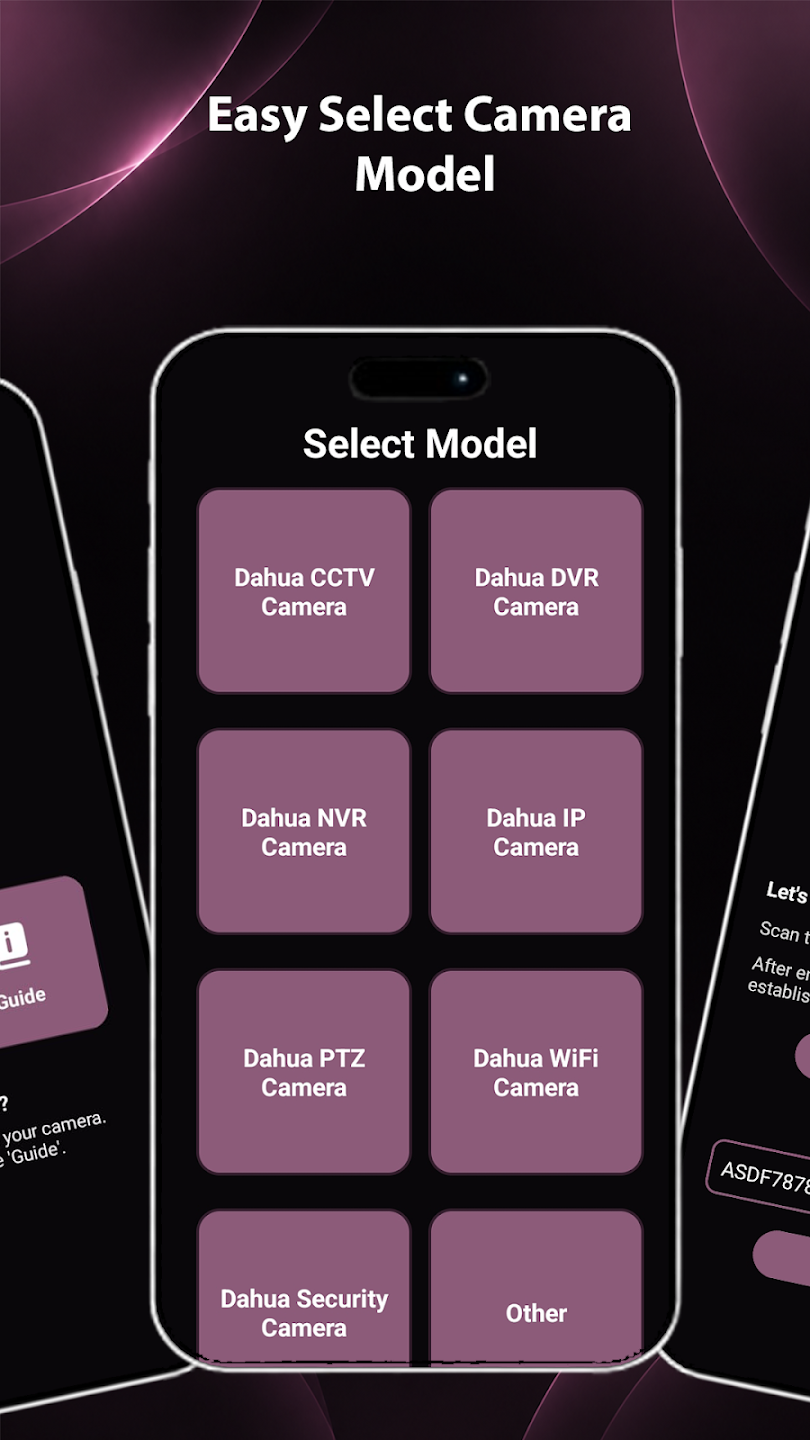
Wide Hardware Support Comes With Technical Setup: Device support extends beyond wireless and wired cameras to NVR, DVR/XVR, IVSS, video intercoms, and automatic doorkeepers. Devices can receive custom names, which matters once a grid starts filling up. Adding one requires the relevant IP address, port, username, and password. That's normal for this class of surveillance tool, though hardly friendly to anyone unfamiliar with network hardware.The Help area softens that learning curve with usage guidance and an FAQ for common technical problems. Users can also set or change the app password. These are practical inclusions rather than glamorous ones, and they make the dense device support less forbidding.
Door and Alarm Lag Behind Camera Mode: The three modes aren't equally developed. Camera includes a demo for exploring the interface before connecting equipment, but Door does not. Door is also limited to one live view at a time, while Camera supports grids. Alarm hubs must already be initialized before they can join the device list.Those restrictions make Door and Alarm feel secondary, yet the central proposition remains strong: one free app for live viewing, archived footage, device interaction, and several surveillance hardware categories. For a compatible multi-device setup, Gdmss Plus is a capable control center; readers focused on door access should temper their expectations.
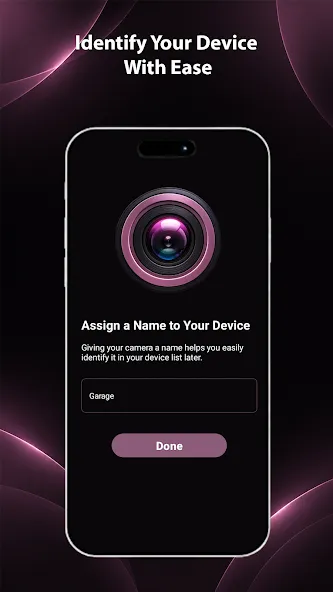
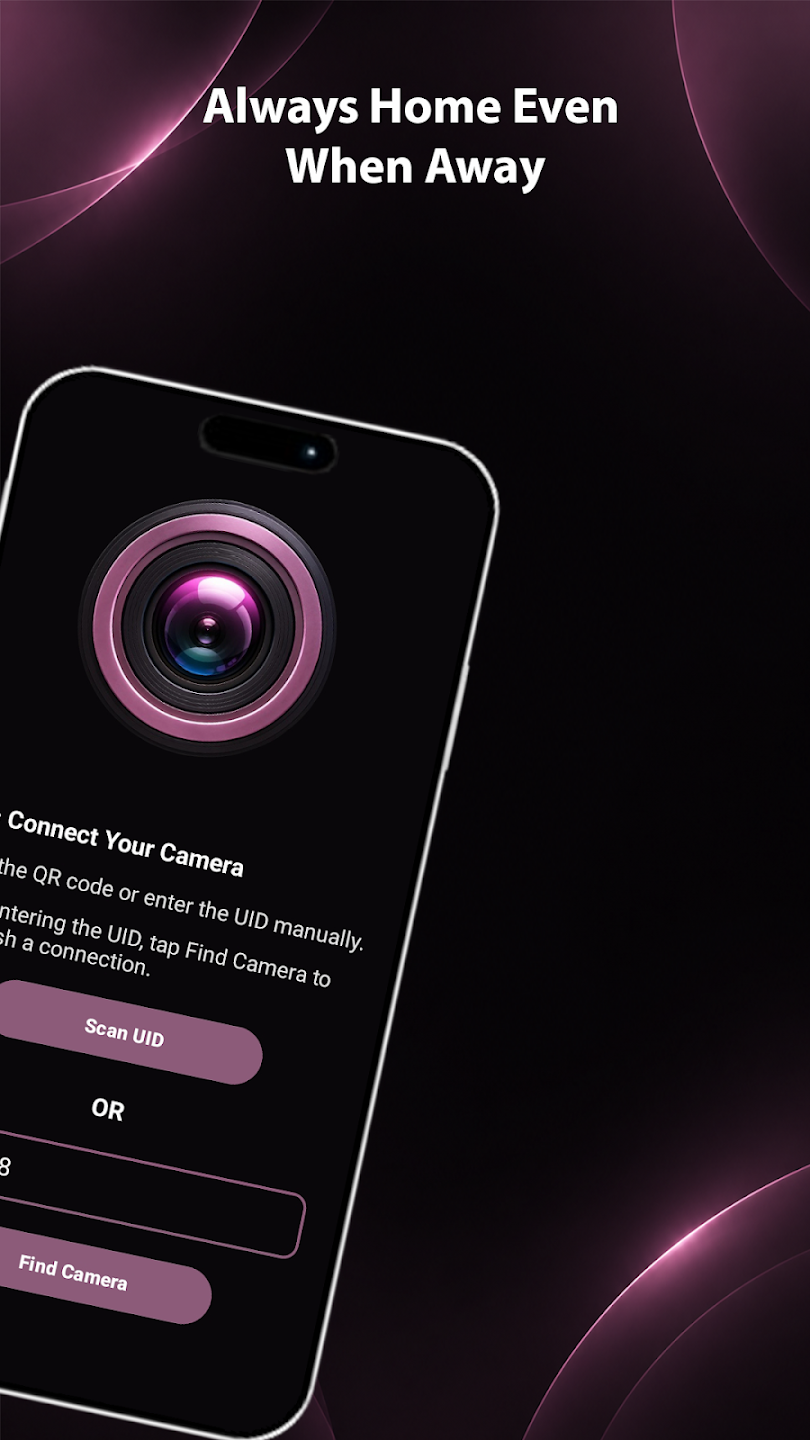
Connect Compatible Cameras: Add supported security cameras and monitoring devices through the available connection options. Discover compatible equipment and complete the required pairing or network configuration from your Android device.
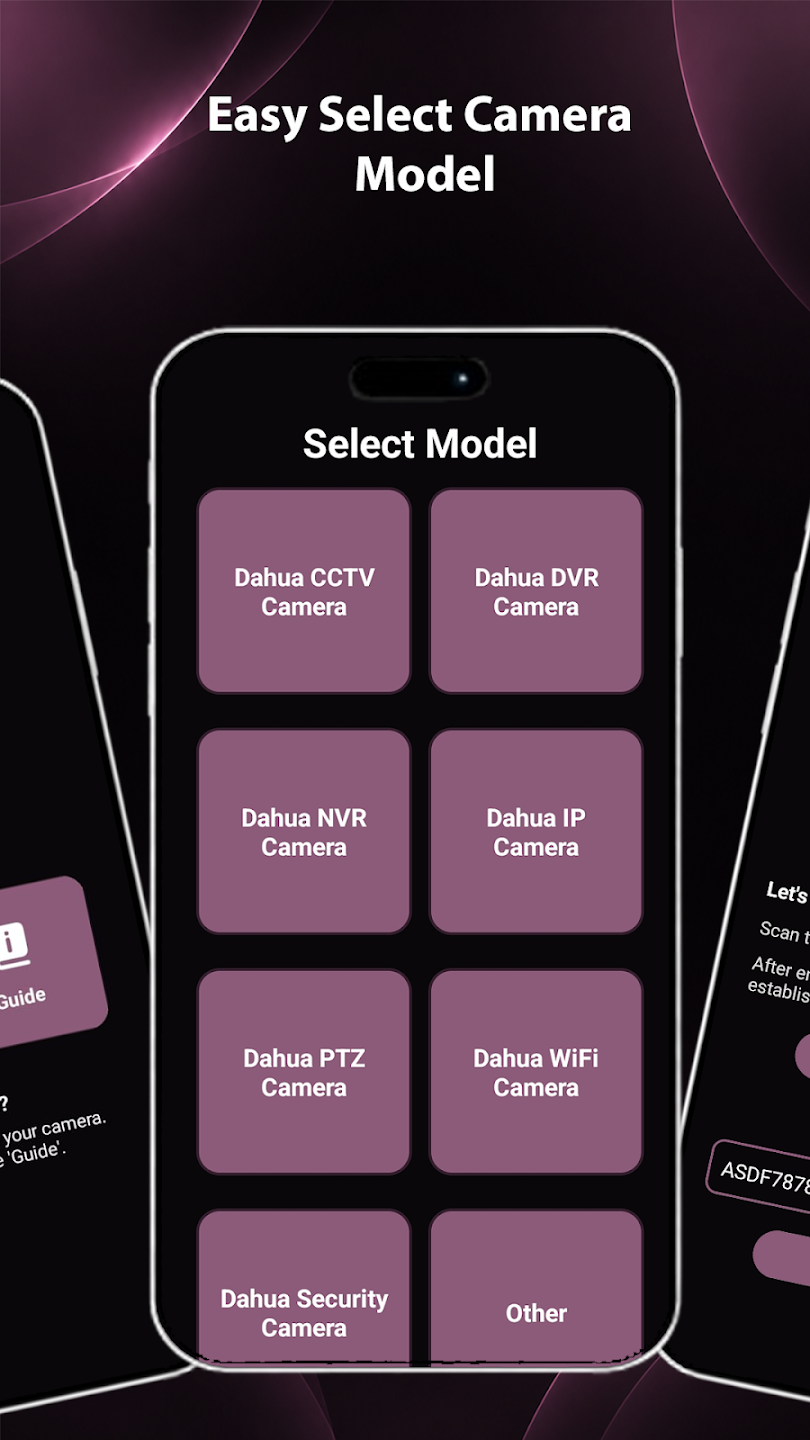
Simple Device Setup: Get compatible cameras ready for use through an organized setup process. Available setup options can vary according to the connected device and its supported connection methods.
PTZ Camera Control: This was a highlight! Being able to move our camera left, right, up, and zoom in—all from the app—felt powerful. It worked smoothly on compatible cameras, and honestly, it was fun to use.
Manage Connected Devices: Access supported cameras and security equipment from one convenient interface. View available device information, connection status, and supported management options.
Push Notification: The alerts came in fast whenever motion was detected. We tested it by walking past a camera—and boom, our phone buzzed immediately. This made us feel a lot more in control, especially when we were away from home.
What is the difference between DMSS, Gdmss Plus, and iDMSS?
Ans: DMSS is the latest, professional, unified app developed by Dahua, supporting both Android and iOS. Gdmss Plus and iDMSS are older, platform-specific versions (g for Android, i for iOS) that are being discontinued and replaced by the single, modern DMSS app.
Do I need an account to view my cameras on the Gdmss Plus app?
Ans: No, you can add and view devices as a "Local Device" without creating a Gdmss Plus account. However, an account is needed for cloud features, online device upgrades, and securely sharing your device with other users.
How do I get my DVR/NVR to show "Online" status for P2P?
Ans: Ensure your recorder is connected to your router with an Ethernet cable, and the router is online. You may also need to check the recorder's network settings to confirm the P2P (or Platform Access) function is enabled and not blocked by a local firewall.
My cameras stop showing video when I leave my home Wi-Fi. Why?
Ans: This is usually a mobile network issue or a setting within the app. Ensure the Gdmss Plus app is allowed to use mobile data in your phone's settings. Also, check the app's general settings for an Auto Play or similar option and ensure it is enabled, so the video automatically loads on cellular data.Get Mobile Apps
Can I watch recordings and live view at the same time?
Ans: Yes, the Gdmss Plus app is designed for multi-tasking. You can check the live view and then switch to the playback screen to review past footage quickly. The playback feature is separate from the live view interface.
If you’re looking for an easier way to manage your home security equipment, check out Gdmss Plus. By selecting Camera, you’ll have virtual access to your security camera’s live video preview—safeguarding your home from criminals. Its calendar system—which is accessed by tapping the “Device List” icon on the upper right corner—allows you to watch CCTV footage that were captured in the previous days or months.
Size:72.62MB Version:4.90.000
Requirements:Android Votes:381
Package Name:com.mm.android.direct.gdmssphone Signature:ac24b59b0069171129701287466ff56e
Utility apps are indispensable in our lives, making our daily routines more convenient. To help you find these apps more easily, this site has created a collection. This collection brings together a series of practical tools covering various aspects of life, work, and education, meeting all your needs. What are you waiting for? Try these apps now and make your life easier!
With the development of mobile hardware and software, many practical tool software have emerged, covering a wide range of aspects and becoming a good helper for everyone in work and life. Today, the editor provides you with a list of useful tool software downloads. These tools are not particularly complex types, and after reading them, everyone can quickly learn how to use them. Proper use can bring great convenience to life and work.
About us | Contact us | Privacy policy| DMCA
Copyright © 2026 Xiaohei All rights reserved.