LiveMe+ is a live-streaming platform where users can enjoy captivating performances from creators around the globe—ranging from casual chats and gaming to dancing and cooking—or even start their own broadcasts to showcase their talents to a worldwide audience. The app features a built-in search function; simply enter keywords—such as the titles of popular games—to discover relevant live streams. Once inside a broadcast, you can interact with other viewers, cheer on the streamer, and immerse yourself in the vibrant, high-energy atmosphere. You can also link your social media accounts to invite friends from other platforms to watch your streams. As you receive more likes and virtual gifts, creators can unlock a variety of exclusive perks.
Real: Discover real people sharing real moments through live video, comments, gifts, and community events. LiveMe+ makes it easy to follow creators you like, join conversations around shared interests, and build social connections across regions and cultures.
Social: Join a vibrant social live community through music rooms, themed broadcasts, live comments, and interactive creator events. LiveMe+ helps viewers and broadcasters connect naturally across mobile and web, turning everyday moments into shared entertainment.
Game: Gamers, this is your moment. Join PK challenges, trivia contests, and rewarded live game sessions. Win virtual coins, climb leaderboards, use voice chat during gameplay, or watch creators compete in friendly live matches. Whether you're playing or spectating, LiveMe+'s game zone turns casual chat into competitive fun.
Create: Share your world and get rewarded. With virtual gifts, creator incentives, and supportive fans, LiveMe+ is a space to show your talent, build your following, and monetize your creativity. Every broadcast is a chance to raise your voice and grow your audience.
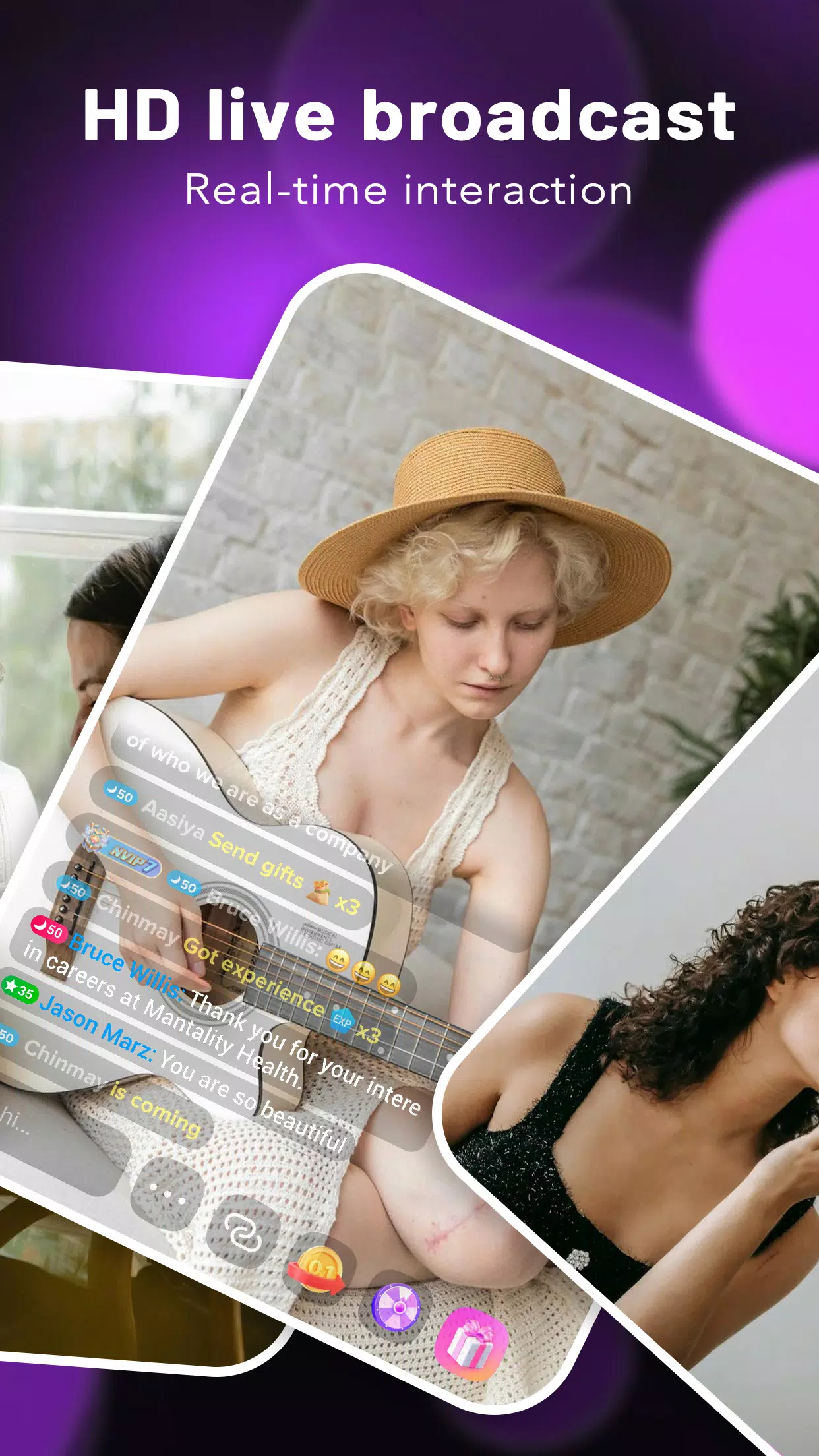
Endless Live Entertainment: There’s always something to watch! Scroll through thousands of livestreams; find singers, gamers, comedians, cosplayers, and more—anytime. You can jump in and engage with the streamer via gifts, likes, and comments.
Live PK Battles: Want to spice things up? Challenge friends or other creators in a head-to-head live battle to see who racks up the most points. Spectators get to cheer, send gifts, and support their favorite contestants.
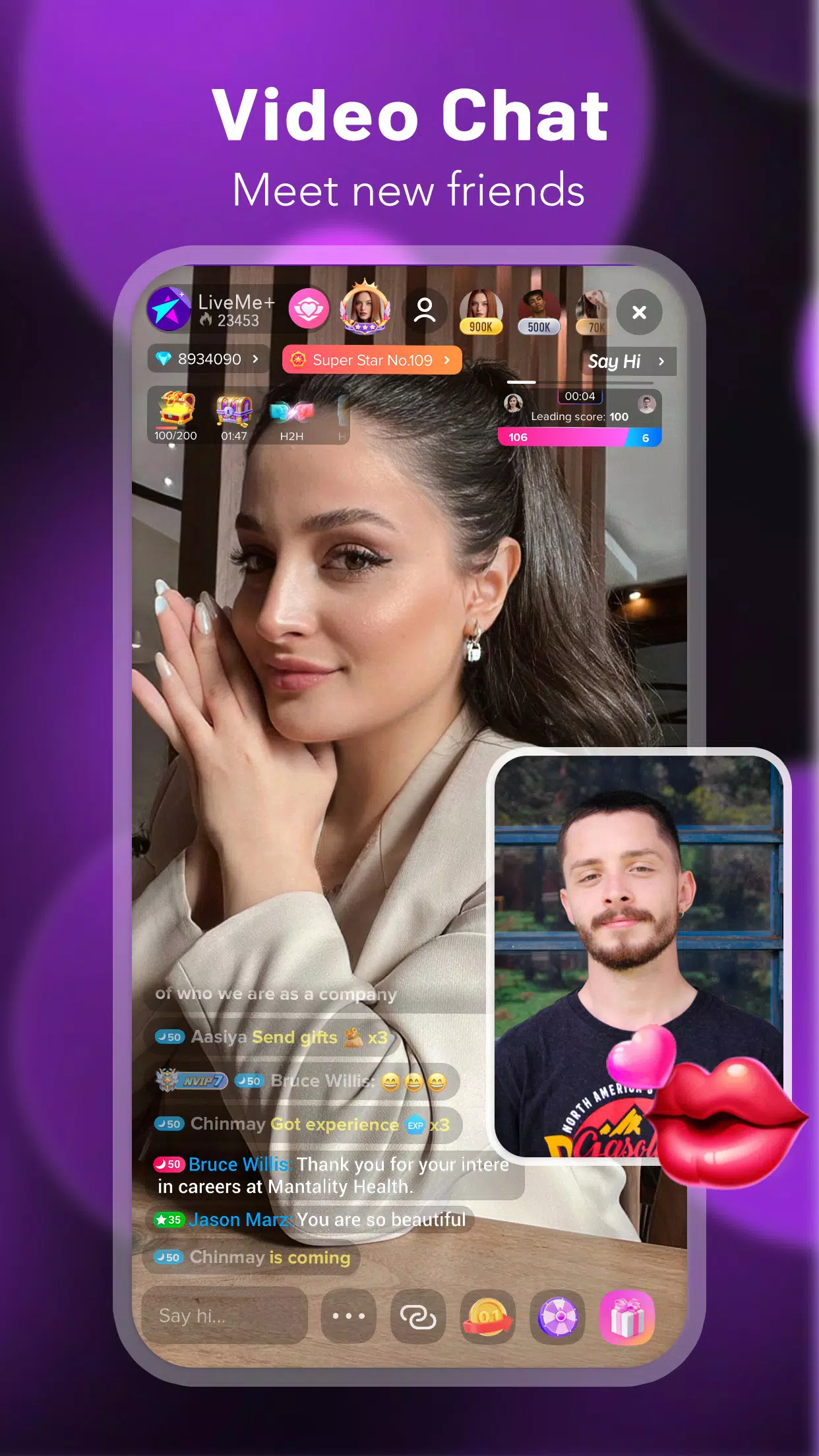
Video and Voice Group Chats: Hang out with up to 9 friends in video calls, or join a chill voice chat room. Host karaoke, talk about your day, bond over silly games, or practice new languages together.
Fun Stickers & Filters: Liven up your streams with animated stickers and creative filters—think kitty faces, crowns, rabbit ears, and all sorts of quirky effects.
Bring Your Community Together: Connect your socials and invite friends from Instagram, Twitter, or Snapchat to tune in. Or set up private groups for people who share your interests.
Remember that online friends are not necessarily who they say they are. Anyone you do not know from real life is still a stranger – you can’t be sure they are someone you can trust.
Don’t switch platforms when chatting with someone (this includes adding gaming friends to social media). When you switch platforms like this, the person you are talking to can see much more information about you – including some things you may not want to share. Someone asking you to switch platforms may be trying to get more personal information about you.
Know which types of information should not be shared (e.g. age, location, personal information, pictures). Avoid sharing personal information online, on any platform.
Never accept online gifts, such as money, gift cards, cheat codes, or admin codes from online friends.
Never meet an online friend in person without a parent or other safe adult present.

How to change my personal information?
You can change your username and profile picture directly by clicking them on the profile page.
Can I use the LiveMe+ logo as my profile picture?
Unfortunately, we prohibit use of our official logo, name or likeness as part of a user's account information.
I can neither log in nor have I received the verification code?
We suggest that you exit the app and relaunch it. Or you can switch your network connection from Wi-Fi to data.
How do I unblock someone I blocked by mistake?
To unblock someone you've blocked by mistake, simply navigate to your profile page---Settings---Block list---Unblock then you can remove him from the “Block list”.
How do I block someone?
If you notice inappropriate behavior, bullying, or any other rule-breaking conduct on LiveMe+, you may block a user from chatting on your broadcast and profile by tapping on their name, navigating to the profile page, and then choosing "block."
I've been suspended. What does that mean?
If you are suspended, you are temporarily banned from using most of LiveMe+'s features as a result of a violation of LiveMe+'s rules.Suspensions last between 15 minutes and 48 hours, depending on on the severity of the offense.
LiveMe+ is designed for social interaction through live streaming. Users can easily go live to showcase their talents and engage with millions of viewers globally. The app supports a wide variety of content types, including music, dance, cooking, and gaming, encouraging creativity and community building.
Size:335.08MB Version:2.4.66
Requirements:Android Votes:517
Package Name:com.plusme.live Signature:74df1c50e5aec88b5af7821b6488d0c1

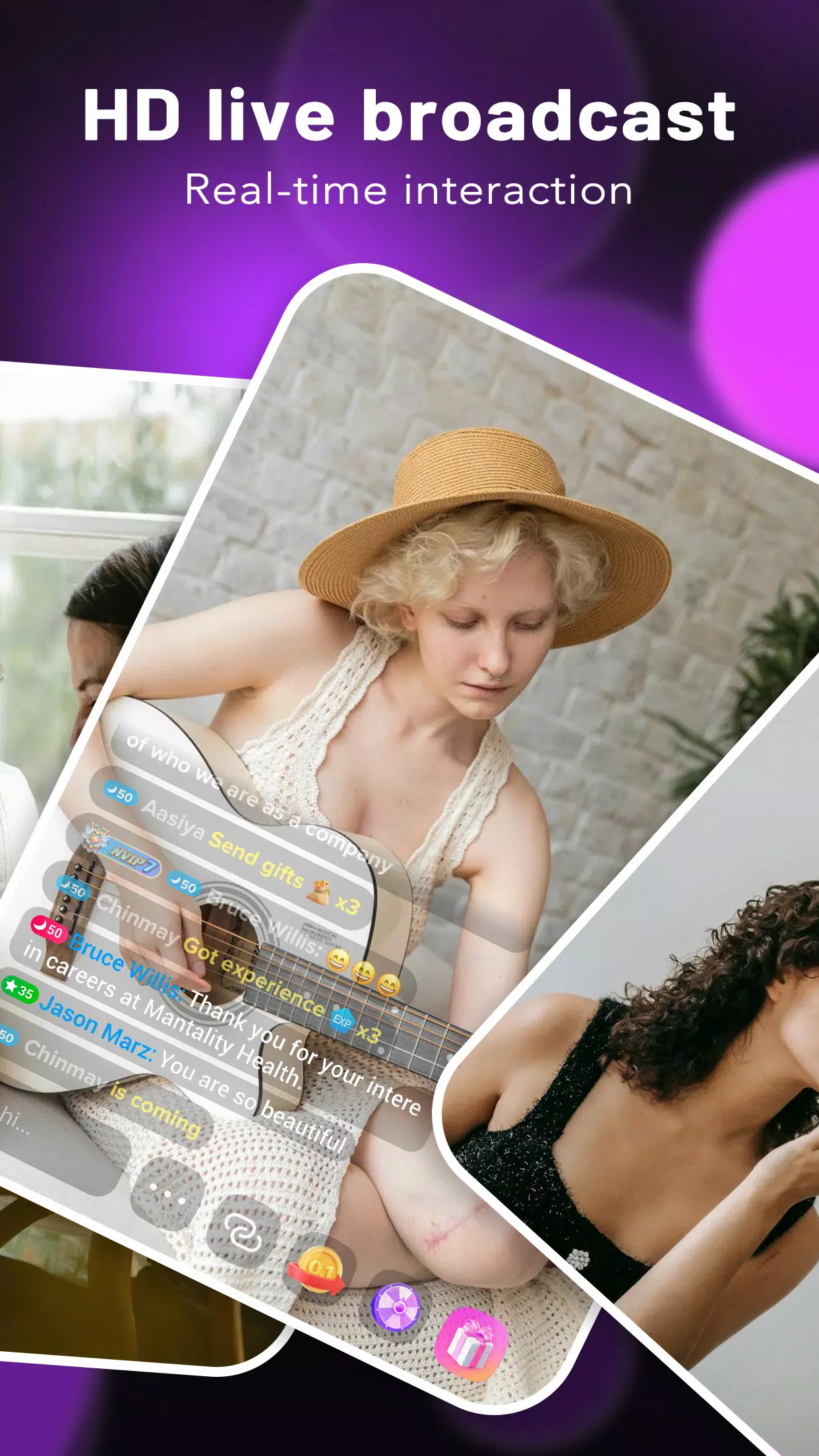
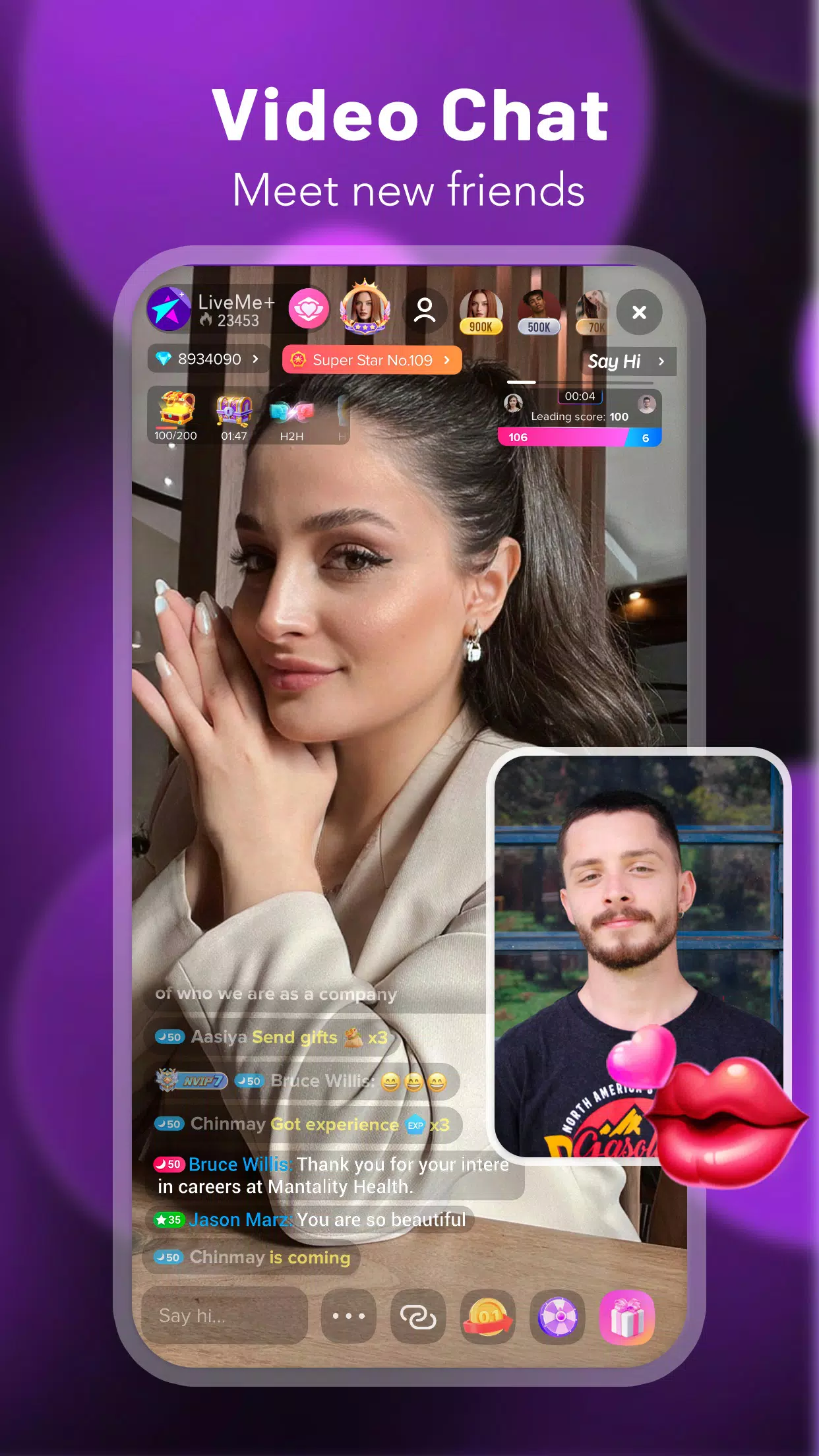
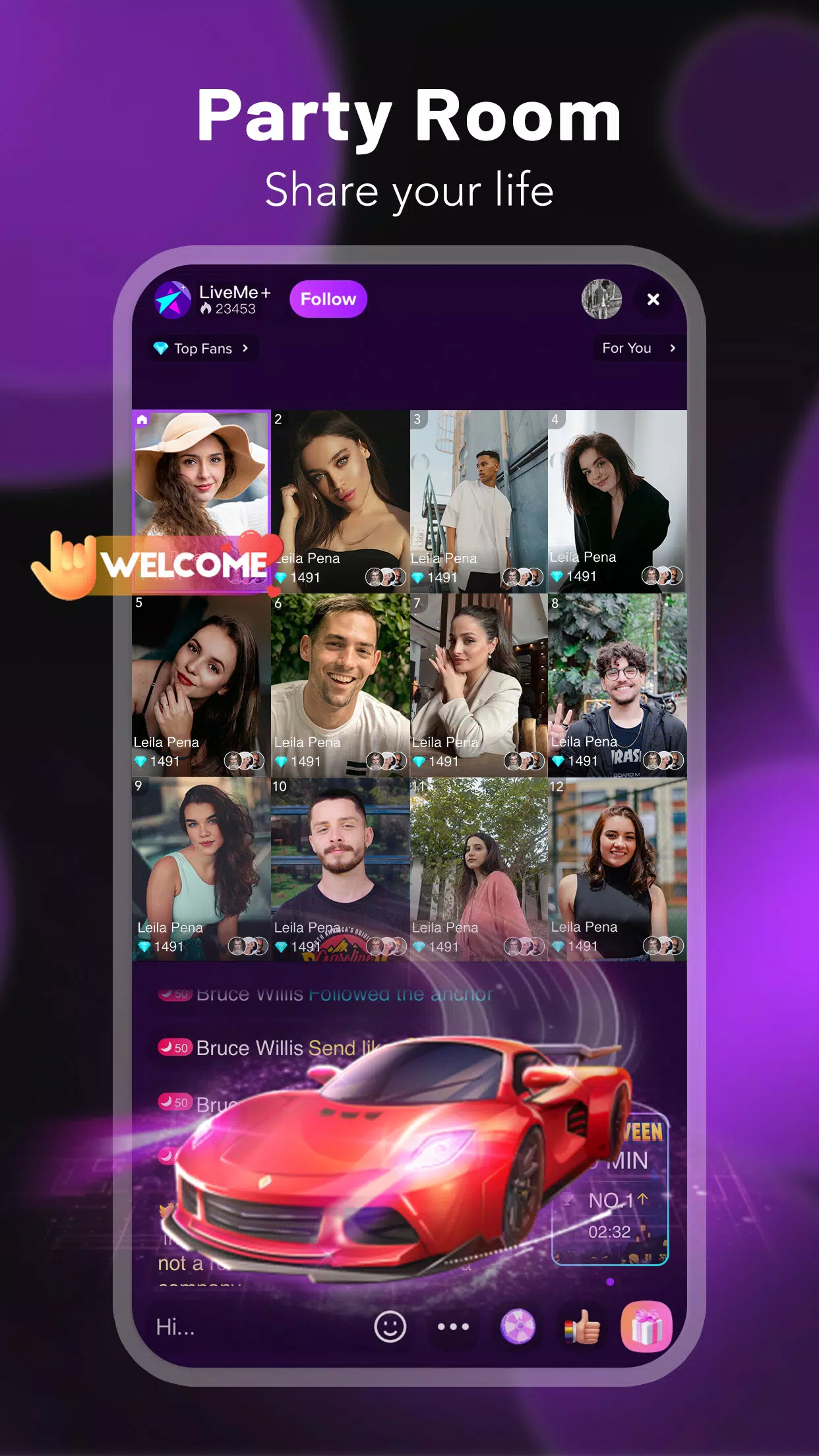

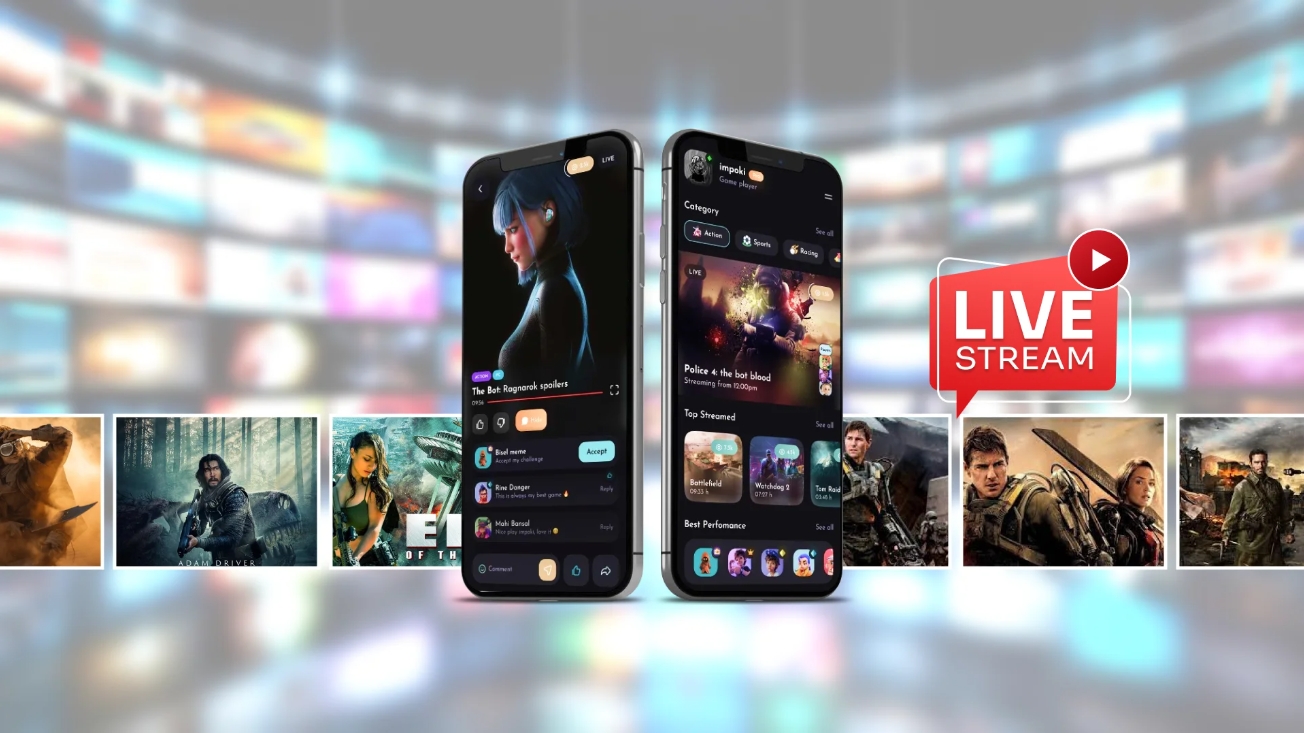
Live Streaming App is a digital platform that enables users to share real-time video broadcasts with audiences worldwide. It supports diverse content formats including gaming streams, educational tutorials, entertainment shows, vlogs, and interactive personal broadcasts. The platform facilitates instant viewer engagement through live chats, donations, and reactions, creating dynamic connections between creators and their communities. Whether for professional content or casual sharing, it provides accessible tools for real-time video streaming across various interests and purposes.
Free online live streaming software can update the latest live content in real time, such as sports event live streaming, concert live streaming, etc., ensuring that users will not miss any exciting moments. These software typically have a simple and easy-to-use user interface, allowing users to easily get started and quickly find the live content they want to watch. The free online live streaming software adopts advanced streaming media transmission technology to ensure smooth playback of live content, reduce lag and delay. Users can enjoy high-quality live streaming services without paying any fees, greatly reducing viewing costs.
With the rapid development of the live streaming industry, more and more live streaming software has emerged to meet the needs of different users. In 2024, the competition for live streaming software will become increasingly fierce, and major platforms will continue to update and upgrade, introducing new features and services to provide users with a richer live streaming experience. If you also want to know what are the most popular live streaming apps in 2024, this article will compile a latest ranking of live streaming apps to help you better choose the platform that suits you.
About us | Contact us | Privacy policy| DMCA
Copyright © 2026 Xiaohei All rights reserved.