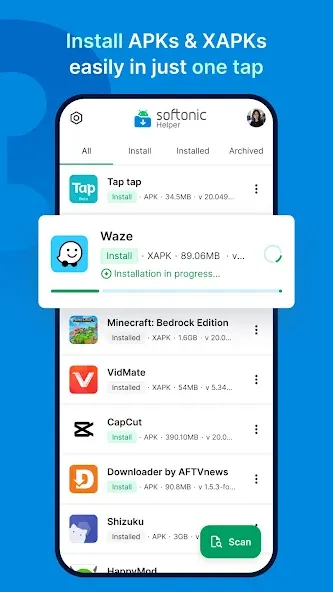
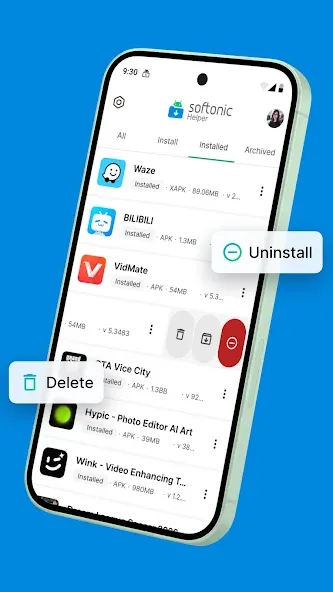
Softonic Helper features a built-in app store and helps users manage the software and games they download. Users can easily find apps that interest them by entering keywords or filtering by category; a simple tap is all it takes to begin a download—whether the file is in APK, XAPK, or APKs format. The platform also allows users to sign in across multiple devices, automatically syncing download history. This makes it convenient to review details and permissions for your apps and games, as well as perform batch operations such as updates or uninstalls.
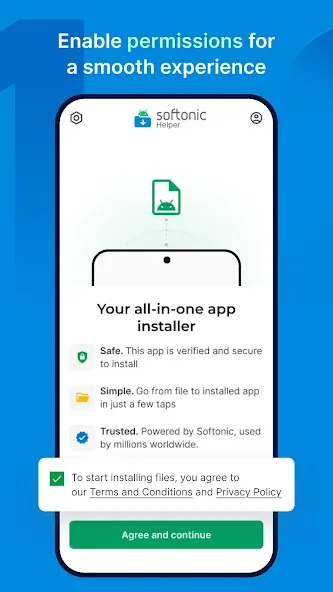
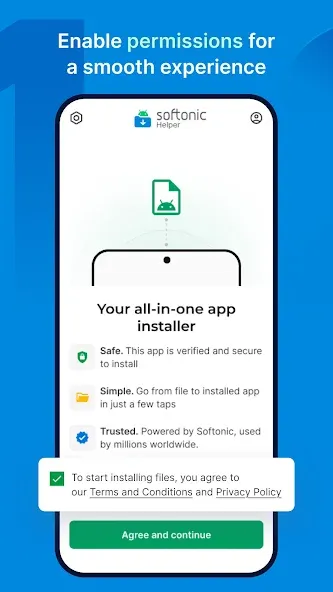
Simple: Go from file to installed app in just a few taps.
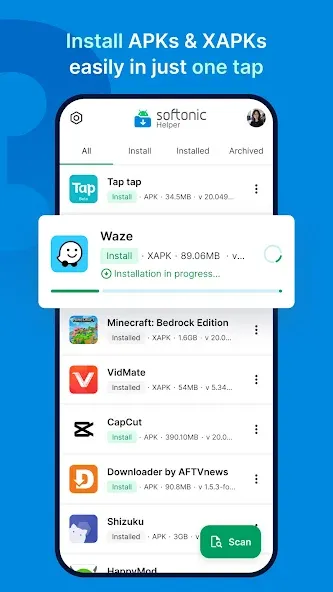
Install everything: Easily install any APKs, XAPKs, and OBB data files.
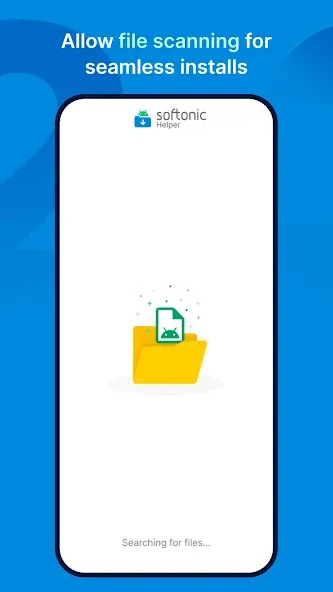
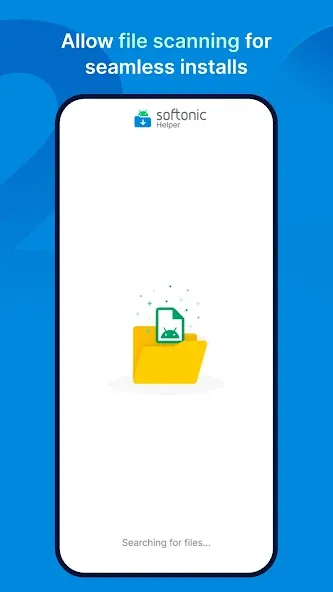
Auto-scan: Instantly find every file ready to install on your device.
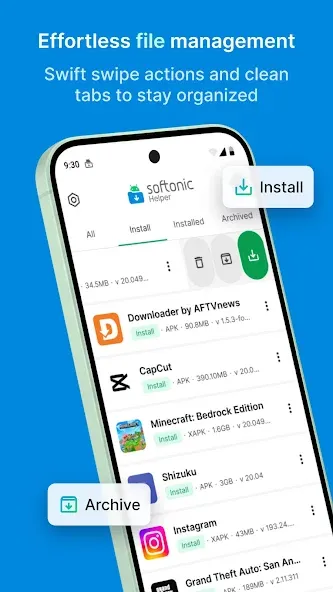
All-in-one: Open, install, uninstall, archive, or delete files to free up space.
Stay organized: Get clear labels and tabs based on file installation status.
Save your history: Sign in with Google to sync your library across devices.
Access a huge library of fast software, games, themes, wallpapers f, or Android devices.
Easily search by category or keyword for any application you need.
Get detailed information about each program before downloading it on your phone or tablet.
Create an account with Softonic to keep track of all downloads in one place and access exclusive content only available to registered users, such as reviews written by other members who have already downloaded the same applications/software, etc.
Softonic Helper 1.0 is here!
Fresh new look: new app icon, splash screen and logo.
New Account screen: settings, download history, reviews and profile in one place, with Google sign-in.
Helper asks for the install permission upfront, so installs aren't interrupted.
On Android 11, installs resume automatically after you grant the permission.
On Android 10, APK and XAPK files now show up in the scan.
"Open with Helper" starts your install right away.
Improved stability and bug fixes.
If you are a regular user of Softonic and often check its section for Android applications, then Softonic Helper is an essential tool at your disposal. Although it does not include an in-app search or filter yet, it remains a fairly easy-to-use application, as you can install, uninstall and launch those mobile applications directly from the Helper.
Size:60.41MB Version:1.0.0
Requirements:Android Votes:509
Package Name:com.softonic.hub Signature:502b09408fe405f677de62b239ce785d
Utility apps are indispensable in our lives, making our daily routines more convenient. To help you find these apps more easily, this site has created a collection. This collection brings together a series of practical tools covering various aspects of life, work, and education, meeting all your needs. What are you waiting for? Try these apps now and make your life easier!
Transform your mobile device into a powerhouse of efficiency with these handpicked essential tools. Whether you need professional-grade photo editing, seamless file organization, smart task management, or real-time weather updates, our curated selection of premium apps delivers unbeatable performance. Streamline your daily routine, automate repetitive tasks, and boost your productivity with intuitive interfaces and powerful features. Designed for both professionals and casual users, these editor-approved applications will revolutionize how you work and play. Don't settle for an ordinary phone - upgrade your digital experience today and unlock your device's full potential!
About us | Contact us | Privacy policy| DMCA
Copyright © 2026 Xiaohei All rights reserved.