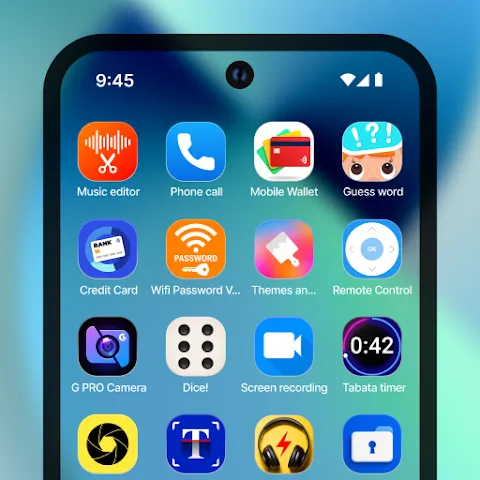
Nova Launcher Lifetime Prime is a home screen replacement app for Android. It allows users to customize how their phone launches, including app icons, widgets, and overall layout. Users can personalize their home screen, placing frequently used apps in easily accessible locations. The app also features a powerful built-in search tool, enabling users to quickly find apps, contacts, and more. Additionally, it supports third-party icon packs, allowing for further visual customization, and offers widgets for information like weather and news, keeping essential data just a glance away.
Adjusting the Main Layout
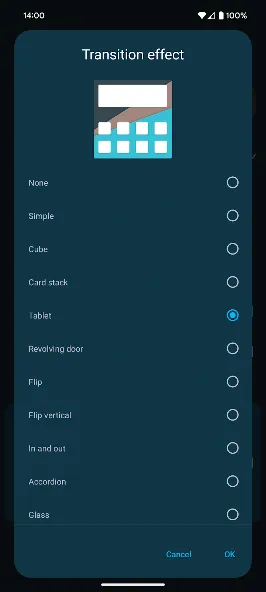
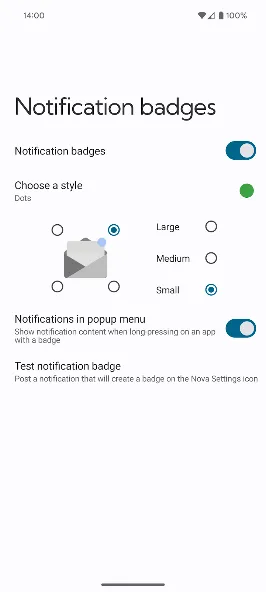
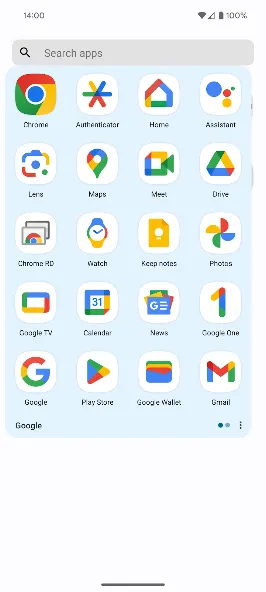
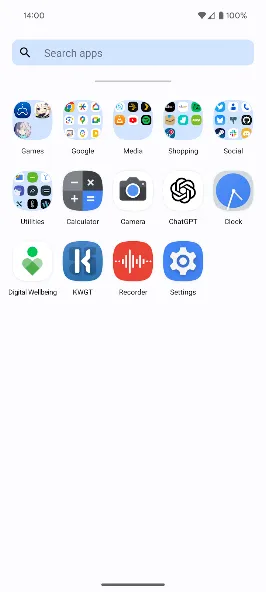
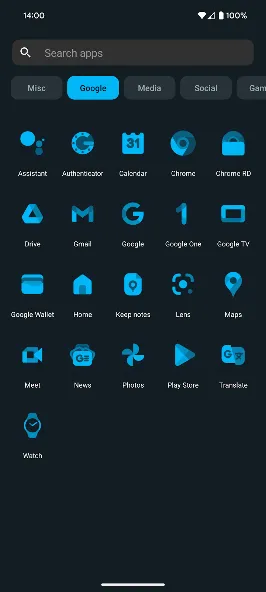
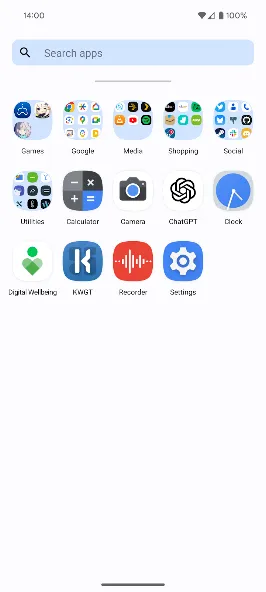
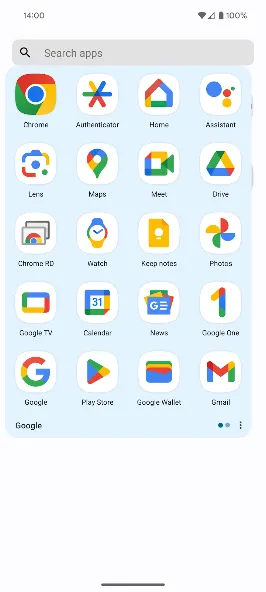
Nova Launcher Lifetime Prime allows you to independently customize your home screen, dock, folders, and app drawer. You can configure grid size, icon dimensions, icon labels, scrolling direction, and the placement of the search bar. This lets you keep your most-used apps within reach while tucking away less frequently used ones.
Precise Placement of Icons and Widgets
With sub-grid positioning, you can place icons and widgets between standard grid cells. This provides finer control when the default row-and-column layout leaves unwanted gaps. Nova Launcher Lifetime Prime helps you arrange items based on your wallpaper, widget sizes, and preferred spacing.
Using Icon Packs and Color Settings
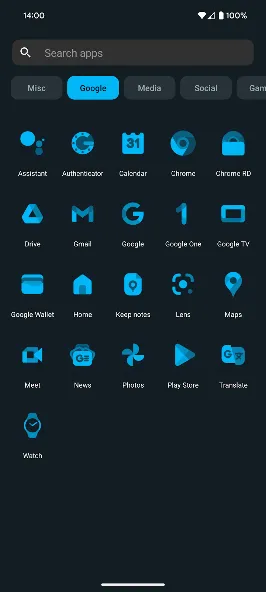
Nova Launcher Lifetime Prime supports third-party icon packs, enabling you to apply various icon styles across the entire interface. You can also adjust icon shapes for a more uniform look. Furthermore, you can utilize Material Design color schemes or custom accent colors to ensure the launcher complements your wallpaper or overall system aesthetic.
Choosing Light or Dark Mode
You can keep a light or dark theme enabled, or set Nova Launcher Lifetime Prime to follow your system settings. The app can even switch themes automatically based on sunrise and sunset times, ensuring your home screen remains clear and readable under different lighting conditions without requiring any changes to your layout.
Searching Beyond the App List
Nova Launcher Lifetime Prime includes a universal search function for apps, contacts, and various services. Its "mini search results" feature can also provide quick information, such as calculation results, unit conversions, and shipment tracking details. Therefore, you can easily locate apps or view brief information directly within the launcher’s search area.
Open Nova Launcher Lifetime Prime and select it as your default home screen app when prompted by Android.
Return to your home screen, open Nova Settings, and configure your desktop grid, dock layout, icon size, and label display.
Place your most frequently used apps on the main home screen, and move other apps into folders or keep them in the app drawer.
Access the "Look & Feel" settings to apply icon packs, choose icon shapes, and set your preference for light or dark themes.
Once your layout is complete, create a local or cloud backup so you can restore your settings if you switch devices or experiment with different layouts.
Can I create folders on the home screen?
Yes. Simply drag one icon onto another to create a folder on your home screen. Alternatively, you can drag folders directly from the app drawer. Ensure that the "Overlap when placing" option—found under Nova Settings -> Home Screen -> Advanced—is disabled.
I just updated my device, and now there’s a floating Nova Launcher icon on every screen. How do I remove it?
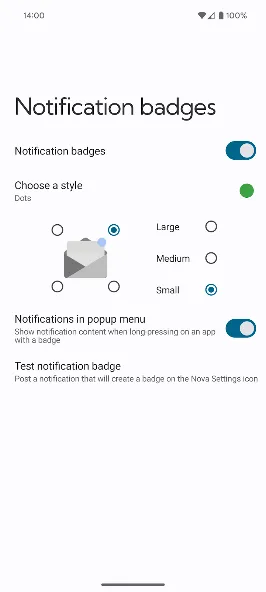
Disable the Nova shortcut within your phone’s accessibility settings. Be careful not to disable the accessibility service itself, as doing so may break features like screen locking and notification badges.
Can I set different wallpapers for my home screen and lock screen?
As long as your device is running Android 7.0 or higher, you can set different wallpapers for your home screen and lock screen during the wallpaper selection process.
This is fantastic—easily the best home screen app I’ve ever used. It pairs perfectly with the "Qingyu" (Light Rain) icon pack! That said, I’m used to the stock launcher (on my OnePlus) and like to keep text-based widgets—like reminders—on a "zero screen" (a page to the left of the main home screen). I’d love to see a "zero screen" feature added in the future.
I’ve been using this launcher for five years. I really hope they can fully integrate Android 10 gesture animations soon—I’d even be open to a root-based solution if necessary. The gesture animations on the Pixel launcher are just incredible.
Hands down the best Android launcher I’ve ever used! I especially like the "Activities" shortcut within the widgets, which can be used to access many hidden features.
It’s excellent—the gesture controls are particularly great, and the level of personalization is extensive.
Nova Launcher Lifetime Prime is a free launcher app that allows you to enhance your smartphone with beautiful themes and icon packs. It offers a wide range of customization options, enabling you to personalize your phone’s appearance and add new widgets for quick access. The app is completely ad-free, featuring a clean interface without any banners or advertisements.
Size:35.35MB Version:894008.9.4
Requirements:Android Votes:362
Package Name:com.teslacoilsw.launcher Signature:2b34454b9890b0017396b2a9e39eb29e
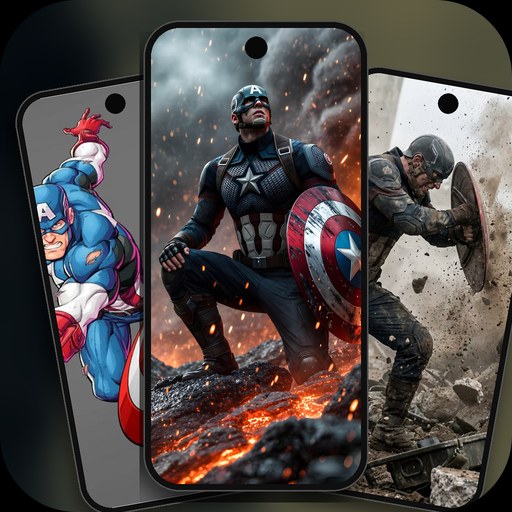
Elevate your mobile experience with an endless stream of high-quality wallpapers - all completely free! Discover breathtaking nature scenes, sleek minimalist designs, vibrant abstract art, and more from the world’s best wallpaper apps. These handpicked collections feature daily updates with fresh, eye-catching designs crafted by talented artists across the globe. Whether you prefer serene landscapes, bold patterns, or trending aesthetics, you’ll find the perfect backdrop to match your style. Give your device a personal touch and enjoy a new visual treat every day - no subscriptions, no fees, just endless inspiration. Download now and transform your screen!
The Ultra HD Wallpaper app allows you to find a wide range of clear wallpapers, which can be displayed with great clarity on any phone screen. You no longer have to worry about unclear wallpapers when changing devices. Today, the editor has compiled a complete app for ultra HD wallpapers, which you can choose and use according to your own needs. Generally, wallpapers are classified in great detail within software, and you can find wallpapers of any style you like. At the same time, there are super rich dynamic wallpapers for you to choose from, using cool wallpapers to make your phone desktop and lock screen stand out. Friends who like to collect ultra high definition wallpapers, welcome to download related software and experience it on this website!
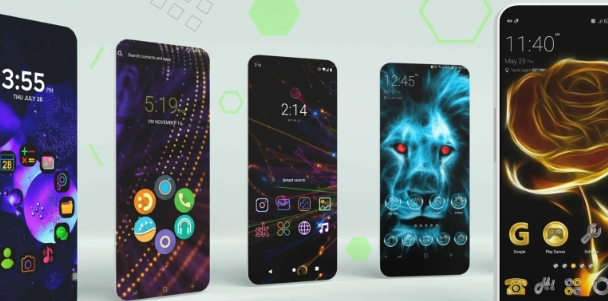
There must be many friends who decorate their phones with theme wallpapers, etc. So which theme stores are free? The editor has selected a variety of free and easy-to-use mobile theme software for everyone, providing a massive amount of exquisite wallpapers in various styles, dynamic and static, to meet everyone's download needs. Fine classification helps users quickly find their favorite themes, and supports users to preview application effects!
About us | Contact us | Privacy policy| DMCA
Copyright © 2026 Xiaohei All rights reserved.