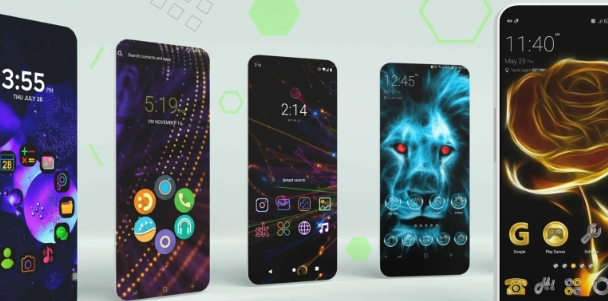
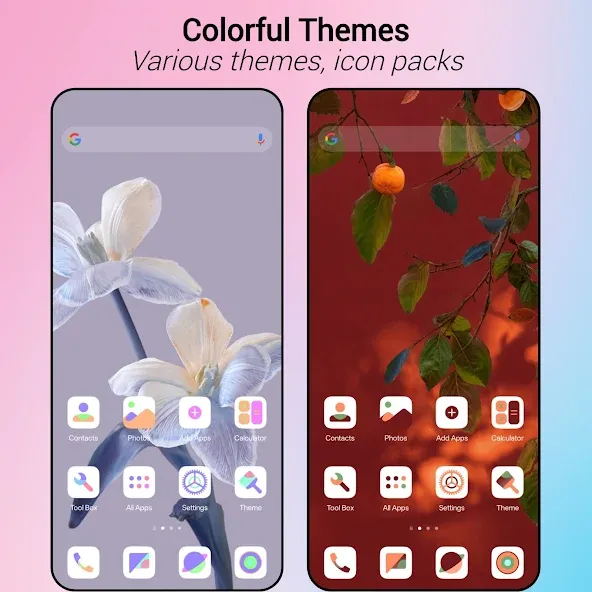
MiX Launcher is a theme software. It supports a massive theme library, with over 1000 built-in beautiful themes for users to choose from. It makes the user's home screen cleaner and easier to view. It also includes icon packs, allowing easy customization of the appearance and style of user apps. It features a drawer layout that can open vertically or horizontally. It also enhances user privacy by automatically hiding infrequently used or private applications. It highlights important notifications. Gesture support provides intuitive navigation. Furthermore, it offers a rich variety of wallpapers, allowing users to adjust the color depth and transparency. It's a very powerful software.
Theme Support: It boasts an extensive library of themes, offering users over 1000+ cool themes. Additionally, it comes with a built-in Mi 11 theme, allowing users to give their devices a modern and sleek appearance.
Icon Pack Support: For those who love to personalize every aspect of their device, it supports most icon packs. This feature enables users to redefine their app icons' look and feel effortlessly.
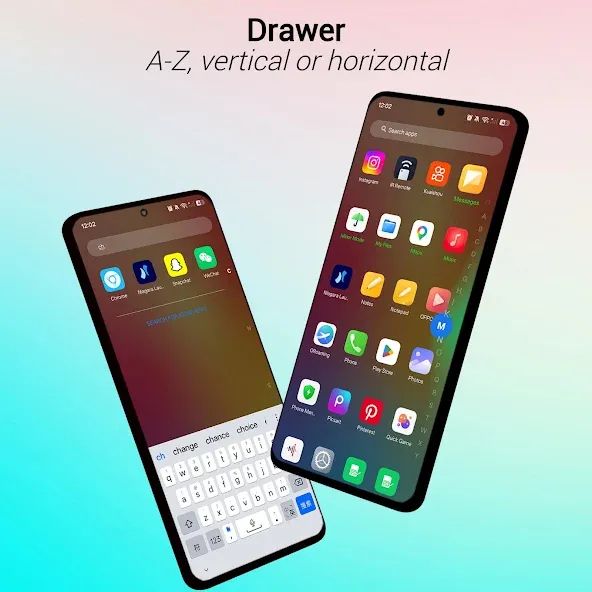
App Drawer Options: Users can choose between vertical and horizontal modes for the app drawer, providing a customizable experience tailored to individual preferences.
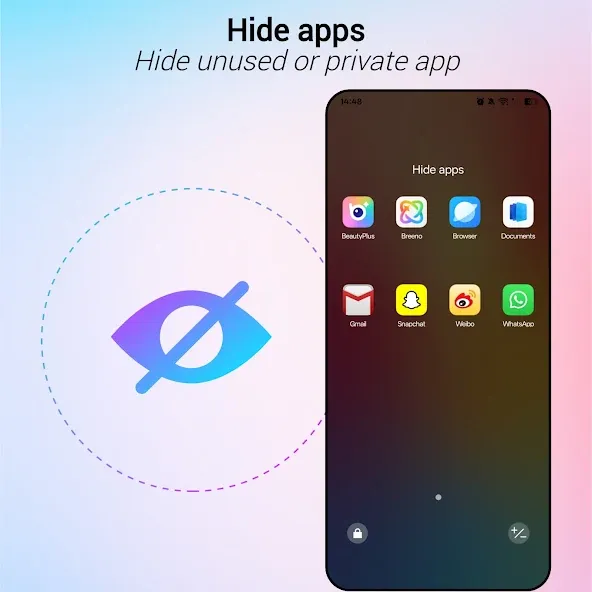
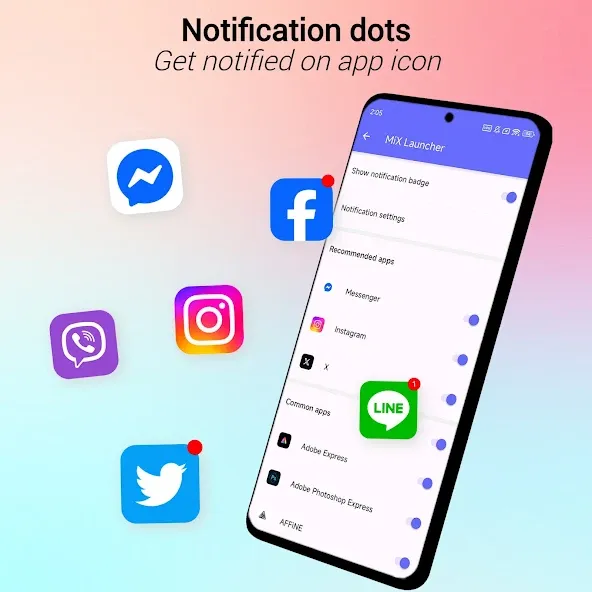
App Management: The launcher supports hiding unused or private apps, providing users with enhanced privacy and a clutter-free app drawer. Notification dots further improve app management by highlighting pending notifications.
Gesture Support: It incorporates various gestures, including swipe down/up, pinch in/out, double tap, and two-finger swipe down/up. These gestures enhance the user experience, allowing for quick and intuitive navigation.
Wallpaper Variety: With an array of beautiful online wallpapers, users can easily personalize their device's home screen. The options include different backgrounds, such as light, dark, blur, transparent, or custom, catering to diverse aesthetic preferences.
Customization Options: It provides users with many customization options, allowing them to tweak grid size, icon size, label size and color, and more. This level of personalization ensures that each user's device reflects their unique style.
Choose your wallpaper
This application showcases typical wallpapers designed specifically for its launcher. If these selections do not align with your desires, you can easily opt for custom wallpapers. MiX Launcher 2 enables you to either download wallpapers from your device's vast collection or source them from the internet. The application process remains rapid and efficient, permitting you to drag and adjust wallpapers based on your preferences seamlessly.
Modern tools
The application integrates a contemporary toolbar packed with numerous functions and special features. It's equipped with varied icon packs for your selection. Whether holding your device in portrait or landscape position, the interface adjusts accordingly. Additionally, you can customize gesture settings for a more luxurious swiping experience with added convenience by clicking to select favorites. Tailor grid placements for specific items, aligning margins for both images and text efficiently.
User-friendly mode
The application offers several unique interface configurations for your choice. You can opt for an automatic interface mode catered to modern users, establishing a competitive edge for your device. During daytime browsing, all interfaces reflect standard brightness levels, while transitioning to evening brings forth an activated night mode. Furthermore, a child-focused new mode is also available, providing added safety and ease of use primarily for younger users—an appealing feature offered within the application.
Q: Can I hide apps?
A: Yes, it supports the hiding of unused or private apps for enhanced privacy and organization.
Q: Does it have a Kids Mode?
A: Yes, it includes a Kids Mode that allows users to lock the desktop and prevent unintended changes.
Q: How can I customize the look of my device?
A: It offers a range of customization options, including theme support, icon pack compatibility, and various settings for grid size, icon size, label size, and more.
Good launcher, although I do prefer their other launcher over this one. This one is very competent it looks good and I have not had any crashes or problems yet. My days with this are very limited I have only had on there for a few hours. But so far I like what I see. This launcher in comparison to other has a lot more features locked behind prime. It doesn't seem as if they're other one has nearly as many prime features. Food for thought.
This is an amazing app. Lots of easy to use options. Doesn't cause much system lagging. I did a trial for premium, and I enjoy that version much more, but the free version is a close match to the premium as far as accessibility and options. With any app, of course I have a few preferences I'd add to this launcher, but mostly you can reconstruct about 70% of your phones interface. I tried about 8 apps with in the last week, and this is my favorite.
Just downloaded & so far theres features i haven't seen (at least in the free version) my fave are the LED frames which other launchers would make only prime options! I think that's really cool of then and that's what ready sealed the deal for me! So far I'm a fan & will probably spend more hours than I'll admit on this! Awesome job!
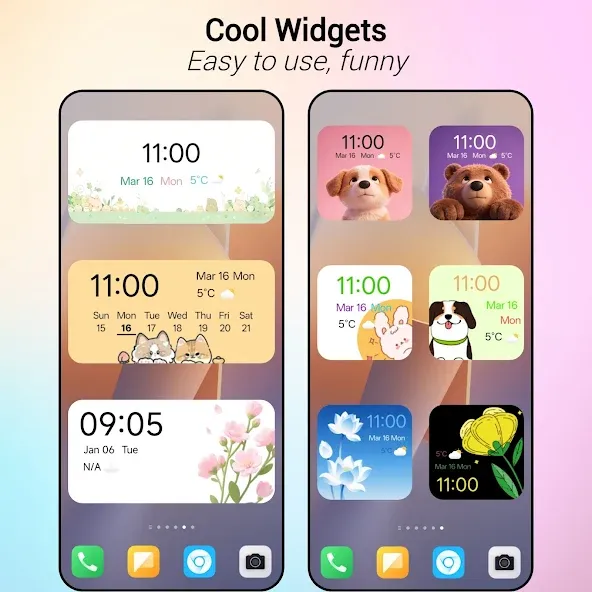
Mix Launcher is a customizable Android launcher designed to enhance your device's interface with advanced features and aesthetic personalization options. It lets you transform your smartphone or tablet with dynamic themes, 3D parallax wallpapers, gesture controls, and advanced tools for managing apps and screens. Whether you want to organize your home screen, apply unique effects, or hide private content, this launcher is packed with options to suit your needs.
Size:34.53MB Version:6.1
Requirements:Android Votes:99
Package Name:launcher.mi.launcher.v2 Signature:68e7e7ae8e7bbacd0bfd0ede116172e0
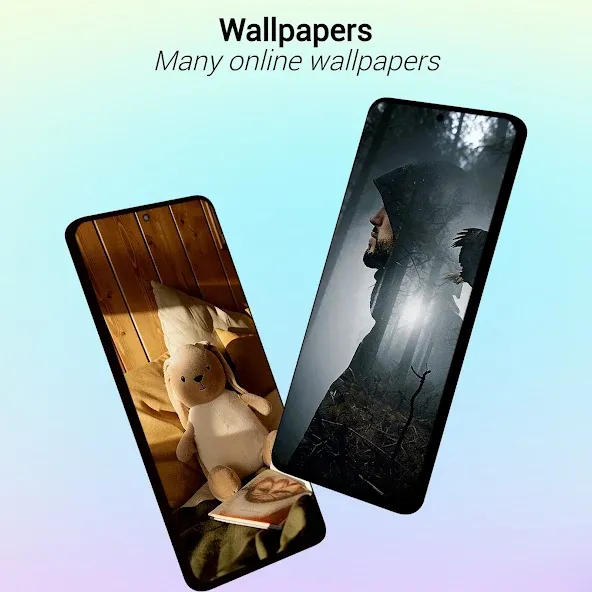
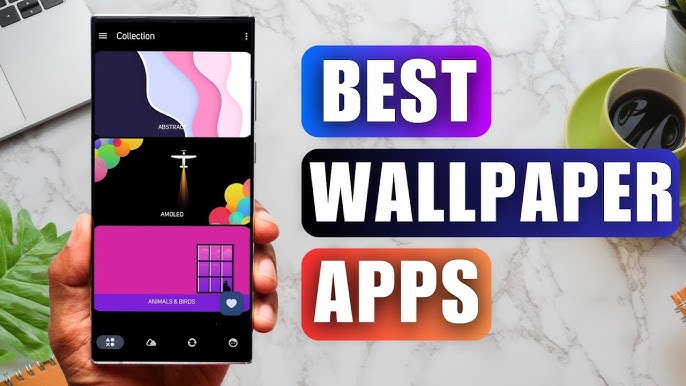
Staring at the same wallpaper on a phone or tablet gets very boring, but who wants to spend hours scrolling through Google Images or old photos to find the perfect background? With the plethora of free wallpaper apps available to Android users on the Google Play Store, there's no need to waste time endlessly searching anymore. These customizable apps include more wallpaper options than one person could ever need in their lifetime. Some offer live wallpapers, while others give users the option to automatically switch backgrounds without doing anything.
Elevate your mobile experience with an endless stream of high-quality wallpapers - all completely free! Discover breathtaking nature scenes, sleek minimalist designs, vibrant abstract art, and more from the world’s best wallpaper apps. These handpicked collections feature daily updates with fresh, eye-catching designs crafted by talented artists across the globe. Whether you prefer serene landscapes, bold patterns, or trending aesthetics, you’ll find the perfect backdrop to match your style. Give your device a personal touch and enjoy a new visual treat every day - no subscriptions, no fees, just endless inspiration. Download now and transform your screen!
The Ultra HD Wallpaper app allows you to find a wide range of clear wallpapers, which can be displayed with great clarity on any phone screen. You no longer have to worry about unclear wallpapers when changing devices. Today, the editor has compiled a complete app for ultra HD wallpapers, which you can choose and use according to your own needs. Generally, wallpapers are classified in great detail within software, and you can find wallpapers of any style you like. At the same time, there are super rich dynamic wallpapers for you to choose from, using cool wallpapers to make your phone desktop and lock screen stand out. Friends who like to collect ultra high definition wallpapers, welcome to download related software and experience it on this website!
About us | Contact us | Privacy policy| DMCA
Copyright © 2026 Xiaohei All rights reserved.