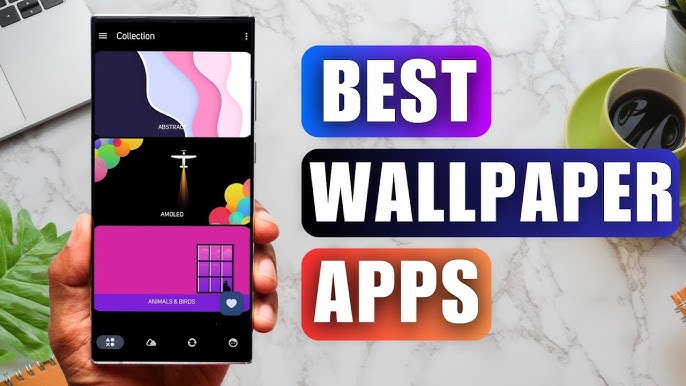
Are you annoyed by a cluttered desktop? Simple Launcher offers users a variety of wallpapers and widgets. Simply enter keywords or filter by category to find content that interests you and apply it to your device with one click, making your interface cleaner and more efficient. The software is not only small in size but also provides diverse widgets such as weather, news, and time, making your interface more practical and meeting different user needs. The software is continuously updated, with more useful wallpapers and widgets being added to keep users engaged and entertained.

Simple and Elegant Design: Simple Launcher offers a clean, minimalist design that is easy to navigate. Every aspect of the interface is designed to be intuitive, ensuring that you can access what you need with minimal effort. The streamlined layout minimizes distractions and helps you focus on the essential.
Best Performance and Smooth Animations: Experience unparalleled speed and responsiveness with Simple Launcher. We've optimized every element to ensure that your device runs smoothly, even if you're using an older or lower-end phone. Enjoy fluid animations and instant responses that make interacting with your device a pleasure.
Battery Optimization: Simple Launcher is engineered to be light on resources, which means it uses less battery and helps extend the life of your device. Whether you're browsing, gaming, or just checking your emails, you can trust that Simple Launcher won't be draining your battery unnecessarily.
Gesture Controls: Navigate your device with ease using customizable gestures. Whether you prefer swiping up, down, left, or right, you can set gestures to open your favorite apps, access settings, or perform other actions quickly and efficiently.
Smart Folders & Categories: Organize your apps like never before. Simple Launcher automatically groups your apps into smart folders and categories, making it easy to find what you're looking for without scrolling through endless icons. The smart categorization system learns from your usage patterns, making it more intuitive the longer you use it.

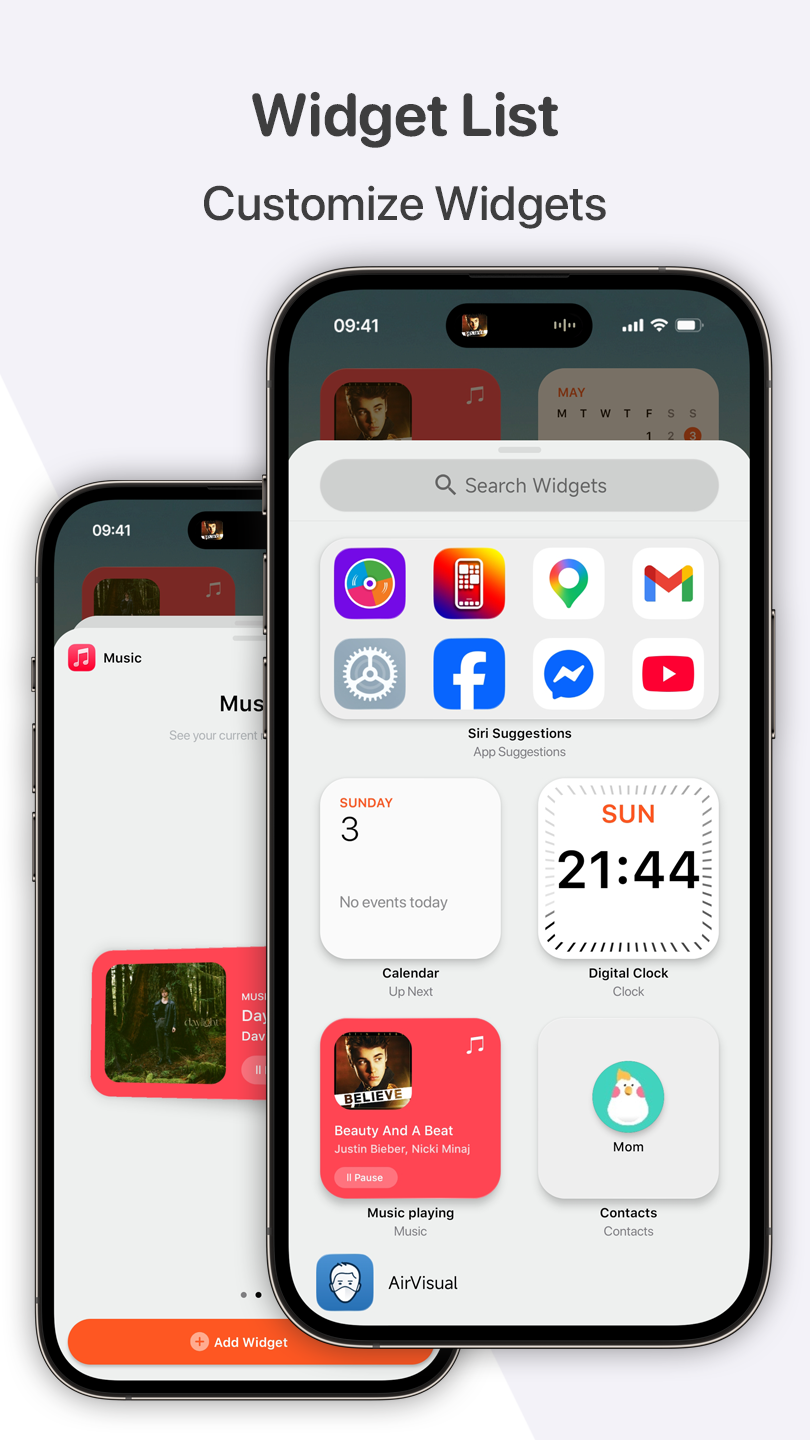
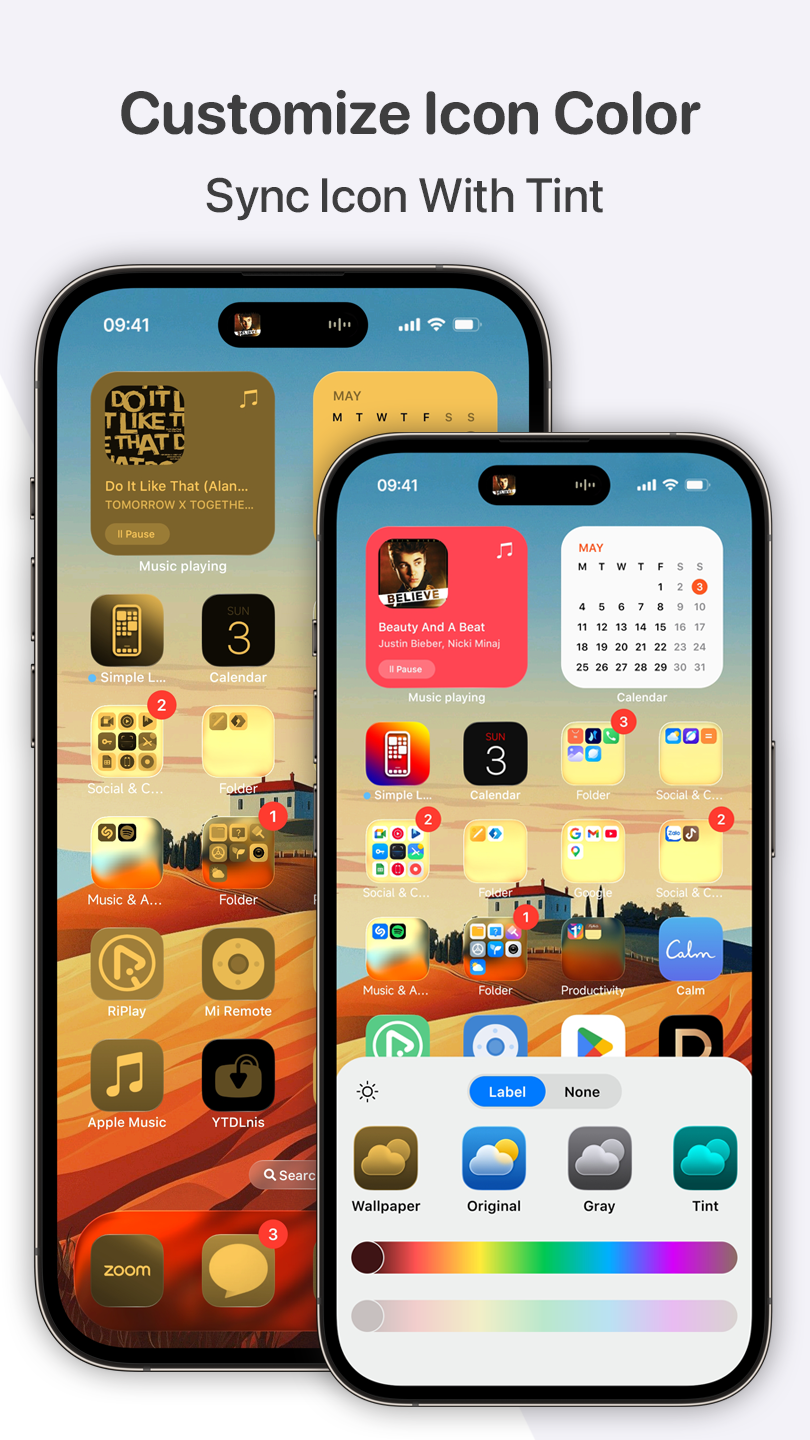
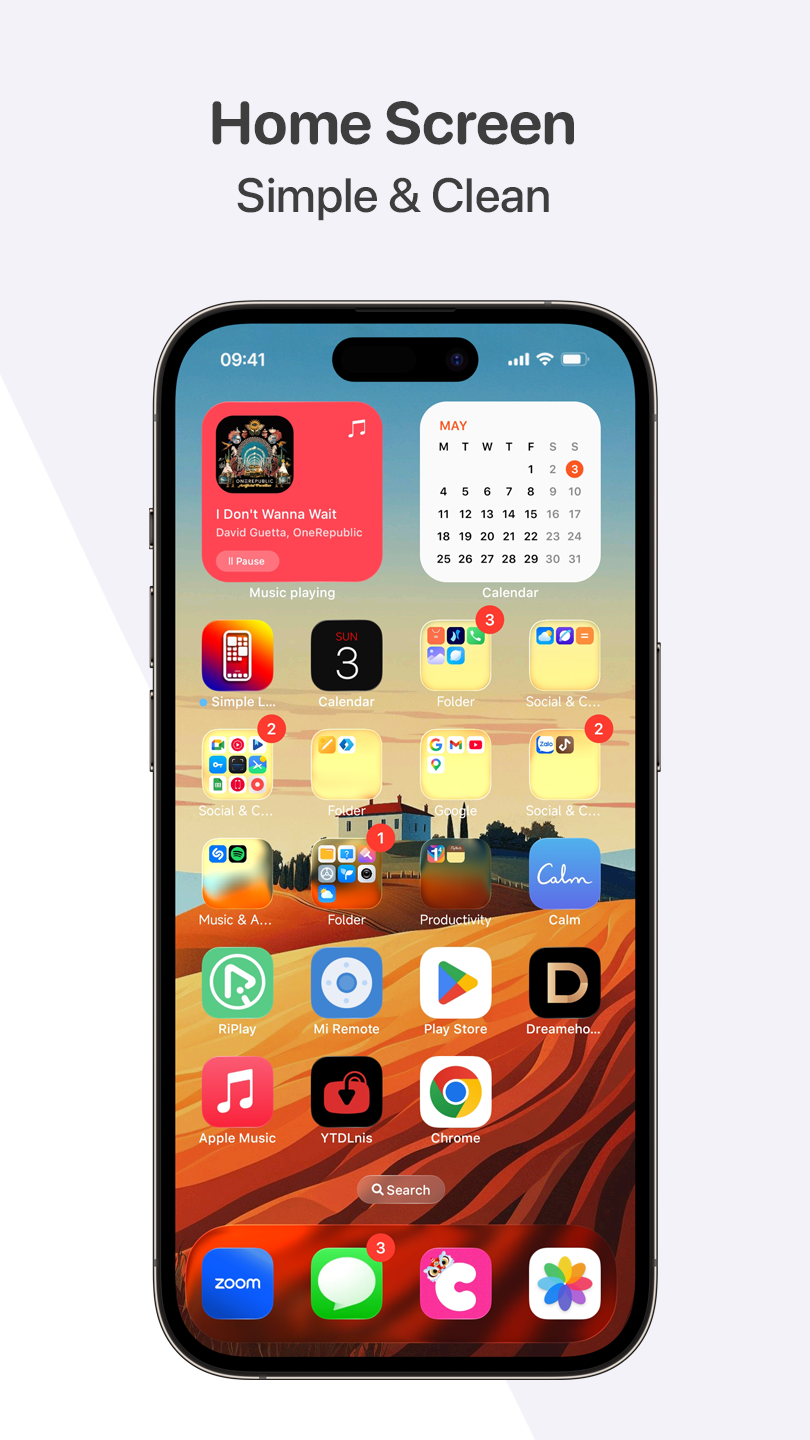
Add widgets: Users can freely add, arrange, and resize their favorite widgets in Simple Launcher directly on the home screen. Add essential widgets such as weather, calendar, clock, battery level, news feed, or featured images. All widget information is displayed clearly and in full detail, allowing for quick viewing and access. Customize the size of widgets to ensure a neat layout that doesn’t clutter or take up too much space. Users can adjust the arrangement of widgets according to their needs to enhance the personalized experience. For widgets that are not frequently used, you should remove them from the screen to save screen space. To save time searching for the desired widget, users simply enter its name in the Search Widgets section.
Create an application group folder: Simple Launcher automatically groups applications with common characteristics into separate folders and categories, making management more convenient. Some popular application folders include social media, entertainment, tools, and work. This allows users to quickly find the application they need without wasting time scrolling through numerous different applications on the screen. In addition to automatically grouping applications into folders, Simple Launcher can also track and save your phone usage habits. Frequently accessed applications will be prioritized for display, making them easier to find. Users can customize, rename, or rearrange folders as they wish, to suit their needs.
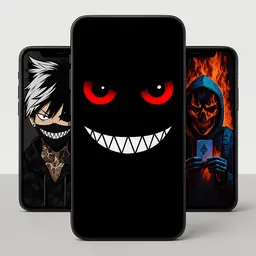
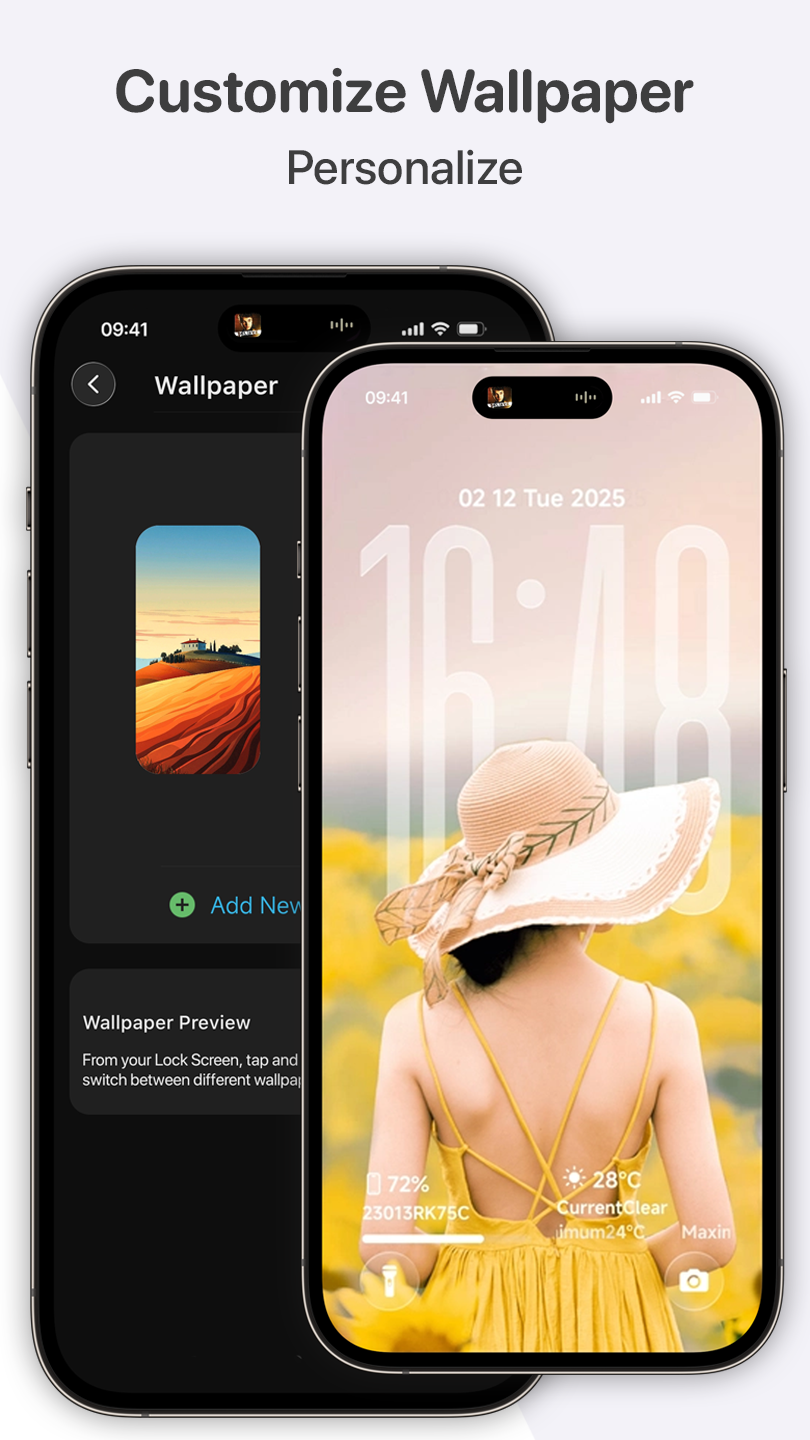
Customize wallpaper: Integrated with a rich collection of wallpapers, Simple Launcher offers users many different options to refresh their device’s interface. Simply access the Wallpaper section, then select Add New Wallpaper to add a new wallpaper. The system has organized wallpapers into various themes such as Emoji and Colors. Each wallpaper is designed with unique patterns and minimalist colors, creating a harmonious phone interface. Besides the available wallpapers, Simple Launcher allows you to add new wallpapers from your personal collection to create a unique look. Users should use the wallpaper preview feature to check the display layout before applying the wallpaper, ensuring that all details such as the clock, widgets, and icons fit the overall interface.
Holy! I've never come across an app where the producer actually acknowledges and replies to all the 1 star reviews. Either way, this app is amazing. I've never been more impressed in my life. Can't wait for more updates.
This is probably the best launcher I have ever seen. For those come from apple and still want a apple home screen this is a go to, but with more features.
this is actually the app I was looking for I finally found out how to add apps on the home screen just turn off "auto arrange home screen" and then donee you can finally add apps!!!
I downloaded this Simple Launcher and was immediately impressed with the clean uncomplicated and beautiful style. For me it has everything I need and it performed flawlessly. Really want the unbeatable alternative to Android try Simple Launcher. You won't regret it.
Hello, I have reviewed your app a while ago and it was amazing, and still is! Updates are a bit slow, but it's because you actually put in effort unlike other apps. To people reading: This app is like the iOS Springboard (AKA Homescreen) that has real iOS functions, such as gradient colors over apps. When having issues, the support is amazing! I recommend buying pro to support the developer, and to get more features. (Preview Review: 5/5. New Review: 5/5.) And have a nice day.
Simple Launcher intelligently integrates many features. You can control gestures and automatically organize folders. These functions make it easier for users to operate their devices. Basically, users gain greater control over their smartphones without facing any obstacles. In addition, you can easily search for any information stored on the device.
Size:15.6MB Version:3.1.9
Requirements:Android Votes:390


Staring at the same wallpaper on a phone or tablet gets very boring, but who wants to spend hours scrolling through Google Images or old photos to find the perfect background? With the plethora of free wallpaper apps available to Android users on the Google Play Store, there's no need to waste time endlessly searching anymore. These customizable apps include more wallpaper options than one person could ever need in their lifetime. Some offer live wallpapers, while others give users the option to automatically switch backgrounds without doing anything.
Elevate your mobile experience with an endless stream of high-quality wallpapers - all completely free! Discover breathtaking nature scenes, sleek minimalist designs, vibrant abstract art, and more from the world’s best wallpaper apps. These handpicked collections feature daily updates with fresh, eye-catching designs crafted by talented artists across the globe. Whether you prefer serene landscapes, bold patterns, or trending aesthetics, you’ll find the perfect backdrop to match your style. Give your device a personal touch and enjoy a new visual treat every day - no subscriptions, no fees, just endless inspiration. Download now and transform your screen!
These software have the most comprehensive collection of wallpaper themes, and you can update your phone or computer wallpaper at any time. There are various styles of wallpapers with complete classifications, and you can search freely. Moreover, all wallpapers are high-definition images that can be freely adapted to your screen and support downloading and saving locally. The theme wallpaper application software recommends the hottest, latest, and best wallpapers for you. Millions of ultra high definition wallpapers are updated in real-time every day, with a wide variety of themed wallpapers available. There are no samples for changing wallpaper every day.
About us | Contact us | Privacy policy| DMCA
Copyright © 2026 Xiaohei All rights reserved.