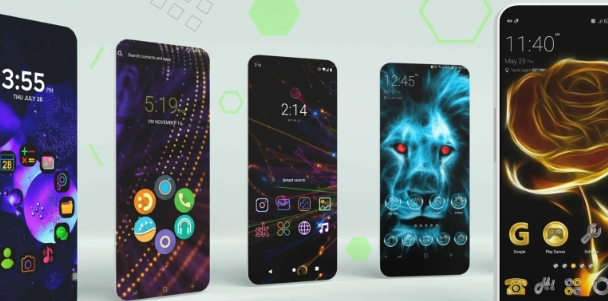
Action Launcher is a versatile app for managing wallpapers and themes, allowing users to freely customize screen layouts and desktop backgrounds. Users can rearrange app icons, search bars, and widgets, or switch between different styles to give their screens a stunning or cool aesthetic. It supports gesture controls; with the help of tutorials, users can easily perform actions like screen transitions and video switching, and even define custom workflows for specific gestures to make usage more convenient. Beyond being compatible with mobile devices and tablets, the app enables users to customize icon packs and wallpapers, offering real-time previews of changes before applying them.
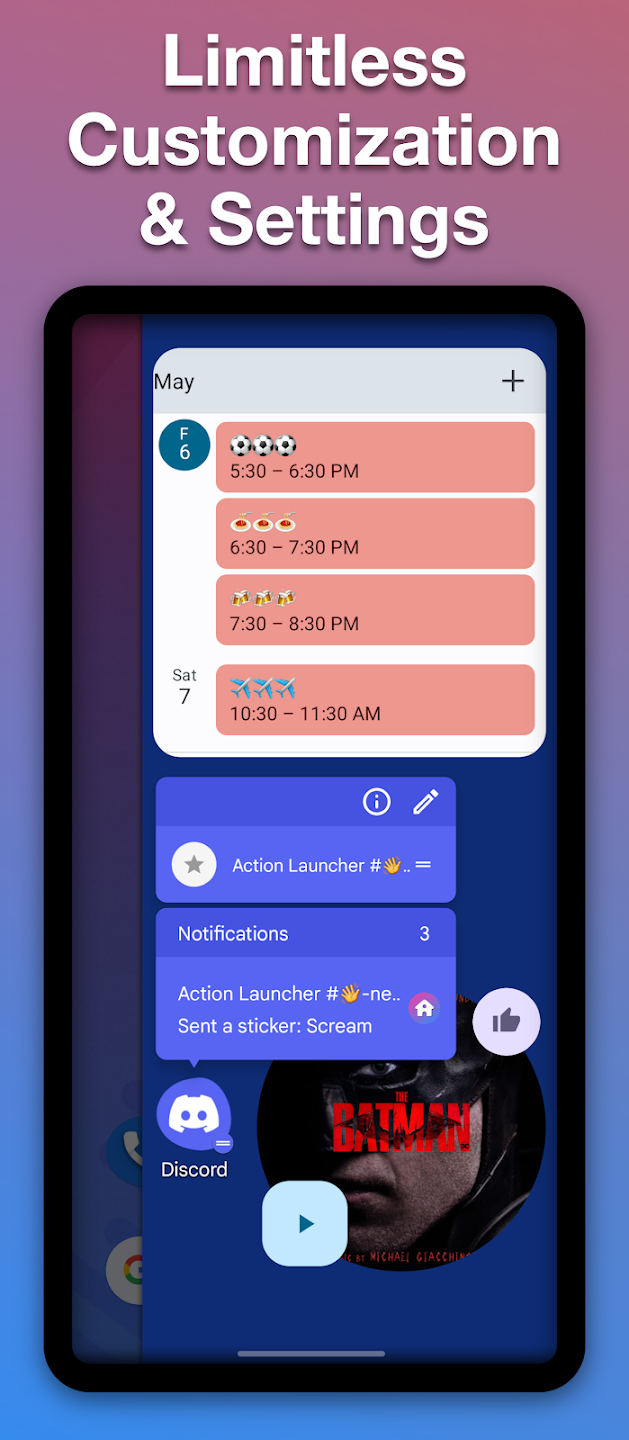
Widget stacks: With widget stacks a stunning feature of this launcher, you can put multiple widgets in a stack on your home screen. This is a great way to save space and keep your home screen organized. It has a built-in folder feature that lets you group related apps together. You can also create custom shortcuts to quickly access your favorite apps.You can easily navigate through multiple widgets using its paging feature. This allows you to have all of your necessary widgets easily accessible and eliminates the need to scroll through long lists or search for the widget you need.
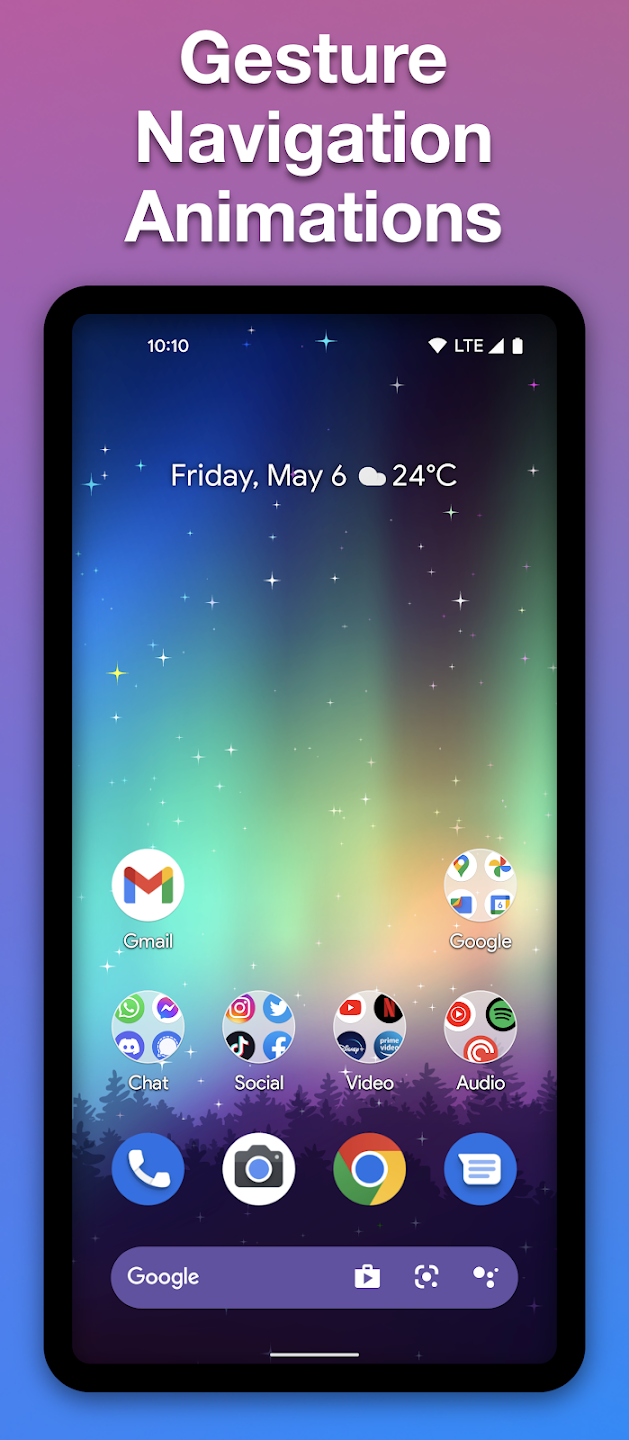
Gestures: Action Launcher is an Android launcher that offers a high level of customization, as well as a wide range of gestures to make accessing your apps and settings easier. You can create custom gesture shortcuts to launch specific apps or toggle settings like Wi-Fi and Bluetooth on and off. It lets you change the look and feel of your smartphone’s interface, with different themes and wallpapers to choose from.
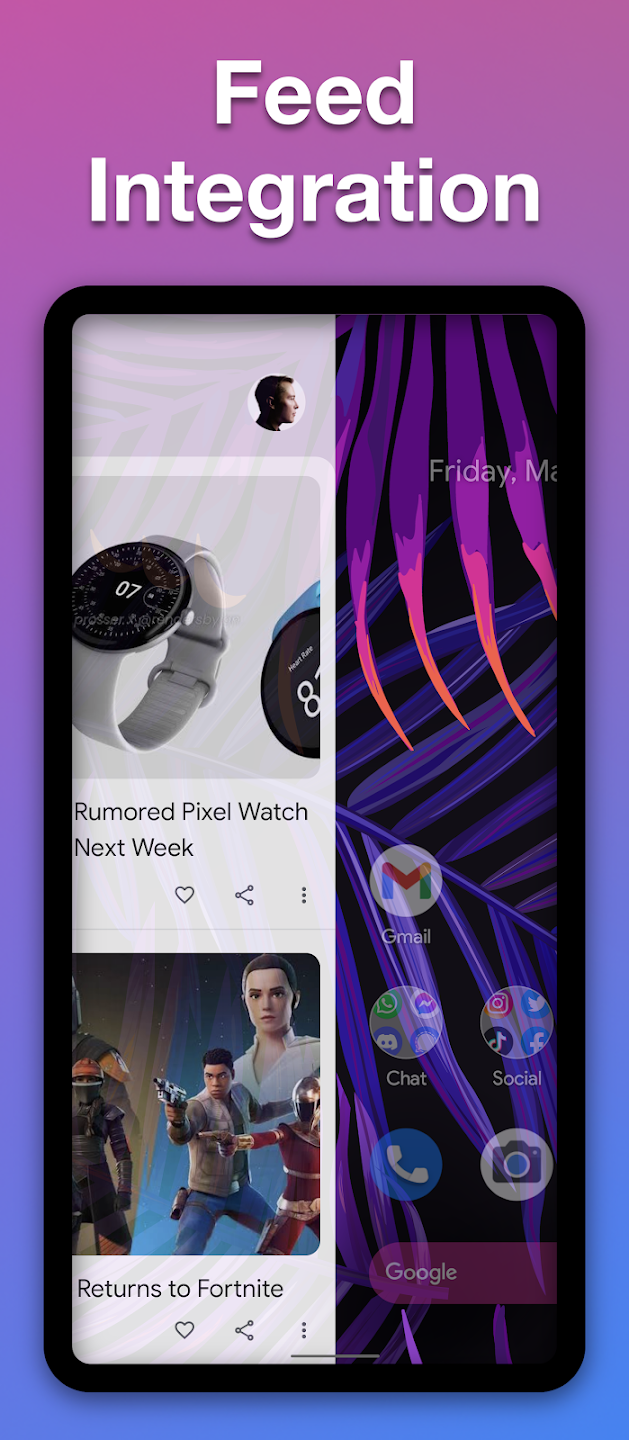
Shutters: It offers a lot of features that the other launchers don’t have, such as shutters. With shutters, you can swipe a shortcut to reveal an app’s widget. If you have the Gmail app installed, you can create a shutter for it that will open up a widget with your latest emails.This is a great way to keep track of your inbox without having to open the app itself that ultimately improves your productivity. Action Launcher also offers a quick drawer that lets you access all of your apps with just a few swipes.
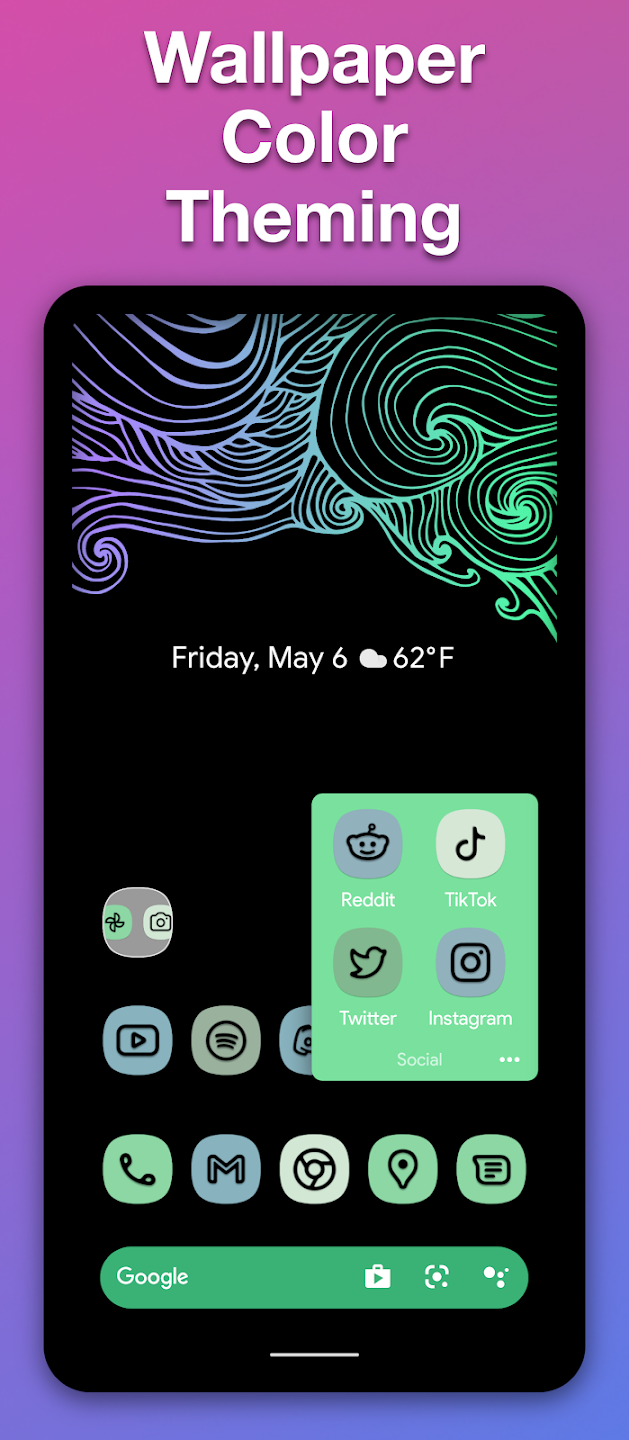
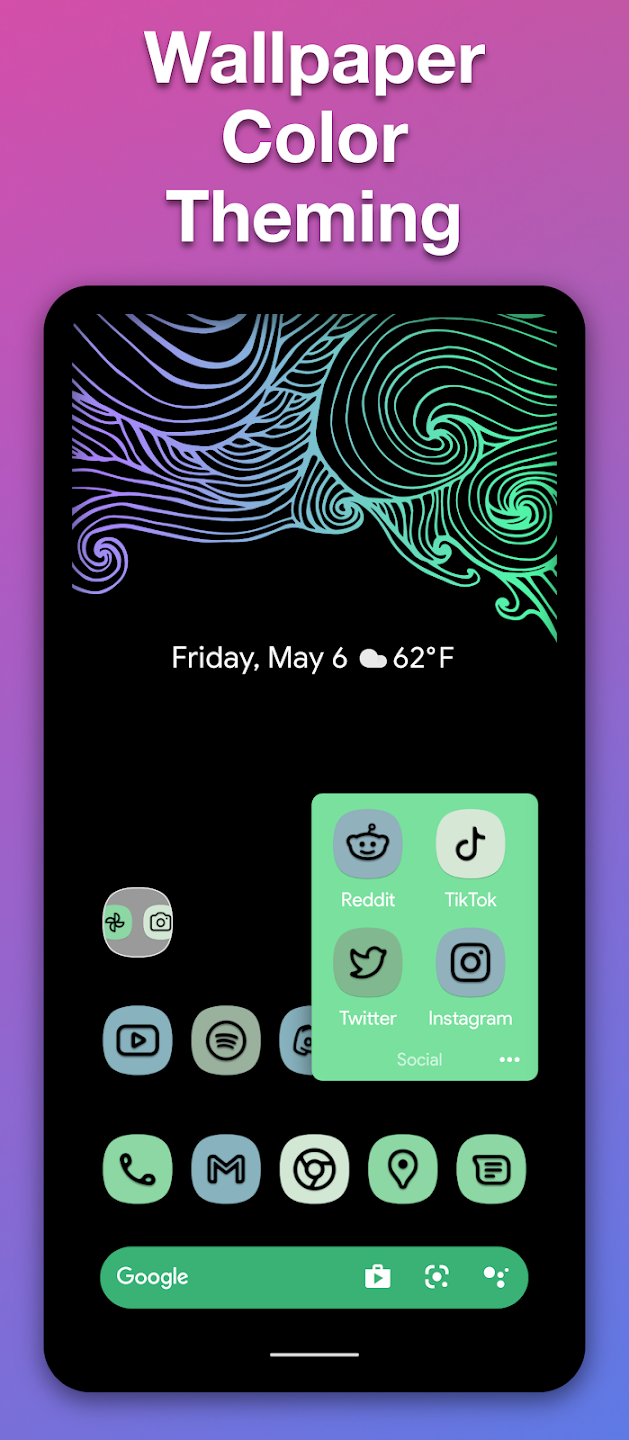
In the features section of Action Launcher, you will first see the theme and will have access to different style options. There are a variety of colors to match your mood when applying them. At the same time, the application allows you to activate the quick style feature that synchronizes the color of the theme with the wallpaper you are using. So you will not have to change the theme many times.
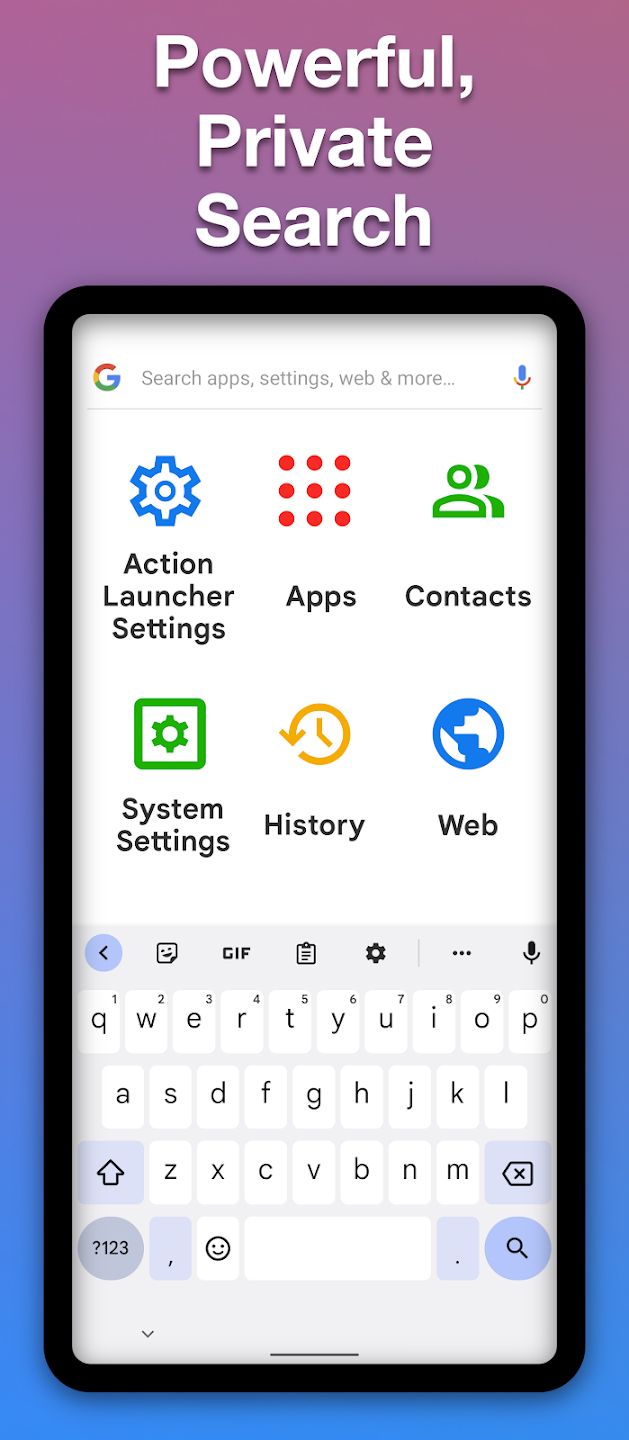
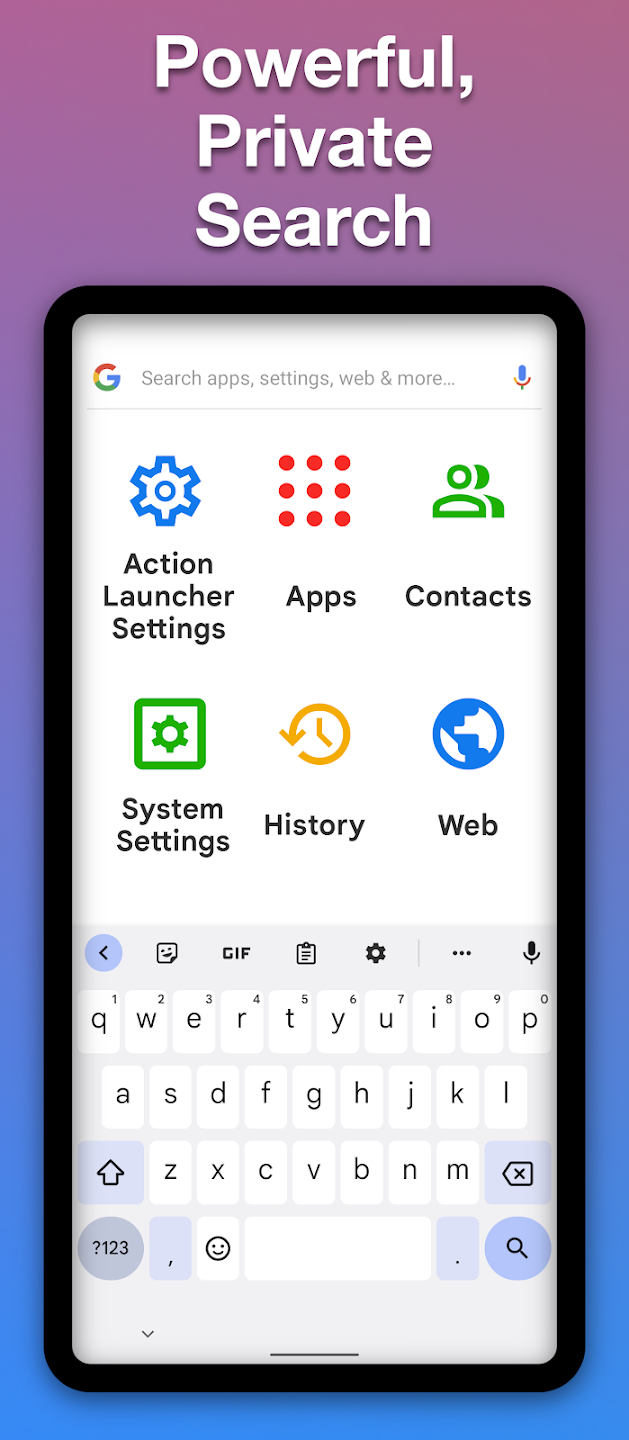
When using Action Launcher, users can perform various searches on the device’s home screen without having to go anywhere else. These searches are as diverse as searches on the web and on your device. At the same time, the application supports the quick bar function, which is customized to your liking and the color of the wallpaper. The appearance of the device will definitely change completely.
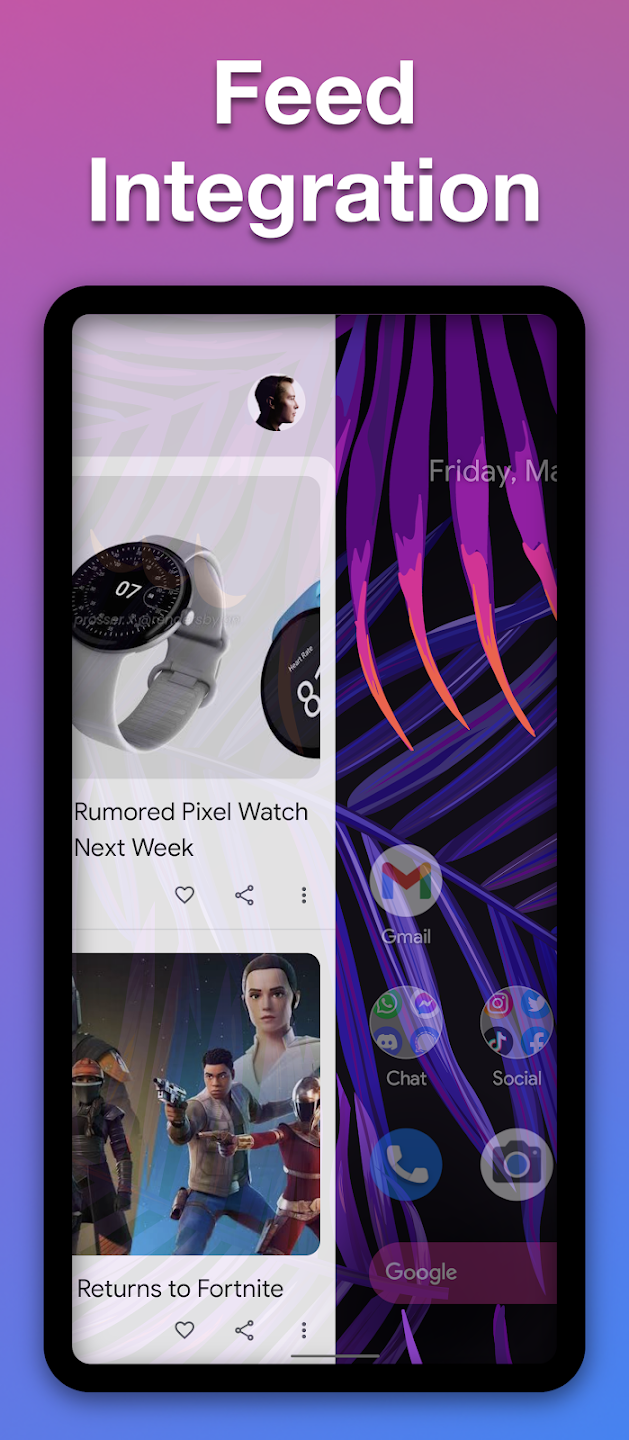
The changed interface helps users to change the user experience, and they can view notifications and widgets in a more convenient and attractive way. They will not be able to take their eyes off unread notifications that appear in the new interface. At the same time, the widget will adapt and appear correctly on the device screen, which will help to see some important information. Therefore, the new look of the device will appeal to everyone.
After using the launcher, there are many valuable opportunities to change the appearance of the interface of your device, and you should not ignore the support for icon packs. This support is necessary in the presence of a large number of beautiful icon packs and can be activated only if you have a launcher. So you can safely download the desired packs and activate them from the application’s features menu.
I've had android phones for the past 10 years. In that time, this is only the 6th app I've actually ever bought. Very rarely does an app easily warrant spending actual money on. This is one of them. There's an awful lot of customisation available. I do tend to prefer a more "stock" looking version of android. But you can pretty much change everything to make it completely personal.
I just love all the customization you can do with this app. I can even change the size of me apps so that I can actually see the detailed backgrounds I have on my phone. I actually have no want or need to use any other app like this. BTW: I have had this app for 3+ years and 3 different phones. I can save my setup(s) and when I get a new phone it is so easy to restore it on my new phone.
Love the colors, the shutters, the features, the ability to have icons in the search bar. This used to be my favorite launcher but had to switch away once the widgets stopped refreshing properly (Samsung Galaxy Note 9, unsure if it's a general issue). Still love it and I keep coming back to it from time to time. EDIT: The widget issue appears to have been fixed and I'm back to using this as my primary launcher.
I've been using action launcher for 5 years, it's the only launcher I've ever used for more than about 6 months, I try a new launcher every so often, but I'm always back quickly, the automatic theming and shutters are irreplaceable for me who for a clean look and an great palette automatically applied, well worth paying for, and with a consistent history of good updates. Regarding everyone complaining about the search bar change, it can be set to google, there are instructions in the help...
My previous Plus purchase is not being recognized?
99% of cases where Google Play does not return valid results is caused by having multiple Google Accounts on a single device, and Google Play being confused as to which app installed Action Launcher.Many people have reported that the Play Store can erroneously change the account associated with an app installation. This Google support post describes a possible solution.Failing that, a surefire way to fix the problem is to uninstall Action Launcher and re-download it using the proper account. We hope it doesn't come to that for you, but if it does please make sure you perform a manual layout backup via "Settings -> Import & backup" first.
How are premium features unlocked in Action Launcher?
Since Action Search's introduction in early 2019, Action Launcher's premium features unlock as per the following rules:
In countries that support Bing affiliate search:
A Plus purchase unlocks all app premium features in perpetuity, with the sole exception of picking search engines when using Action Search.12 months after a Plus purchase, use of Action Search with custom search engines requires a Supporter Badge purchase from the last 2 years.In countries where Bing affiliate search is not available:
A Plus purchase unlocks all app features in perpetuity, and search engine customization can be used with Action Search.
Why is a recent purchase required to change search engines when using Action Search?
Like any business, financing Action Launcher's ongoing development requires continuous revenue generation. As described in this 2019 blog post, Action Launcher's in-app purchase revenue has meaningfully declined from its peak.In 2019 Action Launcher introduced Action Search, which by default directs searches initiated from Action Search to Bing (in supported countries) using an affiliate code. Since 2019, the affiliate revenue earned from such queries has been integral in allowing Action Launcher to remain a viable financial product.
While there are many people who are happy to use Bing with Action Search, we appreciate many people prefer to pick their own search engine (specifically Google). Action Launcher's settings do allow use of Google with Action Search, but in light of the forgoed Bing affiliate revenue, this feature does require a Supporter Badge purchase from the last 2 years.We know not everyone loves this requirement, but we see it as necessary to continue to guarantee Action Launcher's ongoing development. We thank you for your understanding
Can I pick a custom search engine if I don't have a recent Plus or Supporter Badge purchase?
Yes. Simply disable Action Search, at which point you are free to customize search engine as you like.If you wish to continue using Action Search, other options including adding a Google Search shortcut to Action Launcher's search bar (the Search Engine settings has a shortcut for this), or placing the widget for the search bar from the Google app on your desktop.
What countries support Bing affiliate search?
Argentina, Australia, Austria, Belgium, Canada, Chile, Colombia, Denmark, Finland, France, Germany, Hong Kong, India, Indonesia, Ireland, Italy, Malaysia, Mexico, the Netherlands, New Zealand, Norway, Peru, the Philippines, Singapore, Spain, Sweden, Switzerland, Taiwan, Thailand, the United Kingdom, the United States, Venezuela and Vietnam.Support for more countries is being added over time.
Action Launcher owns features that help you change the look of your device with different settings and themes. Users can add some actions to activate features in the device and find what they want quickly. In addition, the feature of the application can be used on all kinds of Android devices and supports icon packs well.
Size:17.7MB Version:52.0
Requirements:Android Votes:424
Package Name:com.actionlauncher.playstore Signature:73abdfc4a6dcfca6e9061076c70d95aa36788082
Elevate your mobile experience with an endless stream of high-quality wallpapers - all completely free! Discover breathtaking nature scenes, sleek minimalist designs, vibrant abstract art, and more from the world’s best wallpaper apps. These handpicked collections feature daily updates with fresh, eye-catching designs crafted by talented artists across the globe. Whether you prefer serene landscapes, bold patterns, or trending aesthetics, you’ll find the perfect backdrop to match your style. Give your device a personal touch and enjoy a new visual treat every day - no subscriptions, no fees, just endless inspiration. Download now and transform your screen!
The Ultra HD Wallpaper app allows you to find a wide range of clear wallpapers, which can be displayed with great clarity on any phone screen. You no longer have to worry about unclear wallpapers when changing devices. Today, the editor has compiled a complete app for ultra HD wallpapers, which you can choose and use according to your own needs. Generally, wallpapers are classified in great detail within software, and you can find wallpapers of any style you like. At the same time, there are super rich dynamic wallpapers for you to choose from, using cool wallpapers to make your phone desktop and lock screen stand out. Friends who like to collect ultra high definition wallpapers, welcome to download related software and experience it on this website!
These software have the most comprehensive collection of wallpaper themes, and you can update your phone or computer wallpaper at any time. There are various styles of wallpapers with complete classifications, and you can search freely. Moreover, all wallpapers are high-definition images that can be freely adapted to your screen and support downloading and saving locally. The theme wallpaper application software recommends the hottest, latest, and best wallpapers for you. Millions of ultra high definition wallpapers are updated in real-time every day, with a wide variety of themed wallpapers available. There are no samples for changing wallpaper every day.
About us | Contact us | Privacy policy| DMCA
Copyright © 2026 Xiaohei All rights reserved.