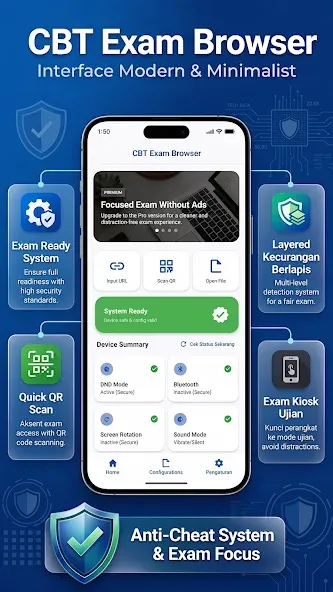
CBT Exam Browser is an exam monitoring application designed for the Android operating system. It allows users to take exams online while enforcing strict examination protocols. Once the application is active, users are prevented from switching to other pages or using floating windows. Furthermore, all screenshot capabilities are disabled, ensuring that examinees remain fully focused on their tests. The software features a clean, minimalist interface, making it easy to manage the examination process. It is also compatible with a wide range of devices, ensuring accessibility for a broad user base.
Locked Testing Environment
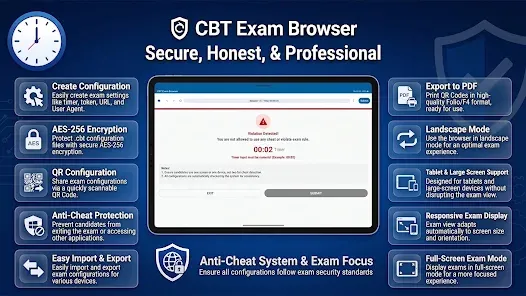
CBT Exam Browser restricts access during an exam. Students are unable to open other applications; dual-screen displays and floating app features are disabled. Screenshot functionality is also blocked to maintain the privacy of the exam content, helping students stay focused on the test.
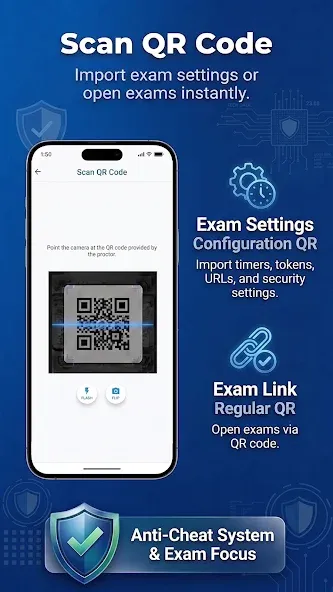
Quick Access to Your Test Server
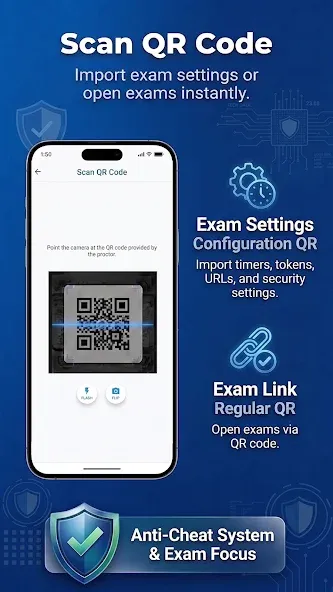
Users can connect by entering the server URL or scanning a QR code. Once connected, the server address is hidden from the student, which helps prevent accidental sharing and ensures students remain focused on the exam material. This streamlines the setup process in classrooms and laboratories.
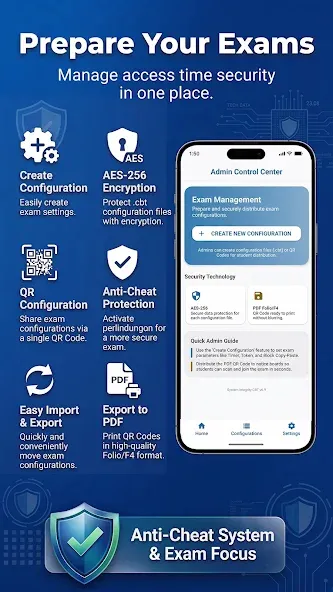
Custom User-Agent Option
A custom user-agent can be enabled via the app menu if needed.
Configure your server to accept only the "cbt-exam-browser" user-agent.
This setting restricts access to the exam exclusively through this browser.
Student On-Screen Tools
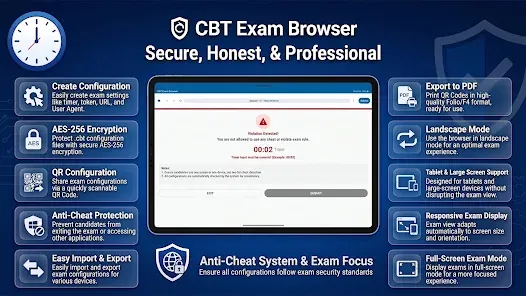
Students can zoom in or out for better readability. A time indicator is displayed in the top-right corner to help students track their progress. Navigation is handled via simple on-screen controls, and a dedicated exit button is provided for concluding the session. These tools allow students to complete their exams without needing to leave the testing environment.
Ad-Free Environment: Enjoy an interface free from advertisements, minimizing distractions during the exam.
Restricted Web Access: Limits browsing capabilities, allowing access only to specific, exam-related content.
Screenshot Prevention: Blocks screenshots to uphold exam integrity and prevent cheating.
User-Friendly Interface: A simplified design ensures students can focus on their exams without navigating complex settings.
Secure Browser Lock: Locks the browser into "exam mode," preventing access to other applications or websites.
Device Control Integration: Enables institutions to manage device settings, creating a distraction-free environment. Multi-platform compatibility: Designed to work seamlessly across a wide range of Android devices, ensuring accessibility for all students.
Can students open other applications while using this app?
No; access to other applications is restricted during an exam.
Can the app be used offline?
Online exams typically require an internet connection, though specific configurations may vary.
How secure is the Exam Browser app?
It incorporates multiple security features to prevent unauthorized access, making it highly secure for use during examinations.
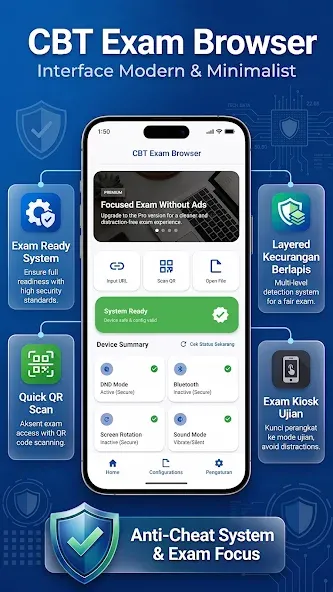
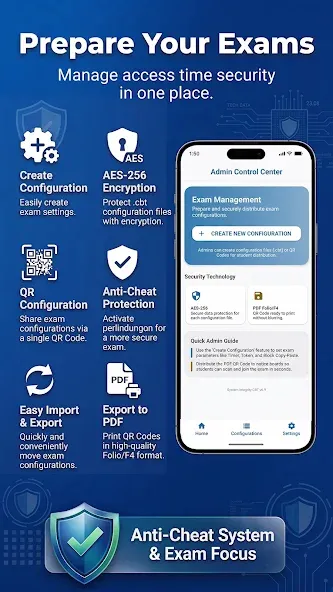
CBT Exam Browser supports schools and training centers that require students to focus on online assessments. It establishes a controlled workspace, keeping the test page in the foreground and minimizing distractions. Administrators can prepare devices in advance and initiate sessions using intuitive on-screen controls. For those who prefer a direct installation, the CBT Exam Browser APK is compatible with devices configured for supervised use.
Size:31.18MB Version:8.6
Requirements:Android 4.4+ Votes:486
Package Name:com.cbt.exam.browser Signature:bceba34f963e6e29b71e378ba259aac6
Educational software are emerging in an endless stream on the market, so which one can stand out? It should not only be simple and convenient to use but also helpful for our study. Below, Xiaohei.com brings you a very comprehensive and practical summary of educational software downloads. Come and download it, there is always one that suits you.
About us | Contact us | Privacy policy| DMCA
Copyright © 2026 Xiaohei All rights reserved.