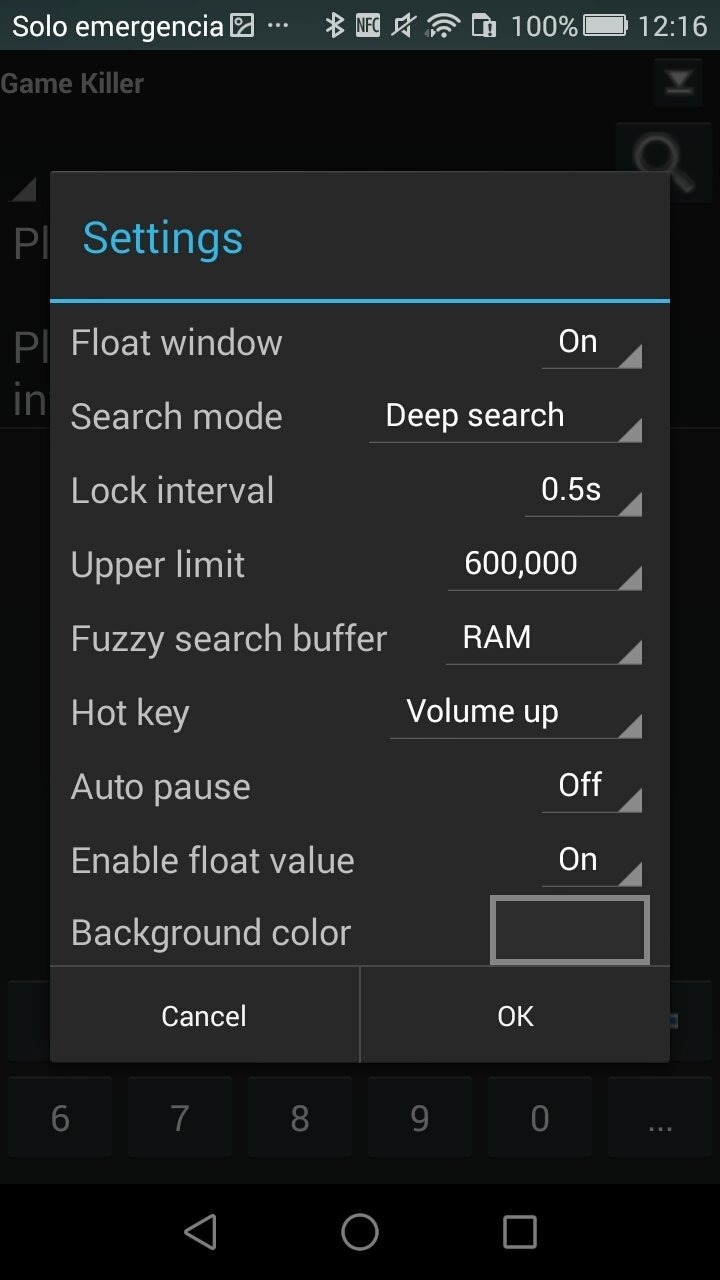
Game Killer is a game-cheating tool designed for the Android operating system. It allows players to modify various aspects of many games—such as adjusting in-game numerical values or granting unlimited resources. Beyond games, the tool can also be used to modify certain other applications, making it highly versatile. It features a clean, minimalist interface that makes it easy for users to identify which data can be altered. Furthermore, the app has a small footprint, requiring very little memory, which ensures it is accessible to all users.
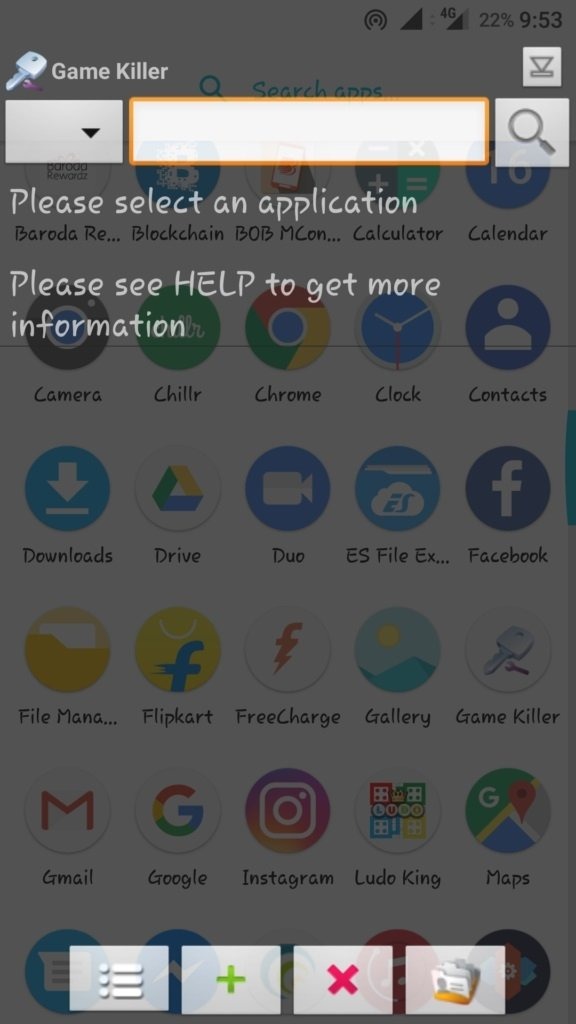
Many gamers enjoy using cheats—not necessarily because a game is too difficult, but because having control over the gameplay adds an extra layer of fun and excitement. This is where the Android app "Game Killer" comes in. By accessing offline games installed on your mobile device, you can modify various values and parameters—such as granting yourself infinite health, adjusting the difficulty level, or applying other custom settings that would otherwise be impossible to achieve.
Of course, its utility isn't limited to games. If you have an app installed that you’d like to tweak, you can easily access its data—provided the app is currently offline—and make adjustments to suit your preferences.
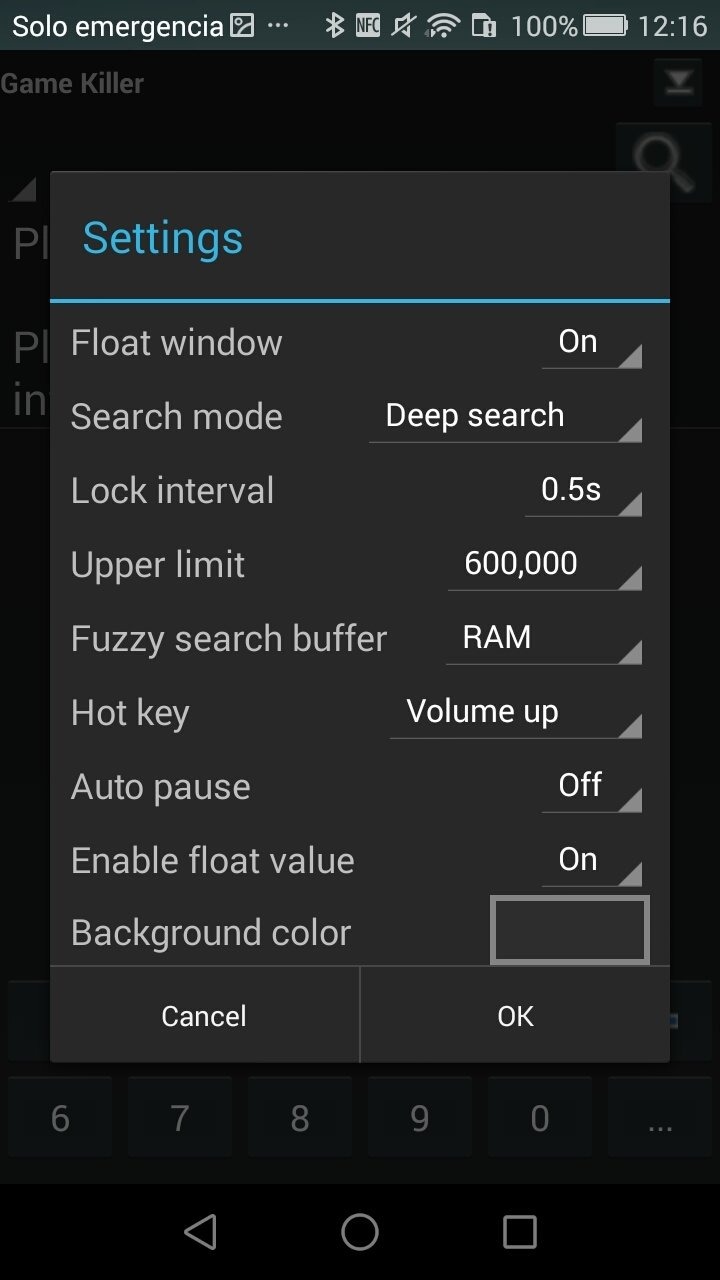
Launch the application on your device.
Press the home button or minimize the app; this will hide the floating icon from your home screen.
Open the game you wish to modify and begin playing. Collect some coins, points, or whatever specific item or value you intend to change.
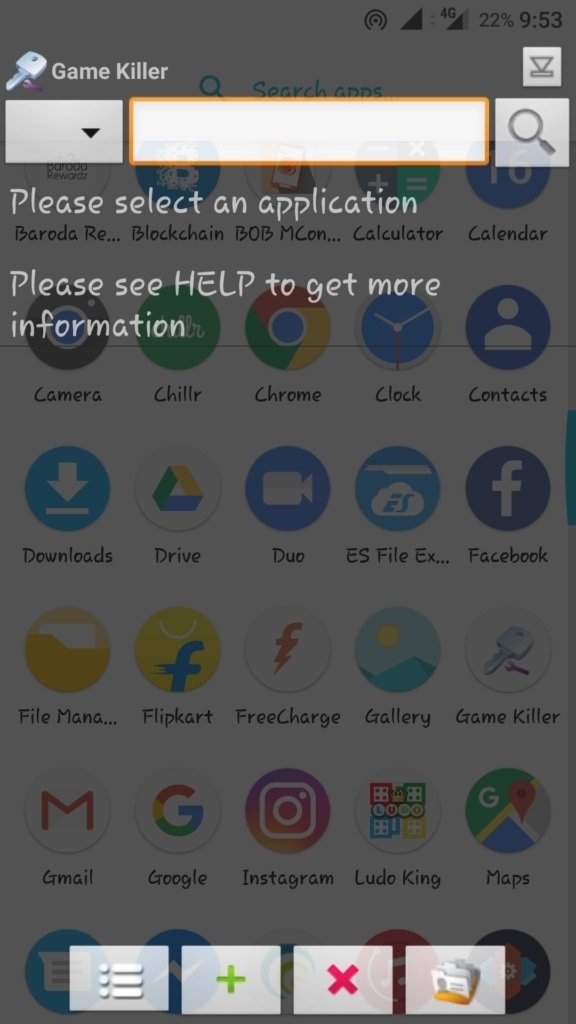
Tap the "Game Killer" icon. Perform a precise search by entering the current quantity—such as your score, the number of items, or your coin count—into the input field. Tap the "Search" button, then select "Auto-identify" in the following window.
If the results show multiple values, continue playing the game and repeat the search process until only a single value remains.
Once the app displays the specific value for your item, coins, or score, you can change it to whatever number you desire.
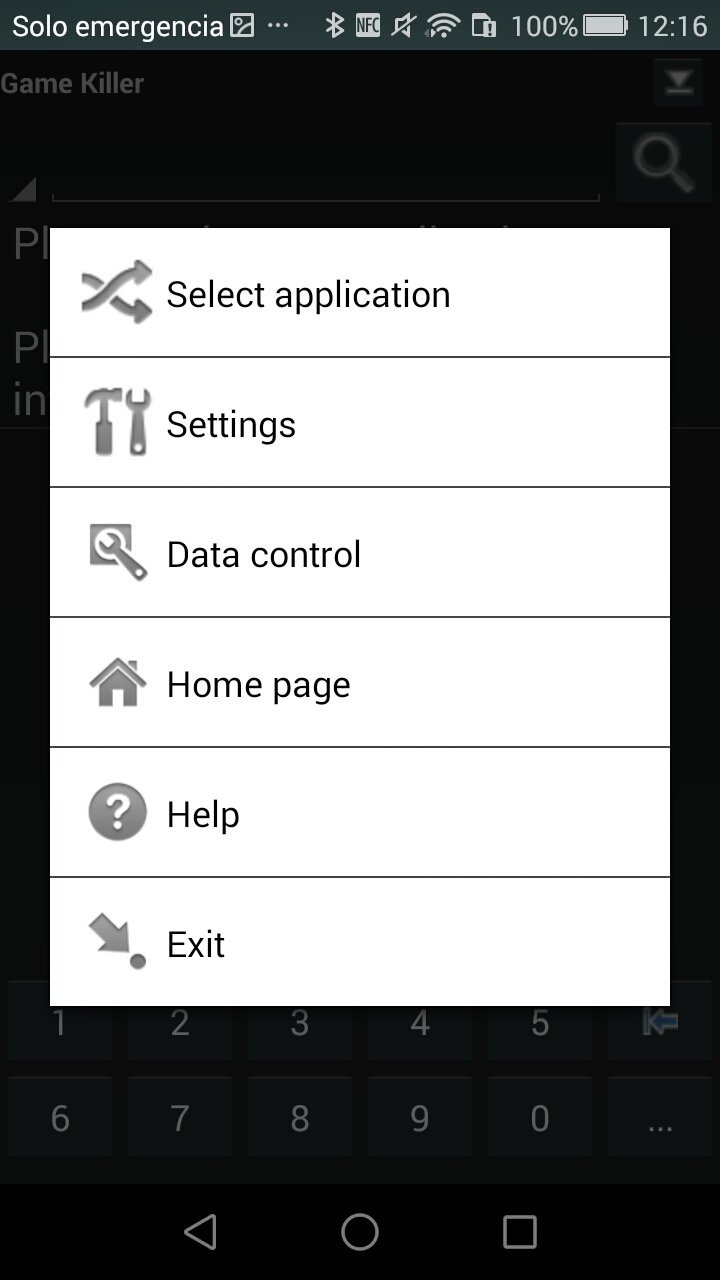
Pros:
Compatible with almost any offline game or application.
Clear, easy-to-follow instructions once the app is running.
Free to use and requires very little storage space.
Compatible with Android 2.3 or higher.
Cons:
The mobile device must be rooted to use this app.
Any game or application you wish to modify must be in an offline state.
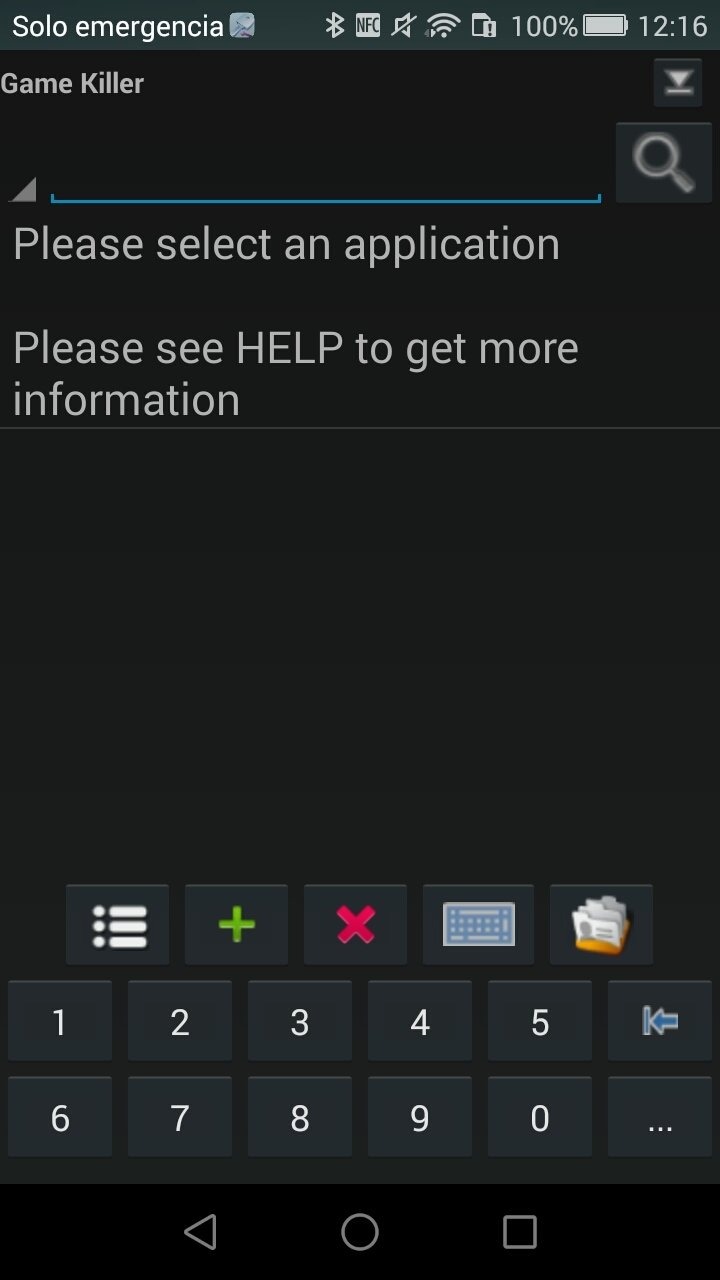
Game Killer is designed to help Android game players modify values such as coins and gems, among various other features. It achieves this by altering the game's memory. Most gamers use this app to modify in-game values.
Size:4.18MB Version:3.4
Requirements:Android 4.0.3+ Votes:194
Package Name:com.zune.gamekiller Signature:359ed40a10515bfdda2073048891077a
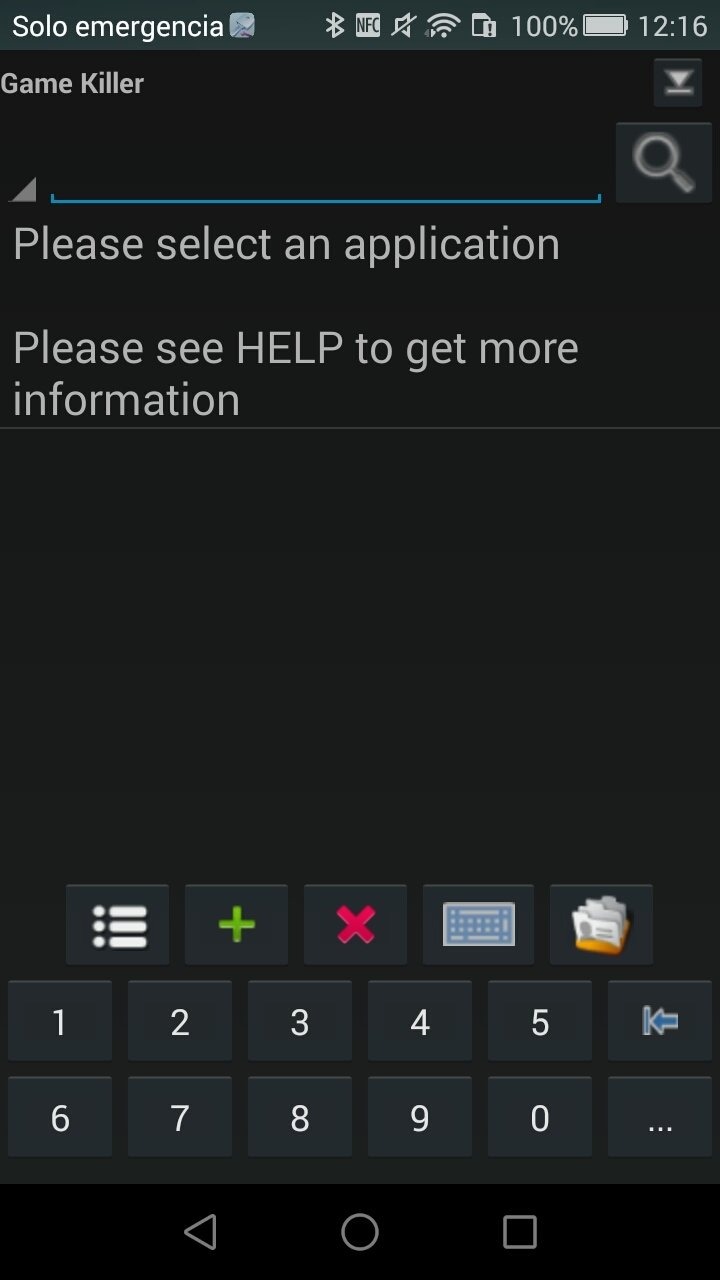
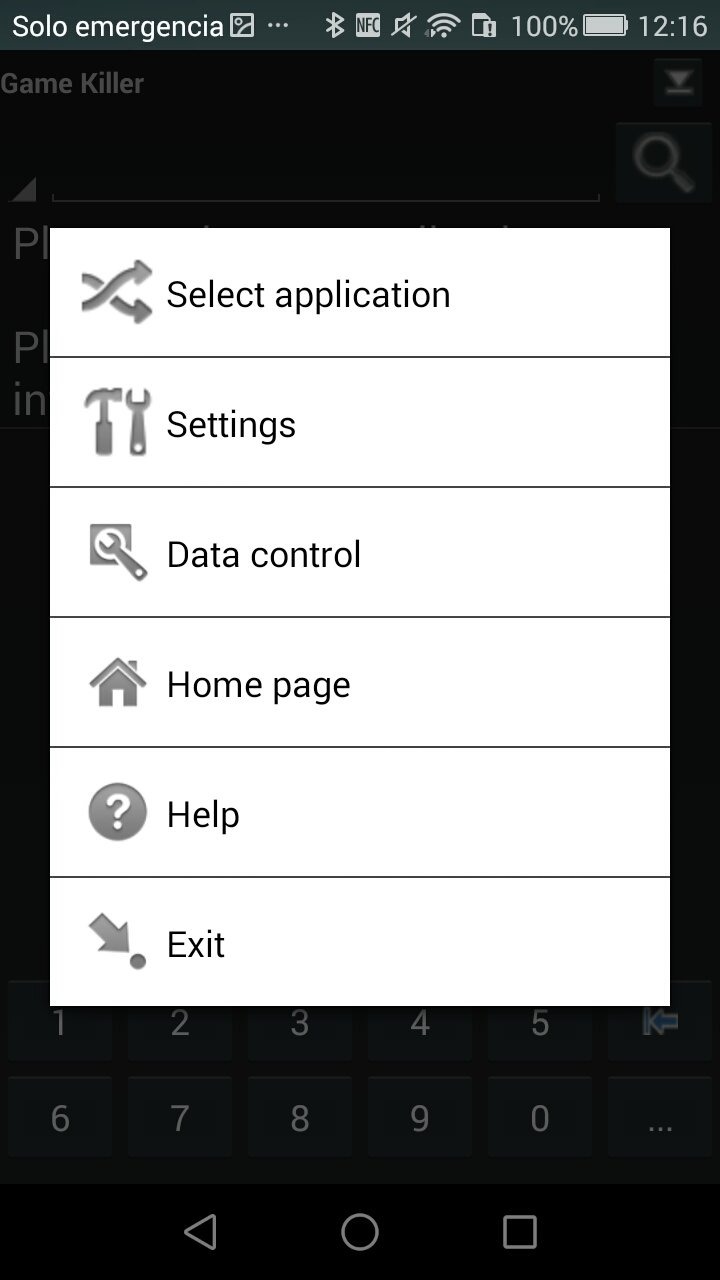
Utility apps are indispensable in our lives, making our daily routines more convenient. To help you find these apps more easily, this site has created a collection. This collection brings together a series of practical tools covering various aspects of life, work, and education, meeting all your needs. What are you waiting for? Try these apps now and make your life easier!
Transform your mobile device into a powerhouse of efficiency with these handpicked essential tools. Whether you need professional-grade photo editing, seamless file organization, smart task management, or real-time weather updates, our curated selection of premium apps delivers unbeatable performance. Streamline your daily routine, automate repetitive tasks, and boost your productivity with intuitive interfaces and powerful features. Designed for both professionals and casual users, these editor-approved applications will revolutionize how you work and play. Don't settle for an ordinary phone - upgrade your digital experience today and unlock your device's full potential!
With the development of mobile hardware and software, many practical tool software have emerged, covering a wide range of aspects and becoming a good helper for everyone in work and life. Today, the editor provides you with a list of useful tool software downloads. These tools are not particularly complex types, and after reading them, everyone can quickly learn how to use them. Proper use can bring great convenience to life and work.
About us | Contact us | Privacy policy| DMCA
Copyright © 2026 Xiaohei All rights reserved.