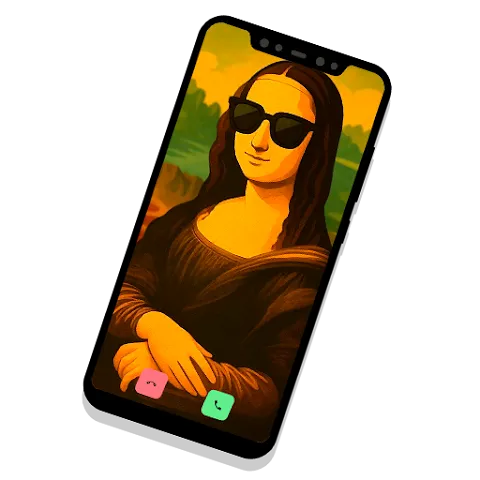
Samsung Call is an excellent communication tool. The app features a minimalist layout and offers one-click dialing and customizable favorites functionality. It integrates core calling tools such as contacts, call logs, and desktop widgets into a lightweight application, making users' most frequently used contacts readily accessible. With Samsung Call, users can initiate calls, send messages, or view details directly by simply clicking on a contact, without leaving the main interface, thus minimizing distractions when you are busy.
The app centralizes and lets you edit contacts from personal, business and cloud accounts with easy search and manual add.
One-tap duplicate merge and a Recycle Bin to restore accidentally deleted contacts.
Backup and restore your address book locally so you can recover contacts without a computer.
Caller identification and spam blocking that flags unknown numbers and filters robocalls.
Quick dialer, favorites, customizable contact cards and optional profile photo sync to update contact pictures.
Text Call
Use the Text Call feature to see what the caller is saying written on the screen as text, and have it read the response you input or select for you.
Live Translate
Need to call someone who doesn't speak your language? No problem! Live Translate provides real-time translation during calls. Translations will appear on the screen, and you can also choose to have translations read out loud.
Pop-up call feature
Receive calls as pop-ups. Multi-task on other apps while answering phone calls.
Call reject message feature
Conveniently reject calls with a preset message or sticker.
Bluetooth connection feature
Connect to a Bluetooth headset during calls.
Create contact groups for family, work, and emergency numbers to switch between lists quickly.
Use long-press actions to attach different call types or shortcuts to a single contact tile.
Enable minimal animations to preserve battery life on older devices while keeping the UI snappy.
Pros
Speeds up everyday calling with an efficient dial pad and fast search.
Helps reduce interruptions thanks to built-in spam blocking and caller identification.
Clean design and straightforward settings make Fast Dialer: Call App easy to adopt.
Respects on-device privacy and is optimized to avoid slowing down your phone.
Cons
Focused on dialing and call management rather than being a full messaging or contact-management suite.
Spam protection and caller identification may not catch every unwanted call, especially as spam tactics evolve.
One of the advantages of Samsung Call is that you can accept or reject calls even using other apps. Every time a call comes in you'll get a small floating window to manage your call; call or hang up by pressing the corresponding button regardless of which app or tool you are using at that specific time.
Size:30.89MB Version:18.0.00.38
Requirements:Android 16+ Price:Free
Package Name:com.samsung.android.incallui Signature:455f7d0782715e21deb22f21a73f878e
Keep in touch effortlessly with the world’s best free messaging and calling apps. Whether you're chatting with friends, video calling family, or coordinating with colleagues, these apps offer seamless communication-no subscriptions needed. Enjoy crystal-clear HD video calls, fun stickers, group chats, and reliable messaging across devices. Perfect for work collaboration, sharing special moments, or staying close to loved ones while traveling. Download today and experience premium connectivity without spending a penny!
Mobile chat software is one of the essential mobile applications on people's phones. Chat software can connect people who are far apart, allowing you to communicate with friends anytime and anywhere. The software can also support various ways such as text, voice, video, etc. Now, the editor brings you a special topic on mobile chat software. You can choose the software you need and install it for free on your phone. If you need it, come and choose the software you need!
About us | Contact us | Privacy policy| DMCA
Copyright © 2026 Xiaohei All rights reserved.