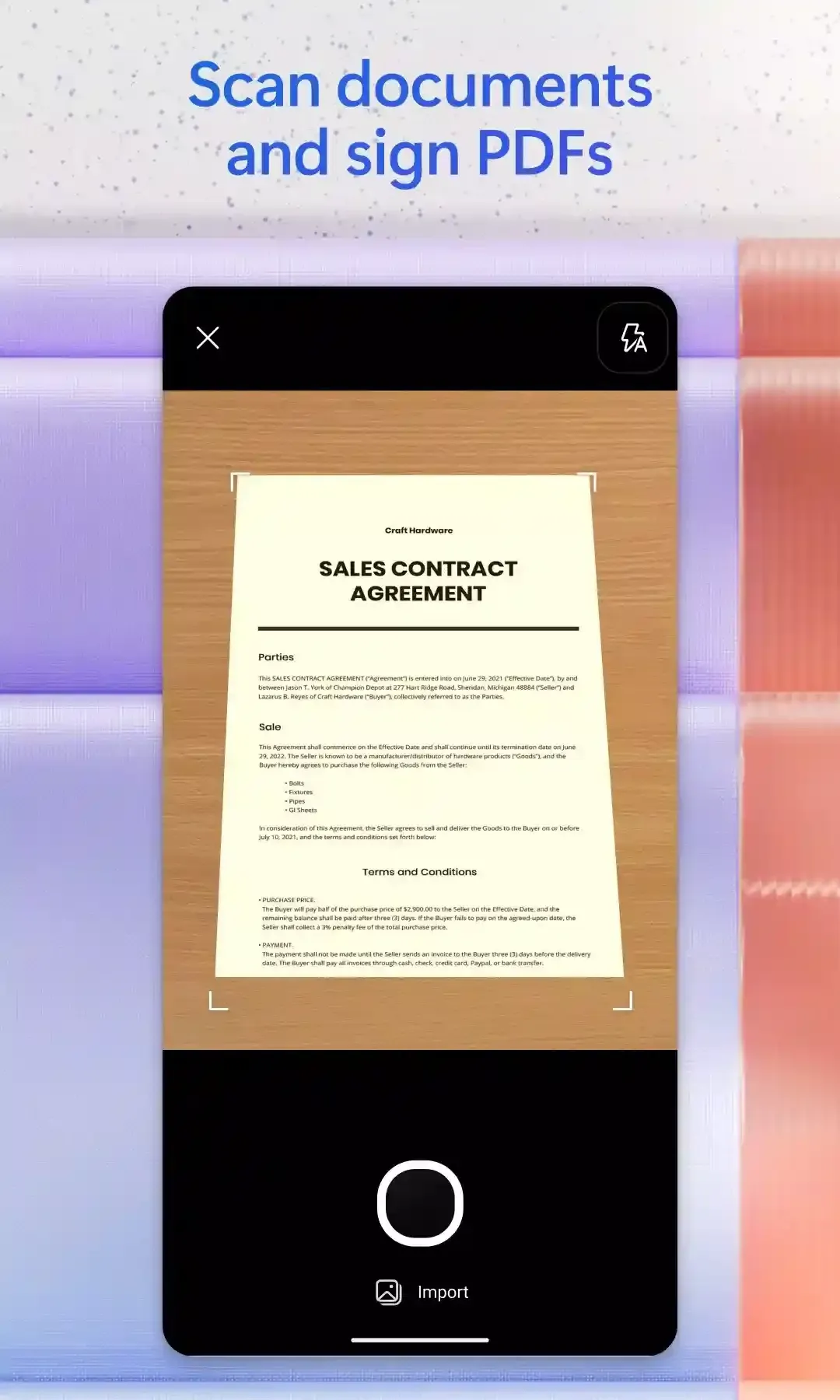
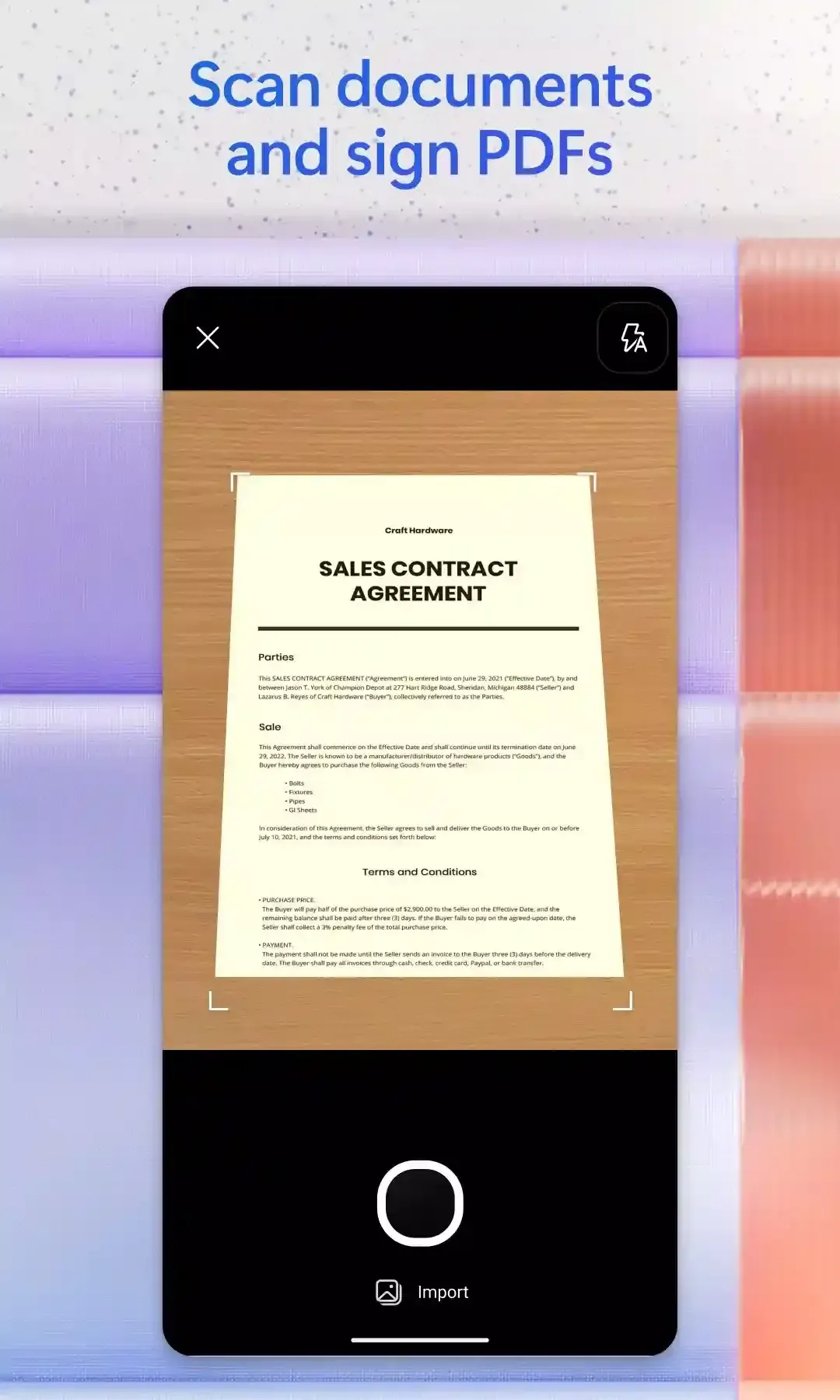
Microsoft Office 365 is a versatile office productivity suite that allows users to create documents, spreadsheets, and presentations. With the help of built-in AI technology, you can simply ask questions to get answers, or have the AI refine your text and correct grammatical errors, making content creation effortless. The software also supports format conversion—enabling you to convert PDF files into other formats or export various file types into PDFs—to suit your specific needs. Furthermore, you can share files with colleagues and friends, inviting them to collaborate on documents in real time to boost overall productivity.
Robust Accessibility: The software is the best solution to run a business or any organization, while offering all core applications of Microsoft, such as Excel, Word, PowerPoint, Access, Publisher, and Outlook, which are part of the Office 365 family. It streamlines the workflow while giving access to any program or file from anywhere, and saves your time and energy. You will also get 60 minutes/month per user for Skype and OneDrive with 1TB storage.
Improved Efficiency: The program offers multiple innovative tools for refining the abilities of different applications, such as reliably editing non-Word documents with the help of WordPerfect, and using Outlook for navigating Excel, Word, and other such applications. So, the flexible, user-friendly interface for mobile makes your access to any Office service quick, even when you are away from your desktop.
Comprehensive Workflow: The mobile-friendly interface offers awesome capabilities for creating or editing Word documents, PowerPoint presentations, and Excel spreadsheets while maintaining the quality of work. It is the best solution for users who remain on the road and have an expanding team, and enables them to communicate, comment, and access files from anywhere.
Versatile & Shareable: The app is embedded with versatile and shareable capabilities by default, and one best solution for evolving work environments in the digital age. It is available in different scenarios to offer services; whether you are a student, teacher, business owner, etc.

Intelligent writing in Word to optimize your documents: Microsoft Office 365 transforms the way users create and edit Word documents with its ability to generate high-quality content based on specific prompts. With its advanced AI, Microsoft Office 365 can draft entire paragraphs, improve grammar, suggest rewordings and offer stylistic alternatives to suit the text's tone and purpose. You can even summarize long documents into concise sections, extract key points and improve content clarity without compromising on accuracy. This is especially useful when it comes to drafting reports, contracts, proposals or any other document that requires precise and professional language.
Advanced Excel data analysis to help you make better decisions: With Microsoft Office 365 in Excel, users can process large volumes of data more efficiently through its intelligent analysis functions. The tool's AI can generate complex formulas with simple prompts in natural language, identify patterns, create graphs automatically and perform predictive analytics in seconds. What's more, it can detect inconsistencies within data, recommend ways to optimize your spreadsheets and provide recommendations based on trends and key metrics. This is ideal for financial analysts, accountants, researchers and anyone who works with numerical data and is looking for a powerful tool to simplify their analysis.
Create strong PowerPoint presentations with the help of AI: Microsoft Office 365 makes creating striking PowerPoint slides easy, allowing users to generate professional presentations in minutes. From only a brief description, the AI can structure the content, select relevant images, apply eye-catching layouts and suggest appropriate transitions for each presentation. It can also summarize dense information and turn it into clear, organized bullet points, ensuring that the key messages are conveyed effectively. This feature is perfect for executives, teachers, students and marketing professionals looking to optimize presentation creation time without taking anything away from the visuals or quality of the content.
Efficient email management with Outlook: Microsoft Office 365 significantly improves the Outlook experience by automating the writing of your emails, organizing your inbox and generating intelligent responses based on the context of each message. With its analytical capabilities, it can prioritize the most important emails, offer quick responses and detect the key information within long email chains. It can also generate summaries of previous emails, making it easier to make informed decisions without having to read each message in full. The addition of Copilot makes Outlook a much more efficient tool for time management and professional communication.
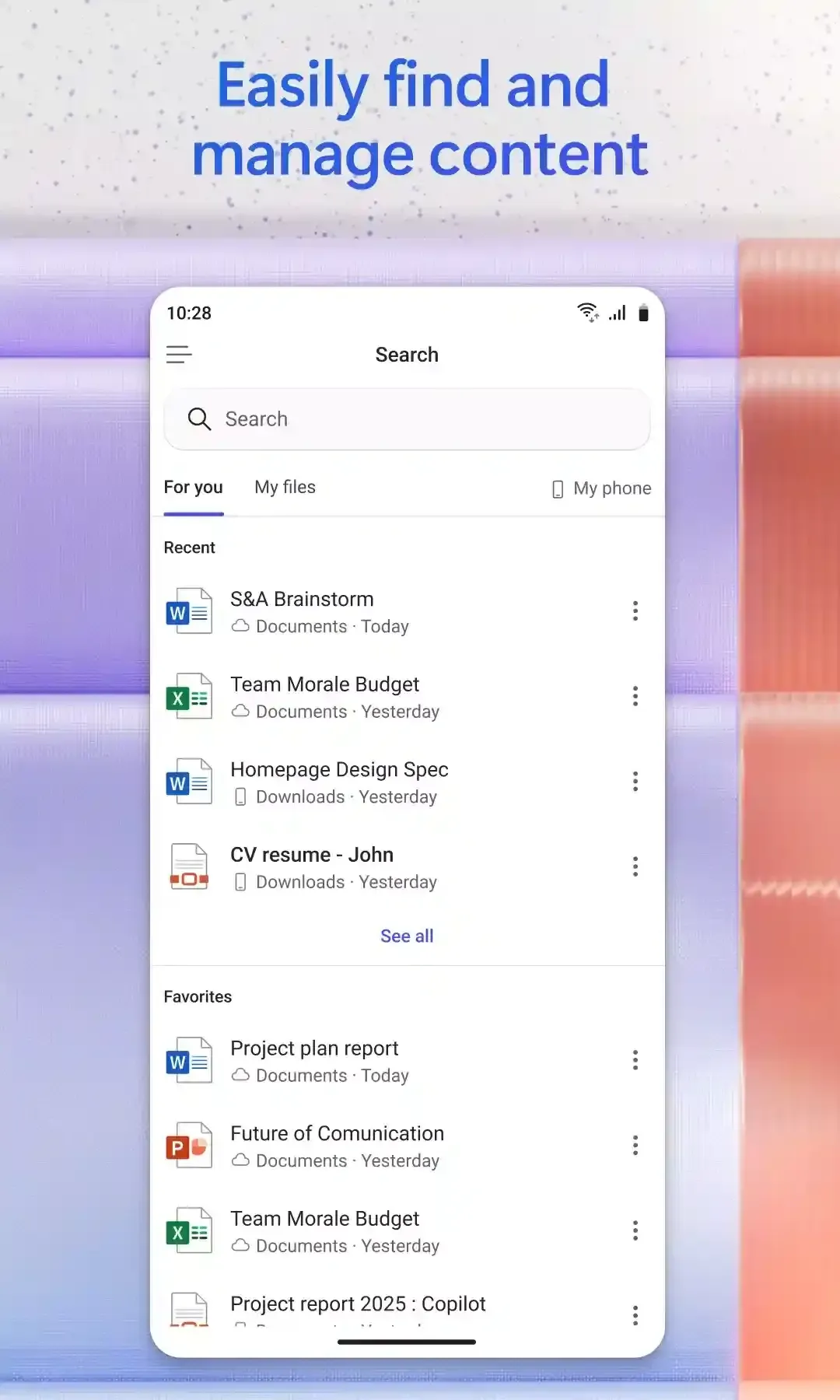
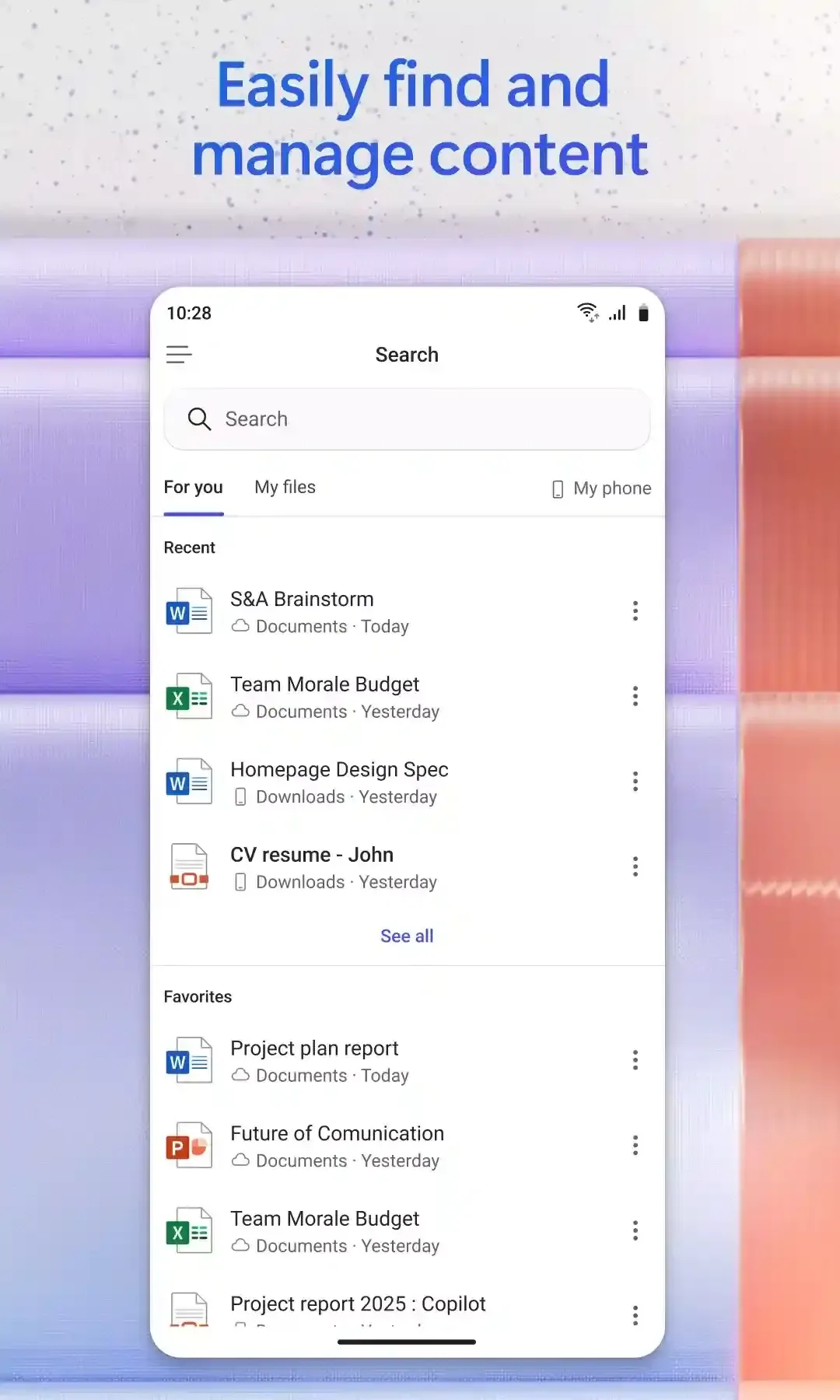
Microsoft 365 allows me to create Word documents, send emails through Outlook, create spreadsheets with Excel, and more. And it all is available in the cloud so if your system or server is down you still have a reliable backup of your documents and a reliable way to communicate with your team.
What I like most about Microsoft 365 is that it gives me access to useful tools like Word, Excel, Outlook, and OneDrive in one place. I find it especially helpful for organizing documents, managing emails, working with spreadsheets, and sharing files. Since I often need to handle different tasks, having these tools work together saves me time and makes my daily work easier. I also appreciate being able to access my files across different devices and collaborate with others without constantly sending attachments back and forth.
I use Microsoft 365 Word, Excel, and PowerPoint for presentations. Makes it easy and super convenient to use and ensure efficiency. I'm able to store files in the OneCloud Storage, which ensures security for and safety. I love the fact that all the apps I need are in one place and it's user friendly as well.
I rate Microsoft 365 a 10 out of 10. You use it daily for teaching and research at [...] University, and it saves you time because it puts everything in one system. You can rely on it, and most colleagues already know how to use it, so adoption stays easy. For research, it supports smooth collaboration on papers and datasets since you can co edit Word and Excel files, track changes, and keep version history without sending files back and forth.
What is the difference between Microsoft Office 365 (subscription) and Office 2024 (one-time purchase)?
Microsoft Office 365 is a subscription that includes the most collaborative, up-to-date features in one seamless, integrated experience. Microsoft Office 365 includes the robust Office desktop apps that you’re familiar with, like Word, PowerPoint, and Excel. You also get extra online storage and cloud-connected features that let you collaborate on files in real time. With a subscription, you'll always have the latest features, fixes, and security updates along with ongoing tech support at no extra cost. You can choose to pay for your subscription on a monthly or yearly basis, and the Microsoft Office 365 Family plan lets you share your subscription with your family for up to 6 people, and use your apps on multiple PCs, Macs, tablets, and phones.Office 2024 is sold as a one-time purchase, which means you pay a single, up-front cost to get productivity apps for one computer. One-time purchases are available for both PCs and Macs. However, there are no upgrade options which means if you plan to upgrade to the next major release, you'll have to buy it at full price.
How many people can use a Microsoft Office 365 subscription?
You can share Microsoft Office 365 Family with five other people, for a total of six users. Microsoft Office 365 Personal can be used by one person.
Can I sign up for another trial with a different subscription?
Not immediately. For example, if you had a trial of Microsoft 365 Personal, you can’t sign up for a trial of Microsoft 365 Family. However, one year after your trial or paid subscription ends, you can sign up for a new trial.
Should I use my existing Microsoft account or create a new one?
It's best to use your existing Microsoft account. If you use other Microsoft products or services (e.g. Xbox, OneDrive, Outlook.com, MSN or Bing), you may already have a Microsoft account and won’t need to create a new one. If you forgot your username or password, recover those details by returning to sign in and clicking on Can't access your account?
For which languages is Microsoft Office 365 available?
Microsoft Office 365 plans are available in most countries/regions, and languages. In countries/regions where Microsoft Office 365 plans are not available, you can still buy an Office 2024 suite, a one-time purchase which includes 2024 versions of the productivity apps, but no additional security or storage features. When buying Microsoft Office 365, it’s important that you select the country/region in which you will be billed and in which you’ll use the software. Selecting a different country/region may cause problems with subscription setup and renewal
Support for features in the Microsoft ecosystem completely meets any of your needs. Over time, the work becomes more impressive and faster when features are integrated well with AI. Big data is no longer a difficult problem if you want to try the accompanying support factors.
Size:310.37MB Version:16.0.20409.20036
Requirements:Android Price:Free
Package Name:com.microsoft.office.officehubrow Signature:33c0cb27117c871295c59bfb4592cbc7

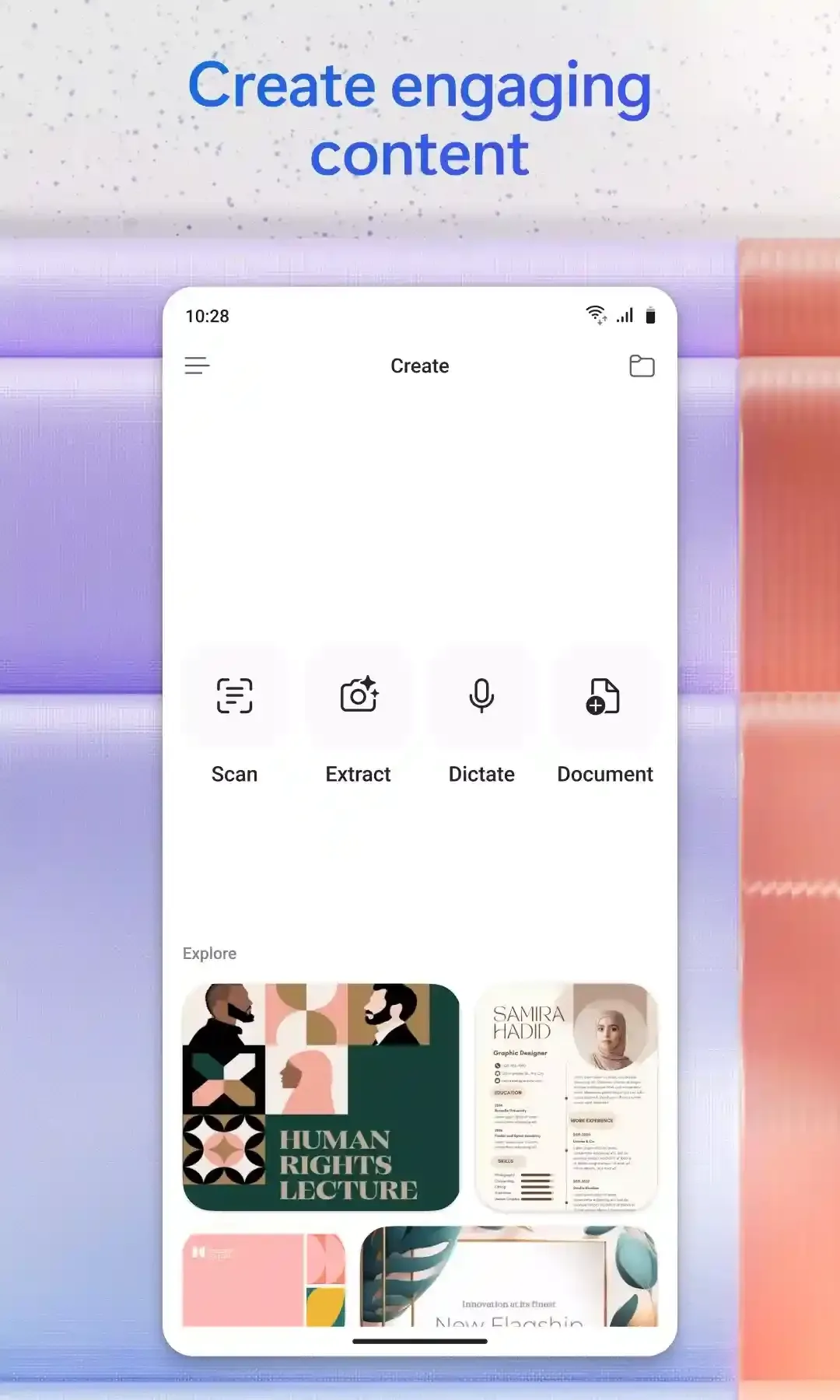
Feeling that there aren’t enough hours in the day? That you’re fighting a losing battle with your agenda? That each time you look up from your desk another year has rolled by? Well don’t worry, you’re not alone, and in today’s hyperconnected world, people are busier than ever before. On Android, there are countless productivity apps to help take control of your time and make your work more efficient. From a simple plugin for Chrome to a full-fledged app, picking the right productivity apps on Android can mean the difference between having a clear to-do list at the end of the day or having it overflowing with missed deadlines and projects that are off schedule. Productivity apps aren’t just about work, though. Using a productivity app in your personal life can keep you on top of deadlines for vacations, home repairs, and other family responsibilities.
Office Apps is a comprehensive and user - friendly platform that aggregates a wide array of office - related applications, catering to the diverse needs of modern professionals, students, and anyone who engages in office - based tasks. Whether you're working on a crucial business project, preparing academic papers, or handling daily administrative work, this aggregation page serves as your one - stop - shop.
The complete collection of office software is compiled based on user needs and referencing the popularity of major computer application stores. This collection selects various useful computer office software for users from multiple aspects such as office suite, communication and collaboration, email management, note management, cloud storage, download and decompression, etc. These software can meet your various document processing needs, making your team collaboration smoother, and conveniently managing your emails and keeping various meeting records. Download various materials and documents needed for office work. This collection of office software commonly used by professionals can meet all needs. Welcome to download and experience it!
About us | Contact us | Privacy policy| DMCA
Copyright © 2026 Xiaohei All rights reserved.